Free trial
Filmora offers a free download and a Get Started for Free entry point on the homepage, with paid plans available through the pricing pages.
Learn moreAI-assisted video editing for creators who want control
Own Wondershare Filmora? Verify ownership to get a dofollow link

Wondershare Filmora is a generative video tool. Wondershare Filmora 16 is an AI assisted video editor for desktop and mobile that combines a traditional timeline with automated media analysis, text based editing, captioning, audio cleanup, color grading and generative video tools.
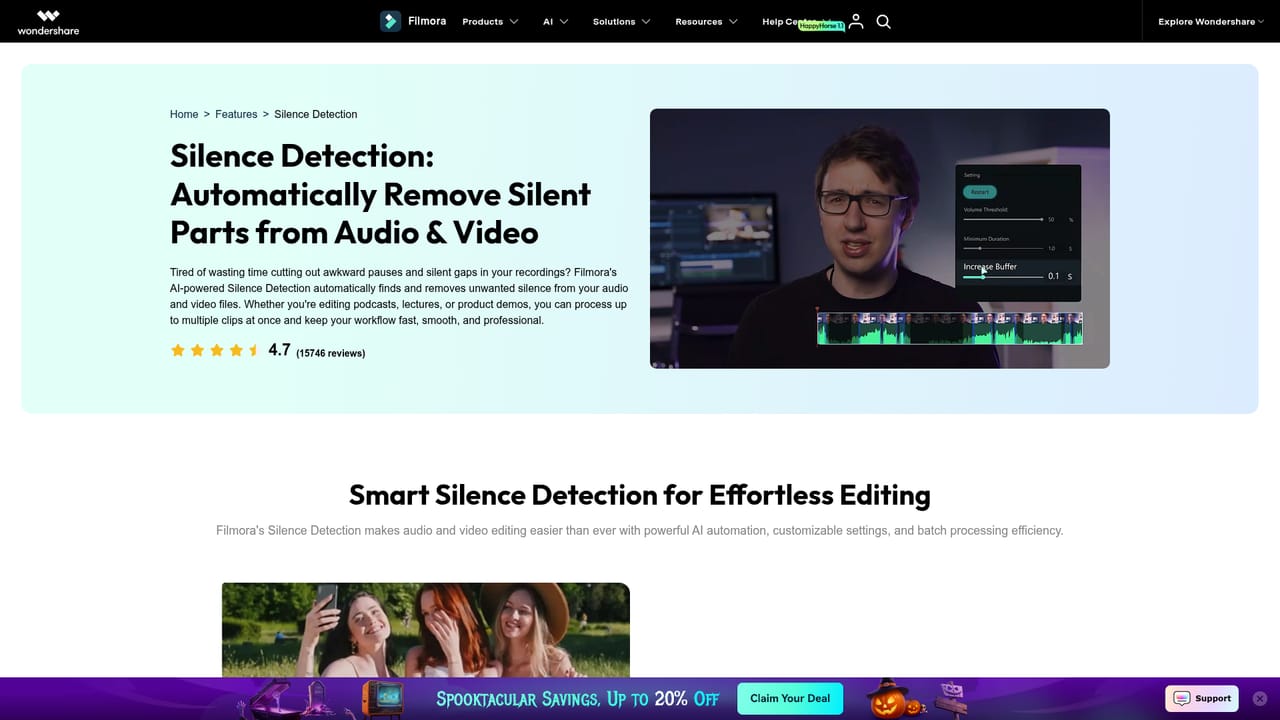
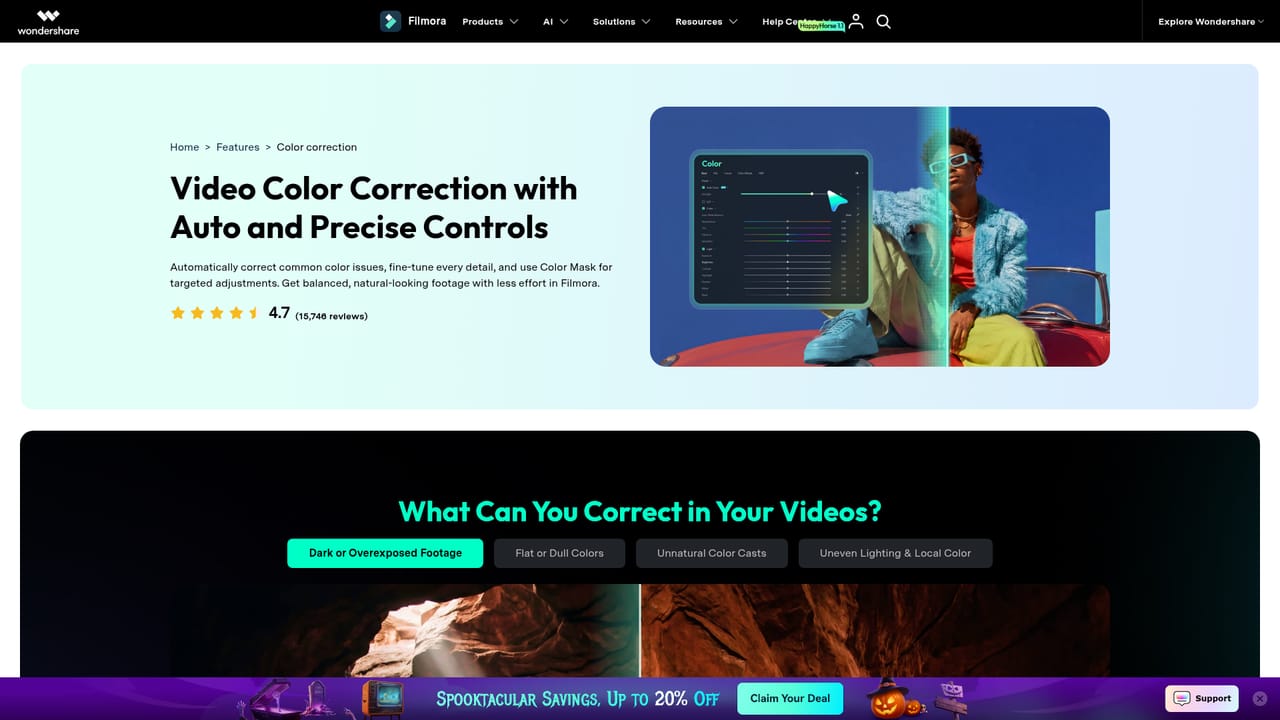
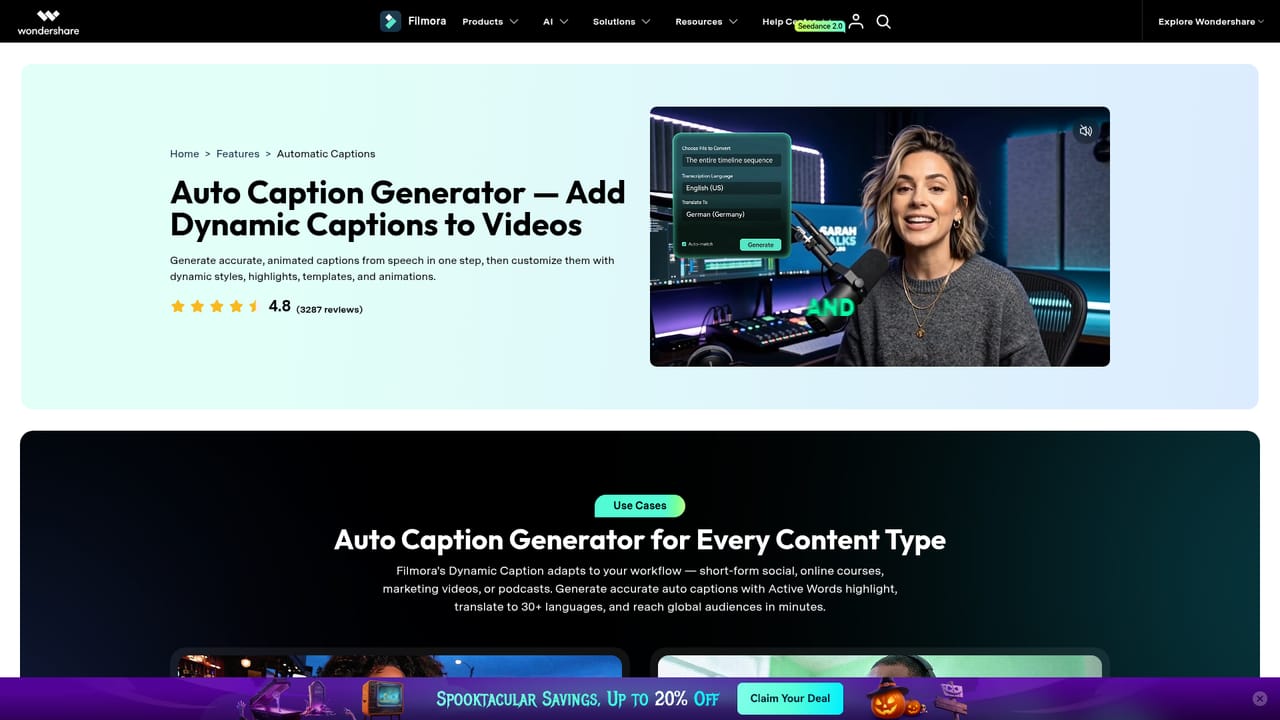
Filmora 16 is Wondershare's desktop and mobile video editor, rebuilt around a connected workflow that runs from footage intake to final export. The pitch is straightforward: keep the timeline as the centre of the work, then layer artificial intelligence on top of it for the tasks that eat time, such as sorting clips, cutting silence, generating captions and cleaning up audio. Editing stays manual where judgement matters and becomes assisted where repetition does not. The workflow is split into four stages. Start and Organize handles import and capture, with AI Media Analysis tagging people, scenes, actions and speech, then producing summaries and edit suggestions so a long card dump becomes searchable. The built in screen recorder can grab screen, camera, microphones and system audio simultaneously, keeping each source separate for later editing. Cut and Edit is the timeline itself: rough cuts via silence removal and text based editing, plus keyframes, curves, camera tracking, dual timelines and a pen tool for custom motion paths. Refine Color and Picture covers enhancement, stabilization, noise reduction, object removal and color grading with HSL, curves and color wheels applied through color masks. Sound and Captions adds text to speech voiceovers, speech enhancement, noise reduction and subtitle generation with reviewable corrections and styled caption tracks. Beyond the cut, Filmora supports masking and blending, 360 degree reframing, and generative options that create video from text, images or audio, or extend an existing clip. Delivery includes auto reframe for different aspect ratios, translation for new audiences, multi version export, and XML interchange so a project can move into another editor. A library of roughly 2.9 million templates, effects, titles, transitions, stock media, music, filters, stickers and plugins sits alongside. The tool targets YouTubers, social teams, marketers, educators and small businesses rather than feature film post houses. Its closest rivals are consumer editors like CapCut and Premiere Elements, and it competes on breadth of AI features inside a traditional timeline rather than on price alone.

Filmora offers a free download and a Get Started for Free entry point on the homepage, with paid plans available through the pricing pages.
Learn moreThe homepage links to separate Windows and Mac pricing pages but does not list plan tiers or prices on the page itself. A free download and a free start option are offered, with paid plans and premium assets handled at checkout.
Learn moreThe site provides a guide section and feature documentation pages, plus a technical specifications page covering system requirements. No dedicated help centre or contact channel is described on the homepage.
Learn moreFilmora handles XML timeline interchange, importing supported XML and exporting Final Cut Pro 7 XML for continuation in another editor. A plugin resource hub adds third party extensions.
Learn moreCore features include AI Media Analysis, a multi source screen recorder, silence detection, text based editing, keyframes and curves, camera tracking, pen tool motion paths, enhancement and object removal, color masks with HSL and curves, text to speech, audio enhancement, subtitle generation, masking and blending, 360 degree reframing, text to video, image to video, audio to video and AI clip extension.
Learn more AI Angels400+ customizable AI girlfriends for NSFW chat, voice calls, and roleplay
 Candy AIExperience the future of companionship with AI friends who chat, role-play, and connect with you on a human level.
 ourdream.aiA vast AI roleplay platform with millions of characters for chat, images, video and voiceAI Angels400+ customizable AI girlfriends for NSFW chat, voice calls, and roleplayCandy AIExperience the future of companionship with AI friends who chat, role-play, and connect with you on a human level.ourdream.aiA vast AI roleplay platform with millions of characters for chat, images, video and voice


