WordPress AI Website Builder

Describe your site idea and WordPress Agent builds a real WordPress site.

Beginner
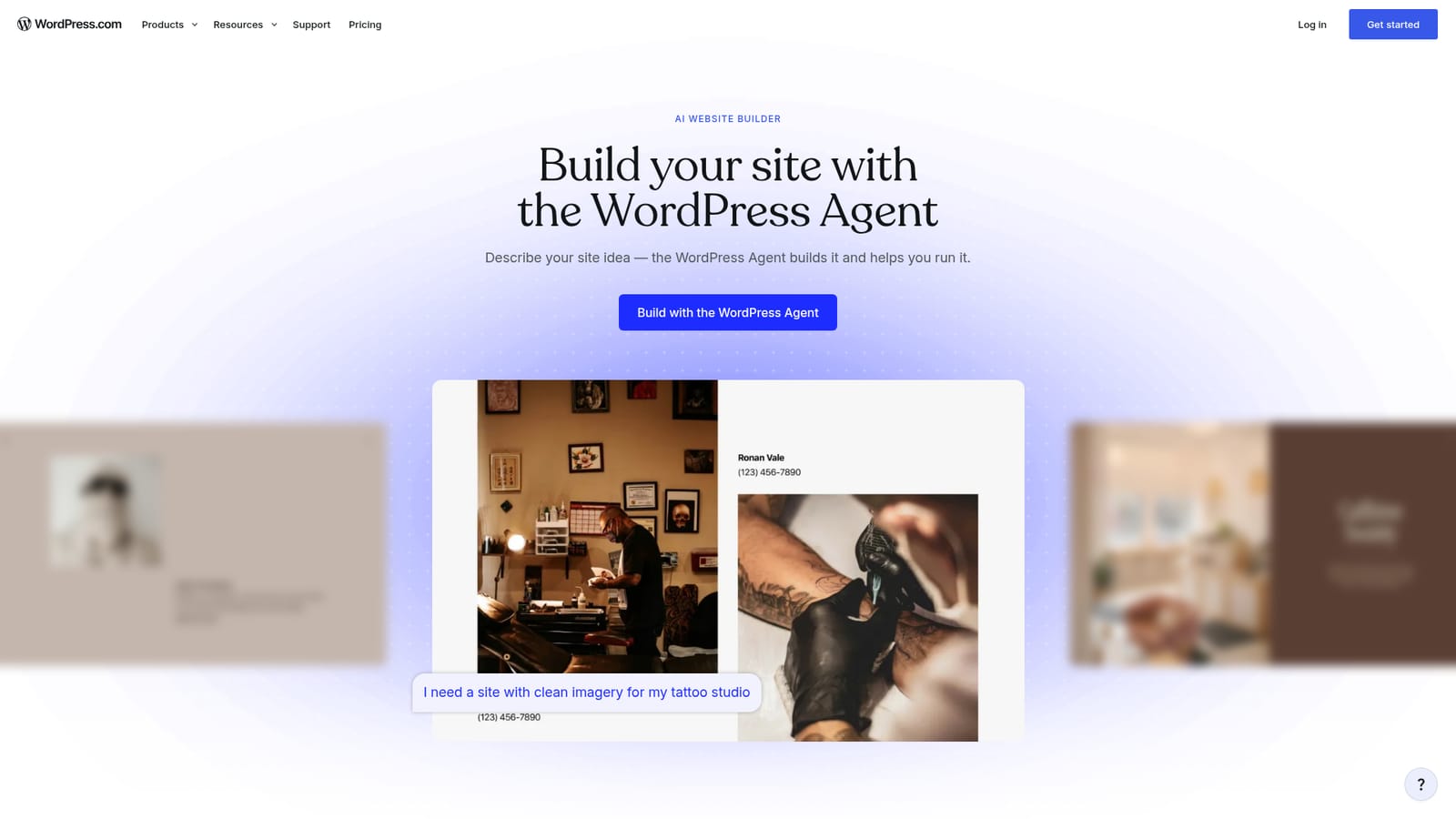
Screenshot of WordPress AI Website Builder, Describe your site idea and WordPress Agent builds a real WordPress site

What is WordPress AI Website Builder?

WordPress AI Website Builder is a content tool. A prompt-driven builder from WordPress.com that turns a written brief into a complete draft site (pages, layout, images, copy and a custom theme), then stays in the editor to help refine and maintain it.

WordPress.com's AI website builder is a prompt-driven setup flow layered on top of the company's managed WordPress hosting. The name on the box is descriptive rather than literal: the actual worker is the WordPress Agent, which reads a plain-language brief and produces a first draft of your site, including pages, layout structure, copy, imagery and a custom theme shaped around the industry and tone you described. A law firm brief and a travel blog brief follow similar scaffolding but come out looking visibly different. The tool is aimed at solo owners, freelancers and small teams who need a credible web presence without hiring a designer or learning a page builder. It suits portfolios, service businesses, blogs, landing pages and small business sites. Ecommerce is explicitly out of scope in the AI build flow, so shops need to launch first and add WooCommerce afterwards, where it is available as a plugin on paid plans and pre-installed on the Commerce plan. In practice the workflow is conversational. You sign up on a paid plan, type your idea, and review the generated draft. From there you can swap color palettes, request a new hero layout, rewrite a headline, add a testimonials section, or generate a header image that matches your brand colors. Every element stays editable in the standard WordPress block editor, and you can move between prompting and manual editing freely in either direction. AI edits can be undone, which makes experimentation low risk. After launch the agent remains in the editor to draft new pages, refresh copy and create images, and it can also be reached through chat and email channels for quick updates without opening the dashboard. Hosting is bundled on paid plans, including managed infrastructure, a CDN, DDoS protection, a web application firewall and malware detection. The main tradeoffs are a paid plan requirement to start building with the agent, no AI-assisted ecommerce path, and the usual caution that generated copy and imagery will need a human pass before publishing. Against dedicated AI site builders, the differentiator is portability: the output is real WordPress, so your content can be exported and moved elsewhere, and the plugin and theme ecosystem remains available.

How do you use WordPress AI Website Builder?

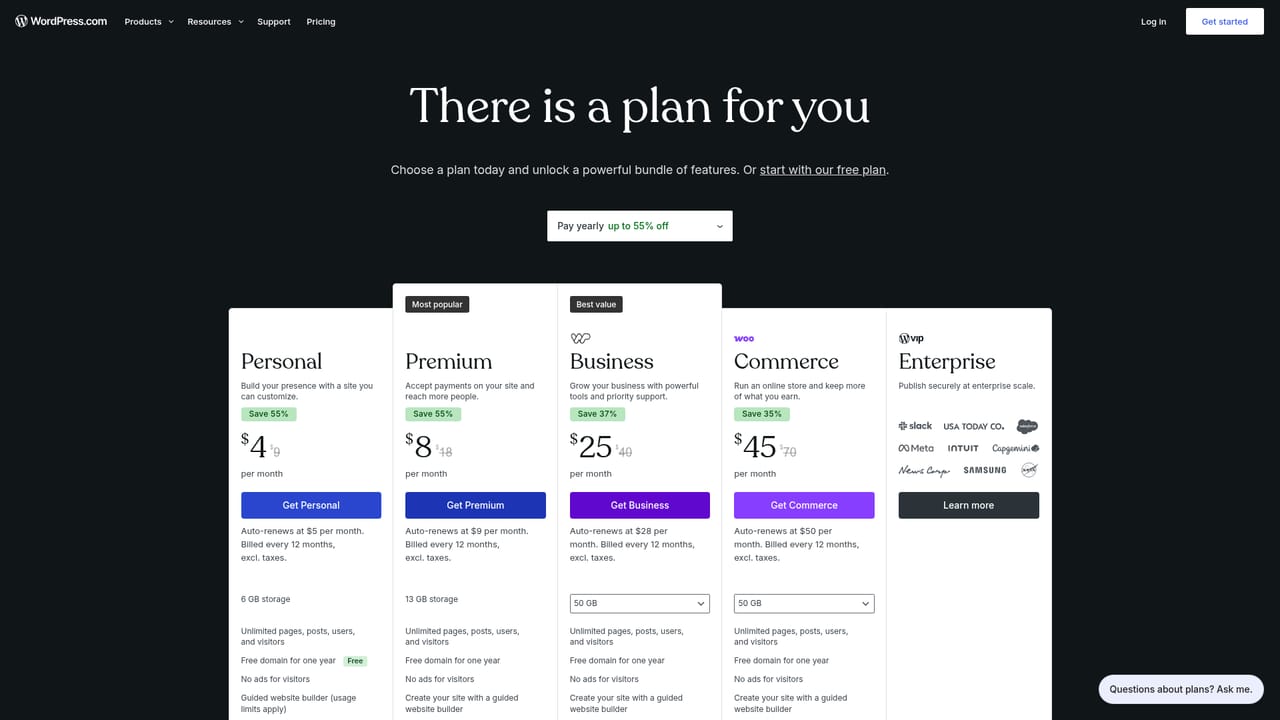
  1. 1Pick a paid WordPress.com plan
    The agent is available on paid plans, so start by choosing one. Hosting and a first-year custom domain are included with the plan you select.
    WordPress AI Website Builder — Pick a paid WordPress.com plan
  2. 2Describe the site you want
    On the AI builder page, start the onboarding flow and type a prompt covering the kind of site, your industry and the tone you want. The agent returns pages, layout, images and copy.
    WordPress AI Website Builder — Describe the site you want
  3. 3Refine by prompt or by hand
    Ask for changes in plain language, such as a darker hero or an added testimonials section, or open the block editor and adjust elements directly. Undo any AI edit that misses.
  4. 4Attach your domain
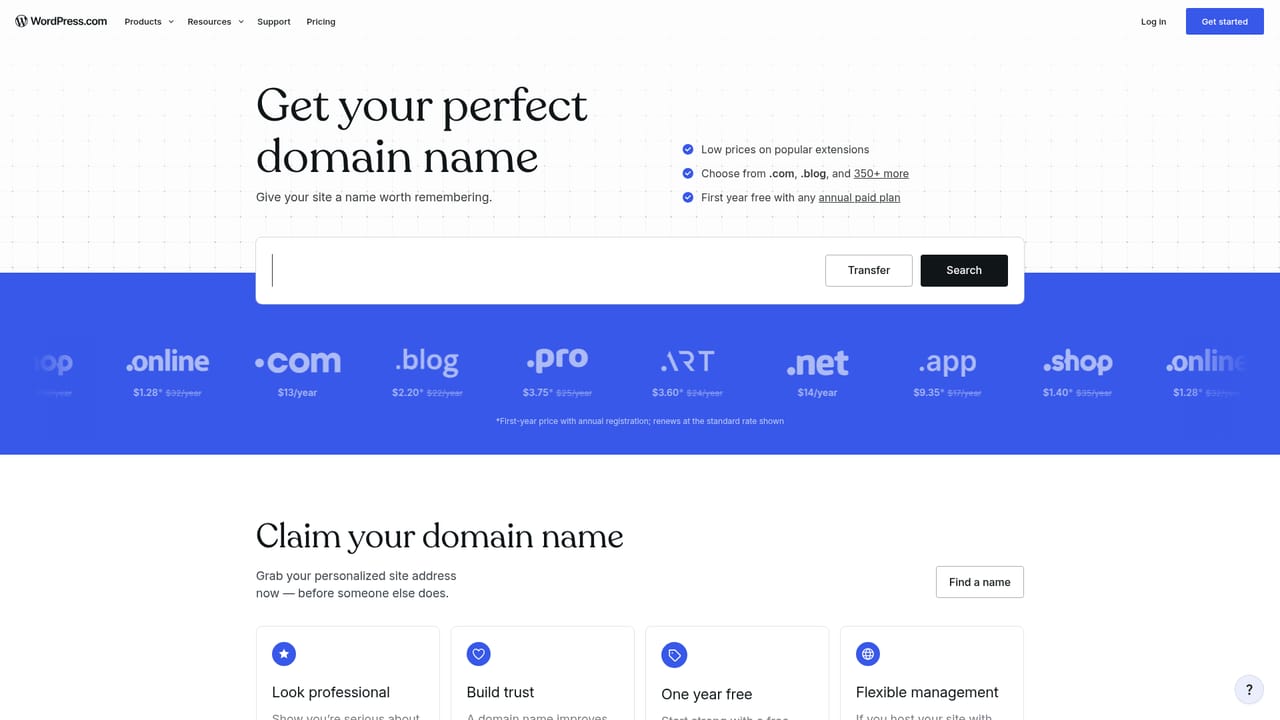
    Register a new domain through WordPress.com or connect one you already own. A custom domain is free for the first year on paid plans.
    WordPress AI Website Builder — Attach your domain
  5. 5Launch and keep building
    Publish with one click once hosting is already in place, then return to the editor and use the agent to draft new pages, refresh copy and generate images as the site grows.

Pros and cons

Pros

  • Output is a genuine WordPress site, so you keep full access to themes, patterns and more than 60,000 pluginsAI
  • Prompting and manual block editing are interchangeable, with undo available for AI changesAI
  • Hosting, a year of custom domain, CDN and security protections are bundled on paid plans rather than configured separatelyAI
  • The agent keeps working after launch, drafting pages, refining copy and generating on-brand images inside the editorAI
  • Content is exportable at any time, so there is no platform lock-inAI

Cons

  • You need a paid plan before the WordPress Agent can build anythingAI
  • The AI build flow does not cover ecommerce, so shops must publish first and add WooCommerce manuallyAI
  • Generated copy and imagery still need a human edit before they represent a real businessAI
  • The agent's quality is tied to how well you write the prompt, which shifts effort rather than removing itAI
  • Updates can be pushed through chat and email channels, which raises questions about review workflows for larger teamsAI

How much does WordPress AI Website Builder cost?

Pricing

The AI builder requires a paid WordPress.com plan to start. Paid plans bundle managed hosting, a free custom domain for the first year, a CDN, DDoS protection, a web application firewall and malware detection. Automatic daily backups and one-click restores begin on the Business plan. No prices are listed on the builder page.

Learn more

Support

The agent itself answers questions inside the editor, covering topics such as page versus post differences or adding an FAQ. WordPress.com also maintains a support site, forums, guides and a contact channel for account and hosting issues.

Learn more

Integrations

Sites built here run on WordPress, so themes, patterns and more than 60,000 plugins are available on paid plans. WooCommerce can be added after launch for ecommerce, and the agent can be reached through chat or forwarded email for updates without the dashboard.

Learn more

Features

Prompt to full draft site: pages, layouts, imagery, copy and a custom theme generated from your description. Refine by conversation or in the block editor, undo AI edits, add new pages that match your style, and generate on-brand header images. The agent stays in the editor after launch and can also handle quick updates through chat or email.

Learn more

Frequently asked questions about WordPress AI Website Builder

  • How much does WordPress AI Website Builder cost?
    The AI builder requires a paid WordPress.com plan to start. Paid plans bundle managed hosting, a free custom domain for the first year, a CDN, DDoS protection, a web application firewall and malware detection. Automatic daily backups and one-click restores begin on the Business plan. No prices are listed on the builder page.
  • How do you use WordPress AI Website Builder?
    The walkthrough on this page covers 5 steps: 1. Pick a paid WordPress.com plan 2. Describe the site you want 3. Refine by prompt or by hand 4. Attach your domain 5. Launch and keep building.
  • What platforms does WordPress AI Website Builder support?
    WordPress AI Website Builder is available on Web App.
  • What does WordPress AI Website Builder integrate with?
    Sites built here run on WordPress, so themes, patterns and more than 60,000 plugins are available on paid plans. WooCommerce can be added after launch for ecommerce, and the agent can be reached through chat or forwarded email for updates without the dashboard.
  • What are the limitations of WordPress AI Website Builder?
    You need a paid plan before the WordPress Agent can build anything. The AI build flow does not cover ecommerce, so shops must publish first and add WooCommerce manually. Generated copy and imagery still need a human edit before they represent a real business.

Status

StatusActive
Views0
Outbound clicks0
Added10/21/2026

Platforms

Web App

Pricing

PaidSubscription