Support
Support is handled through a contact page where firms can request a 15 minute demo and ask questions. The site also addresses common onboarding questions, including that most firms are running in about 48 hours.
Learn moreTurns past AEC proposals into new RFP first drafts in minutes

Workorb is a content writing tool that turns past AEC proposals into new RFP first drafts in minutes. AI proposal automation for architecture, engineering and construction firms. Workorb connects to a firm's CRM, ERP and document systems, organizes past proposals, project sheets and bios, then drafts RFP responses, plans pursuits and checks compliance in the firm's own voice.
Workorb is an AI proposal automation platform built specifically for architecture, consulting engineering and construction firms. It takes the material a firm already owns, meaning prior proposals, project sheets and team bios, and turns it into a searchable knowledge base that can be drawn on when a new request for proposal arrives. The stated goal is to stop pursuit teams from starting from scratch and hunting down resumes each time a submission is due. The workflow follows a sequence of four connected stages. A Knowledge Hub connects to systems such as Deltek Vantagepoint, Unanet CRM, SharePoint and OpenAsset, then agents clean and organize the imported content without manual exports or uploads. From there the AI reads an RFP, breaks down its requirements and proposes an outline, while suggesting past projects and personnel that match the work being asked for. It then synthesizes a first draft in the firm's own voice, and finally acts as an evaluator, proofreading the submission and checking it against the original requirements for gaps. Beyond drafting, Workorb handles pursuit decisions by summarizing RFP details and scoring opportunities against a firm's Go/No-Go criteria, and it produces fee letter submissions alongside proposal text. The vendor reports that most firms are live in roughly 48 hours and that a structured first draft can arrive in about 30 minutes. Governance features let marketing teams enforce approved language and templates so output stays consistent across authors. The product is aimed at proposal coordinators, business development leads and marketing teams inside AEC organizations, not general writers. That focus is its main differentiator: generic AI assistants can draft text but do not index a firm's project archive or understand RFP compliance. Firms with small bid teams and heavy submission volumes are the clearest fit. Pricing is not published, so buyers should expect a sales conversation and a demo before any numbers appear.
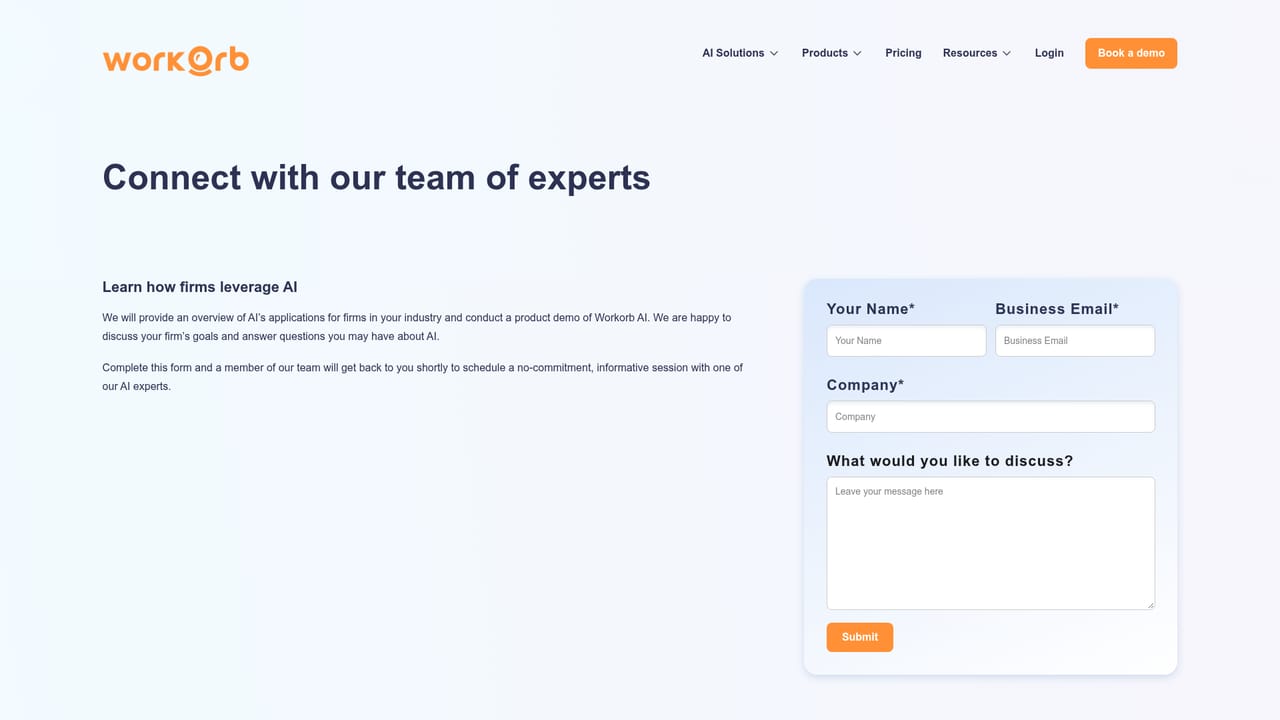
Support is handled through a contact page where firms can request a 15 minute demo and ask questions. The site also addresses common onboarding questions, including that most firms are running in about 48 hours.
Learn moreThe site names Deltek Vantagepoint, Unanet CRM, SharePoint and OpenAsset as connected systems, with additional connections listed as available. Network drives, shared folders and cloud storage are unified into the same searchable knowledge base.
Knowledge Hub connects to CRM, ERP and document systems and automatically cleans past proposals, project sheets and team bios into one searchable source. The AI summarizes RFPs and scores pursuits against a Go/No-Go scorecard, suggests outlines and matching project references, drafts proposals and fee letters in the firm's voice, and runs a compliance and proofreading pass against the original requirements.
 AI Angels400+ customizable AI girlfriends for NSFW chat, voice calls, and roleplay
 Candy AIExperience the future of companionship with AI friends who chat, role-play, and connect with you on a human level.
 ourdream.aiA vast AI roleplay platform with millions of characters for chat, images, video and voiceAI Angels400+ customizable AI girlfriends for NSFW chat, voice calls, and roleplayCandy AIExperience the future of companionship with AI friends who chat, role-play, and connect with you on a human level.ourdream.aiA vast AI roleplay platform with millions of characters for chat, images, video and voice


