WorkUp

Video job feed and AI resume builder for students and new grads

Beginner
Screenshot of WorkUp, Video job feed and AI resume builder for students and new grads

What is WorkUp?

WorkUp is a professional network app for college students and graduates: a short video feed combining career advice and video job listings, an AI resume builder with job specific adaptation, and an AI Copilot that coaches interview practice through voice and facial analysis.

WorkUp is a professional network app aimed at college students and recent graduates, built around a short video feed rather than a traditional job board. The feed mixes career advice, interview tips, resume building content, work memes, business topics and entrepreneurship clips with video job listings, so openings surface as something closer to a scrolling social experience than a text list. Alongside the feed, users can follow topics, make connections, look for mentors and find people open to collaborating on projects. The AI side of the product is split into two tools. The resume builder creates a first ATS ready resume, and an AI Adapt feature rewrites and customizes an existing resume for a specific job listing in seconds. The AI Copilot runs a Guided Interview mode that acts as an on demand interview coach, using voice and facial analysis to produce feedback in a gamified format so users can track progress across sessions. Together these cover the preparation layer that sits between finding a listing and speaking to a recruiter. The audience is narrow and deliberate: university students and graduates who want internships or entry level roles and are willing to practice on camera. WorkUp also sells a paid placement service, WorkUp Premium, which is separate from the app itself. Premium covers recruiting strategy, resume and LinkedIn optimization, opportunity sourcing, networking and alumni leads, interview prep, and coordination of introductions, interviews, salary negotiation and follow up. The company reports 150 plus placements and a 99 percent placement rate since 2020, and states that median outcomes for a business economics major at UCLA reached $84k against a $57k two year benchmark, with salaries described as $10k to $30k above typical customer expectations. In practice WorkUp sits between a career advice feed, a resume optimizer and an interview practice tool, with human coaching layered on top through Premium. The feed and AI tools are free to use. Premium charges $0 enrollment and takes 19.9 percent of first year salary only after a hire, split across 12 installments. The company is US veteran owned, incubated by NVIDIA, and cites backing from UC Launch, Startup UCLA, Stanford's Latino Entrepreneurship Initiative and USC Viterbi Startup Garage.

How do you use WorkUp?

  1. 1Create your account and sign in
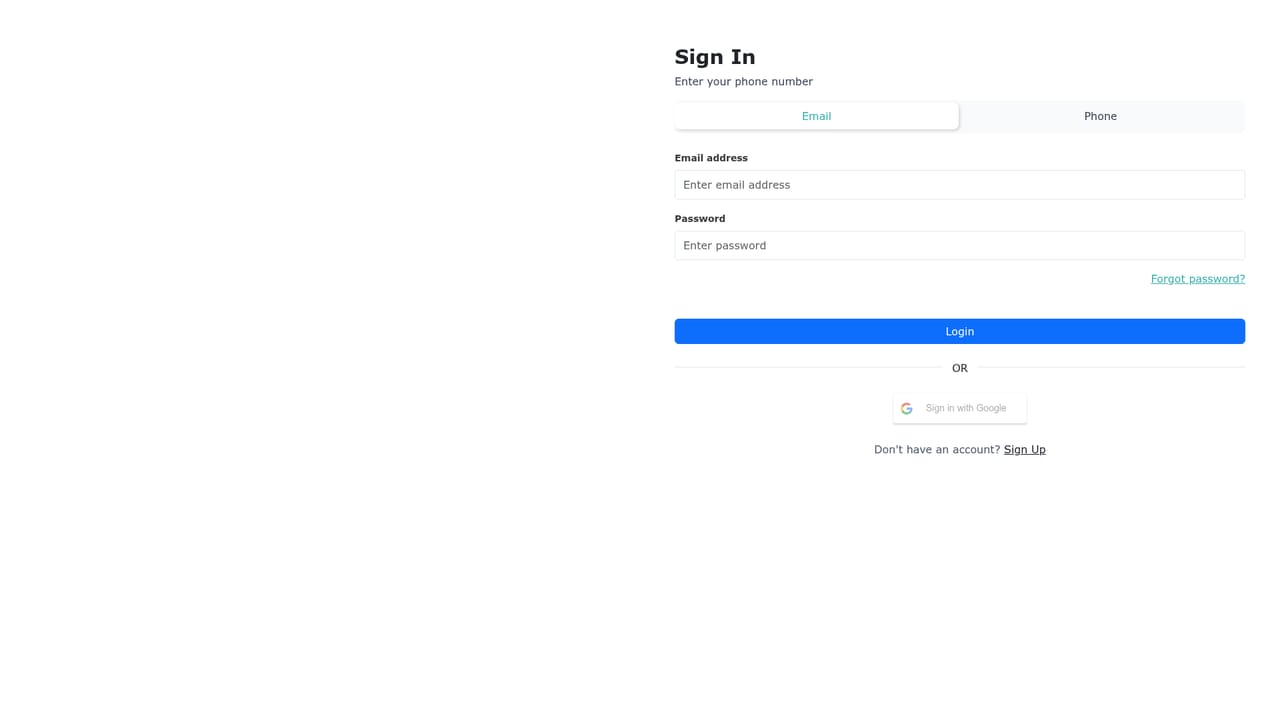
    Sign in through the app on the web or from the iOS or Android store listings to reach the main feed and profile settings.
    WorkUp — Create your account and sign in
  2. 2Shape your video feed
    Follow the topics that match your goals, such as interview tips, resume building, internships or entrepreneurship, and the feed adjusts around them.
  3. 3Build or adapt a resume
    Start a first ATS ready resume in the AI builder, or upload an existing one and run AI Adapt against a specific job listing to have it rewritten for that role.
  4. 4Browse video job listings
    Work through the video job feed to find roles and gigs, then save the listings you want to target with your adapted resume.
  5. 5Run a Guided Interview session
    Open the AI Copilot, complete a practice interview, and review the voice and facial analysis feedback to see where answers and delivery need work.
  6. 6Apply to WorkUp Premium if you want human help
    The placement service is a separate application covering strategy, sourcing, networking leads and negotiation; apply only if you want the paid, fee after hire route.

Pros and cons

Pros

  • Interview Copilot gives structured, repeated on camera practice rather than static question listsAI
  • AI Adapt rewrites a resume against a specific listing, which removes the usual manual tailoring passAI
  • Video job listings surface roles in a feed format that suits how students already browse short form contentAI
  • App itself is free to use, with the paid placement service deferring its fee until a hire happensAI

Cons

  • Narrow audience: the product is built for students and new grads, so experienced job seekers get little from itAI
  • Placement track record rests on the company's own reported figures (150 plus placements, 99 percent rate) rather than an independent sourceAI
  • Voice and facial analysis during interview practice raises privacy questions the homepage does not addressAI
  • Premium takes 19.9 percent of first year salary, a large share for anyone who lands a high paying offerAI
  • No details on the site about which job boards, ATS platforms or profile services the app connects toAI

How much does WorkUp cost?

Pricing

The WorkUp app is free to use. WorkUp Premium, the paid placement service, charges $0 enrollment with no upfront payment and no interest; after a hire, participants contribute 19.9 percent of first year salary, payable across 12 installments. Nothing is owed if no job is secured.

Learn more

Support

Support is offered by phone at (805) 334-5582 and through a contact form on the homepage that takes name, email and message.

Features

Short video feed covering job tips, interview advice, resume building, work memes and entrepreneurship; video job listings; topic following and peer, mentor and collaborator connections; AI resume builder producing a first ATS ready resume; AI Adapt for rewriting a resume to a specific listing; AI Copilot with Guided Interview practice and voice plus facial analysis feedback.

Frequently asked questions about WorkUp

  • How much does WorkUp cost?
    The WorkUp app is free to use. WorkUp Premium, the paid placement service, charges $0 enrollment with no upfront payment and no interest; after a hire, participants contribute 19.9 percent of first year salary, payable across 12 installments. Nothing is owed if no job is secured.
  • How do you use WorkUp?
    The walkthrough on this page covers 6 steps: 1. Create your account and sign in 2. Shape your video feed 3. Build or adapt a resume 4. Browse video job listings 5. Run a Guided Interview session 6. Apply to WorkUp Premium if you want human help.
  • What platforms does WorkUp support?
    WorkUp is available on Web App, iOS and Android.
  • What are the limitations of WorkUp?
    Narrow audience: the product is built for students and new grads, so experienced job seekers get little from it. Placement track record rests on the company's own reported figures (150 plus placements, 99 percent rate) rather than an independent source. Voice and facial analysis during interview practice raises privacy questions the homepage does not address.

Status

StatusActive
Views0
Outbound clicks0
Added10/21/2026

Platforms

Web AppiOSAndroid

Pricing

FreePaid