Free trial
A fully featured seven-day free trial is available from the download page, so the whole app can be evaluated before buying.
Learn moreMind map your thinking, then export the outline as a finished draft.

WriteMapper is a content writing tool. A macOS and Windows desktop app that turns mind maps into structured outlines and exports them as finished drafts in Markdown, DOCX, PDF and other formats. Optional Ask AI assistance sits inside a manual outlining and writing workflow.
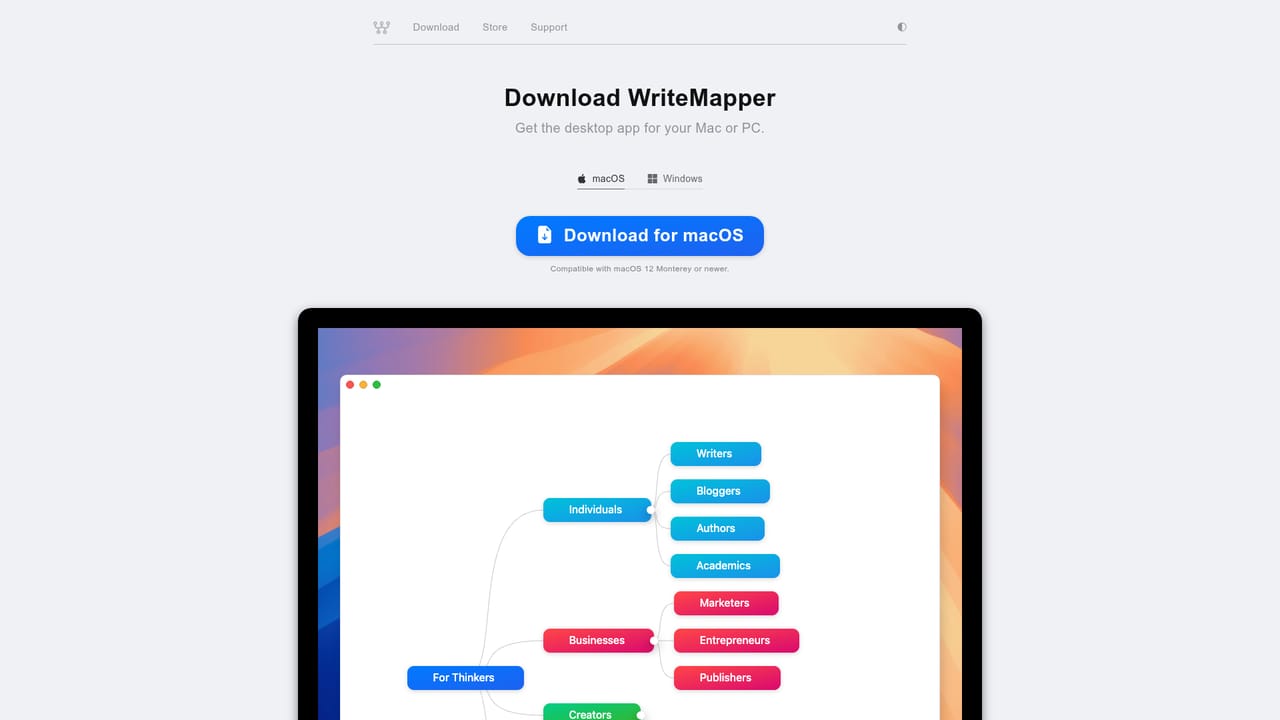
WriteMapper is a desktop writing application built around a single premise: an outline made as a mind map is easier to hold in your head than a bullet list, and that visual structure can carry straight through to a finished document. You build a WriteMap of nested nodes, then double-click any node to write its contents in a focused editor. Because the draft is generated from the tree, the outline and the manuscript are never out of sync. The workflow runs start, outline, write, finish. Ideas go down as nodes first, drag and drop reorganizes them, color tags group related branches, and task status marks which nodes are done. When the structure is settled, the app compiles the tree into a document and exports it to Markdown, HTML, OPML, DOCX, TXT, RTF, PDF or PNG, or copies it to the clipboard. Ask AI is available at each of those stages as an optional assistant for ideation, outlining and drafting, but it sits alongside the manual process rather than replacing it. It suits people who write for a living or write to think: essayists, analysts, consultants, academics, marketers producing long form work, and students assembling structured arguments. Anyone who stalls at the blank page and prefers to brainstorm visually tends to get on with it better than with a linear word processor. The desktop-only design is deliberate, since a dedicated app reduces the pull of the browser. Compared with general word processors, WriteMapper trades formatting depth for structural clarity. Against web-based mind mapping tools, its advantage is that the map and the manuscript are the same artifact, exported locally. It is a one-time purchase rather than a subscription, and the trial is fully featured for seven days.
A fully featured seven-day free trial is available from the download page, so the whole app can be evaluated before buying.
Learn moreA one-time fee buys a license with lifetime access, paid through the WriteMapper store. Education pricing, upgrade discounts for returning customers and bulk licenses for teams, firms and companies are handled separately from the standard purchase.
Learn moreSupport is provided through a searchable article base and email contact. A feature guide covers advanced usage, and a license manager handles license codes.
Learn moreNo named third-party integrations are listed. Output moves between the app and other tools through document exports and the clipboard.
Mind map based outlining with multiple layouts, drag and drop, color tags and task status. A distraction-free node editor adds Markdown syntax, rich text formats, spellcheck, autocorrect, image support and dictation on macOS and Windows. Document view, quick search, keyboard shortcuts, dark mode, autosave, snapshots and file import round out the workflow, with optional Ask AI for ideation, outlining and writing.
Learn more AI Angels400+ customizable AI girlfriends for NSFW chat, voice calls, and roleplay
 Candy AIExperience the future of companionship with AI friends who chat, role-play, and connect with you on a human level.
 ourdream.aiA vast AI roleplay platform with millions of characters for chat, images, video and voiceAI Angels400+ customizable AI girlfriends for NSFW chat, voice calls, and roleplayCandy AIExperience the future of companionship with AI friends who chat, role-play, and connect with you on a human level.ourdream.aiA vast AI roleplay platform with millions of characters for chat, images, video and voice


