Support
Writer Academy offers learning resources. Enterprise buyers can request a demo, and the trust page covers governance and security topics.
Learn moreEnterprise AI agents that write, research and execute on-brand GTM work

Writer is an enterprise AI agent platform for marketing and revenue teams. Agents run multi-step playbooks, generate on-brand content at scale, personalize approved sales material and prepare account briefs, all grounded in company voice, style guides, skills and connected business systems such as Salesforce, Snowflake and Adobe.
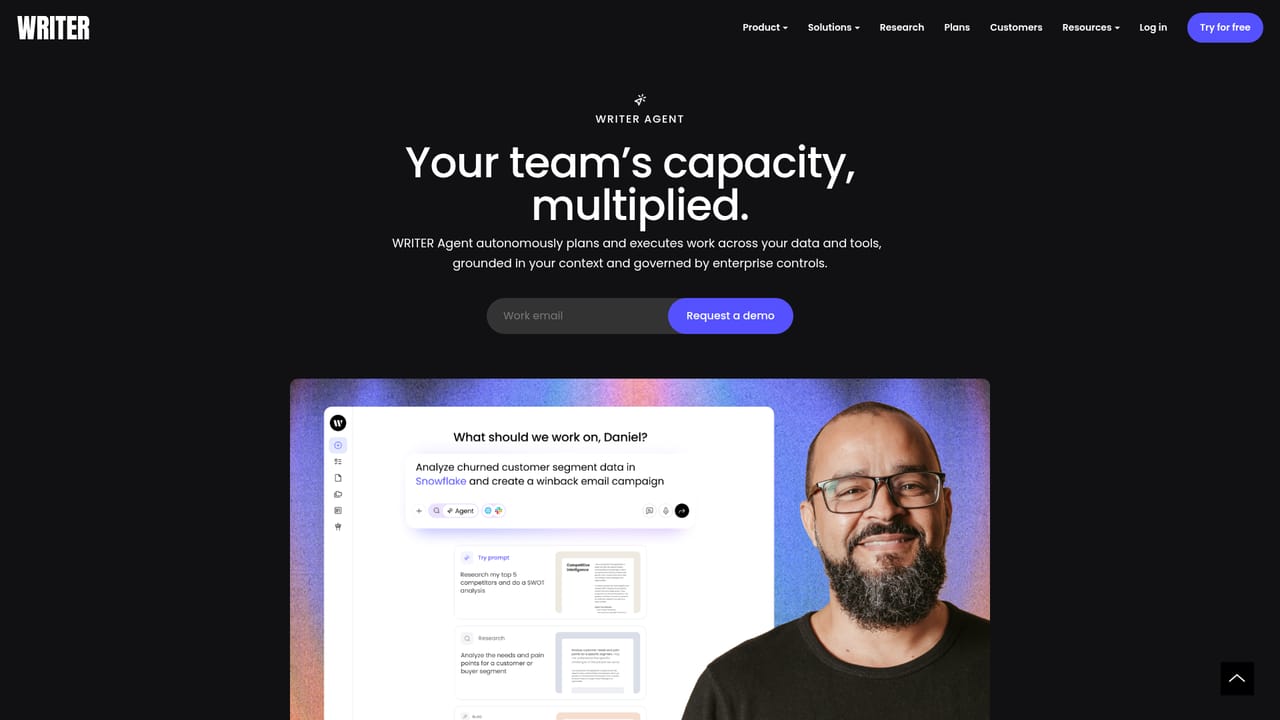
Writer is an enterprise AI platform built around agents rather than single-turn prompts. Instead of asking a chatbot for a paragraph, a team describes an outcome (build a win-back email campaign, assemble a territory hub, draft competitive talking points) and the agent plans the work, pulls from connected systems, writes the deliverable and files it where the team already works. Marketing and revenue teams are the stated audience, with supporting material aimed at Fortune 500 style organizations where brand and compliance rules are not optional. The platform keeps context in layers. Playbooks hold repeatable multi-step workflows so a recurring job runs consistently instead of being re-prompted each time. Skills capture domain expertise in a reusable unit, and the homepage shows examples such as an SEC filing parser or a compliance checker. Voice, Terms and a style guide encode how a company writes, so generated assets match house standards and review is reserved for edge cases. A memory layer and knowledge graph carry prior decisions and research forward, and web research pulls in live signals. In practice the work runs across a marketing and revenue loop: campaign creation, content production, sales personalization, account preparation, meeting intelligence and campaign optimization. Meeting capture and Slack or Teams integrations file notes and CRM updates automatically, and daily briefs front-load research that a rep would otherwise do the night before. Product screenshots show agents connecting to a data warehouse to query customer segments, then generating personalized copy per segment and verifying delivery of test emails. Alternatives divide along two lines. General writing assistants are cheaper and faster to start but carry little of a company's own standards or data. Enterprise content platforms cover brand governance but lean on human drafting. Writer sits closer to the second camp, adding autonomous execution, which means the value depends on connecting real systems and defining Playbooks and Voices up front. Small teams without that infrastructure will get far less out of it than a structured GTM organization.

Writer Academy offers learning resources. Enterprise buyers can request a demo, and the trust page covers governance and security topics.
Learn moreConnectors listed across the marketing and revenue loop include Adobe, Salesforce, Snowflake, Webflow, Contentful, Microsoft 365, Google Workspace, PitchBook, ZoomInfo, Gong and HubSpot. Slack and Microsoft Teams are supported through the WRITER apps.
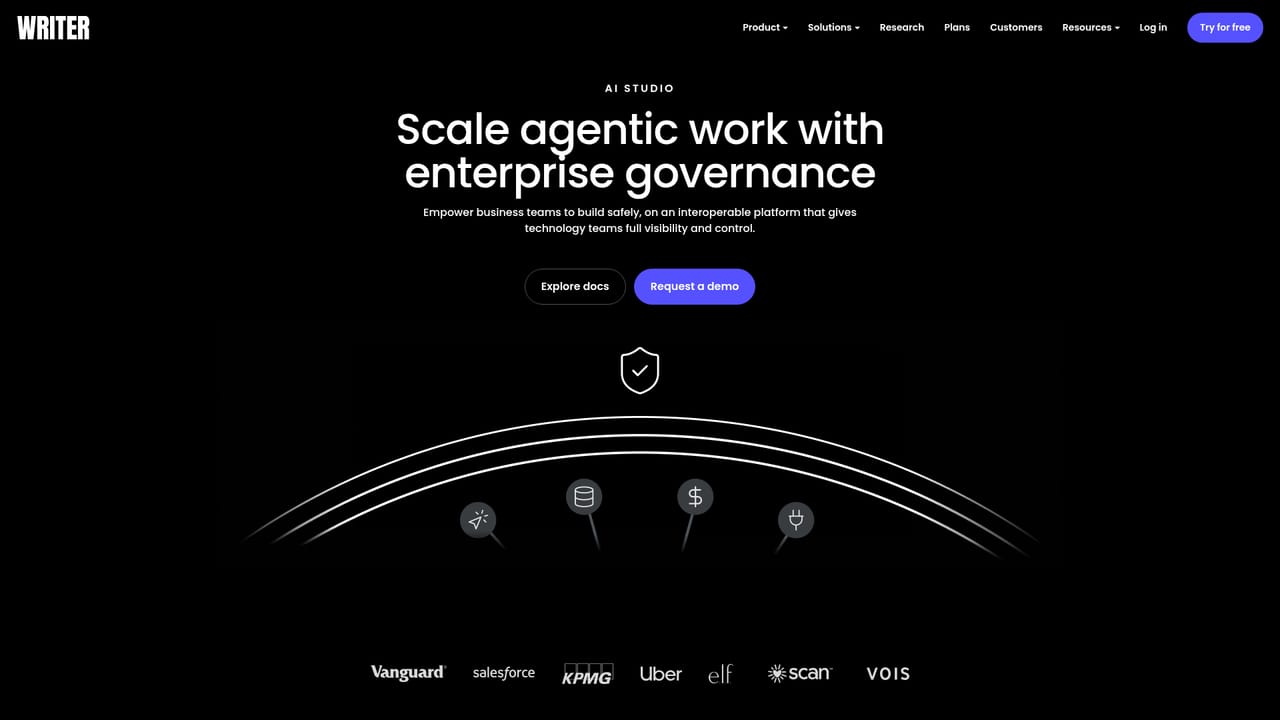
Learn moreCore building blocks are Playbooks for repeatable multi-step workflows, Skills for captured domain expertise, Voice and style guide for brand enforcement, a memory layer and knowledge graph for retained context, web research for live signals, and triggers for scheduled runs. WRITER Meet, Slack and Teams integrations handle meeting capture and conversation follow-up. AI Studio and the WRITER Agent cover custom agent builds and end-to-end task execution.
Learn more AI Angels400+ customizable AI girlfriends for NSFW chat, voice calls, and roleplay
 Candy AIExperience the future of companionship with AI friends who chat, role-play, and connect with you on a human level.
 ourdream.aiA vast AI roleplay platform with millions of characters for chat, images, video and voiceAI Angels400+ customizable AI girlfriends for NSFW chat, voice calls, and roleplayCandy AIExperience the future of companionship with AI friends who chat, role-play, and connect with you on a human level.ourdream.aiA vast AI roleplay platform with millions of characters for chat, images, video and voice


