Free trial
A free starting tier is available, and paid plans include a 3-day trial according to the pricing section. No card details are described for the free start.
Learn moreOne account for 350+ AI models, from GPT to Claude to Gemini

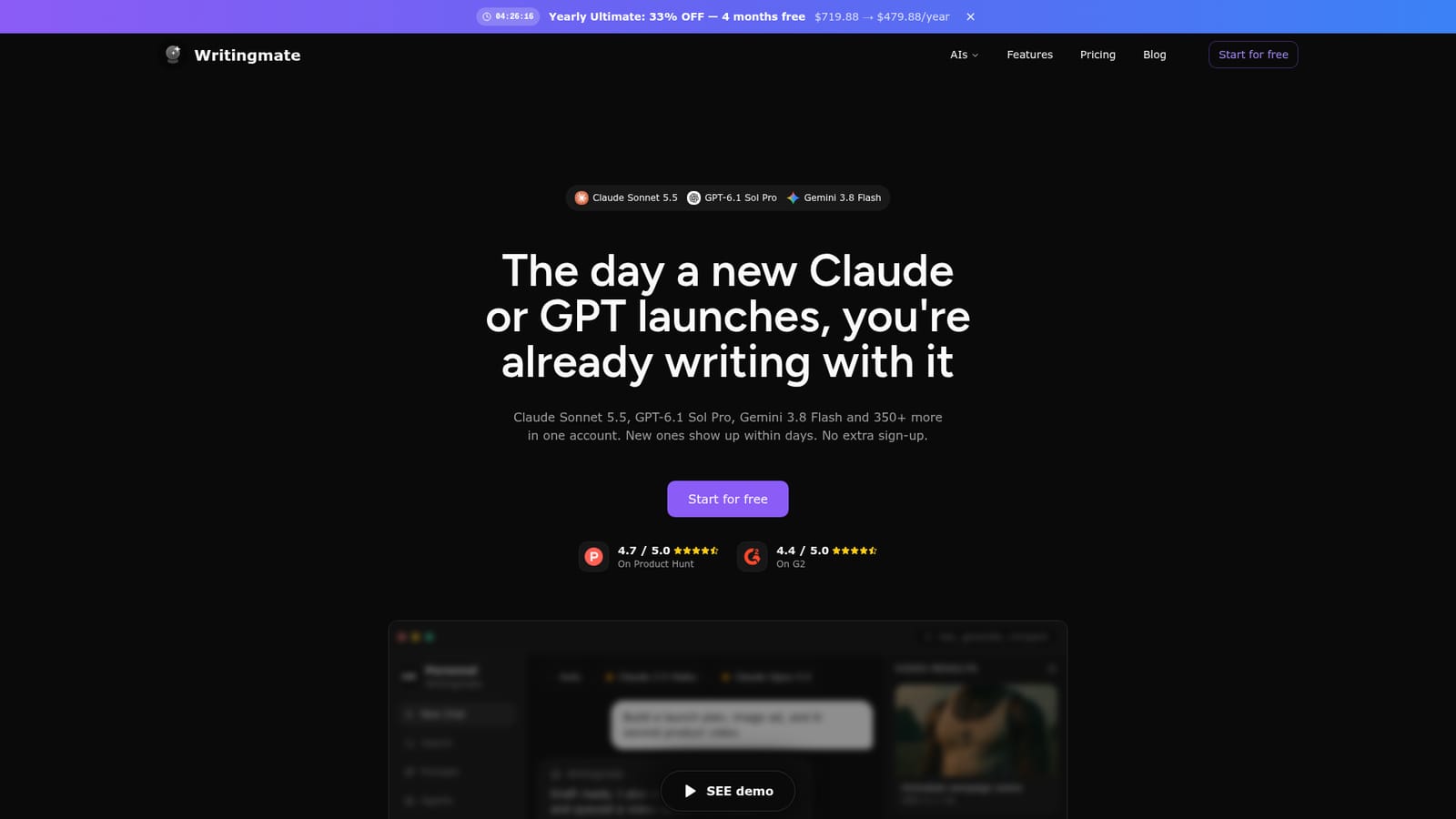
Writingmate is a content tool. Writingmate bundles 350+ chat, image and video models from OpenAI, Anthropic, Google and others into one chat workspace. Upload files, search the web, save prompts and switch models mid-conversation. Plans run on shared monthly credits starting at $19.99 per month with yearly billing.
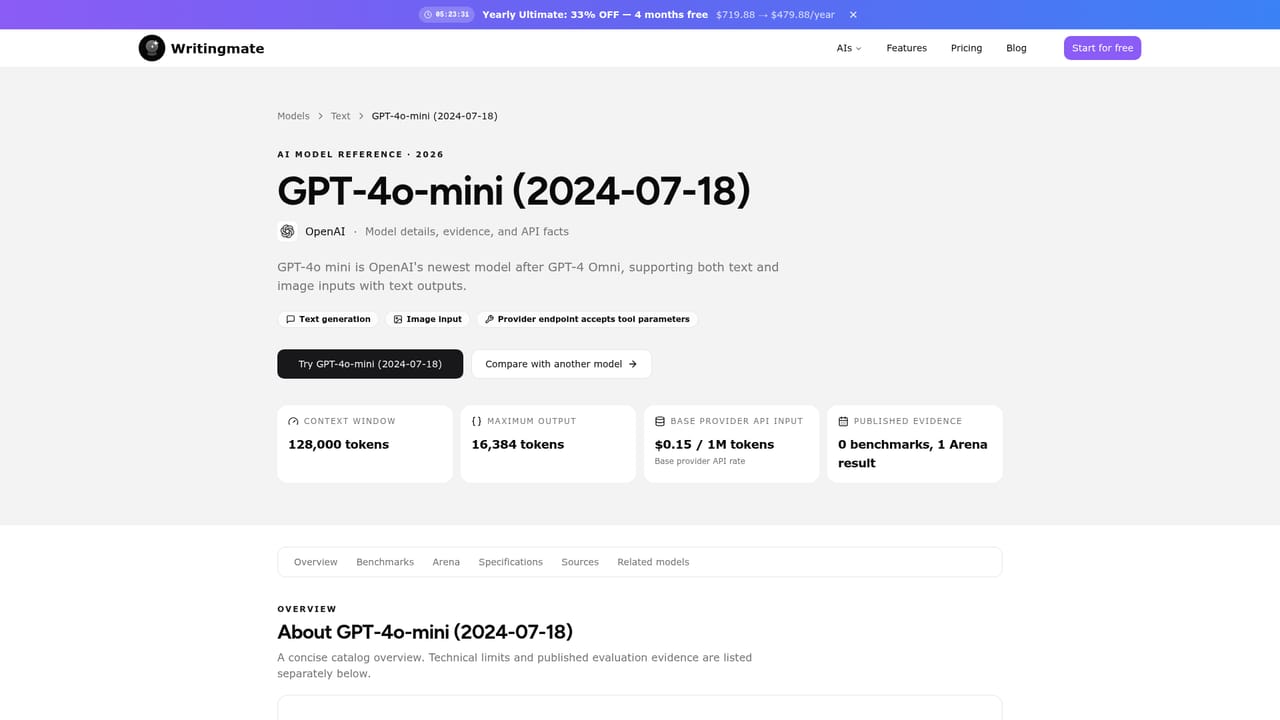
Writingmate is a single chat workspace that routes prompts to more than 350 AI models across major providers, including OpenAI, Anthropic, Google, Meta, Mistral, DeepSeek, Perplexity, Qwen, Z.ai and xAI. The pitch is consolidation: instead of juggling separate subscriptions to ChatGPT Plus, Claude Pro, Google AI Pro and X Premium+, one account covers the leading chat models, a library of image generators and several video tools. New models are added within days of their release, and the model catalogue on the site describes each one so users can judge which fits a given task. The workspace goes beyond plain chat. Documents can be uploaded and queried for summaries, answers or structured analysis. Web search pulls in current sources when a model needs fresh context. Users can save reusable prompts and persistent helpers for recurring jobs such as research, writing, sales or support, dictate prompts through voice chat, and search past conversations to recover earlier drafts and decisions. Images can be generated inside the same conversation that produced the copy, so a social post and its visual come from one thread. Video generation is also part of the app. Practical resilience is a selling point. If a provider has an outage, the conversation can be handed to a different model mid-draft without losing the text, files or history. The same switching helps people in regions where ChatGPT or Claude apps are blocked. App connections bring in tools such as Gmail and Slack when outside context is needed. Writingmate suits freelancers, marketers and small teams who want breadth of model access without stacking subscriptions, and writers who value comparing outputs from different labs. It is less compelling for people who need deep native features inside one specific vendor ecosystem, or who want a single flat fee with no credit accounting.
A free starting tier is available, and paid plans include a 3-day trial according to the pricing section. No card details are described for the free start.
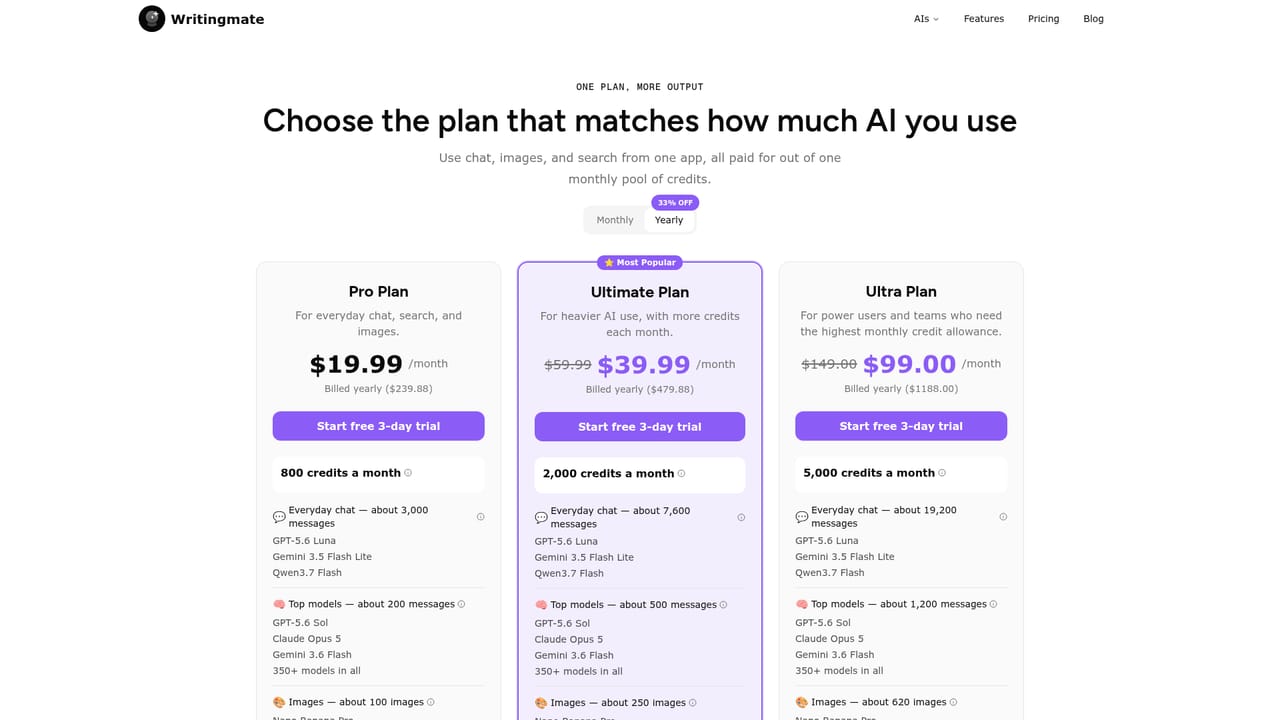
Learn moreThree credit-based tiers: Pro at $19.99 per month billed yearly ($239.88) for 800 credits, Ultimate at $39.99 per month ($479.88) for 2,000 credits, and Ultra at $99 per month ($1,188) for 5,000 credits. Monthly billing is higher, with Pro listed at $29.99. A free tier exists alongside paid plans.
Learn moreThe homepage names Gmail, Slack and other app connections for pulling external context into chats. Model access is routed through third-party providers and a router rather than direct integrations users configure.
Chat with 350+ models, upload and analyse files, search the web, generate images and short videos, save prompts and reusable helpers, build better prompts from notes, search chat history, use voice input and output, switch models mid-conversation, and connect outside apps such as Gmail and Slack.
Learn more AI Angels400+ customizable AI girlfriends for NSFW chat, voice calls, and roleplay
 Candy AIExperience the future of companionship with AI friends who chat, role-play, and connect with you on a human level.
 ourdream.aiA vast AI roleplay platform with millions of characters for chat, images, video and voiceAI Angels400+ customizable AI girlfriends for NSFW chat, voice calls, and roleplayCandy AIExperience the future of companionship with AI friends who chat, role-play, and connect with you on a human level.ourdream.aiA vast AI roleplay platform with millions of characters for chat, images, video and voice


