Free trial
Free demos are available without an account, and the App can be signed up to for free so you can upload images and test how the services behave.
Learn moreImage recognition, tagging and visual search under one API

Ximilar is a no-code computer vision platform offering ready-made services and custom models for image recognition, tagging, background removal, visual search and collectibles grading, all reachable through a single REST API.
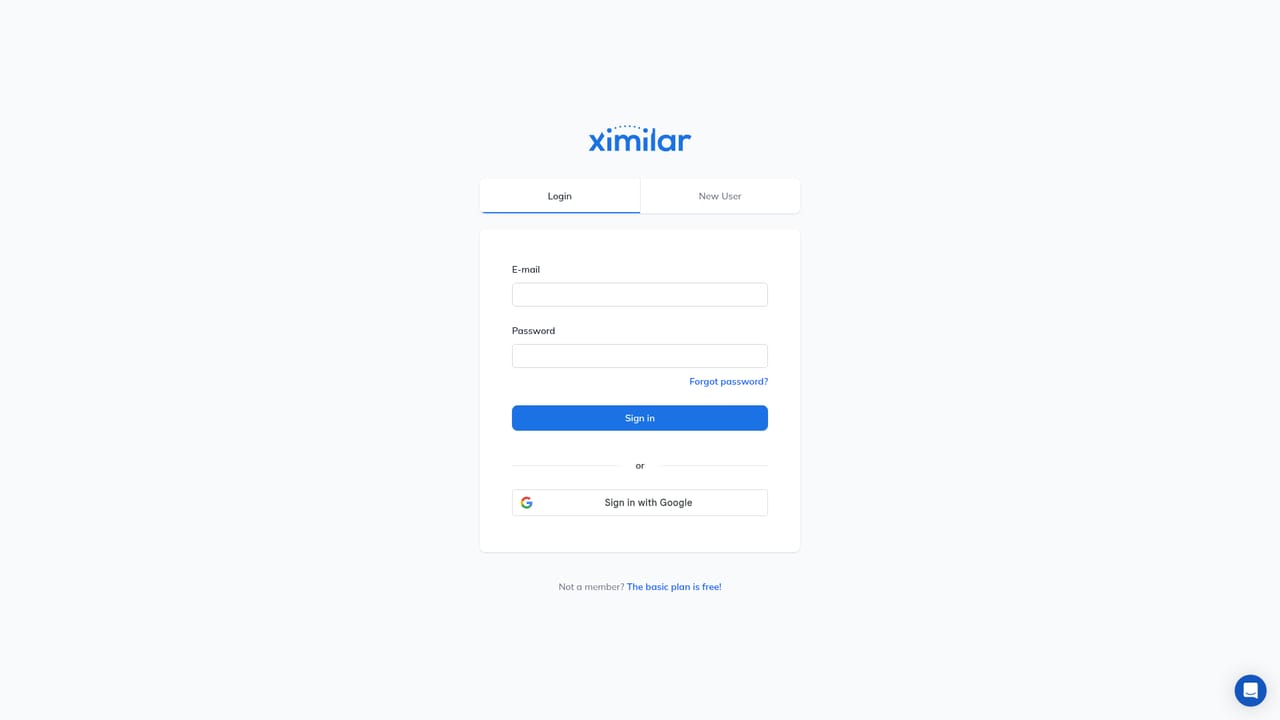
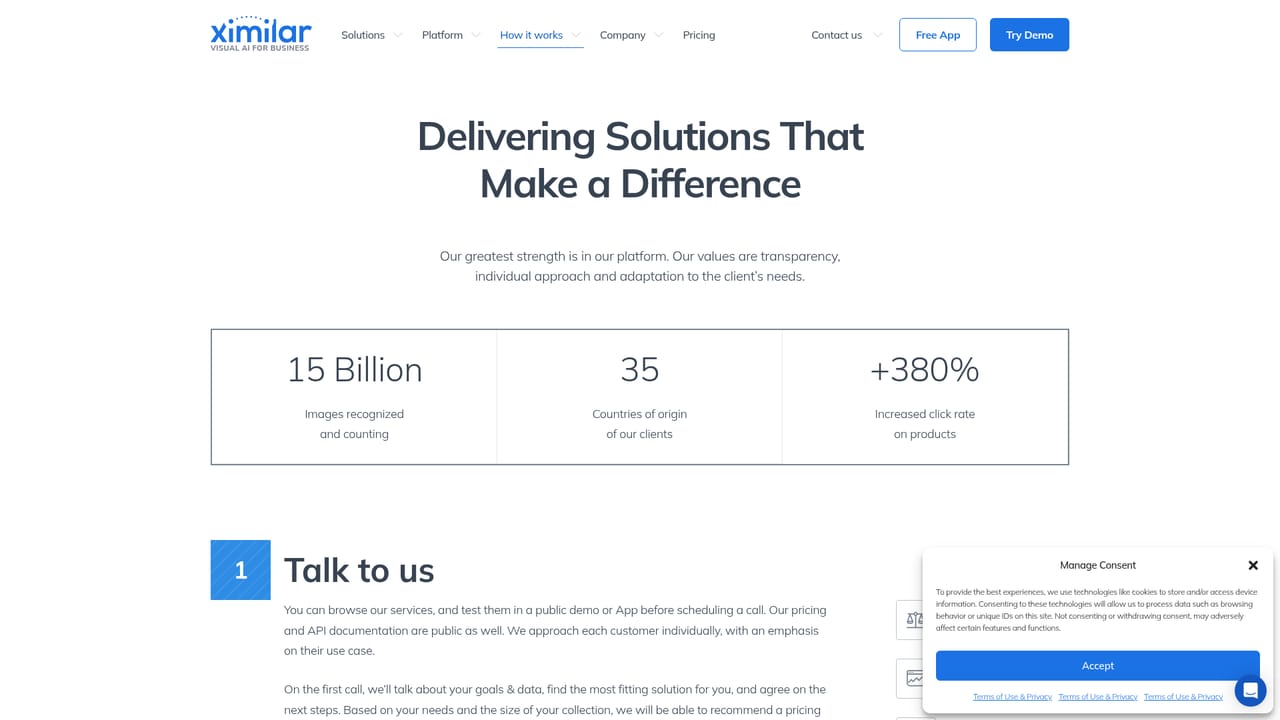
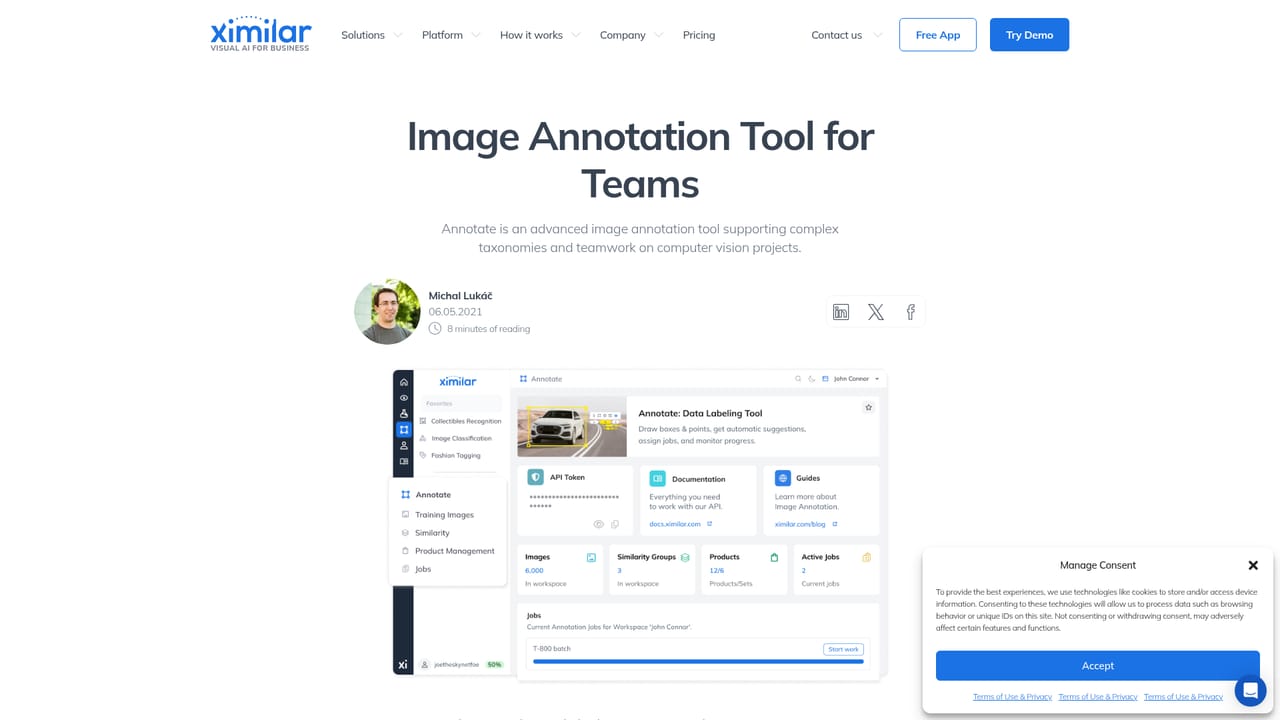
Ximilar is a computer vision company that packages image recognition, image search and image enhancement behind a single REST API. Rather than one narrow model, the platform bundles ready-to-use services (fashion and home decor tagging, stock photo search, background removal, dominant colour extraction, collectibles recognition and card grading) alongside a no-code environment for building models against a customer's own image library. Businesses that need to tag, describe, sort or search large image catalogues can start with an off-the-shelf service and add custom labels when the generic set falls short. The platform suits two fairly different audiences. The first is product and content teams in ecommerce, fashion, stock photography, real estate and collectibles, where a demo can be tested with no setup and a service dropped into a workflow quickly. The second is technical teams that want a managed computer vision pipeline without assembling their own training infrastructure: they upload images, annotate them with bounding boxes or polygons in a bulk annotation tool built for group work, train a model without writing code, then join pre-trained and custom modules into a modular Flow. A typical rollout follows the platform's own sequence. Users sign up to the Ximilar App, upload a sample of images and check results from the ready-made services. If the built-in labels miss the mark, the team labels its own data, trains and tests the model, chains it with existing modules, and finally connects the whole thing to a website or app using an API token from the dashboard. Customisation can be light (extra categories, attributes or taxonomy on an existing service) or heavier (a system built from scratch for a new image or video use case). Alternatives usually fall into two camps: generic cloud vision APIs that are cheap to start but hard to shape around unusual catalogues, and full custom ML builds that demand in-house specialists. Ximilar occupies the middle ground, with semi-custom combinations of pre-trained and new modules. It is also genuinely broad, covering detection, classification, OCR, visual search, upscaling and LLM integration on one platform, which makes it attractive to teams that would rather consolidate vendors than stitch several tools together.

Free demos are available without an account, and the App can be signed up to for free so you can upload images and test how the services behave.
Learn moreThe homepage states that Ximilar runs on monthly subscription plans, with a credit supply sized to your traffic and needs. Exact tiers and credit rates are not listed on the homepage, so check the pricing page for current plans.
Learn moreSupport runs through a contact page and a chat option on the site, backed by extensive FAQ pages, developer docs and a public status page.
Learn moreIntegration happens through the REST API, documented for setup and deployment in a website, app or wider infrastructure. Specific third-party connectors are not listed on the homepage.
Learn moreReady-to-use services cover fashion and home decor tagging, product similarity, stock photo search, photo tagging, background removal, dominant colours, collectibles recognition and card grading. The platform adds annotation, no-code model training, modular Flows, REST API access, OCR, upscaling, visual search and LLM integration.
Learn more AI Angels400+ customizable AI girlfriends for NSFW chat, voice calls, and roleplay
 Candy AIExperience the future of companionship with AI friends who chat, role-play, and connect with you on a human level.
 ourdream.aiA vast AI roleplay platform with millions of characters for chat, images, video and voiceAI Angels400+ customizable AI girlfriends for NSFW chat, voice calls, and roleplayCandy AIExperience the future of companionship with AI friends who chat, role-play, and connect with you on a human level.ourdream.aiA vast AI roleplay platform with millions of characters for chat, images, video and voice