xPassportPhoto

Compliant passport and visa photos made online in three steps

Beginner
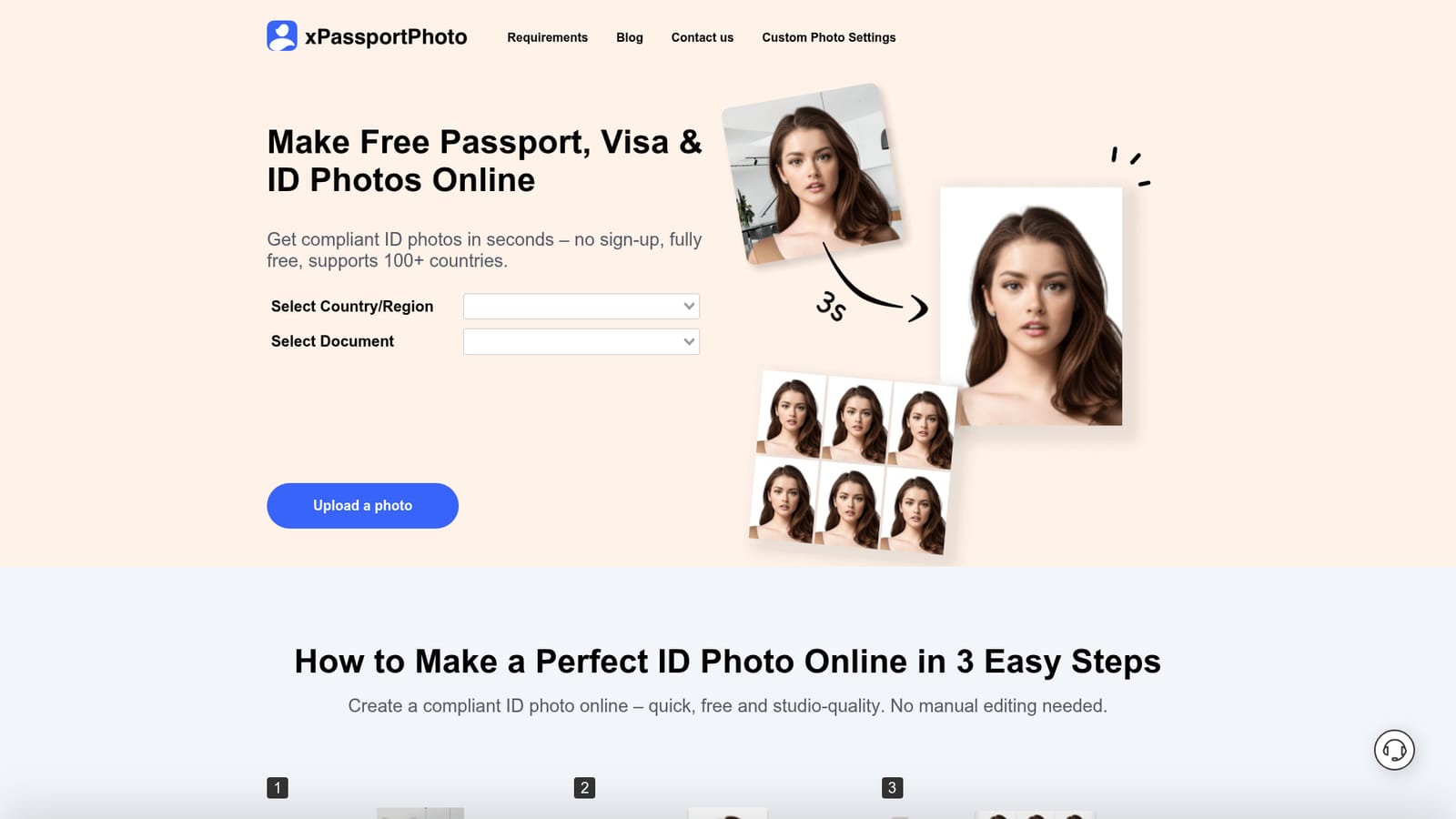
Screenshot of xPassportPhoto, Compliant passport and visa photos made online in three steps

What is xPassportPhoto?

xPassportPhoto turns a single phone or camera photo into a formatted ID picture for passports, visas and other official documents. Requirements for more than 100 countries are covered, with automatic cropping, centering and resizing, plus digital and printable downloads.

xPassportPhoto is a browser based service for producing official identification photos, the kind required for passports, visas and similar documents. The premise is simple: instead of visiting a studio or wrestling with image editors, you supply a single photo from your phone or computer, and the tool crops, centers, resizes and formats it to match the stated specification of a chosen document type. The home page frames this as a three step routine: upload, automatic adjustment, then download either a digital file or a printable sheet. The library of document types is the core of the product. Each one has its own requirement page listing the dimensions and formatting expected, and the examples on the homepage span Australian, Canadian, Chinese, Saudi Arabian and Schengen visa photos, US visa and passport photos, plus a generic 35x45 mm template. That structure matters because photo rules differ sharply between countries and between document classes, so picking the right preset rather than guessing is the practical way to use the service. It suits individual applicants preparing their own paperwork: travelers assembling a visa file, people renewing a passport, or anyone who needs a quick print ready image without professional help. The download step offers both a digital version for online submission and a printable version for home printing, which covers the two common ways these documents get delivered. Compared with dedicated photo booths or studio visits, the appeal is turnaround time and the absence of scheduling. Compared with general purpose image editors, the appeal is that the sizing and centering work is handled rather than left to the user. The tool is explicit that it checks an uploaded photo against criteria and asks for a replacement when the input does not qualify, so the quality of the original shot still sets the ceiling on the result.

How do you use xPassportPhoto?

  1. 1Pick the document type you need
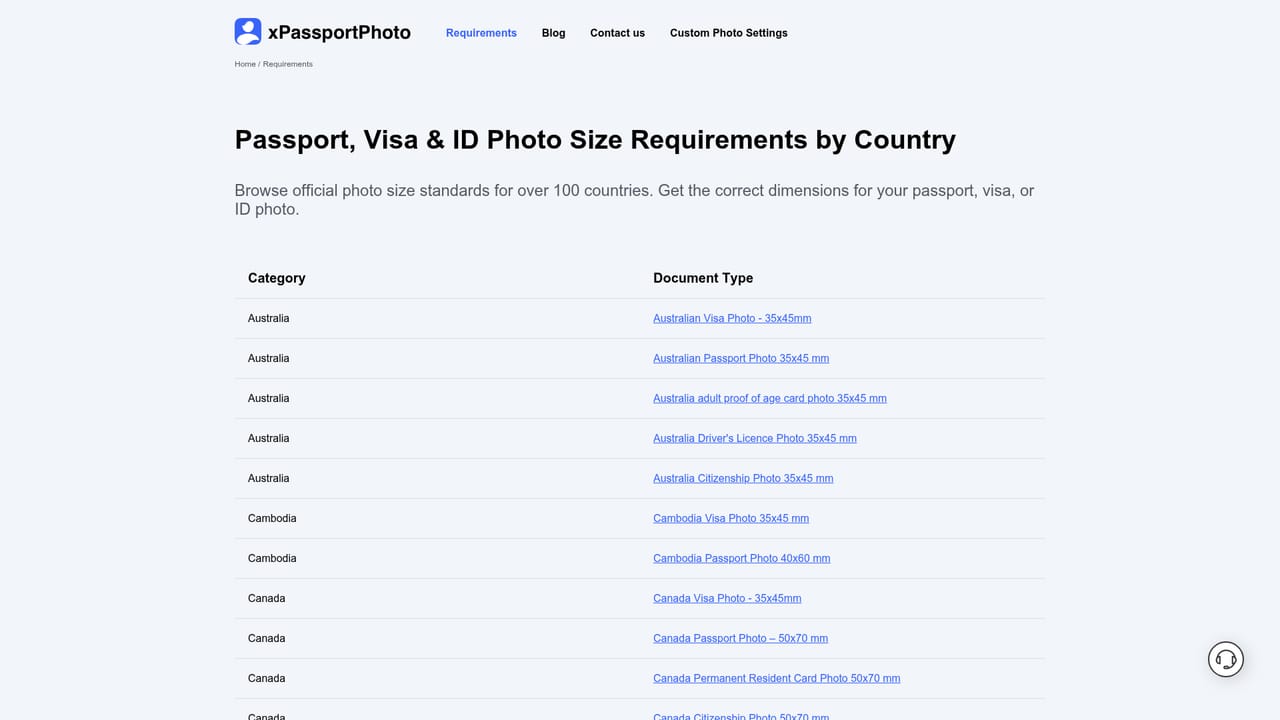
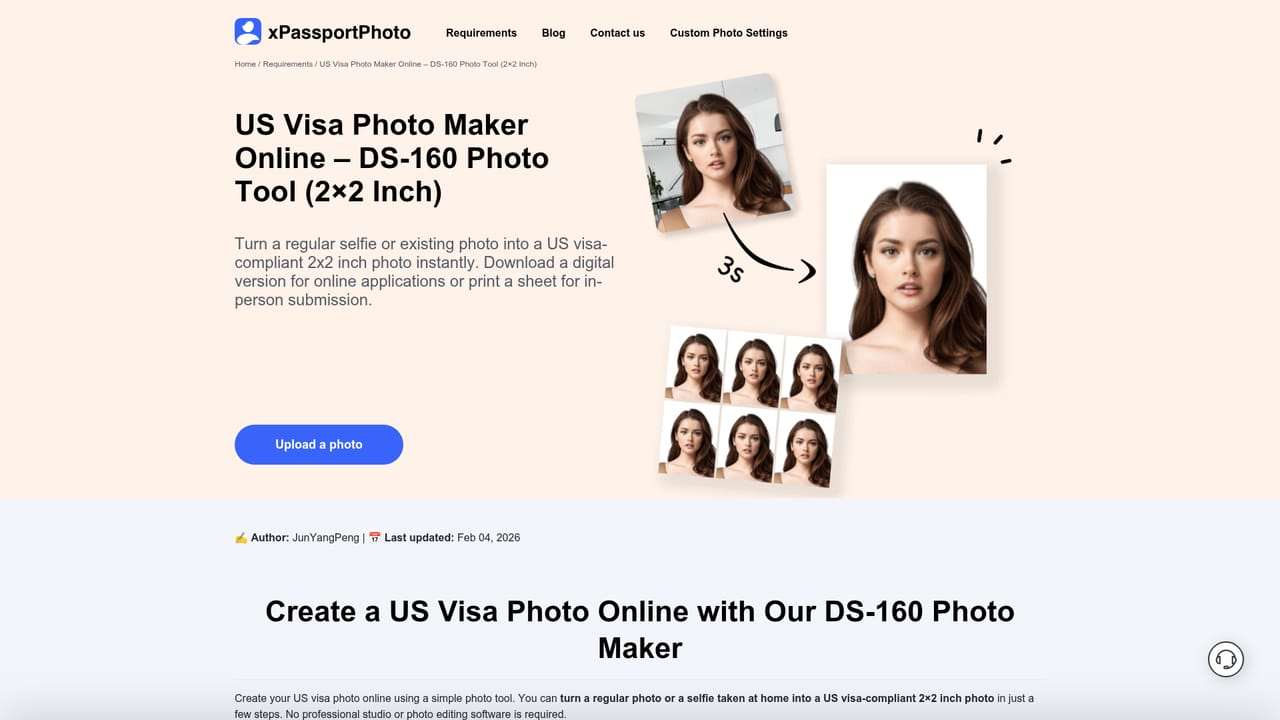
    Open the requirements section and select the relevant country and document, such as a US visa photo at 2x2 inches or a Schengen visa photo at 35x45 mm. Each entry states the size and format the photo must match.
    xPassportPhoto — Pick the document type you need
  2. 2Review the specification for that document
    Read the individual requirement page before uploading so you know the size, framing and background expectations. This reduces the chance of a rejection after processing.
    xPassportPhoto — Review the specification for that document
  3. 3Upload or take your photo
    Supply a recent photo from your phone or computer. The tool accepts all common image formats and uses the original to build the final ID picture.
    xPassportPhoto — Upload or take your photo
  4. 4Let the tool crop and format
    The service crops, centers, resizes and formats the image to the chosen document standard automatically. If the source photo fails the criteria, the site lists the problems and asks for a new upload.
  5. 5Download the digital or printable version
    Save the finished photo straight away, either as a digital file for an online application or as a printable layout for home printing.

Pros and cons

Pros

  • Requirement pages spell out dimensions for each document type, so users select a preset instead of estimating sizes themselvesAI
  • Covers a wide spread of visa and passport variants, including US, Schengen, Australian, Canadian, Chinese and Saudi Arabian specificationsAI
  • Accepts photos in all common formats and works with images taken on a phoneAI
  • Produces both a digital file for online applications and a print ready version for home printingAI
  • The whole flow is three steps with no manual cropping or alignment required from the userAI

Cons

  • Pricing tiers and plan details are not visible on the homepage, so cost has to be confirmed before committingAI
  • Results depend heavily on the uploaded source photo, and the tool will reject shots that fail its criteria without fixing lighting or pose problemsAI
  • The homepage gives no detail on data handling or retention, which matters for a personal identification imageAI
  • Specific country rules still need verification against the official authority, since the site presents its own summaries rather than official guidanceAI
  • There is no indication of an API or bulk processing option for organizations handling many applicationsAI

How much does xPassportPhoto cost?

Features

Automatic cropping, centering, resizing and formatting of ID photos against country and document specific requirements. The homepage lists presets for Australian, Canadian, Chinese, Saudi Arabian and Schengen visas, US visa and passport photos, and a 35x45 mm template, with a wider requirements library covering more than 100 countries. Uploads accept all common formats, and output is available as a digital file or a printable version.

Learn more

Frequently asked questions about xPassportPhoto

  • How do you use xPassportPhoto?
    The walkthrough on this page covers 5 steps: 1. Pick the document type you need 2. Review the specification for that document 3. Upload or take your photo 4. Let the tool crop and format 5. Download the digital or printable version.
  • What platforms does xPassportPhoto support?
    xPassportPhoto is available on Web App.
  • What are the limitations of xPassportPhoto?
    Pricing tiers and plan details are not visible on the homepage, so cost has to be confirmed before committing. Results depend heavily on the uploaded source photo, and the tool will reject shots that fail its criteria without fixing lighting or pose problems. The homepage gives no detail on data handling or retention, which matters for a personal identification image.

Status

StatusActive
Views0
Outbound clicks0
Added10/21/2026

Platforms

Web App

Pricing

FreeFreemium