Free trial
A free starting point is advertised ('Start free', 'Start free and turn ideas into polished presentations'), but the scope of the free allowance is not stated on the homepage.
Learn moreTurn Word, PDF and image files into editable slide decks
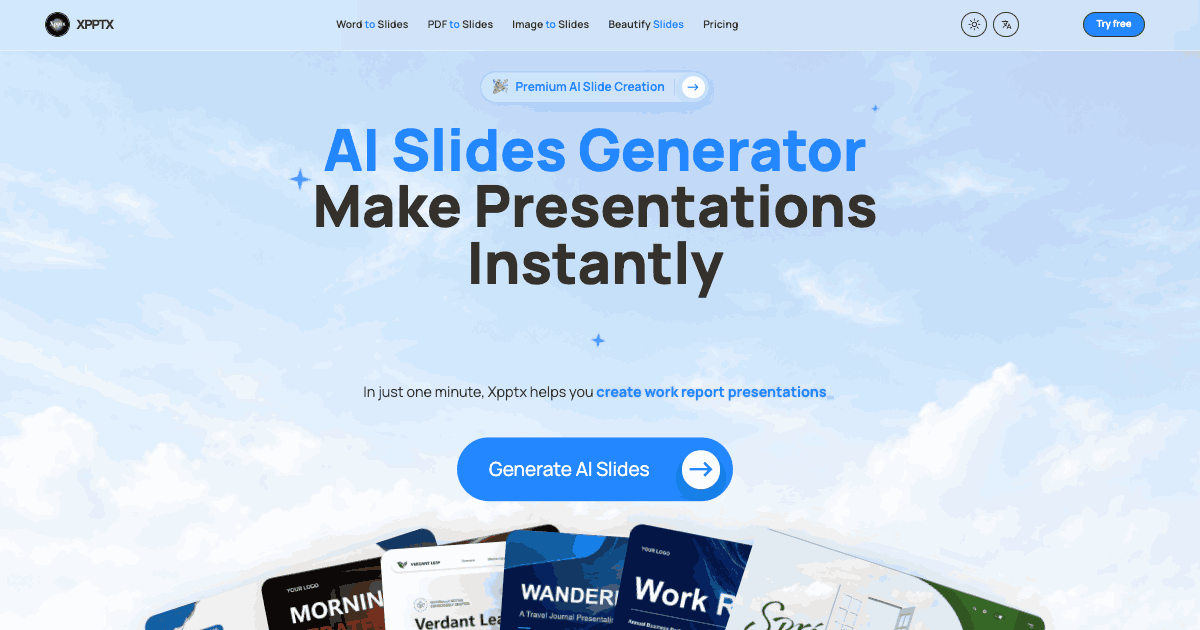
Xpptx is an animate powerpoint tool that turns Word, PDF and image files into editable slide decks. Xpptx converts Word documents, PDFs and images into editable PPTX slide decks, and can restyle presentations you already have. Best for turning written reports, briefs and scanned material into a structured draft deck quickly.
Xpptx is an AI slide generator built around a simple premise: most presentations start as something else. A report, a brief, a scanned page, a folder of screenshots. Instead of opening a blank deck and rebuilding that material by hand, Xpptx takes the source file and reconstructs it as a structured, editable presentation. The site positions the whole workflow as three moves: add content, let the AI build slides, then edit and export. The product covers four distinct paths. Word to Slides preserves headings, key points and narrative flow while reorganizing dense documents into a readable story. PDF to Slides recovers text from PDFs, groups it into sections and lays it out on presentation-ready pages. Image to Slides handles screenshots, scanned pages and visual references, extracting text and inferring structure before rebuilding each slide. Beautify Slides is the odd one out: it takes a deck that already exists and refreshes layouts, hierarchy and spacing without touching the underlying content. Output is real PPTX rather than a locked image export, which matters for anyone who needs to keep refining, rebranding or rearranging afterward. The site leans on four design principles it claims to apply automatically: structure, hierarchy, visual rhythm and brand control, so colors, typography and spacing stay consistent as content changes. Listed scenarios include market research, work reports, marketing plans, training material, subject reports, strategic planning, project summaries and sales presentations, with commercial use explicitly addressed in the FAQ. It suits consultants, analysts, educators and internal teams who already have the substance written down and need the deck built around it. Teams that want full creative direction over every layout, or that need deep integration with an existing design system, will find it more of a first-draft engine than a finished production tool.
A free starting point is advertised ('Start free', 'Start free and turn ideas into polished presentations'), but the scope of the free allowance is not stated on the homepage.
Learn moreThe homepage promotes a Premium AI Slide Creation tier and invites users to start free, but does not publish prices, plan tiers or usage limits. Check the pricing page for current figures.
Learn moreWord to Slides preserves headings and narrative flow; PDF to Slides recovers text and organizes sections; Image to Slides extracts text from screenshots and scans; Beautify Slides restyles existing decks. All output is editable PPTX with claimed structure, hierarchy, visual rhythm and brand consistency applied automatically.
 AI Angels400+ customizable AI girlfriends for NSFW chat, voice calls, and roleplay
 Candy AIExperience the future of companionship with AI friends who chat, role-play, and connect with you on a human level.
 ourdream.aiA vast AI roleplay platform with millions of characters for chat, images, video and voiceAI Angels400+ customizable AI girlfriends for NSFW chat, voice calls, and roleplayCandy AIExperience the future of companionship with AI friends who chat, role-play, and connect with you on a human level.ourdream.aiA vast AI roleplay platform with millions of characters for chat, images, video and voice