Free trial
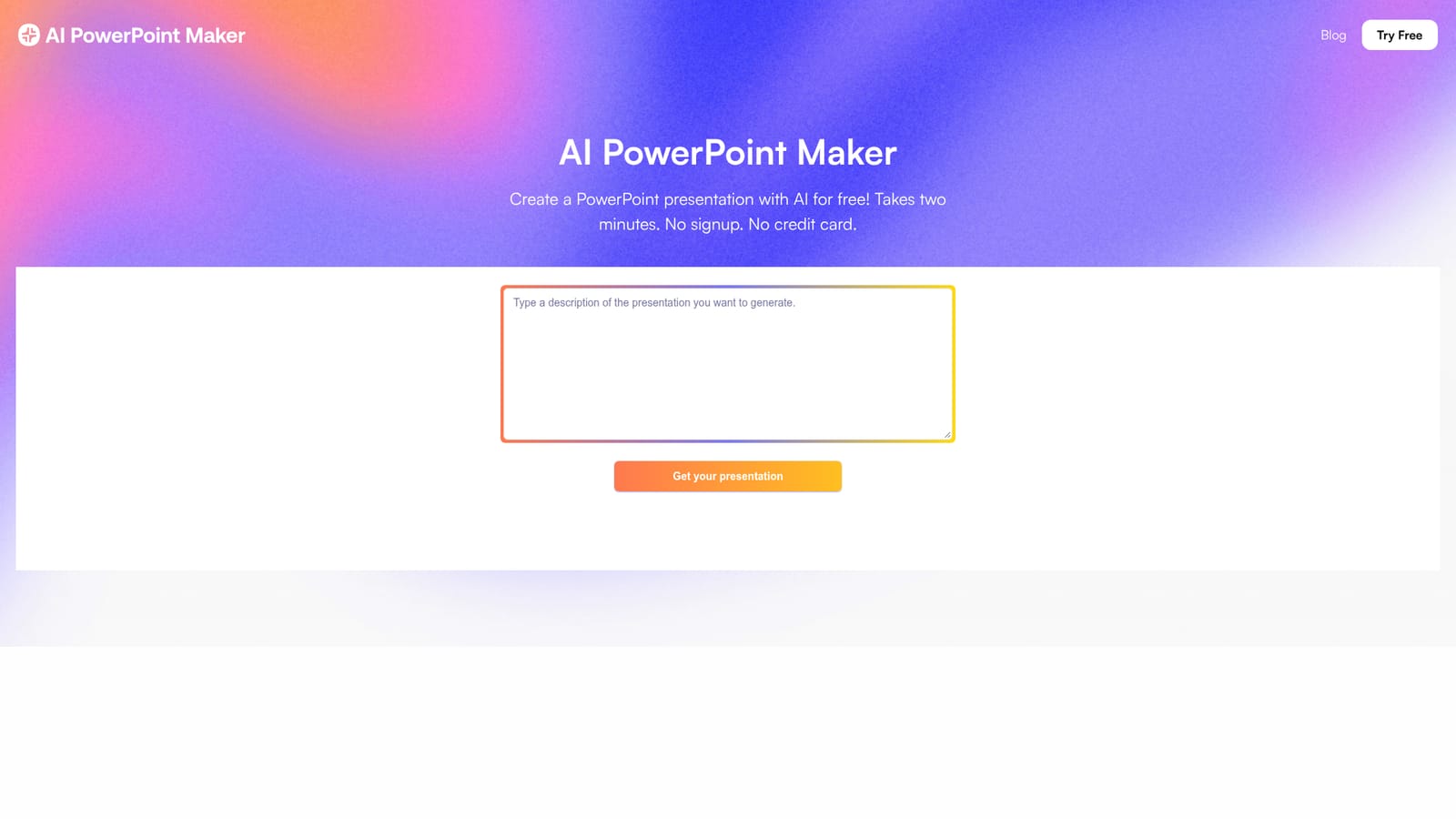
Presented as free to use: the homepage and FAQ state users can generate unlimited AI presentations at no cost, with no signup or credit card, and pay only to download the PPTX file or unlock premium themes.
Learn moreTurn text, Word docs, PDFs or articles into editable PowerPoint decks.
Own AI PowerPoint Maker? Verify ownership to get a dofollow link

AI PowerPoint Maker is an AI slideshow maker tool that turns text, Word docs, PDFs or articles into editable PowerPoint decks. A browser based AI presentation generator that converts text prompts, Word documents, PDFs and web articles into editable PowerPoint decks, with PPTX export and no signup needed to start.
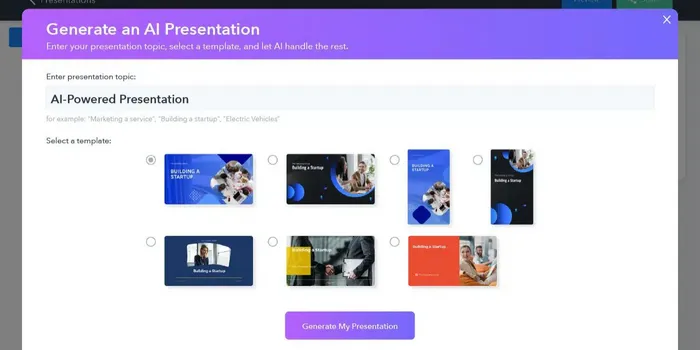
AI PowerPoint Maker is a browser based generator that turns raw text, outlines, Word documents, PDFs or web articles into complete slide decks. The site describes the tool as combining large language model reasoning with design rules, so a short brief becomes a structured presentation rather than a blank canvas. The core promise is speed: the homepage claims a deck can be produced in about two minutes, with no signup and no credit card required to generate one. In practice the workflow starts with a prompt or an uploaded document. The generator produces a draft deck, and from there the slides remain editable in the same way as any normal presentation file. Text can be rewritten, images swapped and templates applied, and the site stresses that users are not locked into the generated layout. Finished decks export as native PPTX files, which the homepage says can be opened in Microsoft PowerPoint or Google Slides without formatting problems. The FAQ also states the viewer runs entirely in the browser, so there is nothing to install. The tool is aimed at people who need a presentable deck quickly: founders preparing investor updates, sales teams assembling client material, product managers writing reviews, and marketing staff turning articles into slide content. The homepage includes testimonials from those kinds of roles, several of which emphasize speed under deadline and consistency of design across a team. How it fits among alternatives is mostly a question of scope and polish. It sits in the same category as other text to slides generators, but its stated focus is converting documents and web content rather than only prompts. The trade off is that the finished deck still depends on the user editing the output, and the branding and theme controls described on the site are tied to paid tiers. Teams needing deep template governance or enterprise administration should check the plan details before committing.
Presented as free to use: the homepage and FAQ state users can generate unlimited AI presentations at no cost, with no signup or credit card, and pay only to download the PPTX file or unlock premium themes.
Learn moreThe homepage lists two plans: Individual at $2.99 per month and Enterprise at $8.99 per month. The surrounding copy is placeholder text and some plan features appear to belong to a different product, so treat the figures as indicative and confirm details on the site. The FAQ says generation is free and payment applies to PPTX downloads or premium themes.
Learn moreThe site directs users to contact support for questions beyond the FAQ and lists premium support as an Enterprise plan feature. No help centre, response time or ticketing detail is documented on the homepage.
The homepage states that AI PowerPoint Maker is available in PowerPoint and on Microsoft AppSource, and that exported PPTX files work with Microsoft PowerPoint and Google Slides.
Converts text prompts, outlines, Word documents, PDFs and web articles into slide decks. Generated slides stay editable, and decks export as native PPTX files for PowerPoint or Google Slides. Runs entirely in the browser, requires no installation, and the homepage mentions premium themes and custom branding on the paid plans.
 AI Angels400+ customizable AI girlfriends for NSFW chat, voice calls, and roleplay
 Candy AIExperience the future of companionship with AI friends who chat, role-play, and connect with you on a human level.
 ourdream.aiA vast AI roleplay platform with millions of characters for chat, images, video and voiceAI Angels400+ customizable AI girlfriends for NSFW chat, voice calls, and roleplayCandy AIExperience the future of companionship with AI friends who chat, role-play, and connect with you on a human level.ourdream.aiA vast AI roleplay platform with millions of characters for chat, images, video and voice