Free trial
A free tier exists rather than a timed trial: 50 monthly credits, enough for five Classic Slides decks at 10 credits each, with 10 credits available before sign in.
Learn moreTurns a prompt, document or video into editable slides in seconds

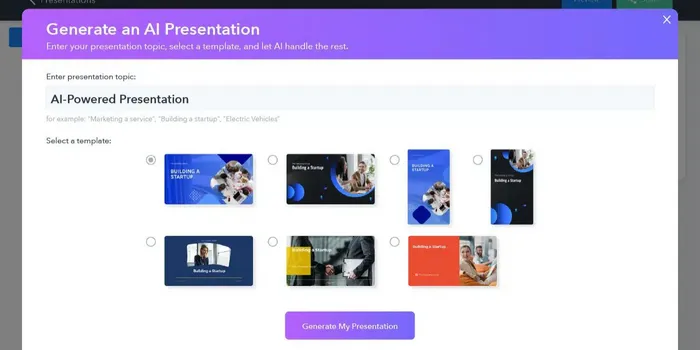
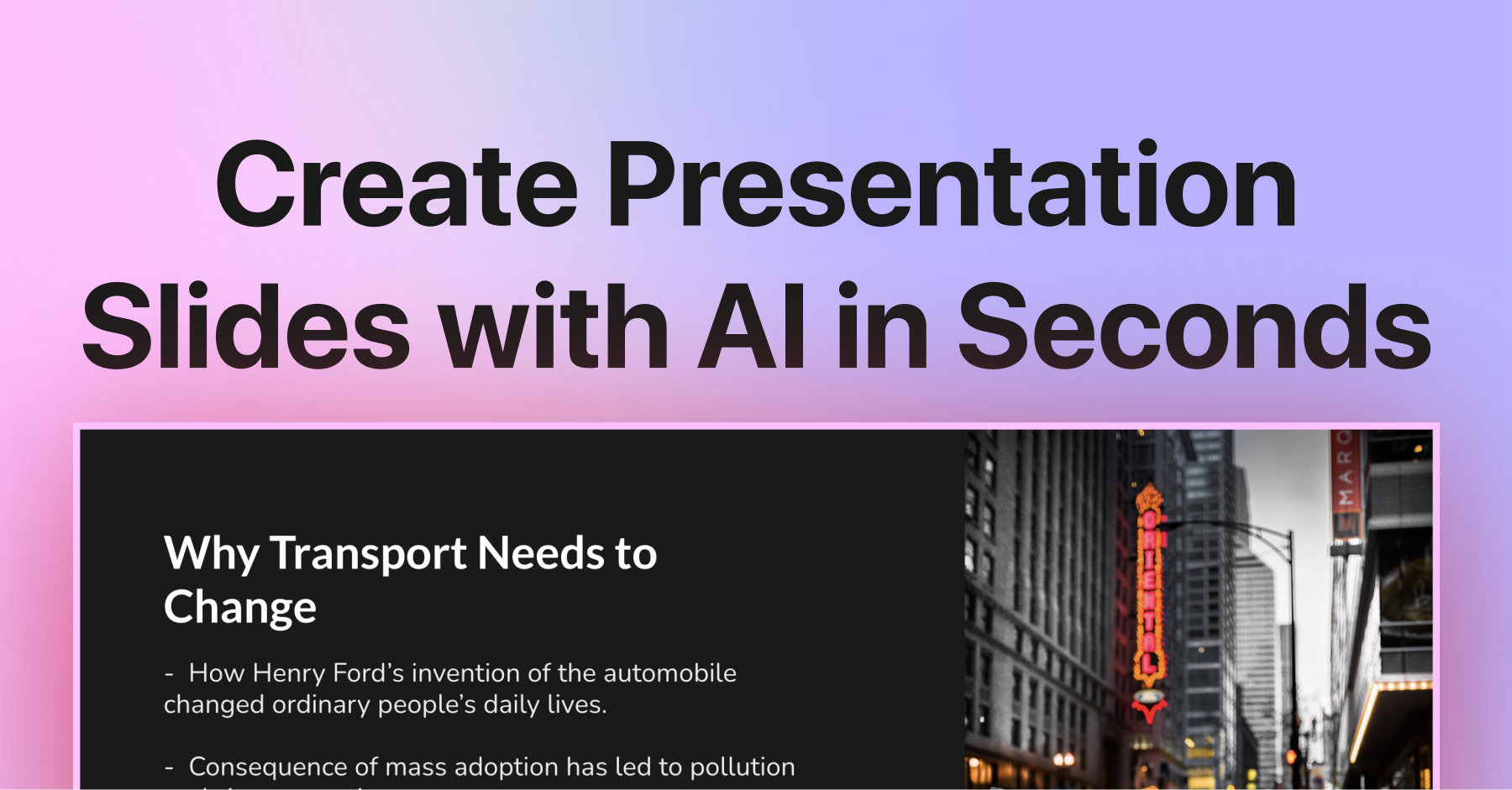
AI PPT Maker is an AI slideshow maker tool that turns a prompt, document or video into editable slides in seconds. A browser based presentation generator that converts prompts, documents and videos into structured, editable slide decks with speaker notes, brand kits and PPTX export.
AI PPT Maker is a browser based presentation generator built around three distinct slide engines. Agent Slides handles guided structure and design, Creative Slides leans on AI generated imagery for visuals, and Classic Slides builds decks around a library of more than 1,000 templates (the feature list cites 200+ designer templates for restyling). Input can be a one line prompt, a pasted outline, a PDF, Word doc, spreadsheet, text file, article link or a YouTube video. The system reads the context, drafts an outline, writes the slide copy, picks or draws supporting visuals, and arranges the layout. The practical workflow is short. Users describe the deck or upload a source file, and roughly ten seconds later they get a structured outline with written copy, charts, iconography and matching images across 10 to 20 slides. Speaker notes come attached to each slide as a ready to read talk track. From there a visual editor allows per slide edits, and one click restyle swaps the entire deck between looks such as corporate, minimal or tech forward without touching the content. Exports land as PPTX, PDF or a share link, with files described as compatible with PowerPoint and Google Slides, which matters for teams whose pitch deck keeps changing after every meeting. The audience is broad by design: founders preparing investor pitches, consultants writing client reports, teachers converting lesson material, L&D teams organizing onboarding documents, marketers drafting campaign reviews and sales teams building case studies. Skill packages (uploadable .zip, .skill or .md files) bundle domain specific instructions for recurring formats like investor research decks, event planning or Excel training. Brand kits store logos, fonts and hex colors so generated decks stay on brand, and output is offered in 40+ languages. Against rivals, the differentiators it advertises are breadth of input formats (documents and video, not just text prompts), the skill package system, and enterprise style guarantees: AES-256 at rest, TLS 1.3 in transit, no training on customer decks, regional data residency in the EU, US or APAC, and full commercial rights to generated slides. Pricing tiers beyond the free credit allowance are not published on the homepage.
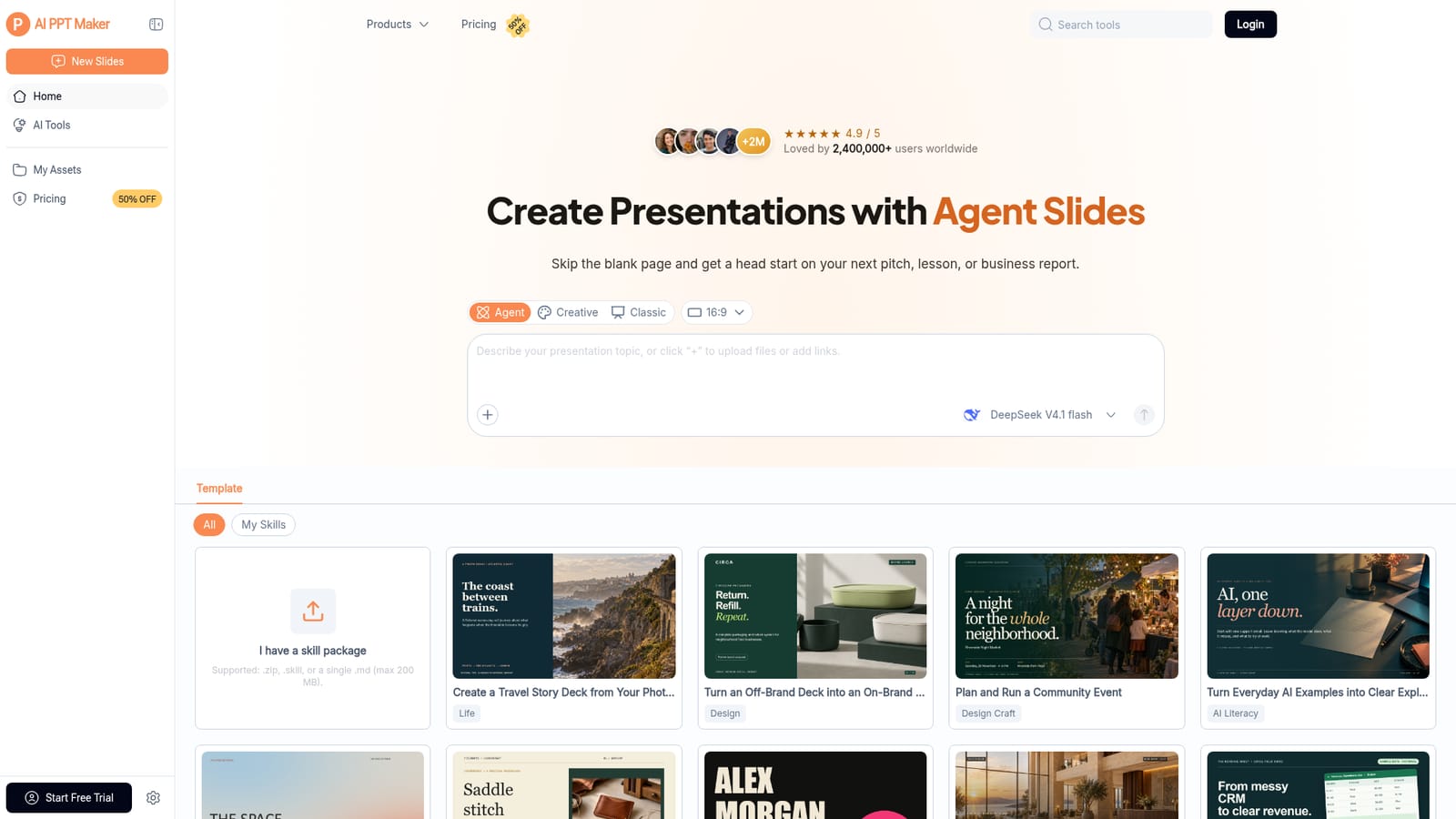
A free tier exists rather than a timed trial: 50 monthly credits, enough for five Classic Slides decks at 10 credits each, with 10 credits available before sign in.
Learn moreFree plan: 50 credits per month for Classic Slides, with 10 credits per presentation. New users get 10 credits before signing in and claim the remaining 40 after. Unused monthly credits do not roll over. Paid tiers and their prices are not listed on the homepage.
Learn moreSupport runs through a contact page. The site also advertises 24/7 security monitoring, a 99.9% uptime SLA, under two hour incident response and annual independent penetration tests for enterprise customers.
Learn moreNo third party integrations or API are documented on the homepage. Exported PPTX and PDF files are stated to work with PowerPoint and Google Slides, and inputs accept common document and video formats.
One prompt generation of structured decks with speaker notes, AI smart layout, licensed AI images and icon sets, one click restyle, 200+ designer templates, smart chart selection from spreadsheet data, brand kits for logo, fonts and hex colors, multilingual output in 40+ languages, skill packages for domain specific formats, and PPTX, PDF or link export compatible with PowerPoint and Google Slides.
 AI Angels400+ customizable AI girlfriends for NSFW chat, voice calls, and roleplay
 Candy AIExperience the future of companionship with AI friends who chat, role-play, and connect with you on a human level.
 ourdream.aiA vast AI roleplay platform with millions of characters for chat, images, video and voiceAI Angels400+ customizable AI girlfriends for NSFW chat, voice calls, and roleplayCandy AIExperience the future of companionship with AI friends who chat, role-play, and connect with you on a human level.ourdream.aiA vast AI roleplay platform with millions of characters for chat, images, video and voice