Free trial
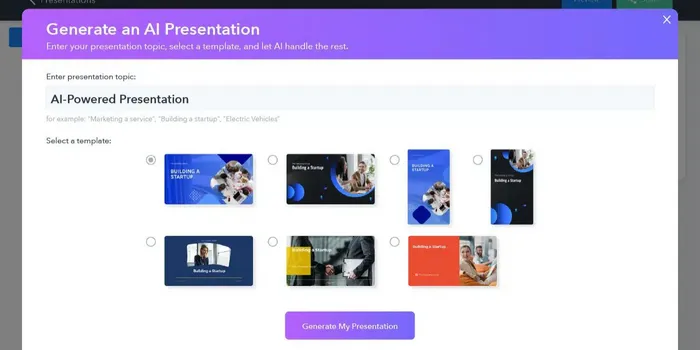
The homepage offers a free creation path through the wizard, but the length of any trial and the limits of the free plan are not stated there.
Learn moreAI deck builder that turns prompts and docs into tracked, interactive presentations

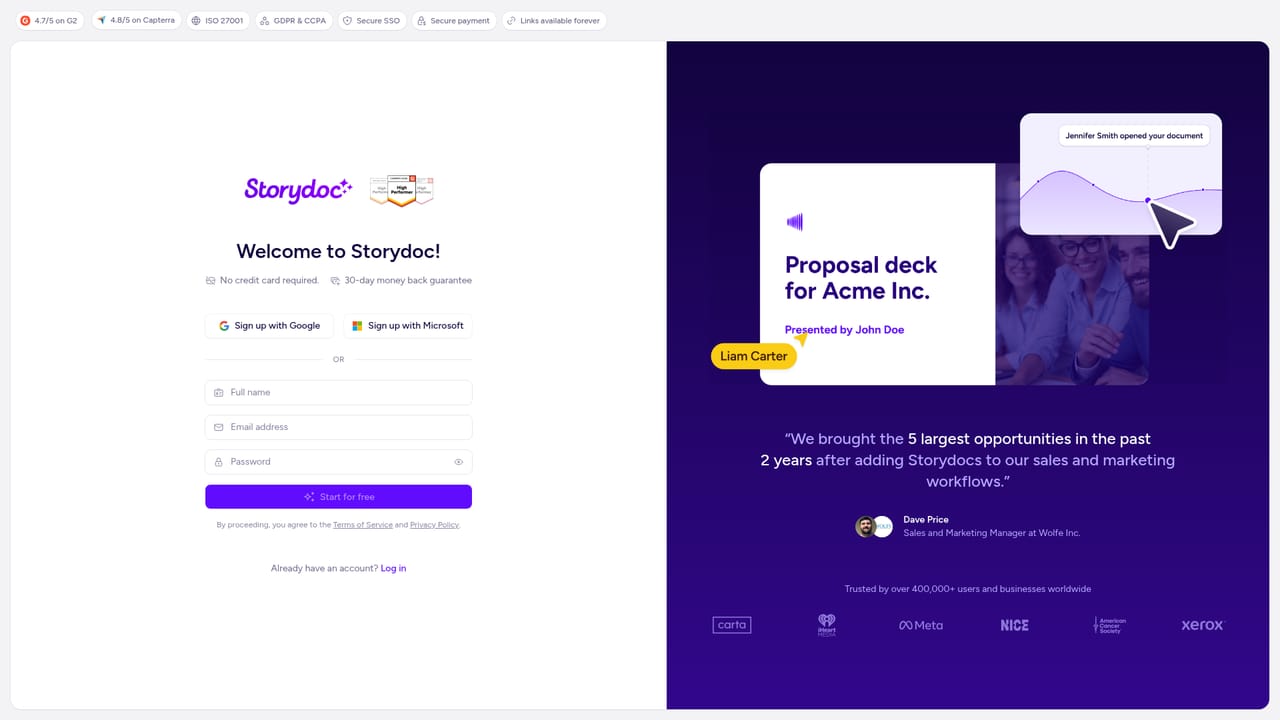
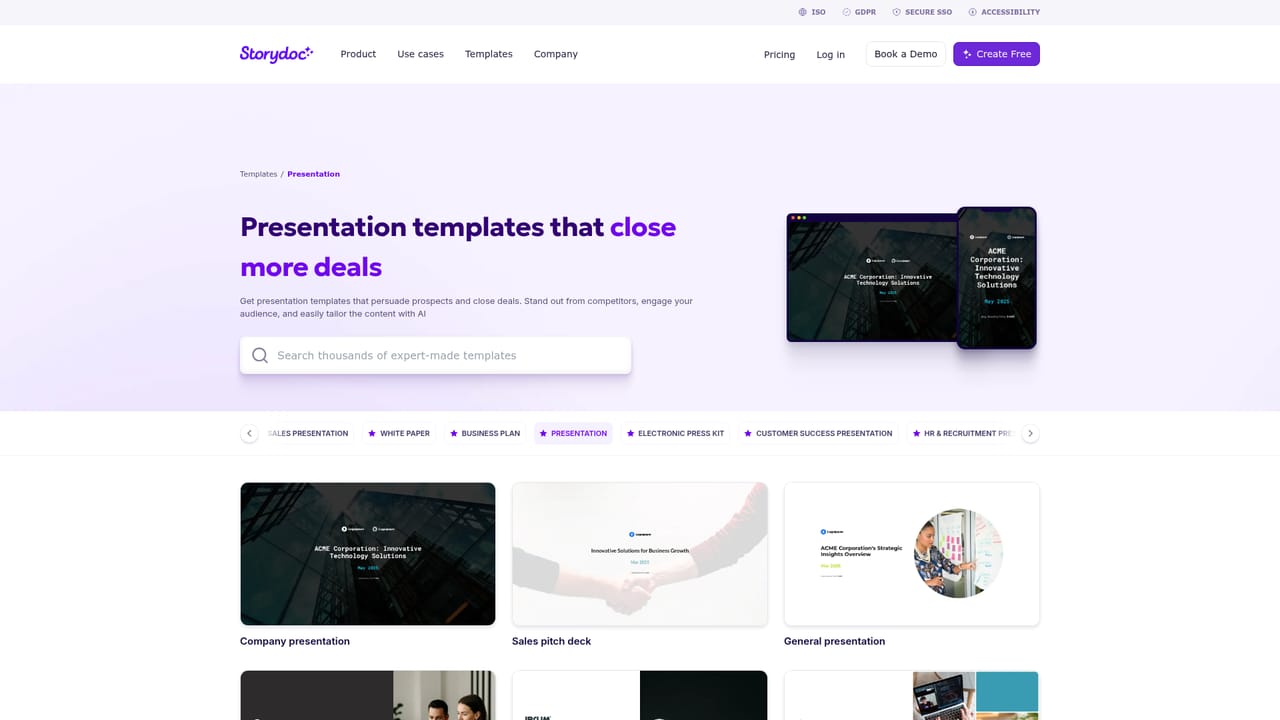
Storydoc is an AI slideshow maker tool. Storydoc's AI presentation maker generates on-brand, interactive decks from a prompt, uploaded text or a PDF, then tracks views, clicks and time per slide. It is built for sales, marketing and communications teams that send decks by link and want personalization, analytics and real-time collaboration rather than static slides.
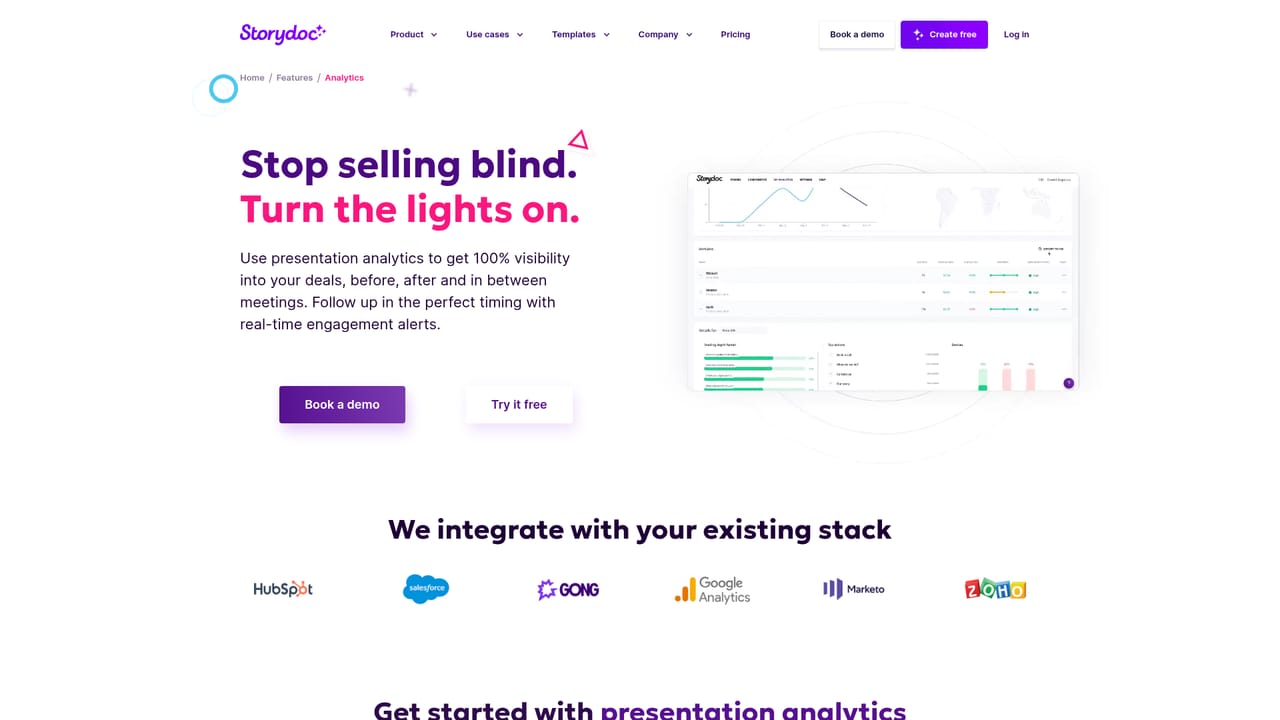
Storydoc is an AI presentation maker aimed at teams that send decks by email or link rather than presenting them live. You hand the tool a prompt, an uploaded document or an existing PDF, and it generates a complete multi-slide presentation styled with your logo, colors and fonts. Storydoc positions the output as a web-native, scrollable page rather than a fixed-format slide file, so viewers can open it on a phone or laptop without pinching, zooming or broken layouts. The product goes further than first-draft generation. Individual slides can be rewritten or redesigned on request, interactive charts, CTA buttons, embedded videos, forms, calendars and surveys can be dropped into the flow, and long decks get interactive tables of contents and scroll-based navigation. Personalization is handled through dynamic variables pulled from CRM data, so the same template can produce tailored decks for many prospects, and real-time co-editing, approval workflows and shared slide libraries keep a marketing or sales team working from one approved set of content. Analytics are the distinguishing feature. Storydoc records views, clicks and time spent per slide, then surfaces AI insights on which content holds attention and where readers drop off. You can A/B test messaging and receive alerts when a key recipient opens or engages with a deck, which is closer to a document-tracking tool than a traditional slide editor. Storydoc suits B2B sales, marketing, recruiting and internal communications teams producing proposals, sales one-pagers, white papers and reports that need to be read without a presenter. Alternatives fall into two camps: conventional AI slide tools built for live presenting, and PDF or static document workflows. Storydoc competes against both by combining fast generation with interactive delivery and reader-level measurement. The site lists 2,500+ companies using it, including Workday, Meta and Xerox.
The homepage offers a free creation path through the wizard, but the length of any trial and the limits of the free plan are not stated there.
Learn moreThe site offers a demo booking page and how-to videos, but does not describe support channels or response times on the homepage.
Learn moreNative integrations are listed for Salesforce, HubSpot, Pipedrive and other tools, used mainly to pull customer data for personalized decks at scale.
Learn moreAI generates full presentations from prompts or uploaded text and applies brand assets automatically. Static PDFs convert into interactive, mobile-ready slides, with per-slide AI help for rewriting and redesign. Decks support charts, CTA buttons, embedded video, forms, calendars and surveys, plus tables of contents and scroll-based navigation. Analytics covers views, clicks and time per slide with AI insights, A/B testing and engagement alerts.
Learn more AI Angels400+ customizable AI girlfriends for NSFW chat, voice calls, and roleplay
 Candy AIExperience the future of companionship with AI friends who chat, role-play, and connect with you on a human level.
 ourdream.aiA vast AI roleplay platform with millions of characters for chat, images, video and voiceAI Angels400+ customizable AI girlfriends for NSFW chat, voice calls, and roleplayCandy AIExperience the future of companionship with AI friends who chat, role-play, and connect with you on a human level.ourdream.aiA vast AI roleplay platform with millions of characters for chat, images, video and voice