Free trial
A free tier is offered without a credit card, covering a handful of video and image generations with watermarks on output.
Learn moreOne prompt, many top video and image models, one subscription

Yolly AI is a content tool. An all-in-one generator that routes a single prompt to multiple top video and image models, including Veo 3, Kling, Runway, Flux and Midjourney, with templates, image-to-video and video-to-video modes for short-form and ad content.
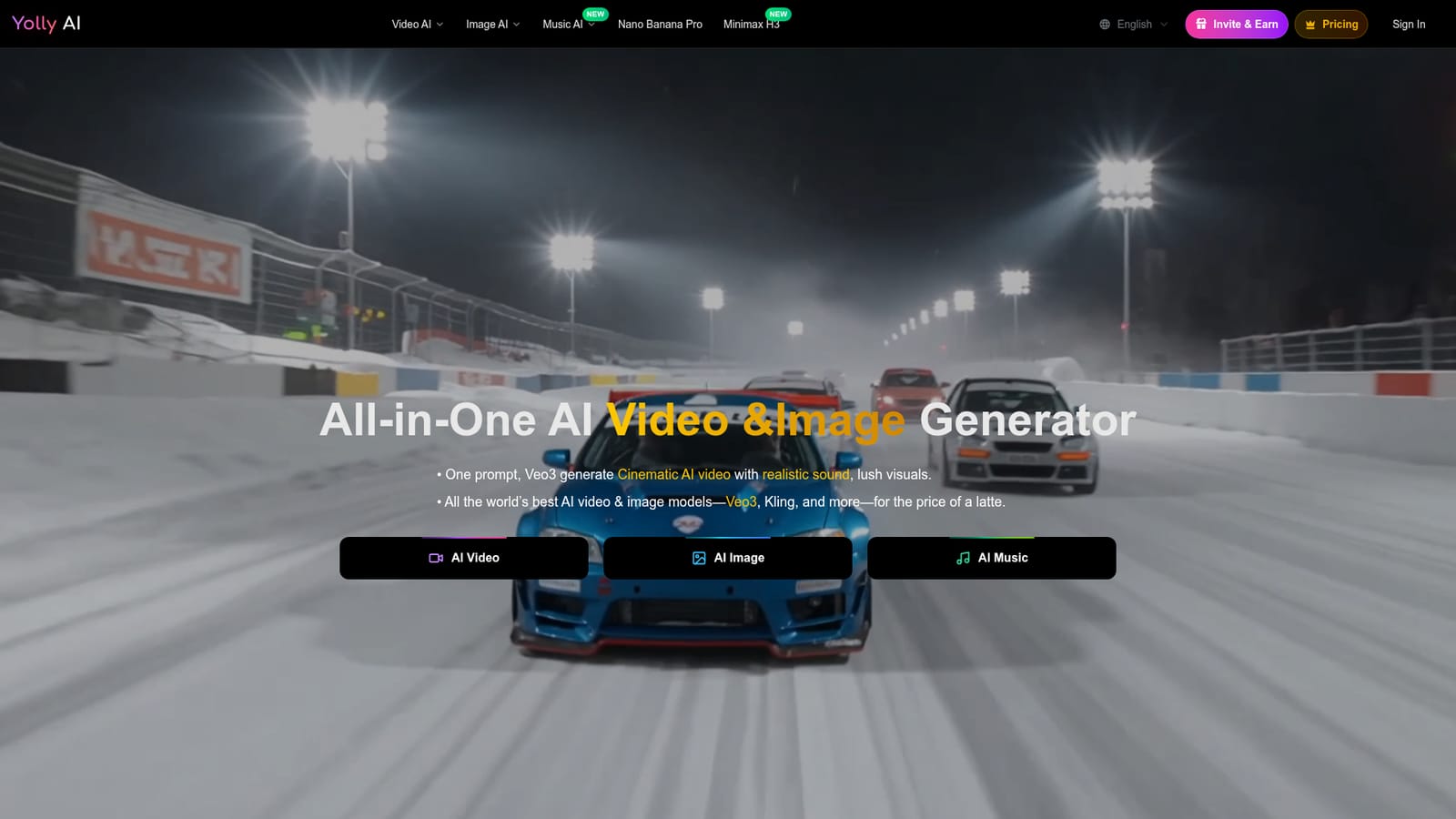
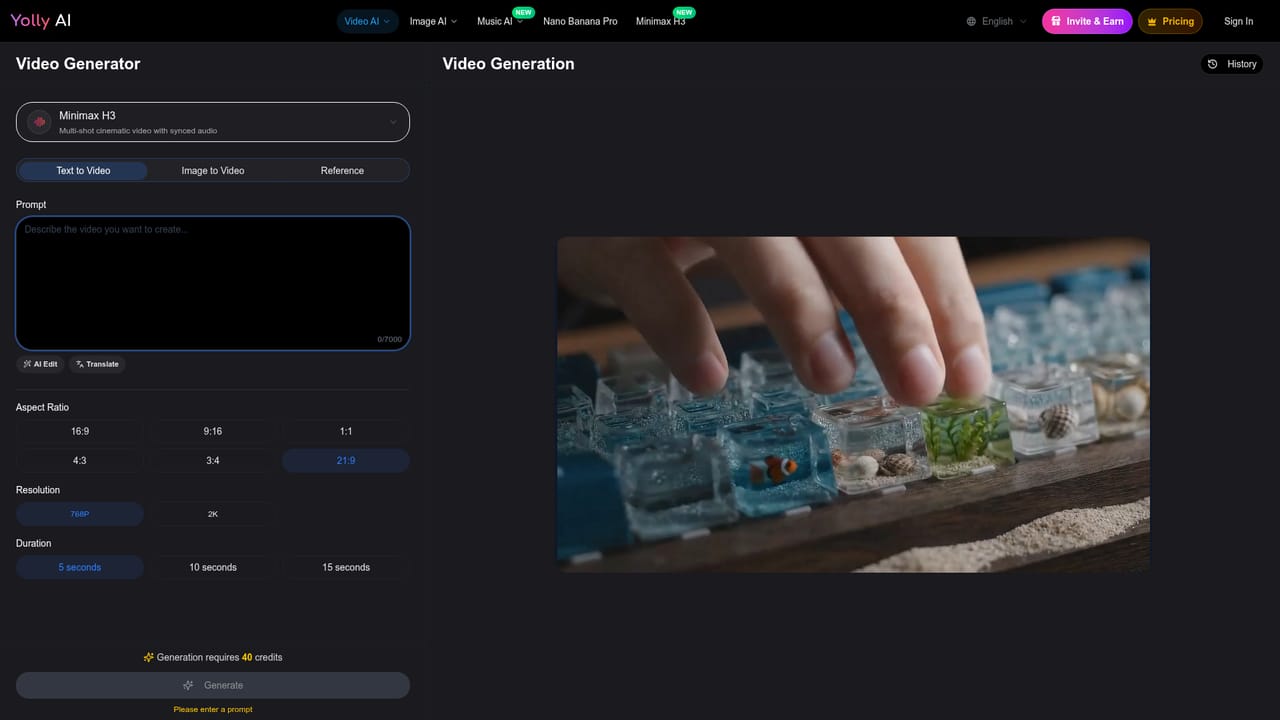
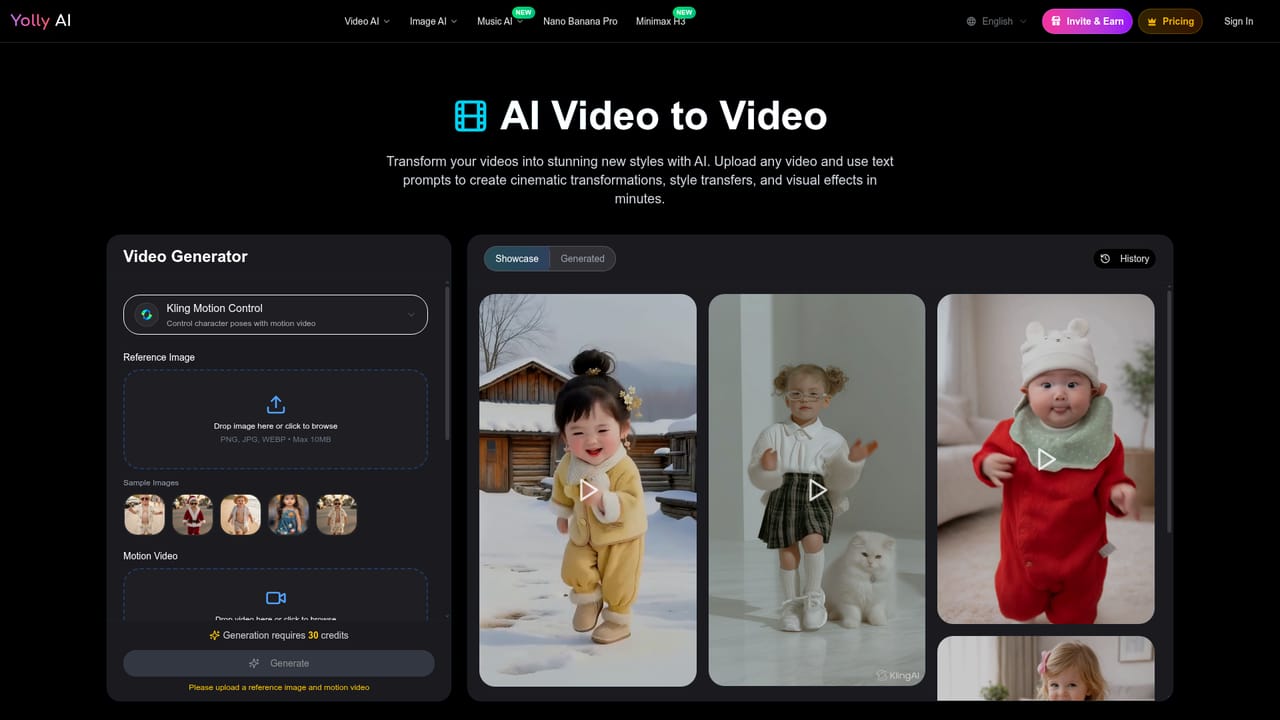
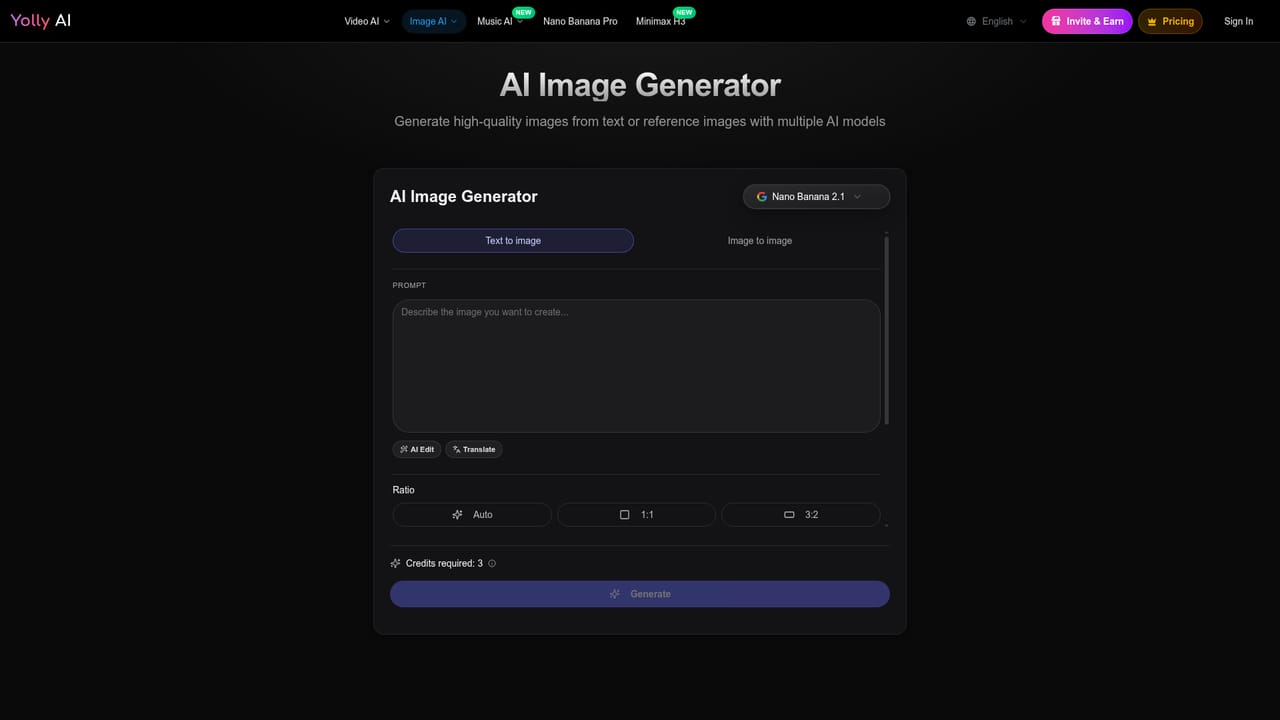
Yolly AI is a browser-based studio that bundles several third-party generation models behind a single interface. Instead of subscribing to each engine separately, users pick from a roster that includes Veo 3, Kling, Runway, Hailuo, Seedance, Grok and Midjourney for motion, and Flux, DALL-E, GPT-4o, Imagen and Midjourney for stills. The pitch is consolidation: one prompt box, one billing relationship, and output that stays in a familiar format across engines. The workflow covers the usual creative paths. Text to video turns a written script into a clip with cinematic camera movement, while image to video animates one photo or a sequence with added movement and transitions. Video to video restyles existing footage, and on the still side text to image and image to image handle generation and iterative variation. A music generator sits alongside for audio. The platform advertises 4K video with synchronized realistic sound, resolution options that include 480p, 720p and 1080p, and a library of more than 100 templates aimed at trend-driven formats such as ASMR clips, vertical product ads and short teasers. A Prompt Assist feature enriches thin ideas into usable drafts. It suits short-form creators, performance marketers running quick A/B variants, e-commerce teams producing product launch clips, social media managers and small studios that need fast teaser loops without a full editing pipeline. Users describe output in the 5 to 10 second range as the sweet spot, with steady frame rates for a more filmic look. Against single-model tools, the appeal is breadth and price positioning rather than depth in any one engine. Anyone who needs long-form footage, granular manual editing or guaranteed output quality per model will still combine it with dedicated tools. It is best treated as a fast drafting and variant engine that feeds a larger production workflow.
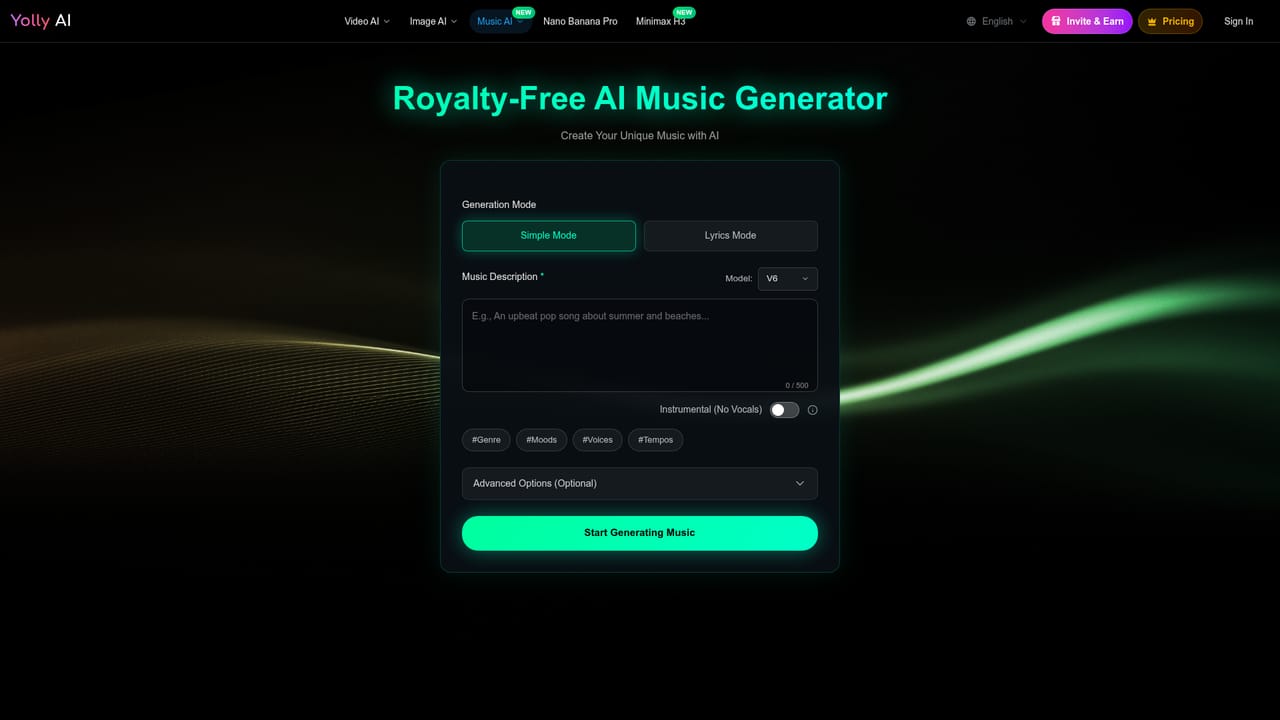
A free tier is offered without a credit card, covering a handful of video and image generations with watermarks on output.
Learn moreA free plan allows a small number of creations (roughly three to five) with basic features, and paid subscription tiers unlock more credits, advanced functions, watermark removal and commercial usage rights. Exact prices are not listed on the homepage.
Learn moreSupport is handled by email at hi@yolly.ai, and subscription cancellation is available through a self-service orders page.
Text to video, image to video, video to video, text to image and image to image modes across a large model roster. Output is described as up to 4K video with realistic sound, with 480p, 720p and 1080p options and steady frame rates. Over 100 templates cover viral formats, and Prompt Assist helps shape short ideas into usable prompts.
Learn more AI Angels400+ customizable AI girlfriends for NSFW chat, voice calls, and roleplay
 Candy AIExperience the future of companionship with AI friends who chat, role-play, and connect with you on a human level.
 ourdream.aiA vast AI roleplay platform with millions of characters for chat, images, video and voiceAI Angels400+ customizable AI girlfriends for NSFW chat, voice calls, and roleplayCandy AIExperience the future of companionship with AI friends who chat, role-play, and connect with you on a human level.ourdream.aiA vast AI roleplay platform with millions of characters for chat, images, video and voice


