Youanai

AI marketing suite that learns your brand once and drafts everything

Beginner
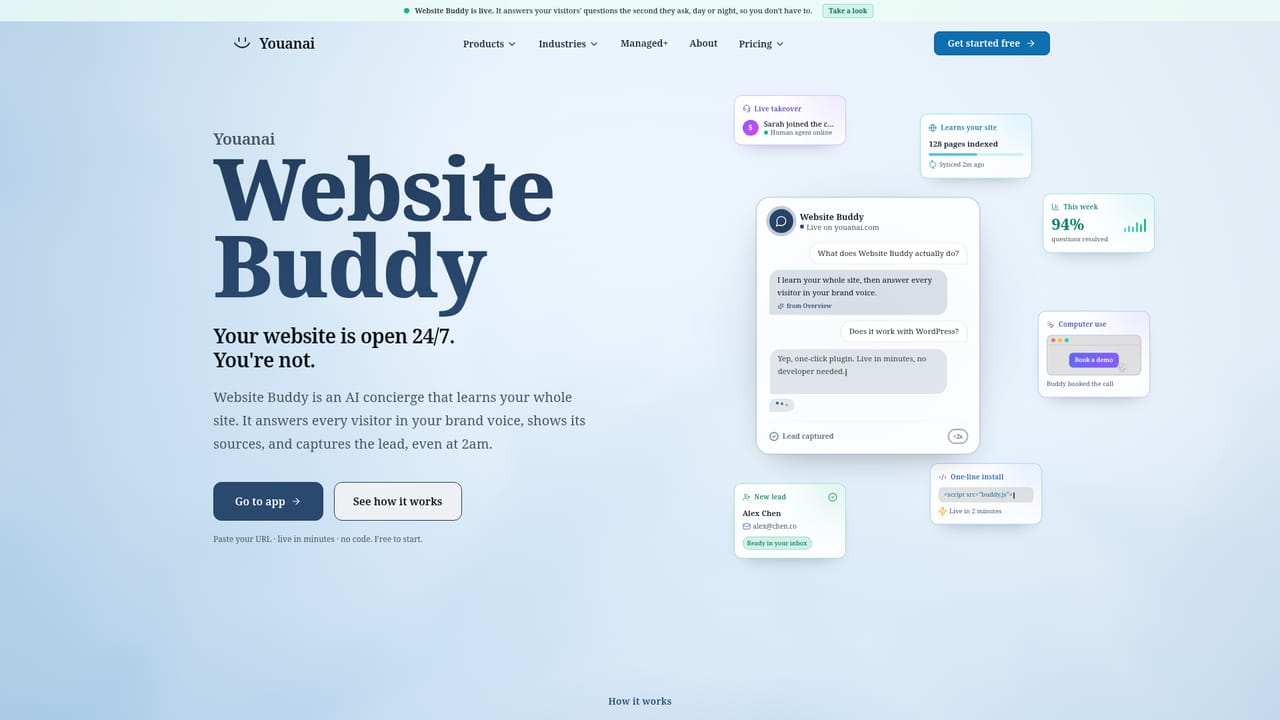
Screenshot of Youanai, AI marketing suite that learns your brand once and drafts everything

What is Youanai?

Youanai is an AI marketing suite that learns a brand once from its website and documents, then drafts social posts, site chat answers and soon emails and ads for approval before anything goes live.

Youanai is an AI marketing platform built around a single idea: describe your business once, then let every channel draw from that shared knowledge. The setup step reads a company's website, social profiles and uploaded documents such as PDFs and CSVs, and distills tone of voice, audience, products, offers and visual style into what the platform calls Business DNA. Each product in the suite then starts from that profile instead of asking for a fresh onboarding. Two products are available today. Youanai Social plans, creates and publishes posts across platforms including Facebook, Instagram, TikTok and LinkedIn, with X listed as coming. It drafts a weekly content calendar based on what is performing in an industry, reshapes one idea into the right format for each channel, and includes Lisa, a chat assistant for brainstorming and restyling posts. Image and video generation draw on third-party models named on the site, such as Veo 3.1, Sora 2 and gpt-image-2. Website Buddy is a public-facing agent that answers visitor questions on a site around the clock. Social Buddy, Desk, Ads and Mail are announced but not yet released, with a waitlist for them. Everything the AI produces waits in a review queue until a person approves it, so nothing publishes on its own. Usage is metered in credits shared across products, and failed or unusable results are not charged. A separate Managed+ service adds a dedicated strategist who runs social, ads, SEO and email using the same tooling. The audience is small businesses, founders, schools and similar organisations that lack a marketing team, along with agencies and marketing teams that Solutions templates are designed for. Against single-purpose social schedulers, Youanai trades depth in any one channel for a unified brand memory across several. Against full agency retainers, it offers a software-first route with an optional human layer on top.
How do you use Youanai?

  1. 1Create an account
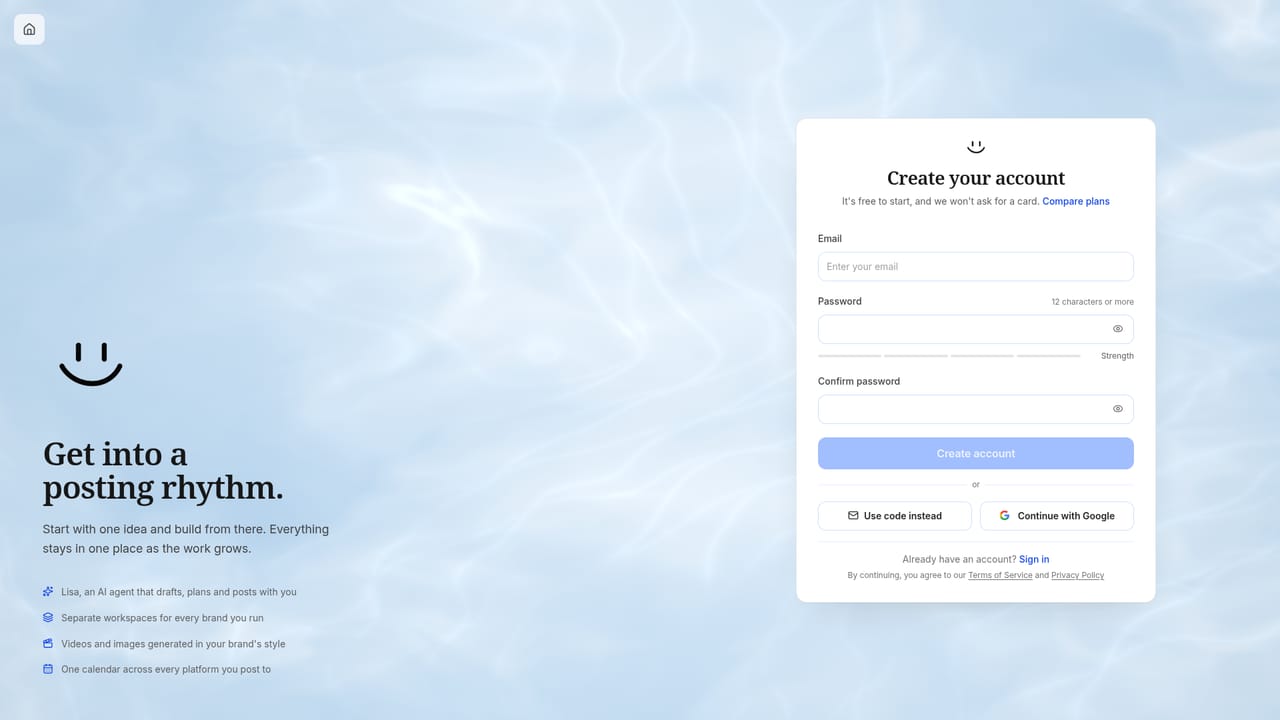
    Sign up at the Youanai app. The free start option lets you try the platform before choosing an individual or suite plan.
    Youanai — Create an account
  2. 2Point it at your brand
    Provide your website, social profiles and any documents such as PDFs or CSVs. Youanai reads them to build your Business DNA covering tone, audience, products and style.
  3. 3Generate your first posts
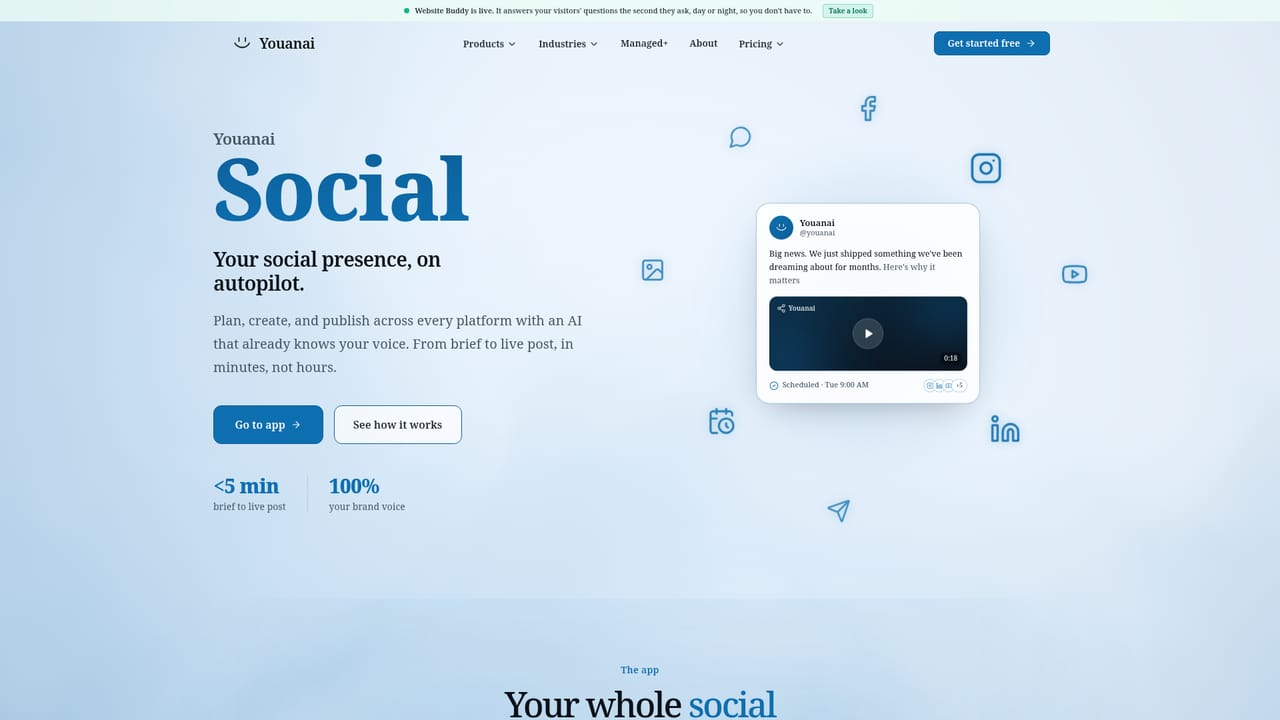
    Open Youanai Social and ask for a draft, or let it propose a week of on-brand posts. Lisa, the chat assistant, can refine wording and style.
    Youanai — Generate your first posts
  4. 4Approve in the review queue
    Check each draft, edit if needed and approve. Approved content can be scheduled to post on its own across the connected platforms.
  5. 5Add Website Buddy
    Set up the site agent so visitors get instant answers drawn from your Business DNA, around the clock.
    Youanai — Add Website Buddy

Pros and cons

Pros

  • One-time Business DNA setup is reused by every product, so voice stays consistent across channelsAI
  • Review-first design: nothing publishes until a person approves it in the queueAI
  • Youanai Social covers calendar planning, multi-platform formatting, scheduling and image or video generationAI
  • Failed or unusable AI results are not charged against creditsAI
  • Managed+ option adds a dedicated human strategist for teams that want hands-off executionAI

Cons

  • Only Social and Website Buddy are live; Social Buddy, Desk, Ads and Mail are still on a waitlistAI
  • X posting is listed as coming soon, so channel coverage is not complete yetAI
  • Credit-based metering makes monthly cost harder to predict for heavy image and video useAI
  • Managed+ starts at $1,500 per month, which is steep for very small businessesAI
  • Output quality depends on how well the site and documents describe the brandAI

How much does Youanai cost?

Free trial

A free starting tier is available, and a Get Your Three Posts offer exists, though the homepage does not detail its terms.

Learn more

Pricing

Start free, pick an individual plan for Social or Website Buddy, or choose Suite A or Suite B for both. Plans include credits, with add-ons and annual savings. Managed+ starts at $1,500 per month. Exact prices are on the site's pricing pages.

Learn more

Support

The homepage names no support channel. A demo booking page, a releases changelog and a weekly YouTube podcast exist. Managed+ includes a dedicated strategist.

Learn more

Integrations

Publishes to Facebook, Instagram, TikTok and LinkedIn, with X coming. Uses third-party models such as Veo 3.1, Sora 2, gpt-image-2, Gemini 3.1 Pro and Claude Opus 5. Messenger, WhatsApp and Instagram chat are planned.

Features

Business DNA built from website, social profiles and documents; daily content calendar; one idea reshaped per platform with scheduling; Lisa chat assistant; image and video generation; Website Buddy visitor answers; review queue; Managed+ strategist service.

Learn more

Frequently asked questions about Youanai

  • How much does Youanai cost?
    Start free, pick an individual plan for Social or Website Buddy, or choose Suite A or Suite B for both. Plans include credits, with add-ons and annual savings. Managed+ starts at $1,500 per month. Exact prices are on the site's pricing pages.
  • Does Youanai offer a free trial?
    A free starting tier is available, and a Get Your Three Posts offer exists, though the homepage does not detail its terms.
  • How do you use Youanai?
    The walkthrough on this page covers 5 steps: 1. Create an account 2. Point it at your brand 3. Generate your first posts 4. Approve in the review queue 5. Add Website Buddy.
  • What platforms does Youanai support?
    Youanai is available on Web App.
  • What does Youanai integrate with?
    Publishes to Facebook, Instagram, TikTok and LinkedIn, with X coming. Uses third-party models such as Veo 3.1, Sora 2, gpt-image-2, Gemini 3.1 Pro and Claude Opus 5. Messenger, WhatsApp and Instagram chat are planned.
  • What are the limitations of Youanai?
    Only Social and Website Buddy are live; Social Buddy, Desk, Ads and Mail are still on a waitlist. X posting is listed as coming soon, so channel coverage is not complete yet. Credit-based metering makes monthly cost harder to predict for heavy image and video use.

Status

StatusActive
Views0
Outbound clicks0
Added10/18/2026

Platforms

Web App

Pricing

FreemiumSubscription