Integrations
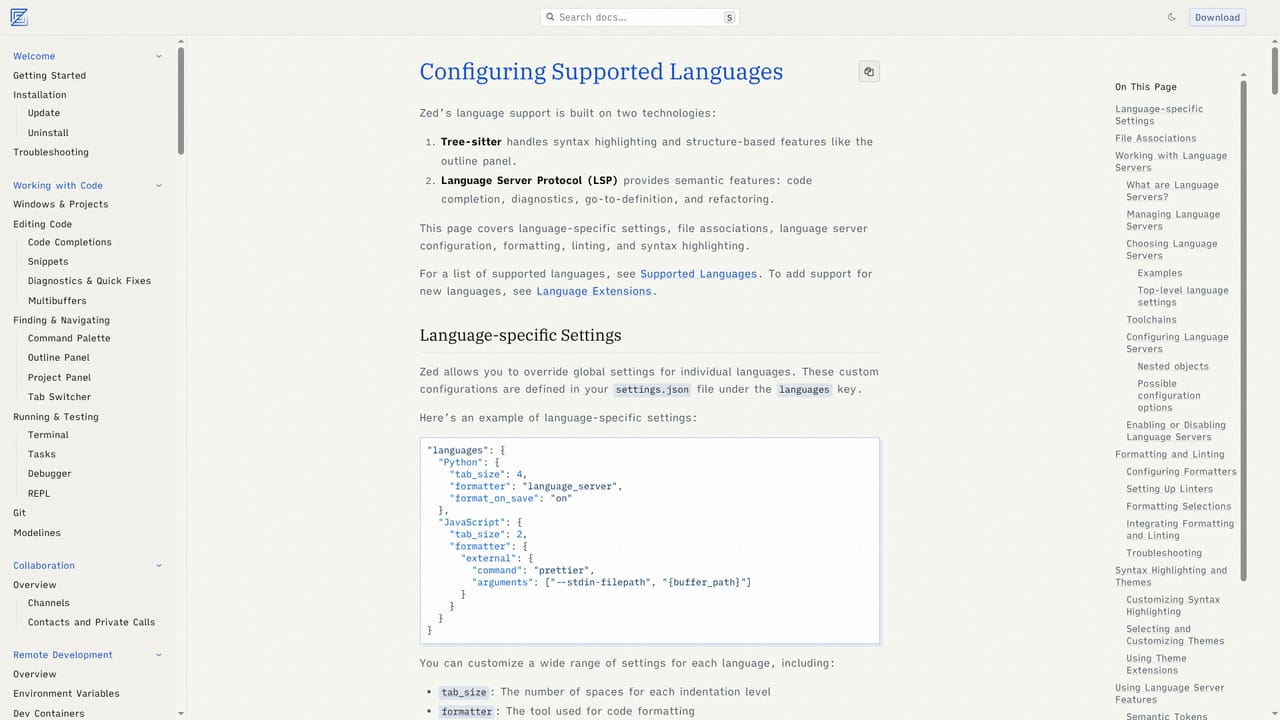
Language servers and extensions via the Zed extensions catalog, the Agent Client Protocol for connecting external agents, and the Debug Adapter Protocol for language debuggers.
Learn moreA minimal, GPU-accelerated code editor built in Rust for humans and AI agents

Zed is a GPU-accelerated code editor written in Rust, with native agentic editing, parallel agents, edit prediction via the Zeta2 model, an Agent Client Protocol for third-party agents, a DAP-based debugger, built-in Git, multibuffers, remote development, and first-class Vim bindings.
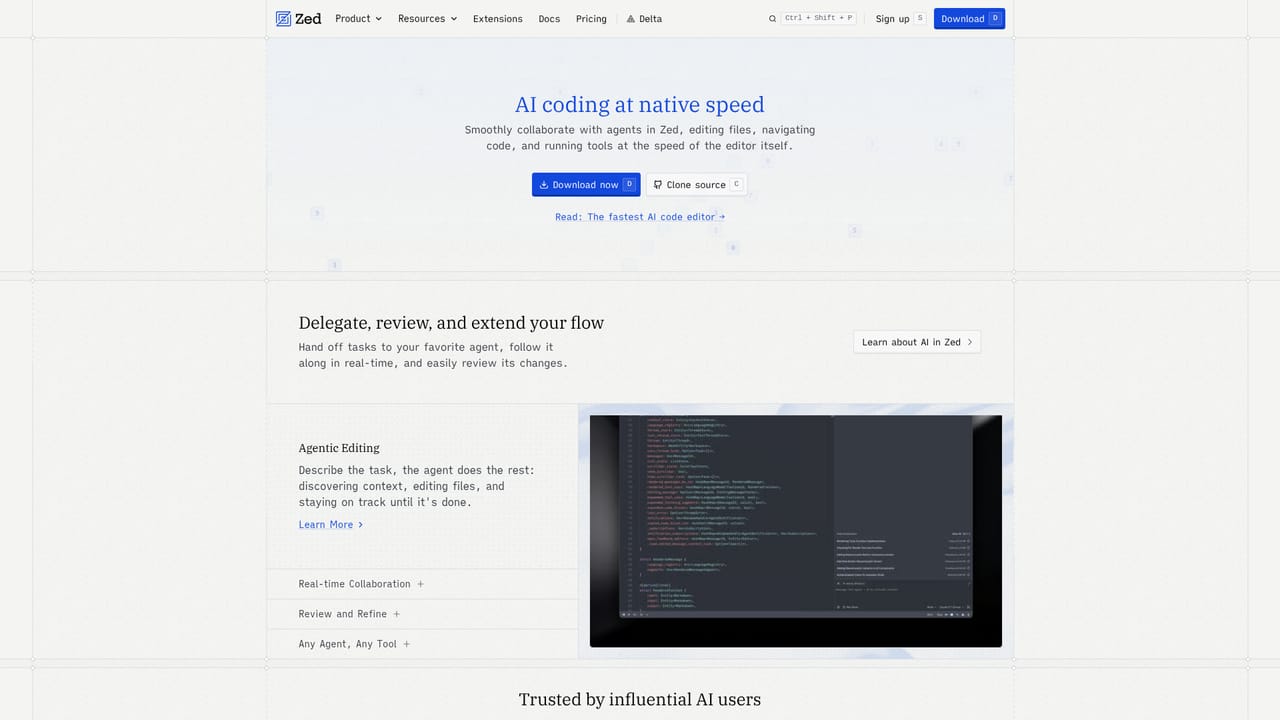
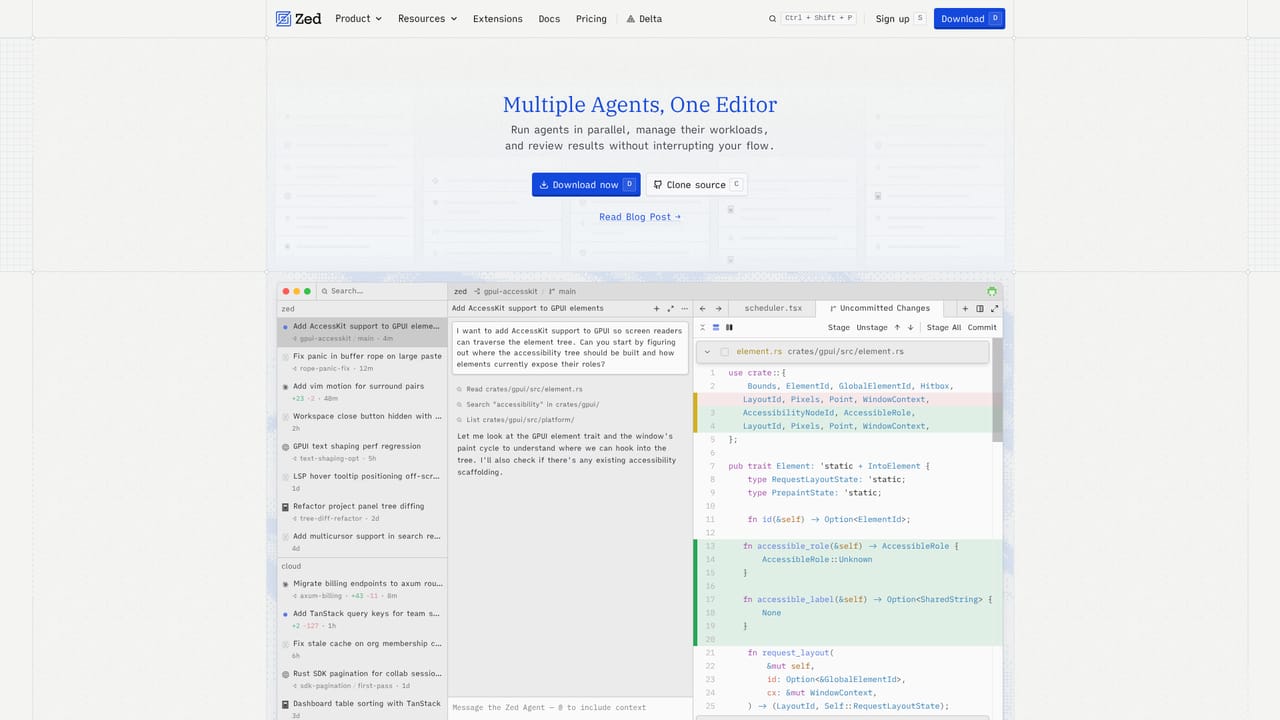
Zed is a code editor written from scratch in Rust, designed to squeeze performance out of multiple CPU cores and the GPU. The pitch is speed: fast startup, low typing latency, and responsive UI interaction even on large projects. It runs on macOS, Linux, and Windows, and the source is available to clone, which matters for teams that want to inspect or contribute to the tool they spend their day inside. The AI side is the part most developers will evaluate first. Zed supports agentic editing natively, so an agent can edit files, navigate a codebase, and run tools inside the editor rather than in a separate chat window. Parallel Agents let several agent threads run across different projects at once, which suits work that involves jumping between repositories. Edit Prediction is powered by Zeta2, described as an open-weight language model, and the editor also exposes an inline assistant for targeted changes. Because Zed implements the Agent Client Protocol, agents from outside its own stack can be wired in, and a debugger built on the Debug Adapter Protocol adds breakpoint and stepping support across languages. Day to day, this is a working editor rather than a demo shell. Native Git support covers staging, committing, pulling, pushing, and diff review. Multibuffers compose excerpts from across the codebase into one editable surface, which is useful for sweeping refactors and review. Remote development keeps the codebase on a server while only the UI runs locally, and Vim bindings are first class, with text objects and marks included. An extensions catalog supplies language support and themes. Zed fits developers who find heavier editors sluggish and who want AI agents inside the buffer rather than bolted on. It is closest in spirit to a fast native editor with modern AI tooling, and the tradeoff is ecosystem depth: it will not match the extension catalog of long-established editors, and anyone heavily invested in a specific plugin stack should check coverage before switching.
Language servers and extensions via the Zed extensions catalog, the Agent Client Protocol for connecting external agents, and the Debug Adapter Protocol for language debuggers.
Learn moreRust-based editor with GPU rendering, native agentic editing, Parallel Agents across projects, edit prediction powered by the open-weight Zeta2 model, Agent Client Protocol support, a Debug Adapter Protocol debugger, native Git staging and diff review, multibuffer editing, remote development, and first-class Vim bindings.
Learn more AI Angels400+ customizable AI girlfriends for NSFW chat, voice calls, and roleplay
 Candy AIExperience the future of companionship with AI friends who chat, role-play, and connect with you on a human level.
 ourdream.aiA vast AI roleplay platform with millions of characters for chat, images, video and voiceAI Angels400+ customizable AI girlfriends for NSFW chat, voice calls, and roleplayCandy AIExperience the future of companionship with AI friends who chat, role-play, and connect with you on a human level.ourdream.aiA vast AI roleplay platform with millions of characters for chat, images, video and voice


