Free trial
A 7 day free trial is available. No contract is required and the trial can be cancelled at any time. Signup happens on the Zinng accounts page.
Learn moreA 24/7 AI phone receptionist that answers, books and texts for you
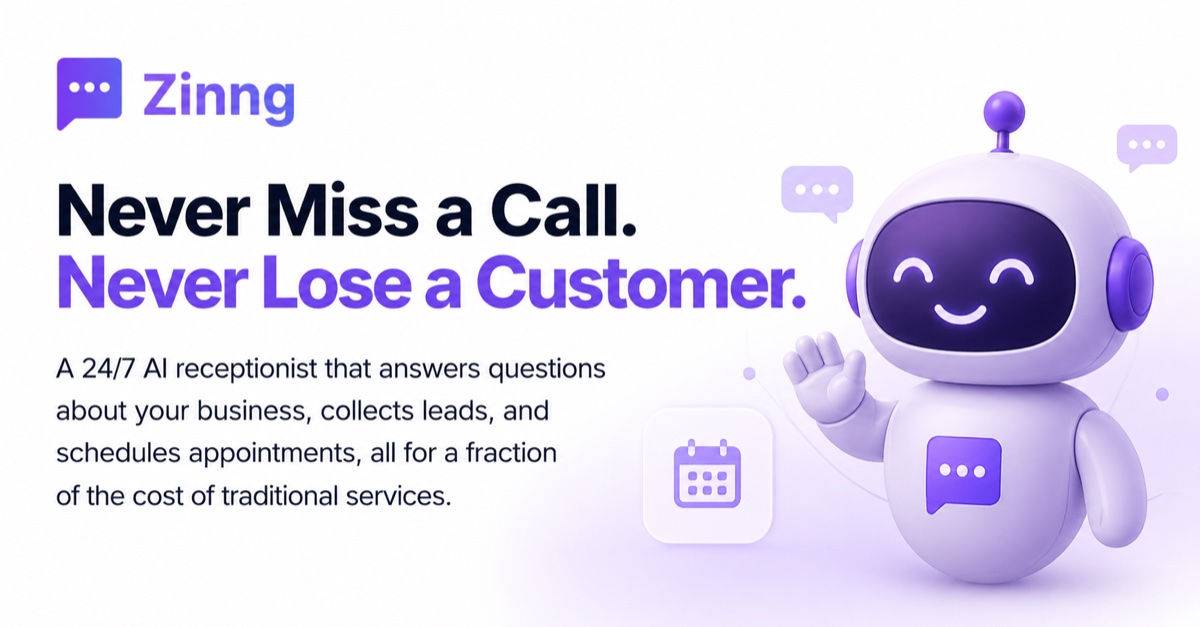
Zinng is an AI phone receptionist for small businesses. It answers calls 24/7, answers questions about your services, books appointments on connected calendars, captures leads and handles two-way SMS from a shared inbox. Setup takes minutes via call forwarding or a new number, with a 7 day free trial and plans from $49 per month.
Zinng is an AI phone receptionist built for small businesses that cannot afford to let calls ring out. The agent answers every call around the clock, responds to questions about services, hours and pricing, captures caller details, and books appointments during the conversation itself. The pitch is aimed at plumbers, clinics, salons and other owner-operated trades where the front desk is often the owner, a single receptionist, or nobody at all. Zinng says 80% of callers will not leave a voicemail, and the product is designed around that single number. Setup runs through a short onboarding flow. Zinng can train itself on your website or Google Business Profile, or you can feed it documents, custom FAQs and a chosen name for the agent. More than 10 voices are offered, and the agent handles English, Spanish and other languages. Call handling connects to an existing business number through call forwarding or number porting, or you can take a fresh local or toll-free number from Zinng. A carrier lookup tool gives the forwarding codes for your specific provider. From there, calls are answered, recorded, transcribed and filed in a shared inbox alongside SMS and website chat. Day to day, the inbox is the workspace. Every call has a transcript and a recording, and two-way SMS on every plan lets staff follow up by text, confirm appointments or send a booking link. Scheduling works two ways: the agent texts a link mid-call, or it checks live availability and writes the appointment to Google Calendar, Outlook or another connected calendar before the call ends. When a caller needs a person, the agent can transfer cold or warm, and falls back to message taking if nobody picks up. Lead data moves into CRMs through Zapier or direct connectors, and there are vertical integrations for dental practices and field service businesses. Zinng sits in the same bracket as dedicated AI answering services, but bundles texting, transcripts and a chat widget into one subscription rather than selling them separately. It is a reasonable fit for a business fielding a steady but not enormous call volume. Very small operators may find the entry price steep against a basic voicemail setup, and anyone with complex routing or multi-location logic should confirm limits before committing.
A 7 day free trial is available. No contract is required and the trial can be cancelled at any time. Signup happens on the Zinng accounts page.
Learn morePlans start at $49 per month according to the homepage meta description. Every plan includes the AI receptionist, call recordings and transcripts, the website chat widget and unlimited two-way SMS. A 7 day free trial is offered with no contract, and free setup assistance is included.
Learn moreZinng states that its team provides free setup assistance for every customer. Additional help is offered through setup calls and an AI chat for tailoring the agent to your business.
Calendars include Google Calendar, Outlook, Calendly and Cal.com. Business tools include Zapier and Jotform, with vertical connectors for Eaglesoft, Dentrix, Open Dental, Yardbook and Shopmonkey.
Learn moreThe AI receptionist answers calls 24/7 in a natural voice and handles English, Spanish and other languages. It books appointments live or texts a scheduling link, captures caller name, phone, email and reason for calling, and filters spam. Every call is recorded and transcribed into a shared inbox with SMS and website chat. Also included: cold and warm call transfers, outbound browser calling, two-way SMS and flexible number setup.
 AI Angels400+ customizable AI girlfriends for NSFW chat, voice calls, and roleplay
 Candy AIExperience the future of companionship with AI friends who chat, role-play, and connect with you on a human level.
 ourdream.aiA vast AI roleplay platform with millions of characters for chat, images, video and voiceAI Angels400+ customizable AI girlfriends for NSFW chat, voice calls, and roleplayCandy AIExperience the future of companionship with AI friends who chat, role-play, and connect with you on a human level.ourdream.aiA vast AI roleplay platform with millions of characters for chat, images, video and voice