Integrations
Zoho Show offers add ons that let users access the editor from other software platforms without switching apps.
Learn moreOnline presentation software with AI drafting and real time team editing.

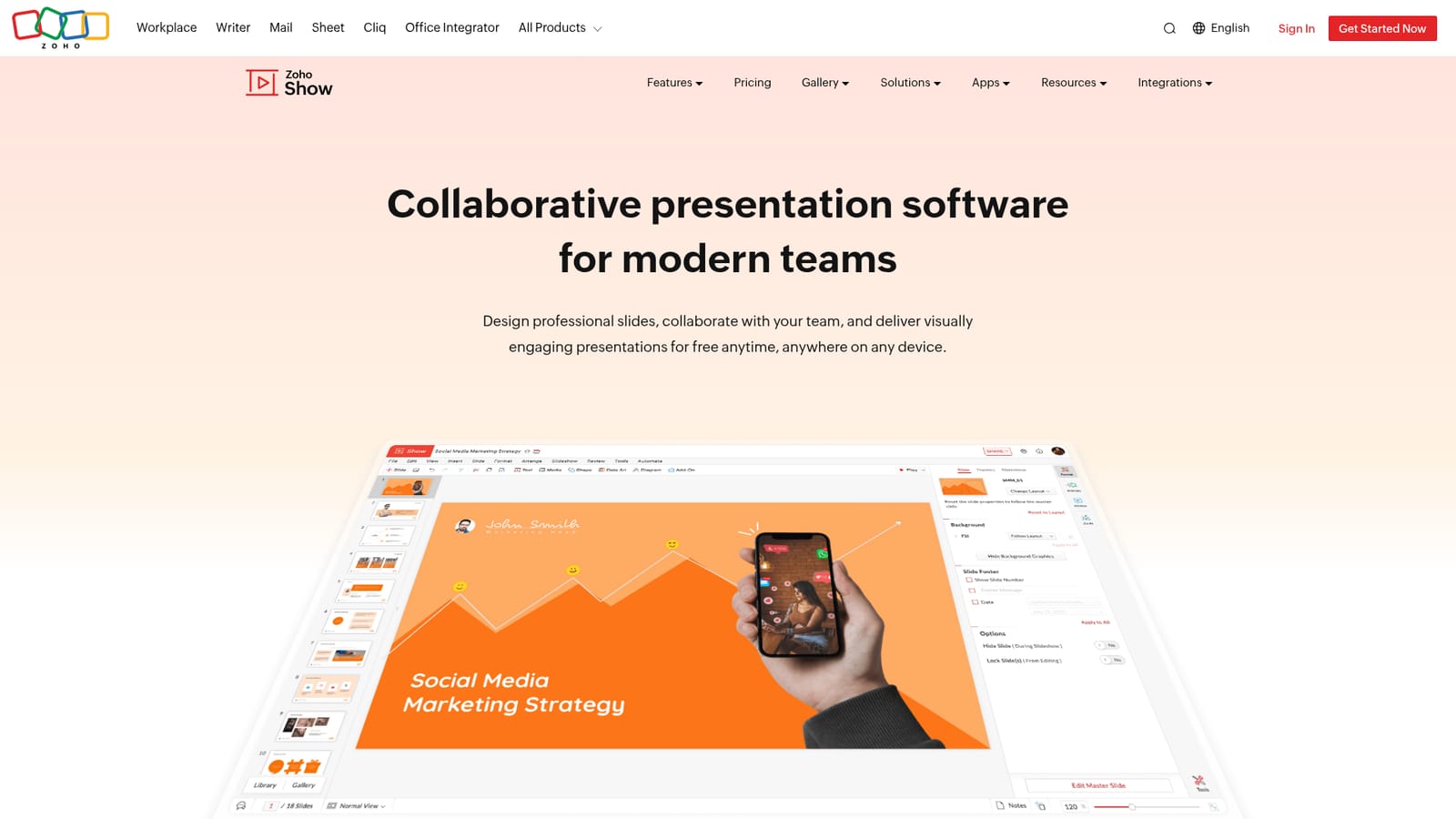
Zoho Show is free online presentation software for building, collaborating on and delivering slide decks, with Zia AI assistance, 100+ templates, PowerPoint import and export, and apps for phones, tablets and smart TVs.
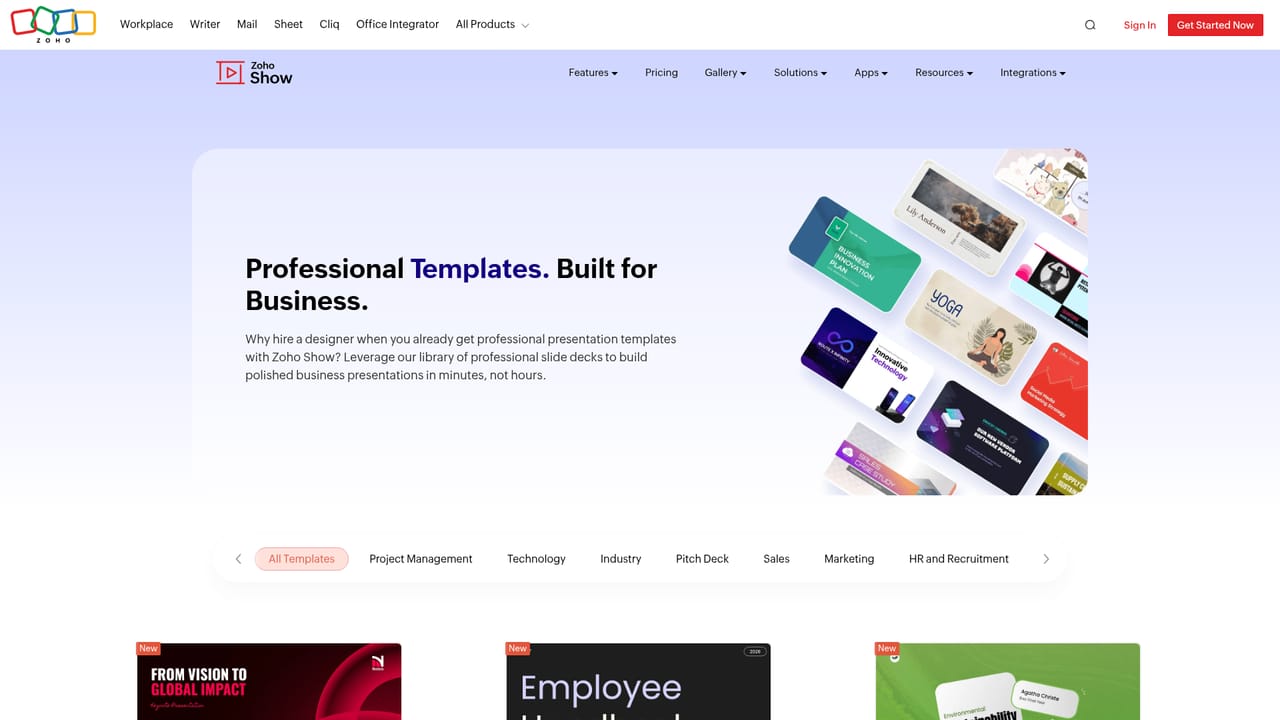
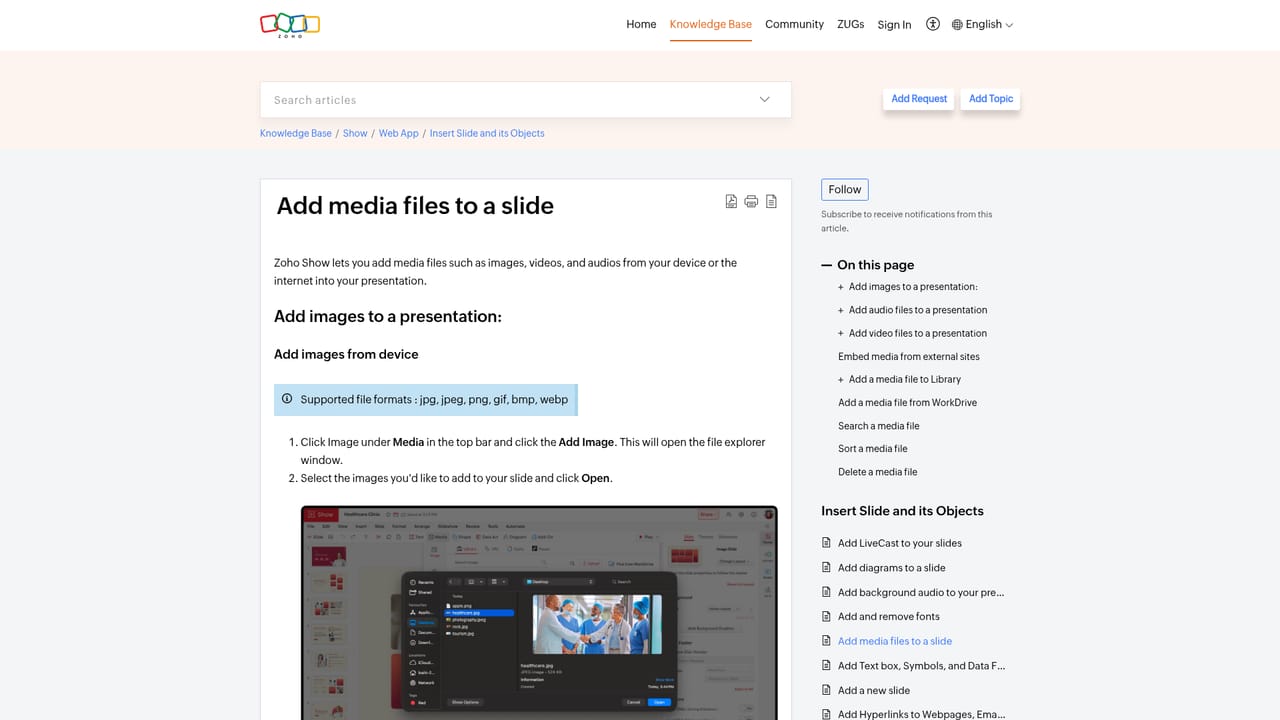
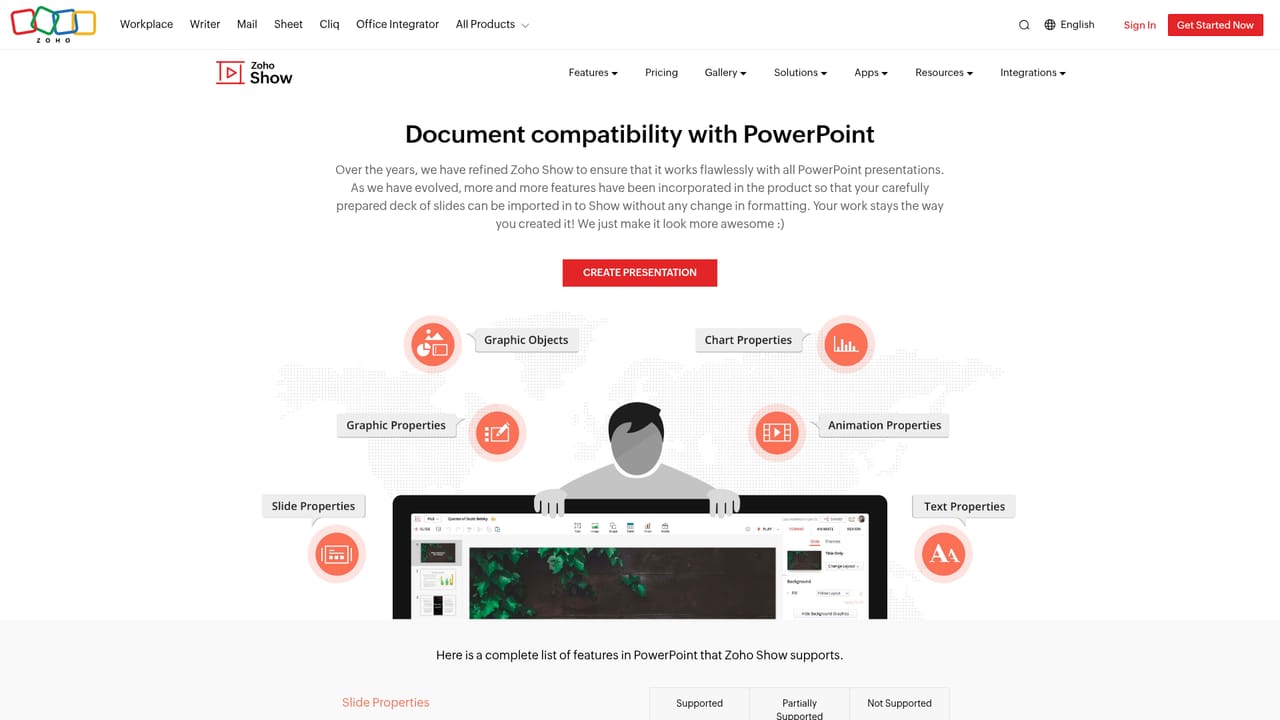
Zoho Show is a browser based presentation editor built for teams that need to produce slides without being tied to a single desktop machine. The core workflow is familiar to anyone who has used PowerPoint or Google Slides: pick a template, drop in text and media, then present or export. What separates Show is the way the interface adapts to the object you have selected, surfacing formatting options for text, images or shapes only when they are relevant. Zia, Zoho's AI assistant, can turn a short idea into a drafted deck, which shortens the blank page phase but still leaves layout and messaging decisions to the author. Collaboration is treated as a first class feature rather than an add on. Multiple people can edit the same deck at once, comments can be attached in context, and @mentions trigger notifications inside Zoho Show. A library area holds shared templates, slides and fonts so a distributed team can keep decks visually consistent. Existing files are not locked out: PPTX, PPT, ODP, PPSX and PPS files can be imported and edited, and finished work can be exported to PPTX, PPSX, HTML, ODP or PDF. Delivery is handled through browsers, phones and tablets, with dedicated iOS and Android apps plus viewing and broadcasting options for Apple TV and Android TV. A Chromebook page covers low powered laptops, and audio and video can be embedded directly into slides for asynchronous viewing. Add ons connect Zoho Show to other software so users do not have to switch tabs to work with their existing tools. The fit is strongest for organizations already inside the Zoho ecosystem, and for small to mid sized teams that want one place for deck creation, review and handoff. It is less suited to designers who depend on granular control over every element, or to users who need deep offline editing. Freelancers and educators can use the free tier described on the homepage, while heavier collaborative use is where the shared library and notifications matter most.
Zoho Show offers add ons that let users access the editor from other software platforms without switching apps.
Learn moreZia AI drafting, 100+ professional templates, contextual editing interface, shared template, slide and font libraries, real time co-editing with comments and @mentions, animations and transitions, custom shapes, chart tables, embedded audio and video, PowerPoint file import and multi format export.
Learn more AI Angels400+ customizable AI girlfriends for NSFW chat, voice calls, and roleplay
 Candy AIExperience the future of companionship with AI friends who chat, role-play, and connect with you on a human level.
 ourdream.aiA vast AI roleplay platform with millions of characters for chat, images, video and voiceAI Angels400+ customizable AI girlfriends for NSFW chat, voice calls, and roleplayCandy AIExperience the future of companionship with AI friends who chat, role-play, and connect with you on a human level.ourdream.aiA vast AI roleplay platform with millions of characters for chat, images, video and voice