Support
In-app support is listed among platform features. The homepage does not describe response times, channels or service levels.
AI native club management for youth sports, built around Zoe

ZOYO is a proactive AI assistant tool. AI native youth sports club management covering scheduling, registration, payments, tournaments and parent chat, with Zoe drafting the admin work for staff approval. Native iOS and Android apps for coaches and families, plus a browser admin portal and built-in billing.
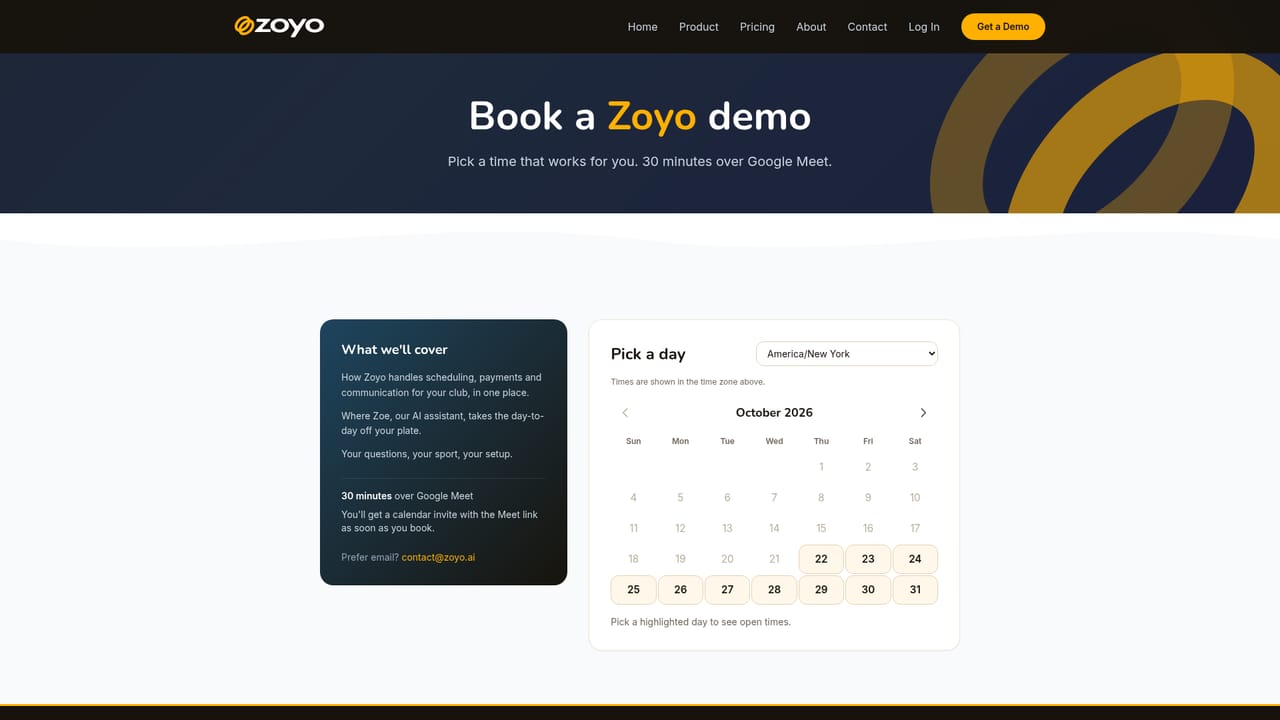
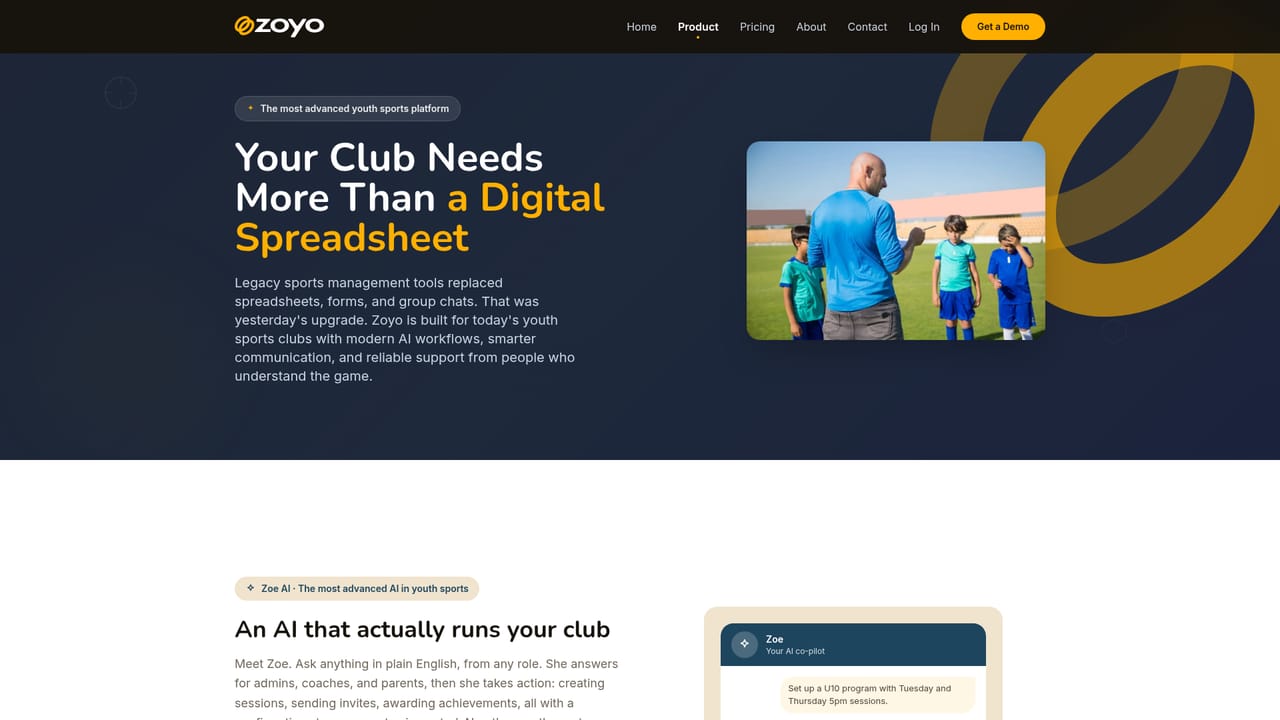
Zoyo is a club management platform for youth sports organizations, covering scheduling, registration, payments, chat and tournaments in a single system. The product is built around Zoe, an AI assistant that drafts the operational work and then waits for a human to approve it before anything reaches families. The company positions this as a contrast to sports software that bolts a chatbot onto an existing admin tool: Zoe does not just point at a roster screen, it fills it in, builds the season schedule and flags the athletes still missing a waiver. In practice the platform splits into two portals. The admin side handles programs, tournaments, scheduling, billing, branding and AI setup, aimed at club administrators and head coaches. The parent and coach side handles the week to week: schedules, team channels, QR check-in, RSVPs, progress reports and online payments, with native iOS and Android apps and push notifications. Payment collection is built in rather than licensed through a plugin, and processing fees are billed to the club so families see the price the club sets. Tournaments get bracket building with automatic winner advancement and results pushed into chat as they happen. Onboarding is designed to be short. A club exports data from its current platform or sends its spreadsheets, and Zoyo reads them to build programs, teams, schedules and fee structures. Staff review the draft, make corrections and approve; nothing goes live to families until they confirm. Coaches and parents are then invited by email, SMS or link. Zoyo fits clubs that are stitching together spreadsheets, a payment tool and a group chat, and it competes with established registration and league management suites rather than with general purpose scheduling apps. It is not a real estate product despite directory placement, and it will be overkill for very small informal groups that need only a shared calendar.
In-app support is listed among platform features. The homepage does not describe response times, channels or service levels.
Zoe AI assistant for scheduling and enrollment, built-in billing, group and direct chat with polls and media sharing, registration with waivers and payment plans, tournament brackets with auto-advance, custom branding, QR check-in, progress reports, skill assessments, badges, team duties, family management and announcements.
Learn more AI Angels400+ customizable AI girlfriends for NSFW chat, voice calls, and roleplay
 Candy AIExperience the future of companionship with AI friends who chat, role-play, and connect with you on a human level.
 ourdream.aiA vast AI roleplay platform with millions of characters for chat, images, video and voiceAI Angels400+ customizable AI girlfriends for NSFW chat, voice calls, and roleplayCandy AIExperience the future of companionship with AI friends who chat, role-play, and connect with you on a human level.ourdream.aiA vast AI roleplay platform with millions of characters for chat, images, video and voice


