Pricing
The homepage does not list prices. A dedicated AccessWidget pricing page exists, so plan details and tiers are published there rather than in the main marketing copy.
Learn moreAI accessibility layer that helps sites meet WCAG standards

accessiBe is a developer tool. accessiBe combines an AI accessibility layer, developer tools and expert services to support ongoing WCAG, ADA and EAA compliance work for websites of any size.
accessiBe is a web accessibility platform built around a combination of AI, developer tooling and human expert services. The stated goal is to support ongoing accessibility and compliance work in line with WCAG, including the regulatory frameworks that reference it, such as the ADA in the United States and the EAA in Europe. Rather than selling a one-time audit, the company positions accessibility as a continuing program that needs monitoring and adjustment as a site changes. The core product line described on the homepage centres on an AI driven remediation layer that sits over an existing website. This is aimed at organisations that want a faster path to a more accessible browsing experience without rebuilding templates from scratch, and it is paired with developer tools for teams that can fix issues in the codebase directly. Expert services round out the offering, covering the human review work that automated detection cannot fully handle. In practice, the platform suits marketing teams, web agencies, ecommerce operators and in-house developers who need to show accessibility effort across a large or frequently updated site. A typical engagement starts with a scan of the current state, then moves into enabling the accessibility interface and tracking issues over time. Teams with engineering capacity can use it alongside manual fixes rather than as a replacement for them. Where it sits among alternatives: overlay style tools compete with traditional audit and consultancy firms and with dedicated testing software. accessiBe bundles the automated layer, developer tools and expert review into one subscription, which simplifies procurement but also means buyers should evaluate whether the automated layer alone fits their legal exposure. The platform is aimed at organisations treating accessibility as an ongoing operational requirement rather than a single project.
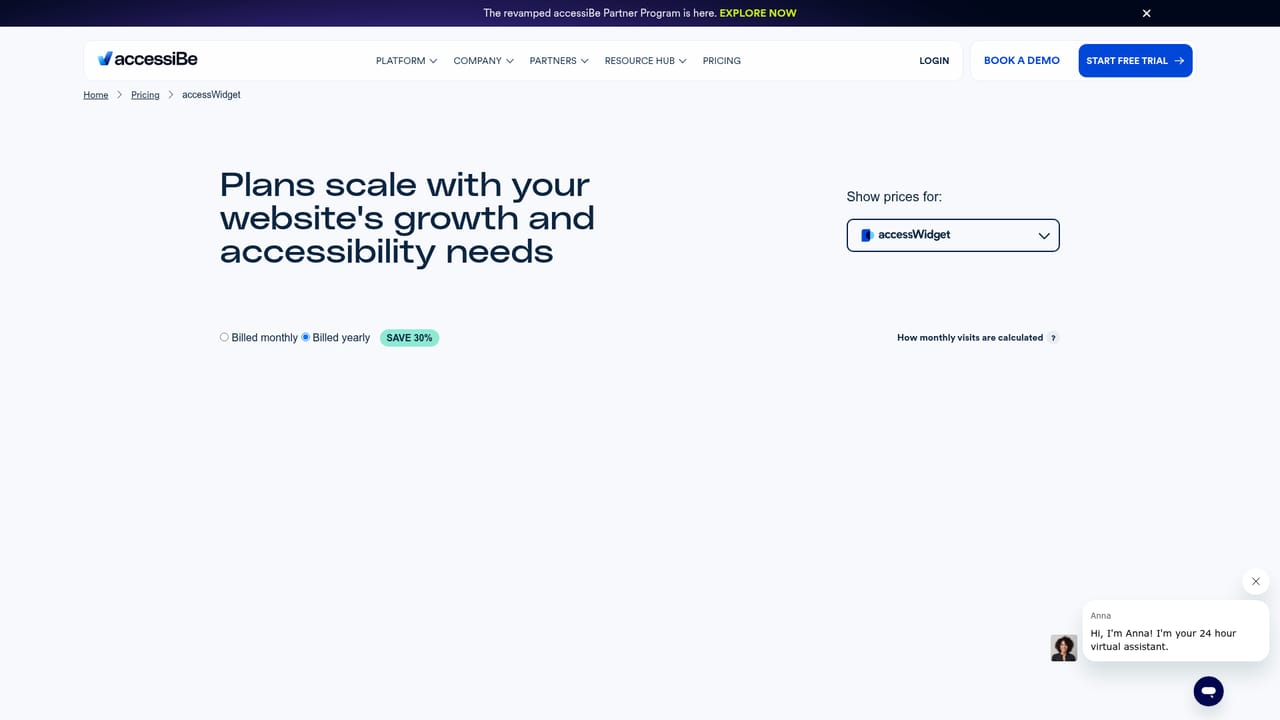
The homepage does not list prices. A dedicated AccessWidget pricing page exists, so plan details and tiers are published there rather than in the main marketing copy.
Learn moreHomepage messaging describes an accessibility platform that combines AI driven remediation, developer tools and expert services. The stated purpose is ongoing accessibility and ADA/EAA compliance in adherence to WCAG, with an accessibility interface layered over an existing site plus supporting human review.
 AI Angels400+ customizable AI girlfriends for NSFW chat, voice calls, and roleplay
 Candy AIExperience the future of companionship with AI friends who chat, role-play, and connect with you on a human level.
 ourdream.aiA vast AI roleplay platform with millions of characters for chat, images, video and voiceAI Angels400+ customizable AI girlfriends for NSFW chat, voice calls, and roleplayCandy AIExperience the future of companionship with AI friends who chat, role-play, and connect with you on a human level.ourdream.aiA vast AI roleplay platform with millions of characters for chat, images, video and voice


