Free trial
A free plan at $0 per month is available for lighter tasks, and Pro is positioned for trying things out. No time limited free trial with full features is described.
Learn moreAI mechanical engineer that works inside your CAD, PLM and simulation tools

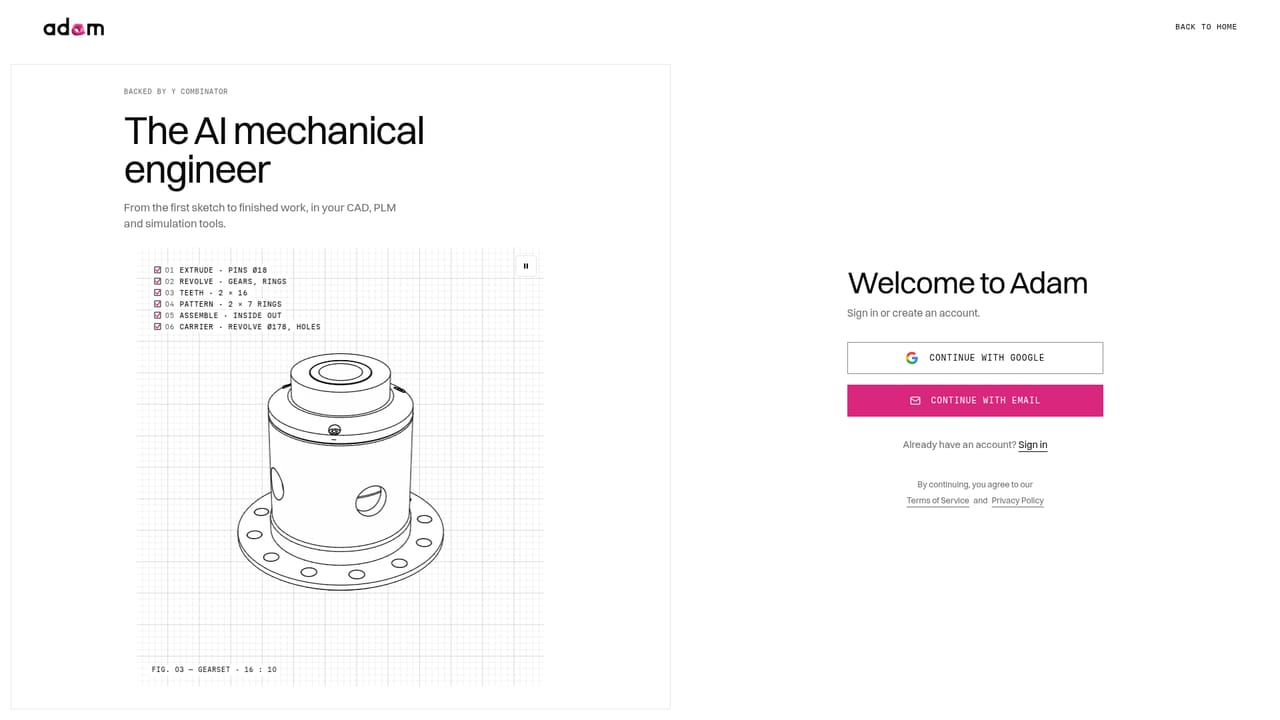
adam.new is an AI task generator tool. Adam is an AI mechanical engineer for hardware teams. It generates and edits CAD models, turns 3D assemblies into 2D drawings, links FEA results back to designs, handles ECO driven part changes, and runs manufacturability checks, all inside CAD and PLM tools such as SOLIDWORKS, Onshape, Fusion, Windchill and Teamcenter.
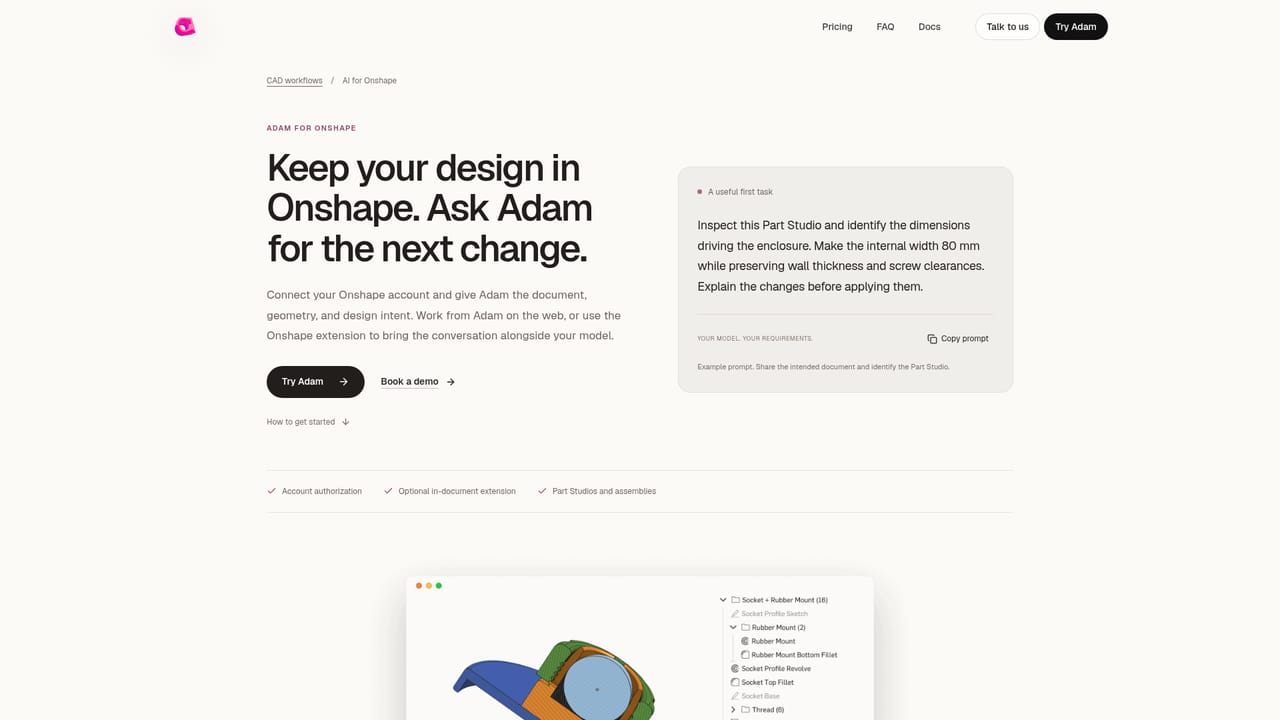
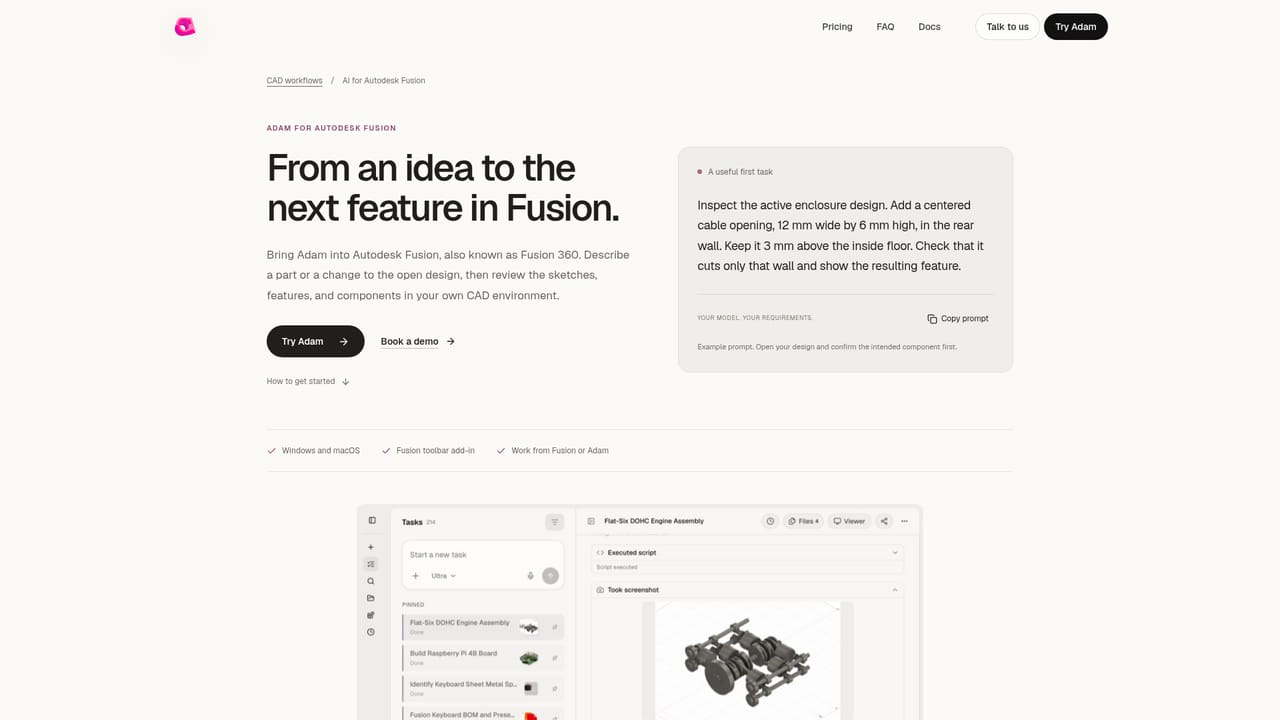
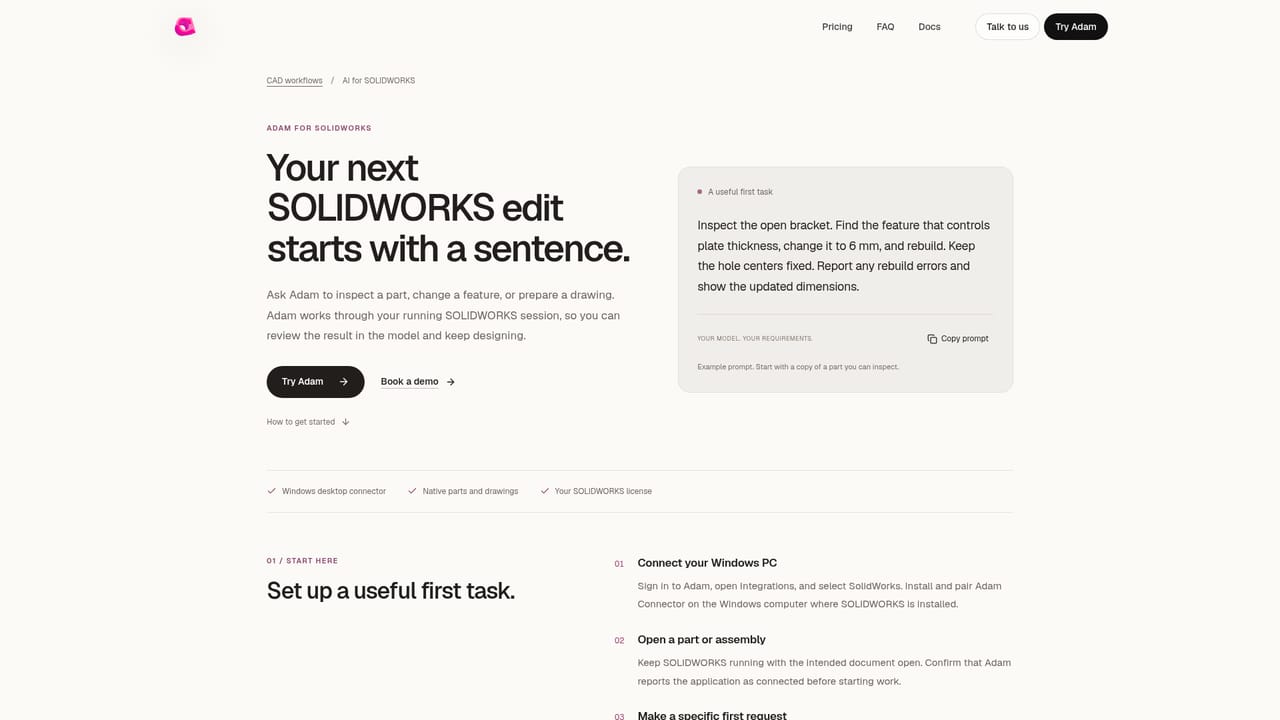
Adam is positioned as an AI mechanical engineer rather than a general purpose chatbot for images or text. It connects to professional CAD and PLM systems and returns finished engineering deliverables: a model built from a prompt, a 2D drawing derived from a 3D assembly, an analysis loop that feeds simulation findings back into the design, a revised part after an engineering change order, or a manufacturability review informed by company documentation. The tool is aimed at hardware teams and individual mechanical engineers who already have a CAD stack and do not want to migrate. Adam plugs into Fusion, Inventor, Onshape, Creo, Solid Edge, SOLIDWORKS, Siemens NX and CATIA, and reads PLM systems including Arena, Windchill, SOLIDWORKS PDM and Teamcenter. It keeps the bill of materials in sync as models change and flags part number, quantity and revision mismatches. Simulation tools such as Ansys, Abaqus, COMSOL and Simcenter connect too, with each run tied to the revision it tested. Documents in Drive, Sheets, Notion and Airtable stay linked to the parts they describe, and Adam can be messaged from Slack, Teams or email. In daily practice the workflow is conversational but grounded. An engineer asks for a design or an edit, Adam adjusts dimensions and features while respecting the existing feature tree, regenerates the model, and reports which downstream features and BOM lines moved. Edits that would break a parent child relationship are flagged rather than forced. Approval gates mean prepared emails, document edits and summaries wait for a human before anything is sent or changed. Against prompt to CAD experiments and standalone generative design tools, Adam's differentiator is the integration depth and the IP posture. SOC 2 Type I approval, encryption in transit and at rest, per user sandboxes, and a stated policy against training on model inputs matter to teams that cannot send geometry to a consumer tool. The trade off is scope: this is built for mechanical engineering workflows, not general creative work, and the deepest value only appears once CAD and PLM are connected.
A free plan at $0 per month is available for lighter tasks, and Pro is positioned for trying things out. No time limited free trial with full features is described.
Learn moreThree tiers are listed. Free costs $0 per month for getting started. Pro is described as being for trying things out, and Max is aimed at power users and heavy daily workloads. Actual Pro and Max figures are not shown on the homepage and sit behind the pricing page.
Learn moreThe homepage FAQ directs unanswered questions to founders@adam.new, and a demo booking link is offered for sales conversations. No formal help centre is described.
CAD: Fusion, Inventor, Onshape, Creo, Solid Edge, SOLIDWORKS, Siemens NX, CATIA. PLM: Arena, Windchill, SOLIDWORKS PDM, Teamcenter. CAE: Ansys, Abaqus, COMSOL, Simcenter. Docs: Drive, Sheets, Notion, Airtable. Team tools: Slack, Teams, Gmail, Jira, Linear.
Prompt to CAD generation, 3D to 2D drawing creation, a CAD to FEA simulation loop, ECO driven part editing with failure data pulled from PLM, and design for manufacturing checks that ingest company documentation. Adam edits within existing feature trees, reports downstream changes and BOM impacts, and pauses for approval before sending or changing anything.
 AI Angels400+ customizable AI girlfriends for NSFW chat, voice calls, and roleplay
 Candy AIExperience the future of companionship with AI friends who chat, role-play, and connect with you on a human level.
 ourdream.aiA vast AI roleplay platform with millions of characters for chat, images, video and voiceAI Angels400+ customizable AI girlfriends for NSFW chat, voice calls, and roleplayCandy AIExperience the future of companionship with AI friends who chat, role-play, and connect with you on a human level.ourdream.aiA vast AI roleplay platform with millions of characters for chat, images, video and voice


