Free trial
A free sign-up is offered on the homepage with no credit card or time limit stated. Access is created through the Mitti app registration page, but which AI capabilities sit inside the free tier is not specified.
Learn moreAI layer for frontline operations: issues, inspections and insight
Own SafetyCulture AI? Verify ownership to get a dofollow link

SafetyCulture AI is an AI task generator tool. Mitti AI (by SafetyCulture) embeds issue creation, a conversational assistant, background agents and site benchmarking into a frontline operations platform, turning inspection and issue data into priorities and drafted reports. Best for operations, safety and quality teams running multiple sites.
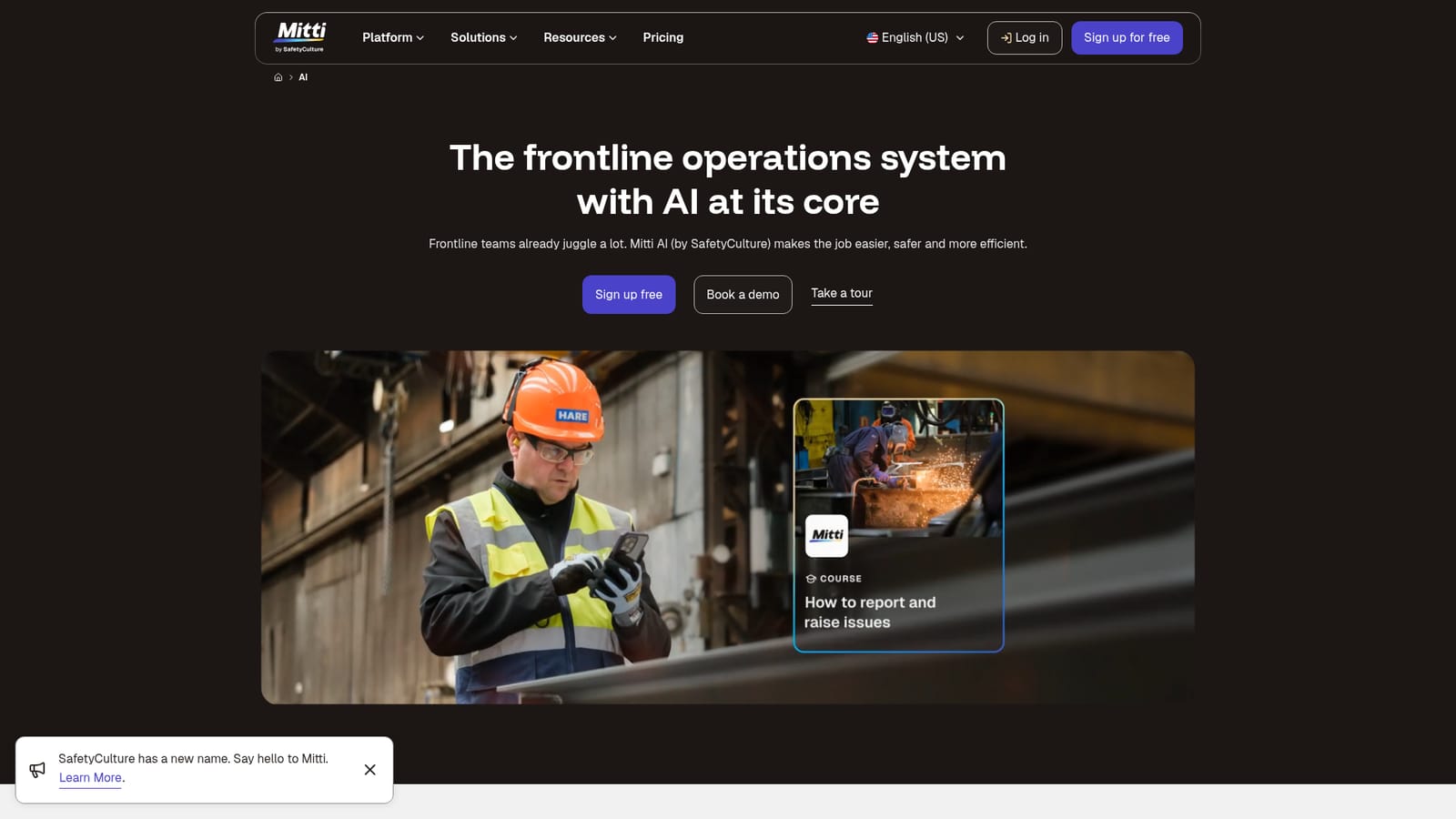
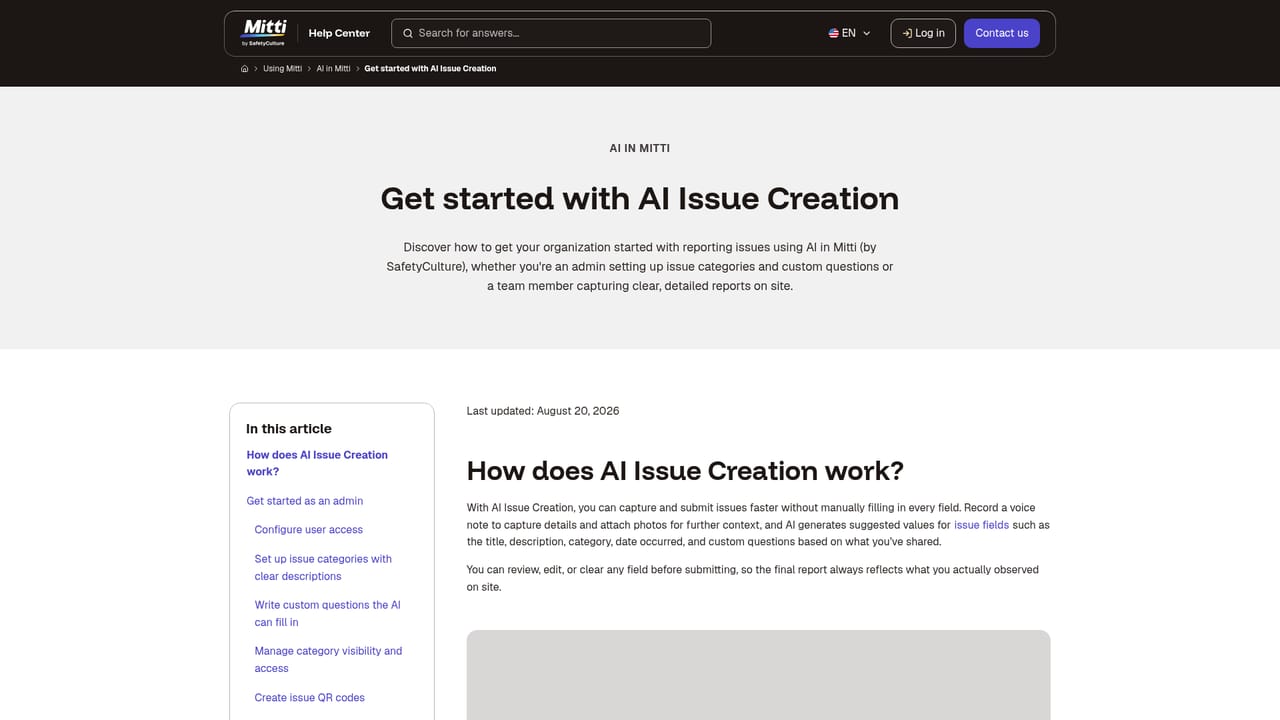
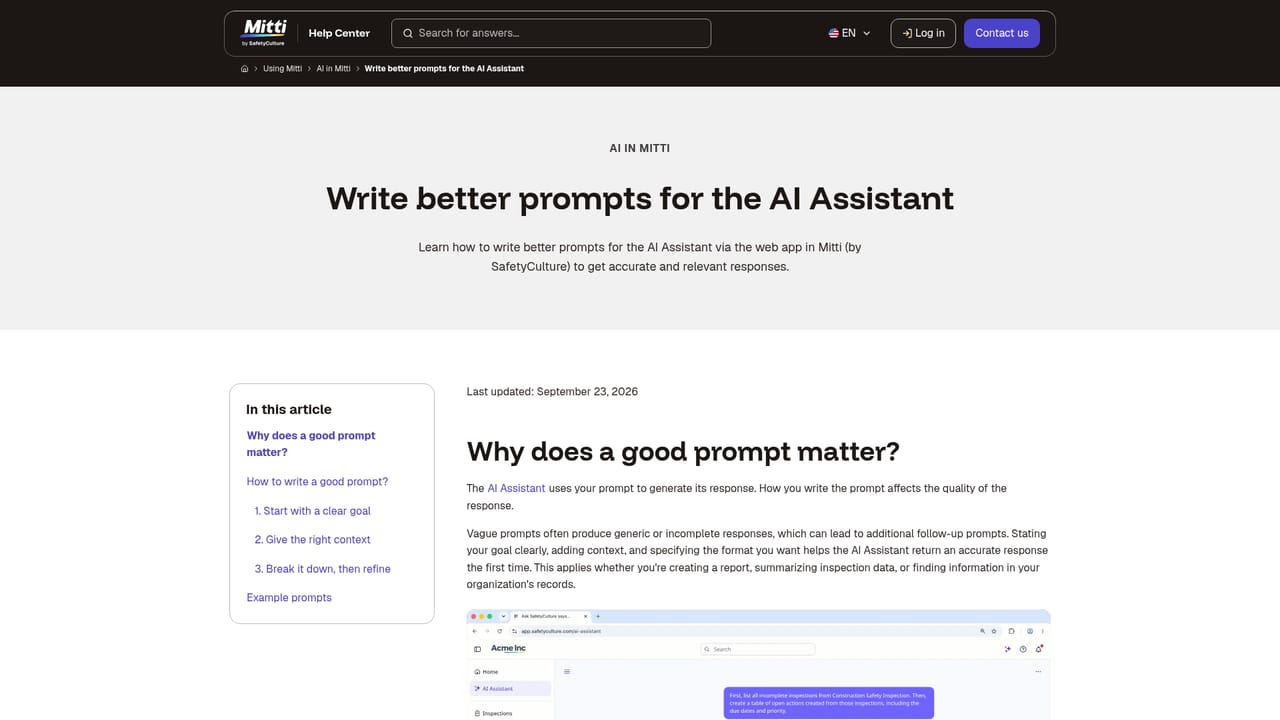
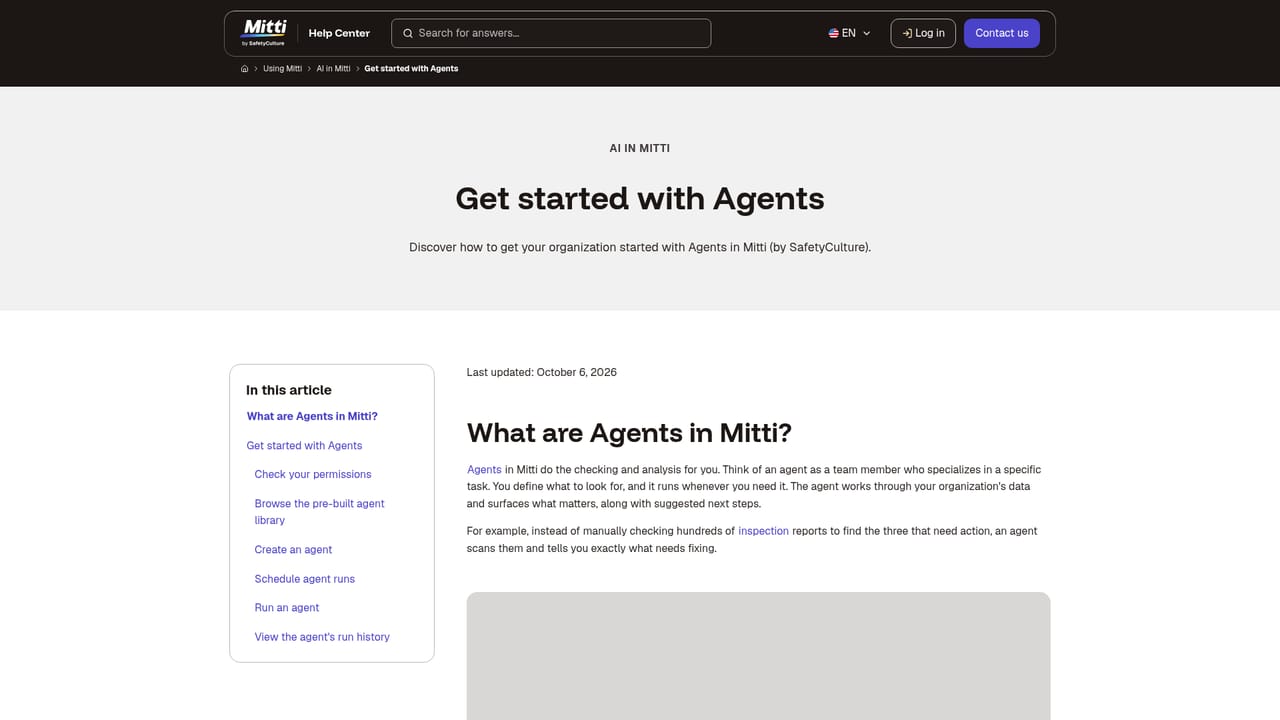
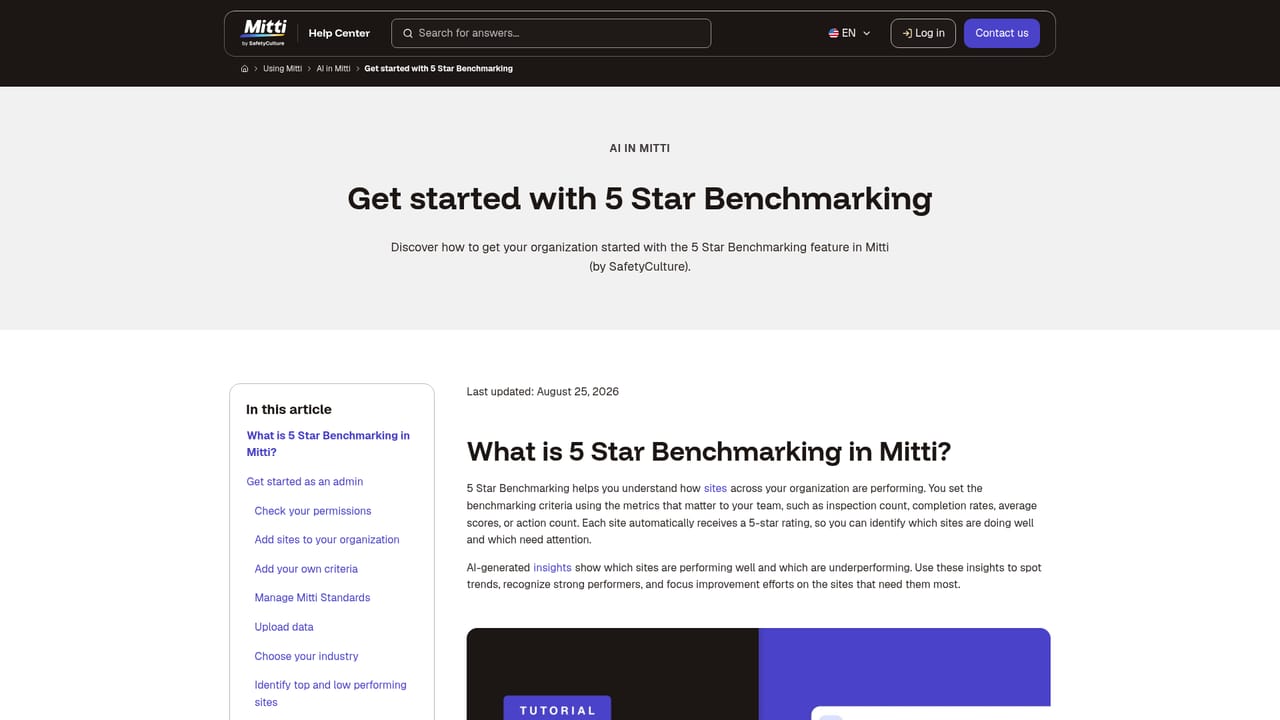
Mitti AI is the artificial intelligence layer built into the Mitti platform (formerly SafetyCulture) for frontline operations. Rather than a standalone chatbot, it sits on top of the operational data teams already generate: issues logged during walkthroughs, inspections completed on site, actions assigned to staff and the documentation that governs how work gets done. The pitch is that this data is already being captured but rarely acted on quickly, and the AI is meant to close that gap by surfacing what needs attention and drafting much of the paperwork around it. The capabilities break into four areas. AI Issue Creation turns a photo or a voice note into a detailed, categorised issue ready for review, which removes the form filling that usually slows reporting down. AI Assistant answers plain language questions about the organisation, from audit summaries to which sites score lowest on quality, without anyone building a dashboard. Agents run recurring work in the background, either from pre-built options or custom ones, and return with items that need a human decision. 5 Star Benchmarking ranks sites against each other so managers can see where performance is strong and where it is lagging. It is aimed at operations, safety, quality and compliance teams in industries with distributed sites: food production, construction, manufacturing, logistics, hospitality and retail. The product assumes a manager checking portfolio performance and a frontline worker logging a hazard from a phone in the same system. Published customer accounts from Marley Spoon, Thermosash, Trackhouse Racing and Brenntag describe everyday use for reporting, trend spotting and training rollout within a day. Against alternatives, Mitti AI is not a general purpose assistant and will not help with content marketing or code. Its advantage is native access to inspection and issue records, which generic AI tools cannot see without exporting data. The trade-off is dependence on the Mitti platform, and the value scales with how much operational data the organisation actually records there.
A free sign-up is offered on the homepage with no credit card or time limit stated. Access is created through the Mitti app registration page, but which AI capabilities sit inside the free tier is not specified.
Learn moreA help centre hosts articles on each AI capability plus prompting guidance, and a demo can be booked with the sales team. No phone, chat or SLA details are published on the homepage.
Learn moreFour core AI capabilities: AI Issue Creation converts a photo or voice note into a detailed issue; AI Assistant answers operations questions in natural language; Agents handle recurring background work from templates or custom builds; 5 Star Benchmarking ranks sites by performance so managers know where to focus. The platform also covers inspections, actions and training course generation.
Learn more AI Angels400+ customizable AI girlfriends for NSFW chat, voice calls, and roleplay
 Candy AIExperience the future of companionship with AI friends who chat, role-play, and connect with you on a human level.
 ourdream.aiA vast AI roleplay platform with millions of characters for chat, images, video and voiceAI Angels400+ customizable AI girlfriends for NSFW chat, voice calls, and roleplayCandy AIExperience the future of companionship with AI friends who chat, role-play, and connect with you on a human level.ourdream.aiA vast AI roleplay platform with millions of characters for chat, images, video and voice


