Support
Adobe directs press questions to adobepr@adobe.com and analyst questions to adobear@adobe.com. No end-user support channel for the assistant is described on the newsroom homepage.
Adobe's AI layer across Creative Cloud and Document Cloud
Own Adobe AI Assistant? Verify ownership to get a dofollow link

Adobe AI Assistant is a PDF solver tool. Adobe's conversational assistant embedded across Creative Cloud and Document Cloud, letting existing Adobe users request edits, answers and document help in natural language inside the apps they already use.
Adobe AI Assistant is the artificial intelligence layer that Adobe has been building across its creative and document products. The company reports one billion monthly active users across its creativity and productivity solutions, and its platform is credited with powering more than a trillion global experiences each year. The assistant is the conversational surface that sits on top of that stack, giving users natural language access to the tools and assets they already work with rather than a standalone destination. In practice the assistant is aimed at people who already live inside Adobe's ecosystem: designers working in Creative Cloud apps, document teams handling PDFs and contracts, and marketers producing content at volume. Instead of hunting through menus or memorizing panel locations, a user describes the outcome they want and the assistant responds in context. Because it draws on the surrounding document or project, answers tend to reflect the material in front of the user rather than generic output. The tool is best understood as an accelerator for existing workflows rather than a replacement for them. Adobe positions AI as transformative at scale across the Fortune 100, which signals enterprise orientation: the assistant is a productivity and consistency play, not an experiment for hobbyists. Teams already standardized on Adobe subscriptions get the most value, since the assistant has no independent life outside those applications. Against alternatives, Adobe's advantage is depth of integration into established professional software, and its constraint is the same thing. Buyers who want a free-standing chatbot or a lightweight generator will find narrower, cheaper options. Organizations that already pay for Creative Cloud or Document Cloud, however, can fold AI assistance into work they were doing anyway, with governance and familiarity on their side.
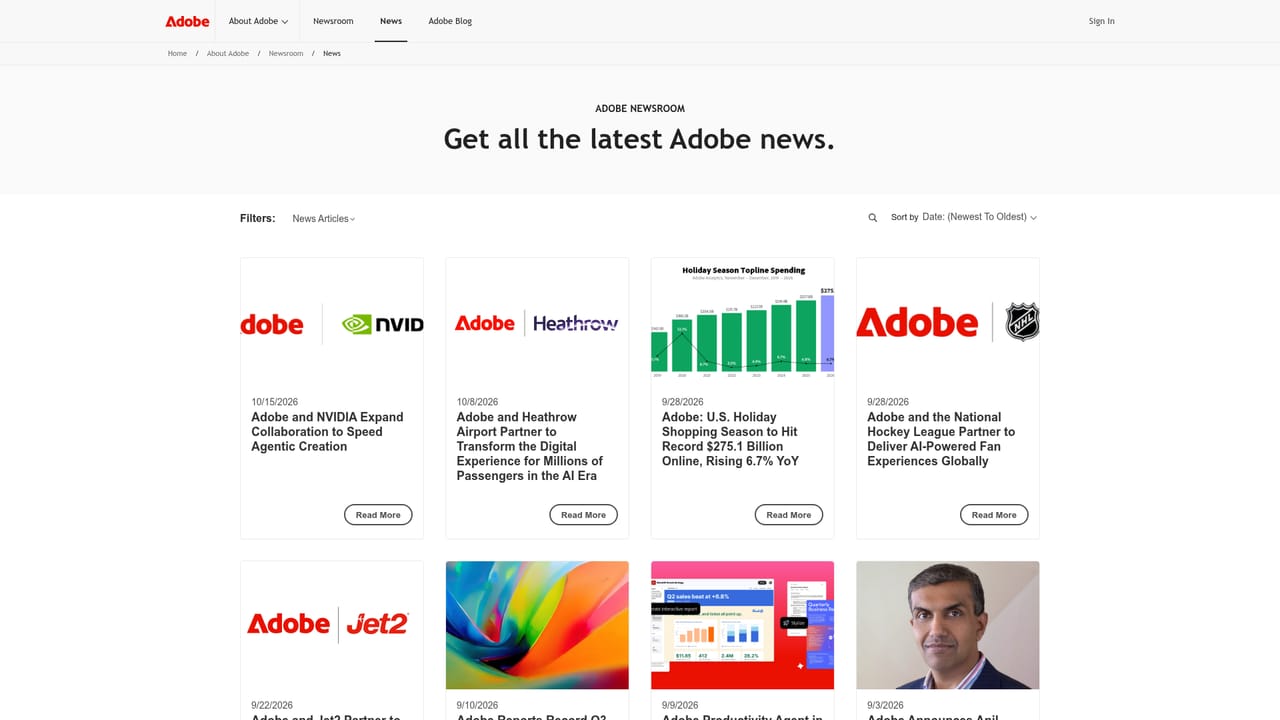
Adobe directs press questions to adobepr@adobe.com and analyst questions to adobear@adobe.com. No end-user support channel for the assistant is described on the newsroom homepage.
The assistant provides a conversational interface inside Adobe's creative and document applications, responding to natural language requests against the file or project a user has open. Adobe frames the underlying AI as enterprise scale, citing adoption by 99 percent of the Fortune 100 and more than a trillion experiences powered annually by Adobe Experience Platform.
 AI Angels400+ customizable AI girlfriends for NSFW chat, voice calls, and roleplay
 Candy AIExperience the future of companionship with AI friends who chat, role-play, and connect with you on a human level.
 ourdream.aiA vast AI roleplay platform with millions of characters for chat, images, video and voiceAI Angels400+ customizable AI girlfriends for NSFW chat, voice calls, and roleplayCandy AIExperience the future of companionship with AI friends who chat, role-play, and connect with you on a human level.ourdream.aiA vast AI roleplay platform with millions of characters for chat, images, video and voice


