Free trial
A free workspace is offered on the signup page, with no card details mentioned. The homepage does not state how long the free tier lasts or what usage it includes.
Learn moreTurn any PDF into quizzes, flashcards and mock exams
Own SuperStudentAI? Verify ownership to get a dofollow link

SuperStudentAI is an exam preparation tool that turns any PDF into quizzes, flashcards and mock exams. A study workspace that turns uploaded PDFs into spaced-repetition flashcards, practice quizzes, mock exams and simplified explanations, aimed at students memorizing dense course material.
SuperStudentAI is a study workspace built around a single input: a PDF. Upload lecture slides, a textbook chapter or course notes and the tool generates quizzes, flashcards and plain-language explanations drawn from that file. The pitch is memorization rather than quick answers, so the output is designed to be worked through repeatedly instead of read once. The product bundles six study modes. An AI tutor answers questions about the material so students do not have to leave the workspace to search the web. The exam simulator builds mock papers intended to feel like the real thing. Flashcards use spaced repetition, a scheduling method with a long research record behind it. Concept explanations rewrite dense passages in simpler terms, smart summaries condense long documents, and practice quizzes check understanding after each pass. In practice a student uploads a file, skims the summary, works through the flashcards across several days and sits a mock exam before the real one. The main audience is university and secondary students preparing for written assessments, particularly those handling long reading lists or dense lecture decks. It suits self-directed learners who will actually return to a deck. Anyone looking for essay drafting or citation management should look at general writing assistants instead; SuperStudentAI stays close to the source document and does not position itself as a writing tool. Access starts with a free workspace, and signup supports an email address or a Google account. Pricing tiers, usage limits and any institutional plans are not specified on the homepage, so check the signup flow before committing. There is no published API, and integrations with learning management systems are not described.
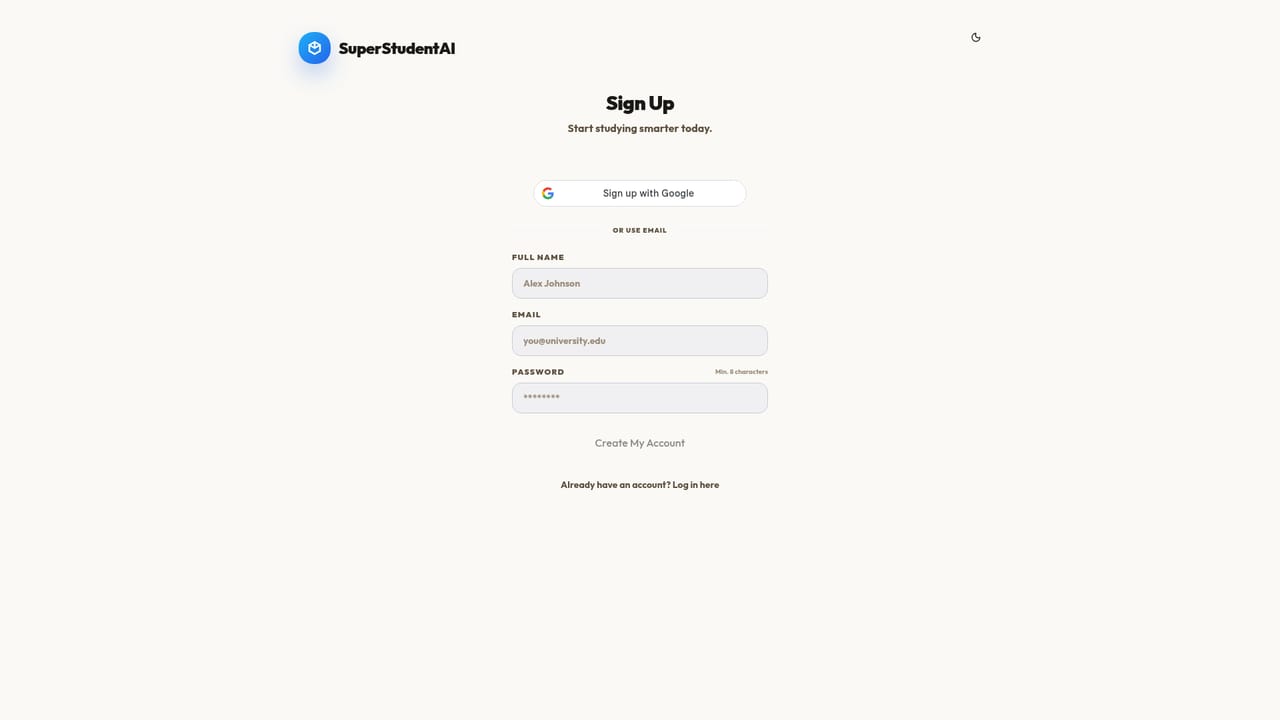
A free workspace is offered on the signup page, with no card details mentioned. The homepage does not state how long the free tier lasts or what usage it includes.
Learn moreSix study modes built from one PDF: an AI tutor for on-demand questions, an exam simulator for mock papers, spaced-repetition flashcards, simplified concept explanations, smart summaries for lectures and textbooks, and practice quizzes.
 AI Angels400+ customizable AI girlfriends for NSFW chat, voice calls, and roleplay
 Candy AIExperience the future of companionship with AI friends who chat, role-play, and connect with you on a human level.
 ourdream.aiA vast AI roleplay platform with millions of characters for chat, images, video and voiceAI Angels400+ customizable AI girlfriends for NSFW chat, voice calls, and roleplayCandy AIExperience the future of companionship with AI friends who chat, role-play, and connect with you on a human level.ourdream.aiA vast AI roleplay platform with millions of characters for chat, images, video and voice


