AetheriumAI

Ask questions across your PDFs and keep every answer private

Beginner
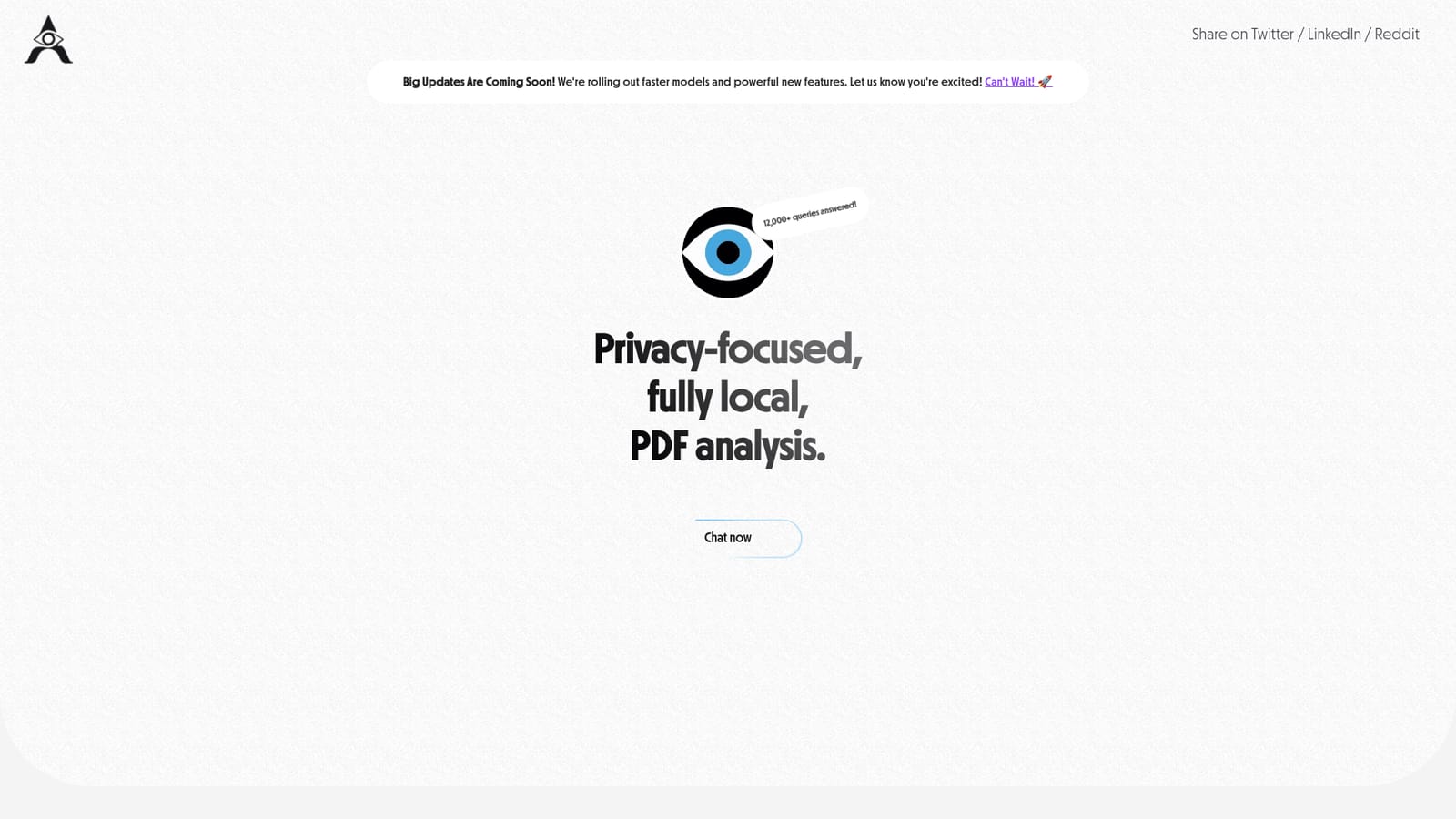
Screenshot of AetheriumAI, Ask questions across your PDFs and keep every answer private

What is AetheriumAI?

AetheriumAI is a PDF solver tool. A privacy focused PDF chat tool that answers questions across multiple uploaded documents, with local processing and unlimited free queries during its beta.

AetheriumAI is a document question answering tool that lets you load PDF files and interrogate their contents in a chat interface. The premise is simple: instead of scrolling through long reports, papers or contracts, you ask a question in plain language and the system returns an answer drawn from the material you supplied. The product leans hard on one promise, which is that your documents stay yours, with processing handled locally and chat history stored on your own machine rather than on a remote server. The workflow is built around quantity as much as quality. Multiple PDFs can be uploaded at once, file sizes are not capped during the beta, and the number of questions you can ask is unlimited. Each answer is generated only against the documents in your own session, so results are not shaped by whatever other users happen to have uploaded. That personalization matters if you are comparing drafts, cross referencing several sources, or working with material you would rather not hand to a general purpose chatbot. It suits researchers, students, analysts, legal and operations staff, and anyone who regularly works through dense PDFs and wants fast retrieval without copying text into a separate service. The obvious comparison is with mainstream chat assistants that accept file uploads, but AetheriumAI narrows its scope to PDFs and local storage instead of trying to be a general workspace. There is no account tier structure to learn, no credit system to monitor, and no dashboard of unrelated features to ignore. That focus cuts both ways. The tool is early stage, reachable only through a web app, and offers no stated integrations with cloud drives, note apps or team workspaces. Users who need shared libraries, audit trails or collaboration will find it thin. As a quick, private way to interrogate a stack of PDFs, though, the tradeoffs are reasonable, and the free beta makes it easy to judge on your own files.

How do you use AetheriumAI?

  1. 1Open the chat interface
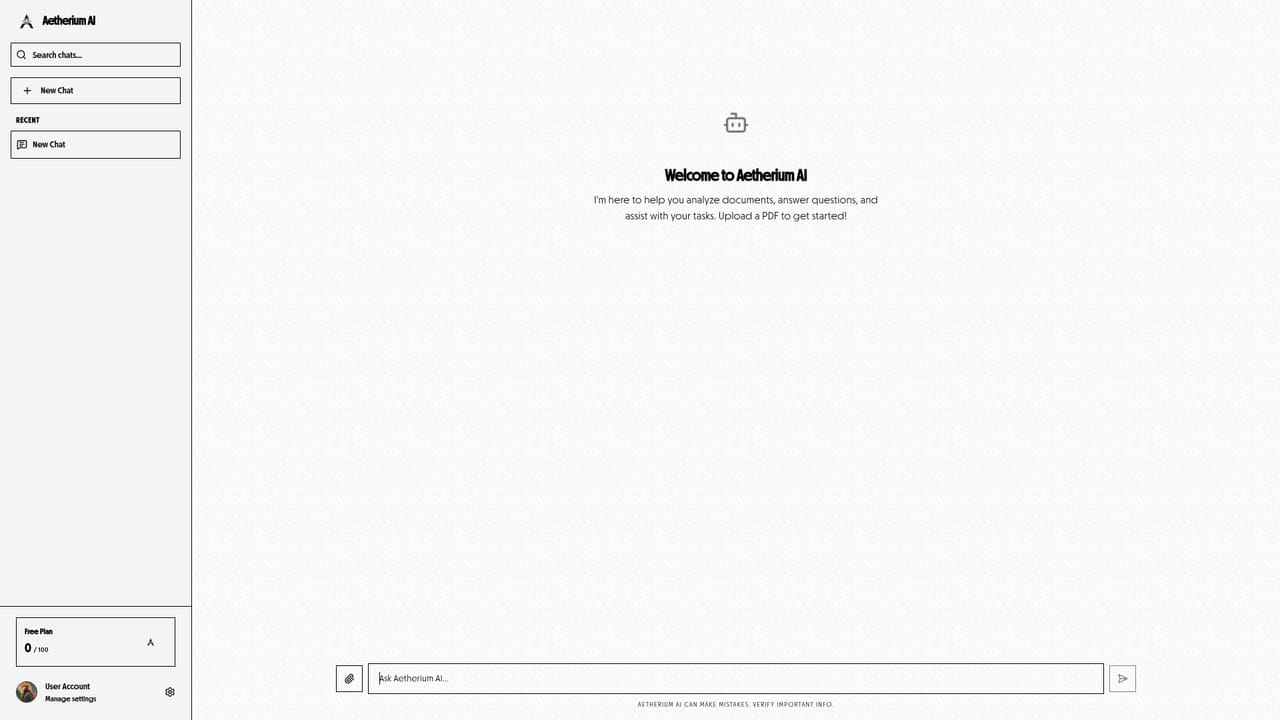
    Go to the ask page, which is the working surface for the tool and the entry point for all conversations.
    AetheriumAI — Open the chat interface
  2. 2Upload your PDFs
    Add one or several PDF documents in the same session. The beta accepts multiple files at once with no stated size limit.
  3. 3Ask a question in plain language
    Type a question about the content of your documents and send it. Answers are generated only from the files in your own session.
  4. 4Refine and compare across files
    Follow up with narrower questions or ask about specific documents to compare passages, definitions or figures across your uploads.
  5. 5Return to earlier conversations
    Past chats are kept in local history on your own device, so you can revisit a session later without a hosted account archive.
  6. 6Send feedback to the team
    Beta users can email the makers directly with issues or suggestions, which is the stated route for product feedback.
    AetheriumAI — Send feedback to the team

Pros and cons

Pros

  • Free and unrestricted during the beta, including unlimited queries, uploads and file sizesAI
  • Handles several PDFs at once, which helps when comparing or cross referencing sourcesAI
  • Local processing and local history storage keep sensitive documents off shared serversAI
  • Answers are scoped to your own documents, so other users' files never influence resultsAI
  • Minimal interface with a single clear task, so there is little to learn before useAI

Cons

  • Limited to PDF input, so spreadsheets, images, audio and web pages are out of scopeAI
  • No stated integrations with cloud storage, note tools or team platformsAI
  • Web app only, with no mobile, desktop or browser extension option listedAI
  • Beta status means features, limits and reliability can shift without noticeAI
  • No visible pricing, retention guarantees or enterprise controls for regulated teamsAI

How much does AetheriumAI cost?

Pricing

AetheriumAI is in open beta and currently free. Full access is offered at no cost while the platform is being improved, covering unlimited queries, unlimited file uploads, unlimited file size, all models, privacy first processing and local history storage. No paid tiers are published yet.

Learn more

Support

Support runs through a direct email address listed on the homepage for feedback and questions, plus a Product Hunt page for following the product. No help centre, live chat or ticketing system is described.

Features

Core features include chat based question answering over PDFs, simultaneous upload of multiple PDF documents, unlimited queries and file sizes during beta, access to all available models, privacy first processing and local storage of chat history. Answers are personalized because they are generated only from your own documents.

Frequently asked questions about AetheriumAI

  • How much does AetheriumAI cost?
    AetheriumAI is in open beta and currently free. Full access is offered at no cost while the platform is being improved, covering unlimited queries, unlimited file uploads, unlimited file size, all models, privacy first processing and local history storage. No paid tiers are published yet.
  • How do you use AetheriumAI?
    The walkthrough on this page covers 6 steps: 1. Open the chat interface 2. Upload your PDFs 3. Ask a question in plain language 4. Refine and compare across files 5. Return to earlier conversations 6. Send feedback to the team.
  • What platforms does AetheriumAI support?
    AetheriumAI is available on Web App.
  • What are the limitations of AetheriumAI?
    Limited to PDF input, so spreadsheets, images, audio and web pages are out of scope. No stated integrations with cloud storage, note tools or team platforms. Web app only, with no mobile, desktop or browser extension option listed.

Status

StatusActive
Views0
Outbound clicks0
Added10/22/2026

Platforms

Web App

Pricing

Free