Support
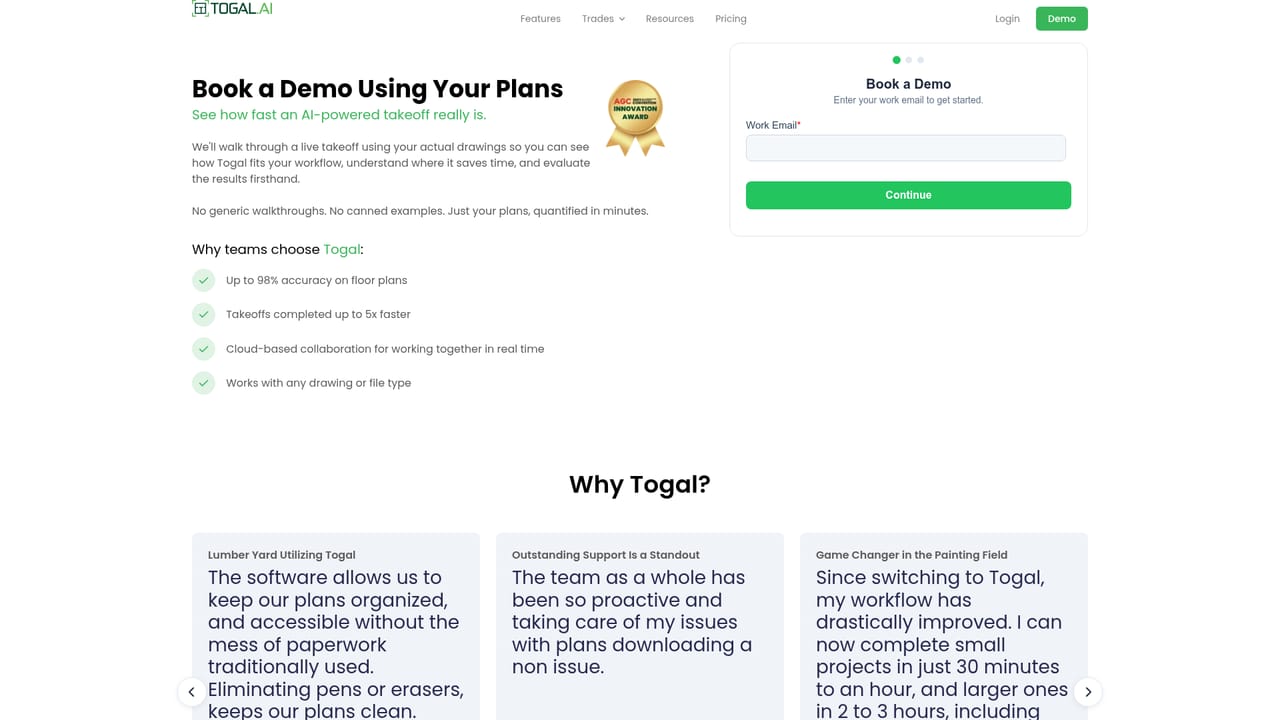
Customer testimonials on the homepage single out training sessions and responsive help with plan downloads as strengths, but no support tiers, hours or documentation portal are described.
AI takeoff software that reads construction drawings for you

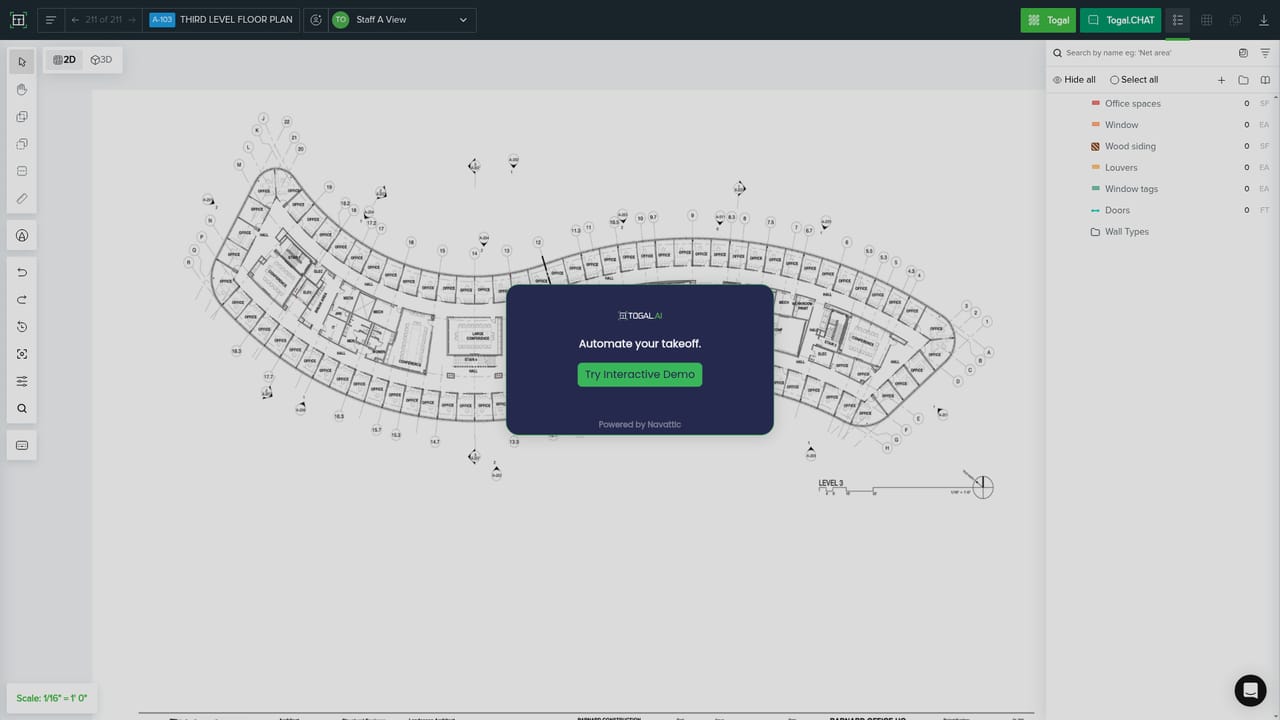
Togal is cloud based AI takeoff software for construction estimators. It detects, measures and labels rooms on architectural drawings, answers questions about plans through Togal.CHAT, and compares drawing sets in one click so teams can quantify revisions without redoing the estimate.
Togal is a pre-construction takeoff platform that uses AI to detect, measure, label and compare building spaces directly on architectural drawings. The company describes the product as built by estimators for estimators, and its core claim is that floor plan takeoffs run at roughly 98 percent accuracy while the overall takeoff process moves about five times faster than manual methods. The software ingests drawing sets in a range of file formats and analyzes them without requiring a specific export or conversion step. In practice an estimator uploads a plan set, lets the AI identify rooms and features, then works from those detections to quantify quantities rather than tracing every boundary by hand. Togal.CHAT is the natural language layer: users type questions about the plans and get answers grounded in the drawing rather than scrolling through sheets. Because the workspace is cloud based, several estimating team members can open the same takeoff at once and see each other's work in real time, which matters for firms where one senior estimator reviews the output of several junior staff. Change management is the other half of the pitch. Comparing two drawing sets and quantifying the delta is a single click, so revisions from architects do not restart the estimate. That positions Togal against traditional on-screen takeoff tools and general PDF markup workflows, which handle measurement but leave detection, labeling and revision comparison to the user. The audience is commercial trade contractors and general contractors with dedicated estimating departments: drywall, painting, flooring, masonry and concrete bidders appear repeatedly among the published customer logos, alongside large general builders and at least one university. Smaller shops with occasional takeoff needs may find the estimator-centric design more than they require, and the site does not publish pricing, so budget must be confirmed through a demo or self-guided tour.
Customer testimonials on the homepage single out training sessions and responsive help with plan downloads as strengths, but no support tiers, hours or documentation portal are described.
Core capabilities include automatic detection, measurement and labeling on architectural drawings, instant analysis across file types, one click comparison of drawing sets to quantify changes, real time cloud collaboration on a shared takeoff, and Togal.CHAT for asking questions about construction plans in natural language. The vendor reports 98 percent accuracy on floor plans and takeoffs about five times faster than manual methods.
 AI Angels400+ customizable AI girlfriends for NSFW chat, voice calls, and roleplay
 Candy AIExperience the future of companionship with AI friends who chat, role-play, and connect with you on a human level.
 ourdream.aiA vast AI roleplay platform with millions of characters for chat, images, video and voiceAI Angels400+ customizable AI girlfriends for NSFW chat, voice calls, and roleplayCandy AIExperience the future of companionship with AI friends who chat, role-play, and connect with you on a human level.ourdream.aiA vast AI roleplay platform with millions of characters for chat, images, video and voice


