Support
No help centre or documentation is listed; the homepage offers an email address, Telegram, GitHub and social profiles as contact routes with the HTML Zone team.
Browser-based background removal that never uploads your images
Own AI Background Remover by HTML Zone? Verify ownership to get a dofollow link

AI Background Remover by HTML Zone is a background tool. A free browser-based tool that removes image backgrounds using the RMBG-1.4 model, handling JPG, PNG, WEBP and AVIF while keeping every file on the user's own device.
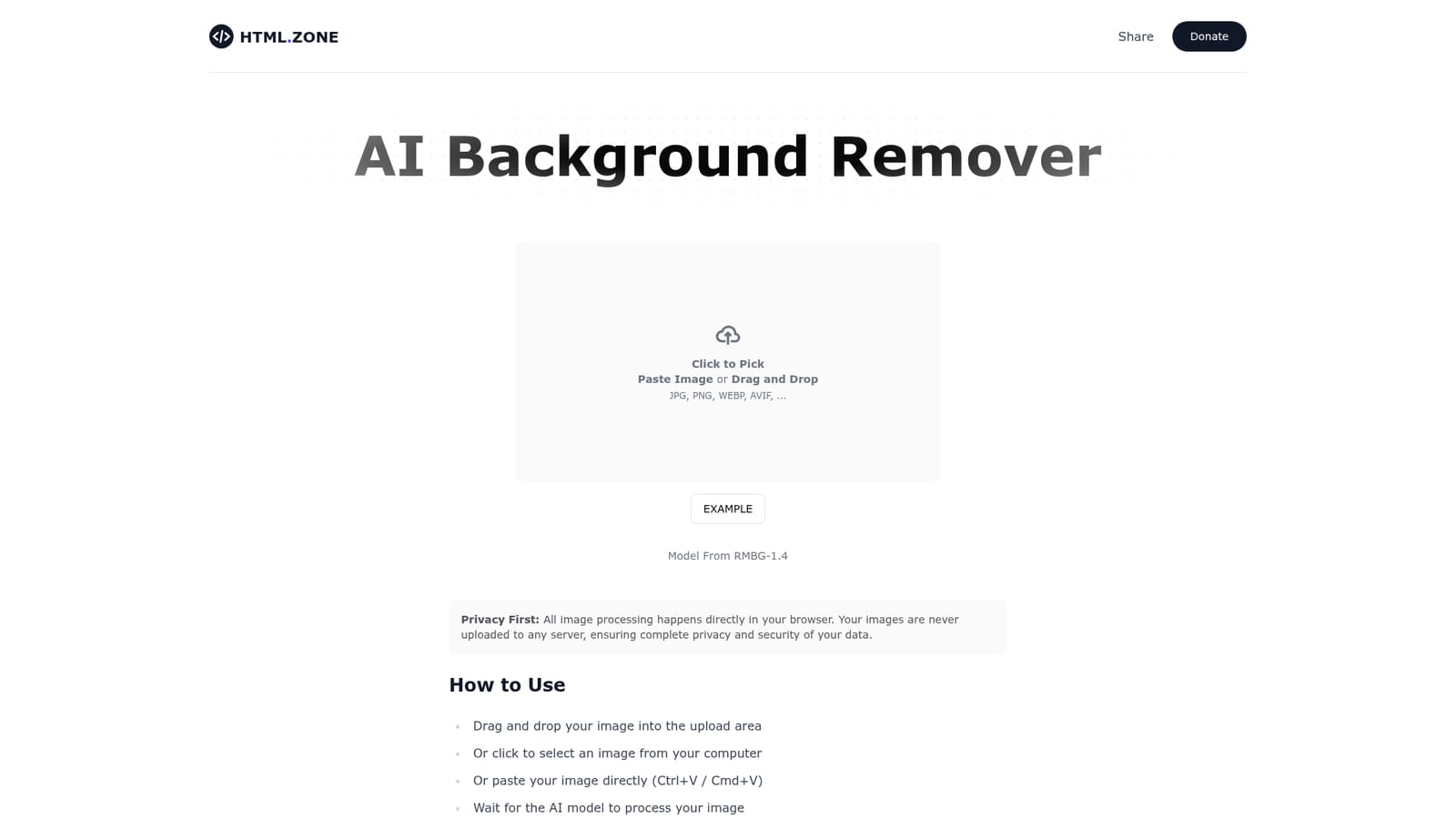
AI Background Remover by HTML Zone is a single-purpose web tool that cuts the subject out of a photo and returns a transparent-background image. It handles JPG, PNG, WEBP and AVIF files, and the entire workflow runs on the RMBG-1.4 model from Bria, loaded directly into the browser rather than on a remote server. The practical consequence is that the tool works without an account, without an upload queue, and without images leaving the machine they were opened on. The interface is deliberately minimal: a drop zone that accepts drag and drop, a file picker, and a paste handler for images copied to the clipboard. There are no sliders, no masking brushes and no manual cleanup stage. Processing is a one-shot operation, after which the cutout can be downloaded. The page states that the first run is noticeably slower because the AI model has to be downloaded and initialized in the browser, while later runs reuse the loaded model and complete much faster. The tool suits people who need a quick cutout and care about where the file goes: designers assembling mockups, sellers cleaning up product shots, marketers resizing assets, and anyone handling client or personal images who would rather not send them to a third-party server. Because the model runs locally, the experience depends on the visitor's hardware and browser, which is the main trade-off against cloud-based removers. Compared with full image editors that bundle background removal into a larger subscription, this is a narrow utility with no account layer and no editing suite around it. HTML Zone positions it as a free, efficient utility in a family of small web tools, and the homepage gives no indication of a paid tier or usage cap. Images under 10MB are recommended for stable browser performance.
No help centre or documentation is listed; the homepage offers an email address, Telegram, GitHub and social profiles as contact routes with the HTML Zone team.
Removes image backgrounds with the RMBG-1.4 model from Bria, running entirely in the browser so files stay on the user's device. Accepts JPG, PNG, WEBP and AVIF through drag and drop, a file picker or clipboard paste. Subsequent runs are faster once the model is initialized.
 AI Angels400+ customizable AI girlfriends for NSFW chat, voice calls, and roleplay
 Candy AIExperience the future of companionship with AI friends who chat, role-play, and connect with you on a human level.
 ourdream.aiA vast AI roleplay platform with millions of characters for chat, images, video and voiceAI Angels400+ customizable AI girlfriends for NSFW chat, voice calls, and roleplayCandy AIExperience the future of companionship with AI friends who chat, role-play, and connect with you on a human level.ourdream.aiA vast AI roleplay platform with millions of characters for chat, images, video and voice


