Integrations
A Shopify app is listed for optimizing store images, and the service runs as a web app alongside native iOS and Android apps.
Learn moreAI photo studio for product images and e-commerce visuals

iFoto is a background tool. iFoto bundles background removal, photo enhancement, AI fashion models, product photography, clothing recolor and a PDF toolbox into one web, iOS and Android app aimed at e-commerce sellers and social media users.
iFoto is a browser based photo studio that leans heavily toward e-commerce work. The core is a set of AI editing tools that run on a single uploaded image: automatic background removal, background swapping, photo enhancement and upscaling, object and logo cleanup, old photo restoration, black and white colorization, image extending and compression. Around that editing core sits a commerce-focused suite, including AI product photography, AI fashion models, clothing recolor and an image recopyright tool for reworking stock or competitor visuals into something usable in a listing. The obvious audience is online sellers and the people who prepare their catalog imagery. A small merchant can photograph a garment on a hanger, drop the background, place it on a model image and recolor it for each variant without booking a studio. Social media managers and job seekers get separate utilities for profile pictures and passport photos, while a bundled PDF section handles translation, compression, merging and conversion to Word, Excel, PPT and JPG. The homepage reports more than 70 million creators and over 20 AI tools, which gives a sense of scale but not of per-tool output quality. The workflow is intentionally shallow: pick a tool from the menu, upload, let the model process, then download. There is no layered canvas or advanced masking interface to learn, which makes it approachable for beginners and frustrating for retouchers who want control. Against general editors like Photoshop or Canva, iFoto trades flexibility for speed on repetitive catalog tasks. Against dedicated background removal services, it wins on breadth and loses on depth. The Shopify app makes it a plausible fit for stores already on that platform, and native iOS and Android apps extend the same tools to mobile. Buyers should test specific tools against their own images, because quality varies across such a wide set.

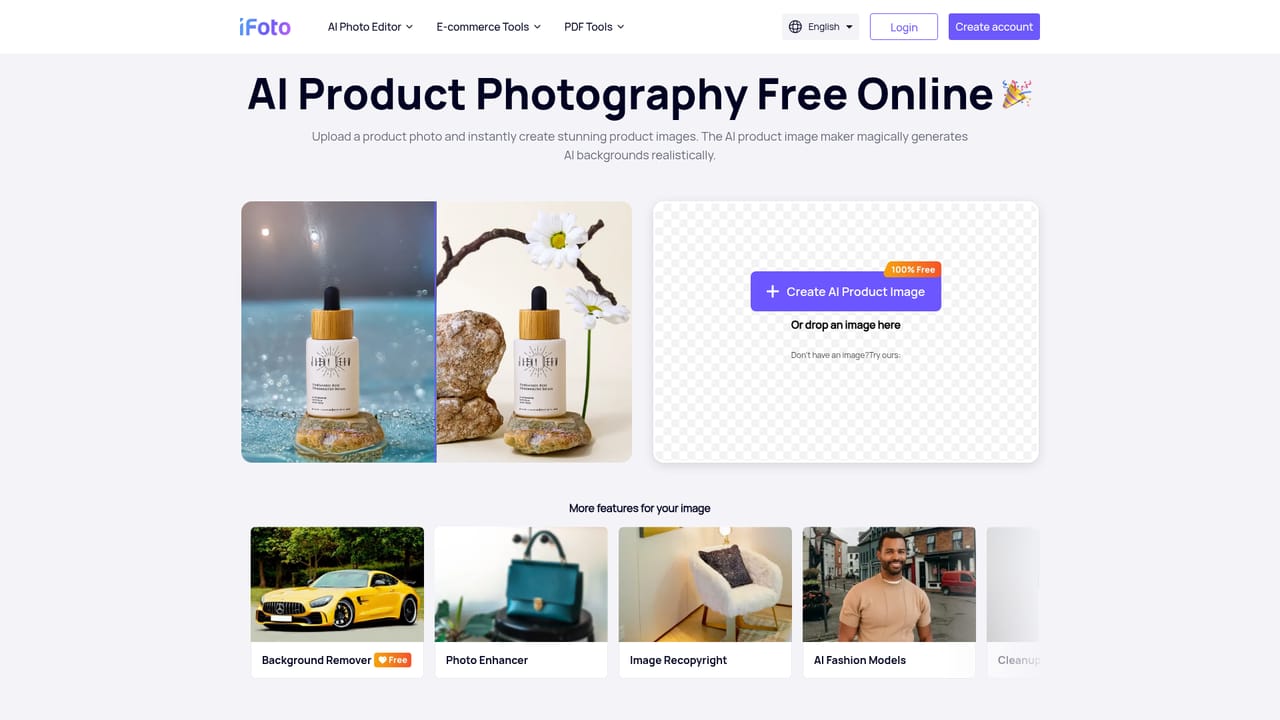


A Shopify app is listed for optimizing store images, and the service runs as a web app alongside native iOS and Android apps.
Learn moreTools span background removal and replacement, photo enhancement and upscaling, object and logo cleanup, old photo restoration, colorization, image extending, brightening, compression and recopyright. Commerce-specific options include AI fashion models, clothing recolor and AI product photography. Extra utilities cover profile pictures, passport photos, AI hairstyles, face generation and a PDF suite for translating, compressing, merging and converting documents.
Learn more AI Angels400+ customizable AI girlfriends for NSFW chat, voice calls, and roleplay
 Candy AIExperience the future of companionship with AI friends who chat, role-play, and connect with you on a human level.
 ourdream.aiA vast AI roleplay platform with millions of characters for chat, images, video and voiceAI Angels400+ customizable AI girlfriends for NSFW chat, voice calls, and roleplayCandy AIExperience the future of companionship with AI friends who chat, role-play, and connect with you on a human level.ourdream.aiA vast AI roleplay platform with millions of characters for chat, images, video and voice


