ProductAI

Studio-grade product photos from a single upload, no photographer required

Beginner API
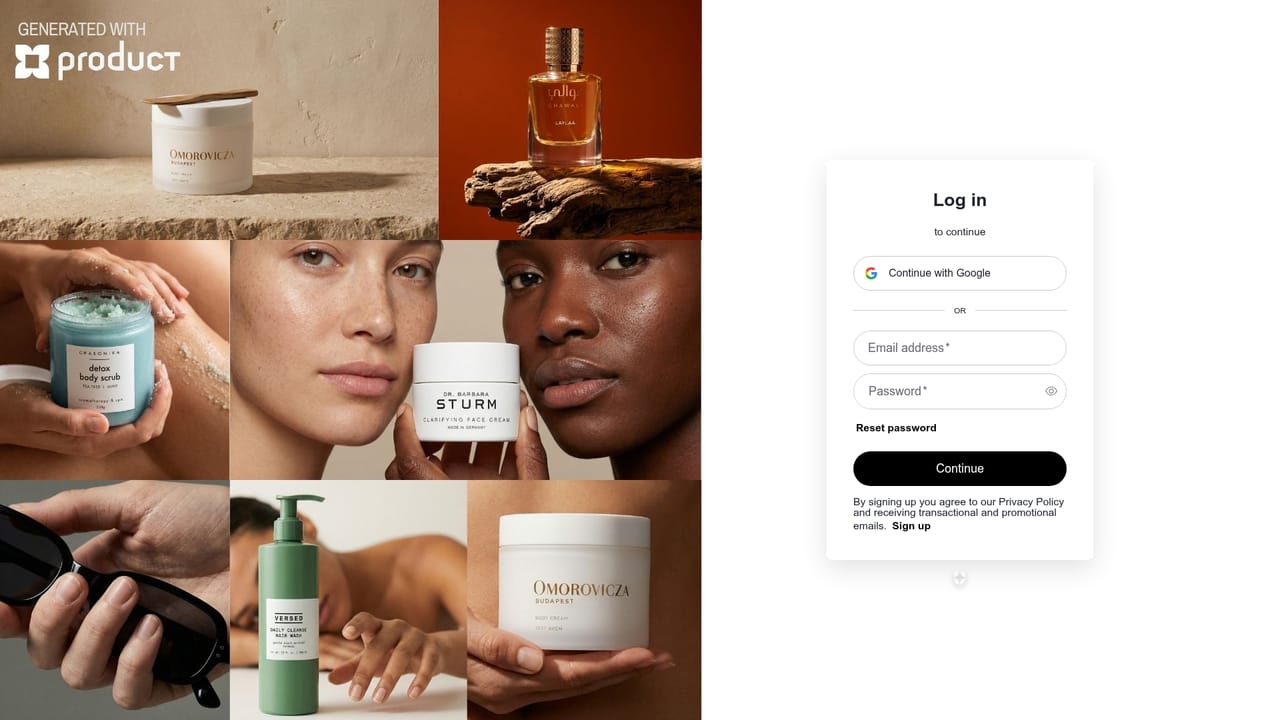
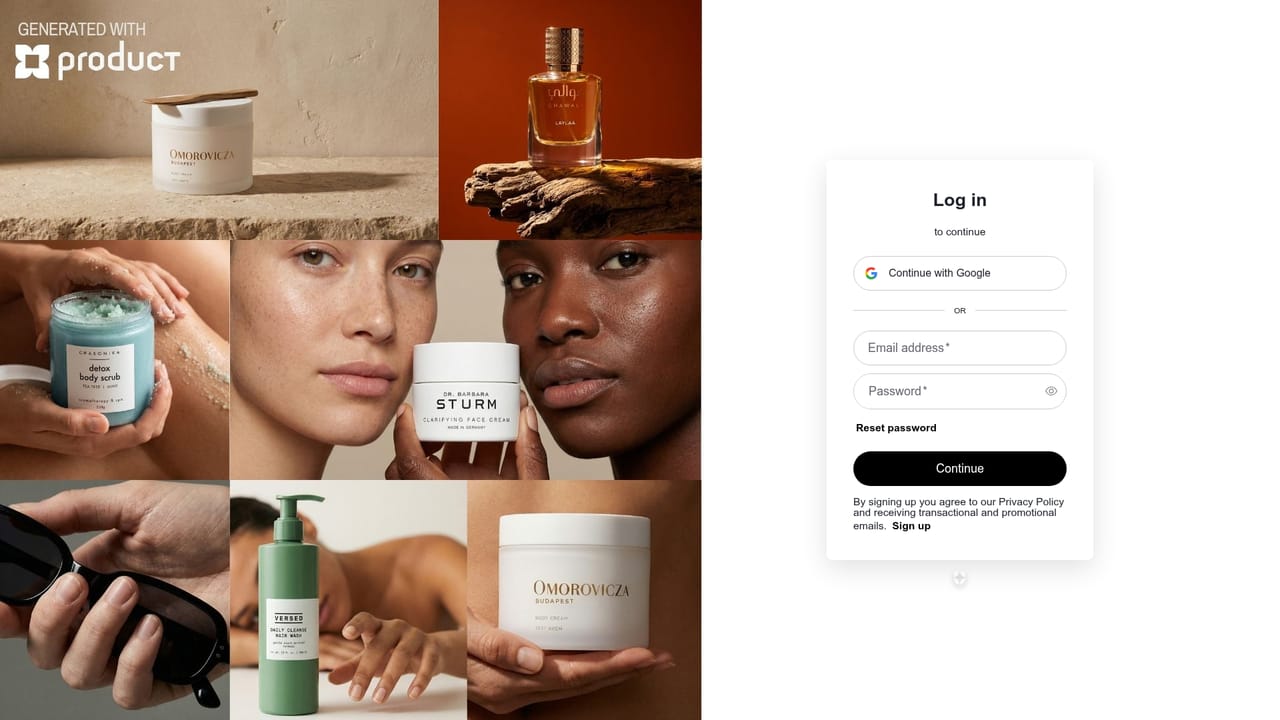
Screenshot of ProductAI, Studio-grade product photos from a single upload, no photographer required

What is ProductAI?

ProductAI is a background tool. Template-driven AI studio that places uploaded product shots into styled scenes for fashion, cosmetics, fragrance and beverage campaigns, with background replacement, object removal, upscaling, short video clips and a bulk generation API.

ProductAI is a browser-based product photography studio that turns ordinary product shots into polished campaign images. The workflow is template-first rather than prompt-first: you pick a scene from the adaptive template library (fragrance, fashion, cosmetics, skincare, accessories, beverage and sports sets are shown on the site), upload your product, and the generator places it into the scene with the lighting and shadows matched. The homepage stresses that no prompting and no design skills are required, which puts the tool in reach of store owners who would otherwise book a studio or hand the job to a retoucher. Beyond stills, the studio bundles a set of editing utilities the site calls magic tools: background swapping, object removal, a drawing tool for precise edits, and an upscaler for image quality. Short video creation is included for reel-style output, and generation credits can be spent on video clips built with Seedance and Veo as well as on 4K renders on higher tiers. An API lets teams run bulk generations, and the documentation shows a Claude MCP integration path alongside a Shopify bulk-generation workflow. The product is aimed squarely at e-commerce sellers, brand marketers, social media managers and agencies that need a steady stream of on-brand visuals. The site reports 30,000 registered users and lists logos such as Dior, Adidas, Adobe, Bosch, Google and Vinted among 75 plus brands it says are customers. Pricing runs on credits: roughly 40 photos a month at the Basic tier up to about 375 at Max, with a shared-workspace Team plan for two to nine seats and one-off top-up packs that stay valid for 12 months. Compared with general image generators, ProductAI trades open-ended prompting for repeatability: fixed templates keep catalog images consistent across a range, and the API makes that repeatability programmable. The trade-off is creative range. You are working inside scenes the studio supplies rather than inventing your own set, so brands wanting a fully bespoke art direction will still need a photographer or a custom template conversation.

How do you use ProductAI?

  1. 1Open the studio
    Sign up and head to the dashboard studio, which is where all templates, credits and generation history live.
    ProductAI — Open the studio
  2. 2Choose a template
    Browse the adaptive template library and pick a scene that matches your product category, such as fragrance, skincare or sports apparel.
  3. 3Upload your product shot
    Upload a clean image of the product. The generator places it into the template scene and handles lighting and shadows for you.
  4. 4Refine with magic tools
    Swap the background, remove stray objects, draw precise corrections or upscale the result until the image is ready to publish.
  5. 5Download or automate
    Export the finished image, or set up API access from the studio to run bulk generations for your store catalog.
    ProductAI — Download or automate

Pros and cons

Pros

  • Template-first workflow needs no prompt writing, so non-designers can produce catalog-ready images on day oneAI
  • Photo and short video generation sit in one studio, with reels useful for social posts alongside stillsAI
  • Magic tools cover background swapping, object removal, drawing-based edits and upscaling without leaving the browserAI
  • API and Claude MCP documentation support bulk runs, including a Shopify bulk generation setupAI
  • Shared Team workspace pools credits across two to nine seats and issues a single invoice to the ownerAI

Cons

  • Output is constrained to the supplied template library, so fully bespoke art direction is out of reachAI
  • Credit allowances are modest at entry tiers, roughly 40 photos on Basic, and video clips consume credits fastAI
  • The site shows no free tier and no free trial, only a discounted first month on the Basic planAI
  • Human prompting help and founder access only appear at the 99 euro Max tier, below that support is unspecifiedAI
  • No mobile apps are listed, so the studio assumes desktop browser access for editing workAI

How much does ProductAI cost?

Pricing

Monthly and annual subscriptions priced in euros: Basic 16 per month (about 40 photos, 350 credits), Standard 29 (about 85 photos, 4K, beta features), Pro 49 (about 175 photos, AI Agents, advanced templates) and Max 99 (about 375 photos, human prompting support, priority access). Annual billing saves 17 percent. Team is 39 per seat with pooled credits and a shared workspace.

Learn more

Support

Contact form and an enterprise contact route for larger deals. Premium human prompting support with a 24 hour response and priority support with founder access are listed only on the Max plan.

Learn more

Integrations

An API with clean documentation and instant key access in the studio, a Claude MCP integration documented on the site, and a bulk generation workflow illustrated against Shopify.

Learn more

Features

Adaptive templates for placing products into styled scenes without prompts, product-in-hand and product placement shots, background replacement, object removal, drawing edits, upscaling, short video reels plus Seedance and Veo video clips, 4K output on Standard and above, AI Agents and advanced templates on Pro, and an API for bulk generation.

Frequently asked questions about ProductAI

  • How much does ProductAI cost?
    Monthly and annual subscriptions priced in euros: Basic 16 per month (about 40 photos, 350 credits), Standard 29 (about 85 photos, 4K, beta features), Pro 49 (about 175 photos, AI Agents, advanced templates) and Max 99 (about 375 photos, human prompting support, priority access). Annual billing saves 17 percent. Team is 39 per seat with pooled credits and a shared workspace.
  • Does ProductAI have an API?
    Yes, ProductAI offers an API.
  • How do you use ProductAI?
    The walkthrough on this page covers 5 steps: 1. Open the studio 2. Choose a template 3. Upload your product shot 4. Refine with magic tools 5. Download or automate.
  • What platforms does ProductAI support?
    ProductAI is available on Web App.
  • What does ProductAI integrate with?
    An API with clean documentation and instant key access in the studio, a Claude MCP integration documented on the site, and a bulk generation workflow illustrated against Shopify.
  • What are the limitations of ProductAI?
    Output is constrained to the supplied template library, so fully bespoke art direction is out of reach. Credit allowances are modest at entry tiers, roughly 40 photos on Basic, and video clips consume credits fast. The site shows no free tier and no free trial, only a discounted first month on the Basic plan.

Status

StatusActive
Views0
Outbound clicks0
Added10/21/2026

Platforms

Web App

Pricing

PaidSubscription