Free trial
The tool is promoted as free with unlimited generations, so users can start without a paid commitment. No separate time limited trial terms are described.
Learn moreAI product photoshoots from a plain product shot, with unlimited free generations
Own AI Product Photos by CreatorKit? Verify ownership to get a dofollow link

AI Product Photos by CreatorKit is a background tool. CreatorKit's AI Product Photos places a plain product shot into AI generated backdrops, organized by retail category and refined in a drag and drop editor. Aimed at ecommerce sellers and agencies that need volume photography quickly, with free unlimited generations according to the site.
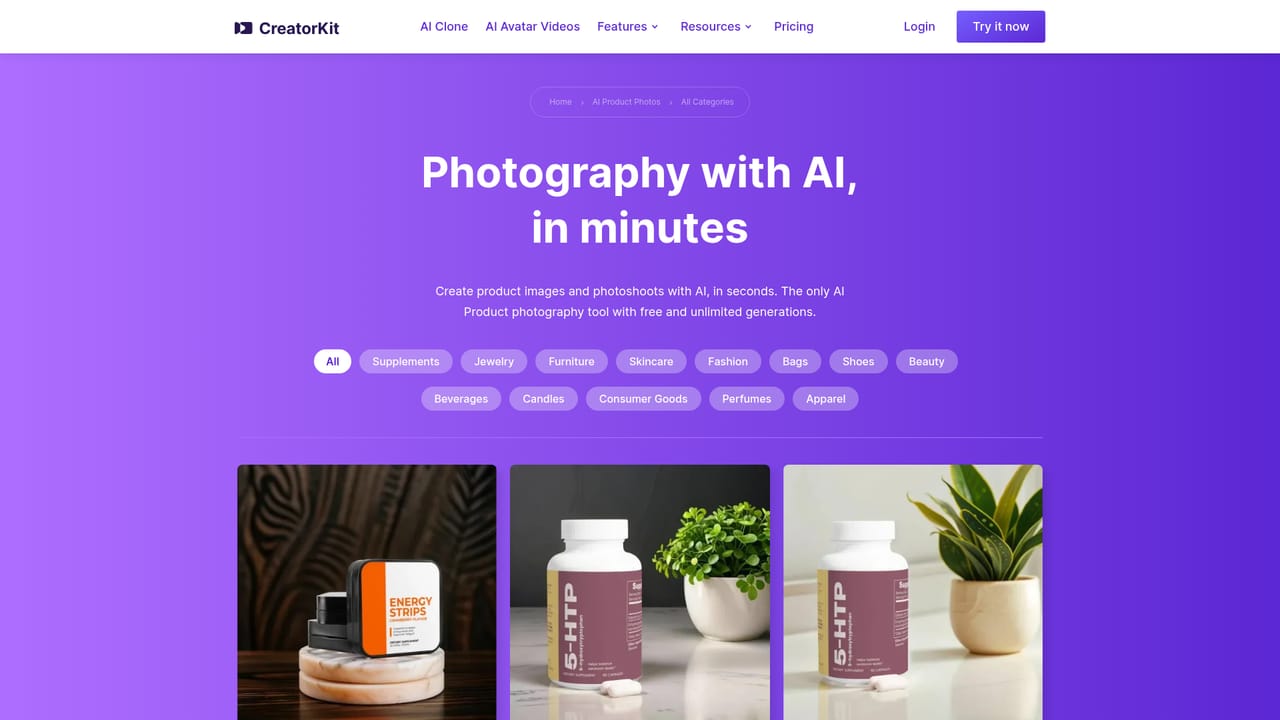
CreatorKit's AI Product Photos is a product photography tool built around a simple premise: start with a clean shot of your product and let the software place it into a generated scene. The product was first launched in 2022, and the company rebuilt it in 2024 after deciding the original AI backgrounds were too random. The current version pairs AI generated backdrops with a drag and drop editor, so the scene can be adjusted rather than accepted or discarded whole. The template library is organized by retail category rather than by visual style. Supplements, beauty, beverages, candles, furniture, jewelry, perfumes, skincare, bags and shoes each get their own set of backdrops and props, from circular wooden podiums with strawberries to a bar interior, a winter cabin or a solid white backdrop. CreatorKit states that these backgrounds are tuned using data from thousands of ecommerce stores selling with its images, which is the main argument for choosing it over a general purpose image generator that has no notion of what a shelf ready product shot looks like. The workflow suits small brands and independent sellers who need catalog imagery on a tight schedule, plus agencies producing volume for multiple clients. In practice a user uploads a product photo, picks a template from the relevant category, then refines placement and composition in the editor before exporting. CreatorKit reports usage by more than 35,000 businesses, including recognizable agency names, and it positions the tool as free with unlimited generations, which lowers the cost of experimenting with several looks per product. Where it fits: dedicated product photo services tend to charge per image, and stock or studio shoots carry scheduling and retouching overhead. CreatorKit competes on speed and repetition, letting one product be shown in many settings without a photographer. The tradeoff is that results depend on template quality and on how clean the source cutout is, and the visual range is framed around ecommerce categories rather than editorial or lifestyle art direction.


The tool is promoted as free with unlimited generations, so users can start without a paid commitment. No separate time limited trial terms are described.
Learn moreThe homepage advertises free and unlimited AI product photo generations, but does not list paid tiers, per image rates or plan limits. Pricing beyond the free generation offer is not stated on the page.
Learn moreAI generated backgrounds blended with an uploaded product photo, a drag and drop editor for controlling composition, hundreds of templates grouped into ten ecommerce categories (supplements, beauty, beverages, candles, furniture, jewelry, perfumes, skincare, bags, shoes), and per category example galleries with dedicated feature pages for individual verticals.
Learn more AI Angels400+ customizable AI girlfriends for NSFW chat, voice calls, and roleplay
 Candy AIExperience the future of companionship with AI friends who chat, role-play, and connect with you on a human level.
 ourdream.aiA vast AI roleplay platform with millions of characters for chat, images, video and voiceAI Angels400+ customizable AI girlfriends for NSFW chat, voice calls, and roleplayCandy AIExperience the future of companionship with AI friends who chat, role-play, and connect with you on a human level.ourdream.aiA vast AI roleplay platform with millions of characters for chat, images, video and voice


