Pricing
Free to use with unlimited files, but free accounts can export only five animations. Upgrading unlocks unlimited exports plus optimization, collaboration and hosting tools.
Learn moreBrowser-based Lottie animation studio with AI copilot and state machines
Own Lottie Creator? Verify ownership to get a dofollow link

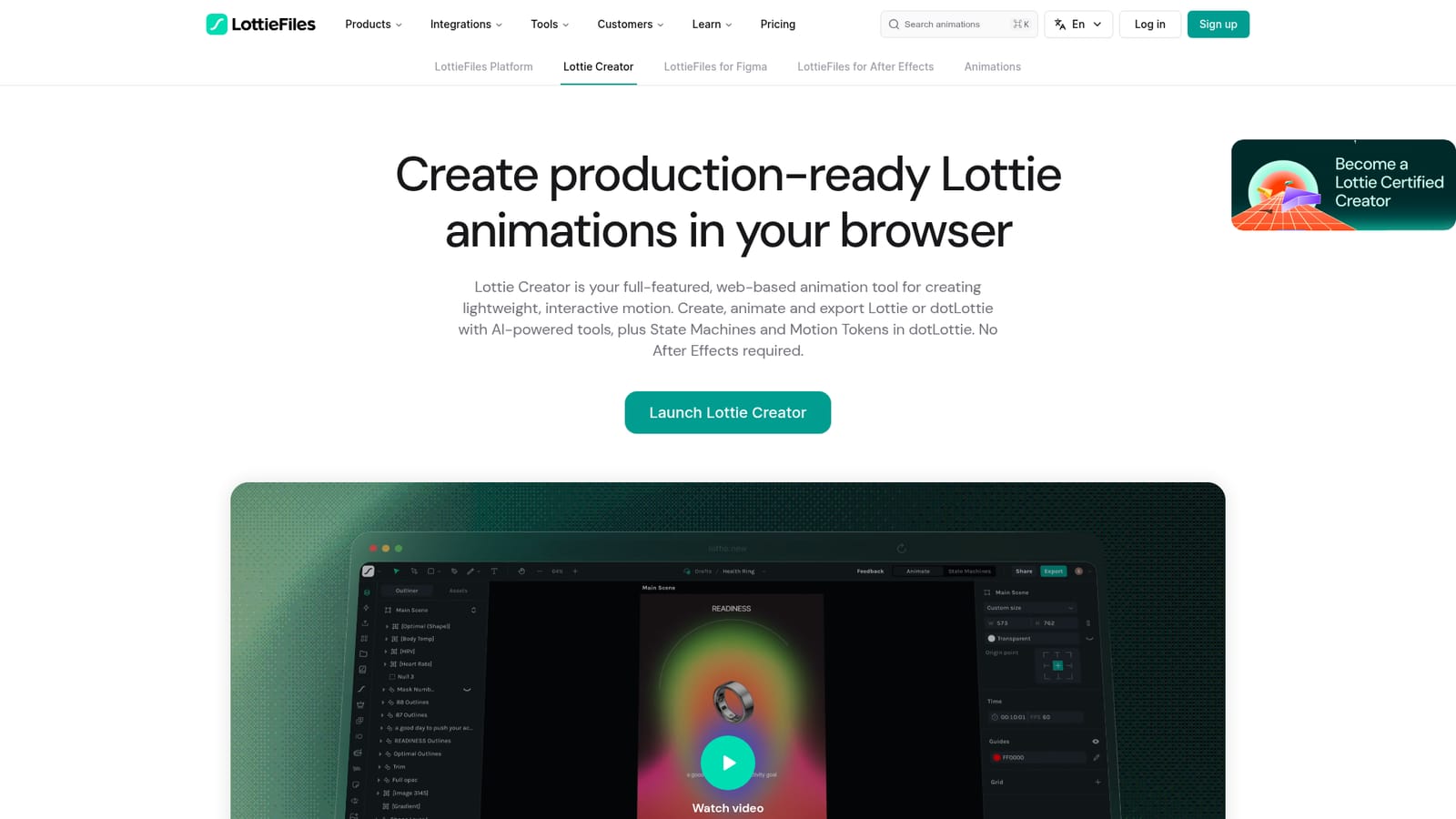
Lottie Creator is a browser animation editor for Lottie and dotLottie files, with keyframe tools, SVG import, state machines, motion tokens and an AI Motion Copilot that builds editable animations from prompts.
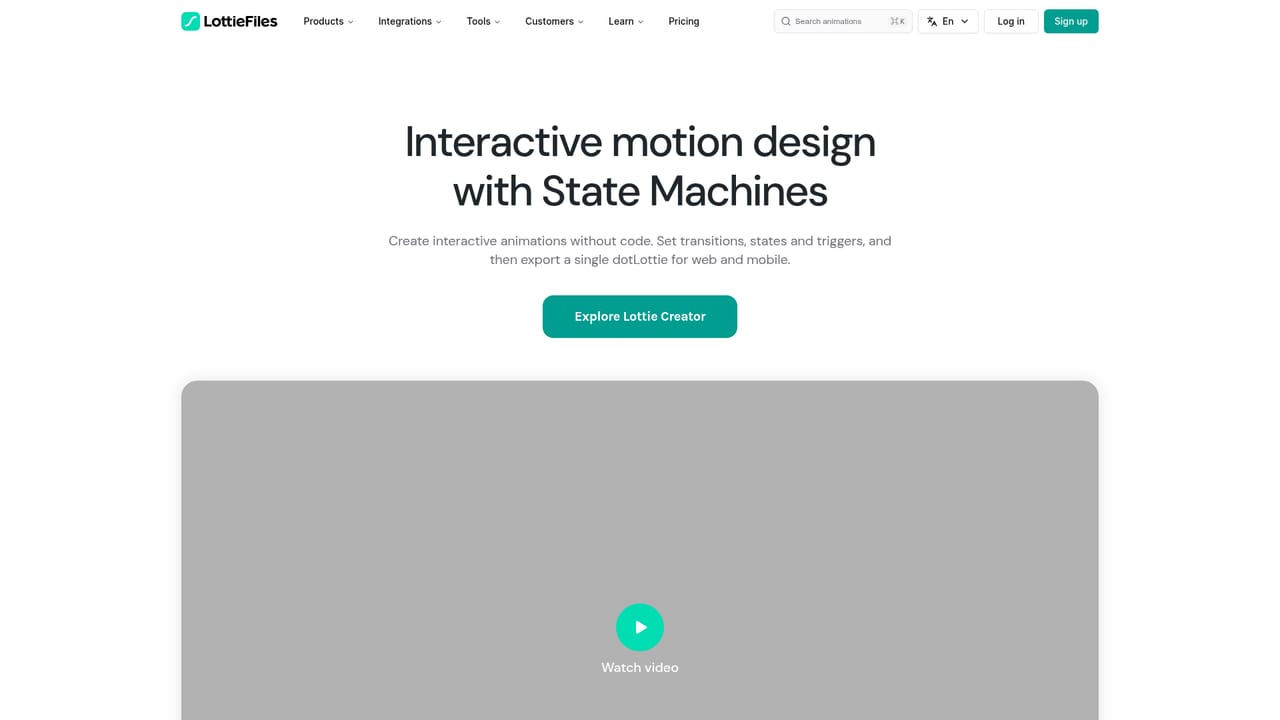
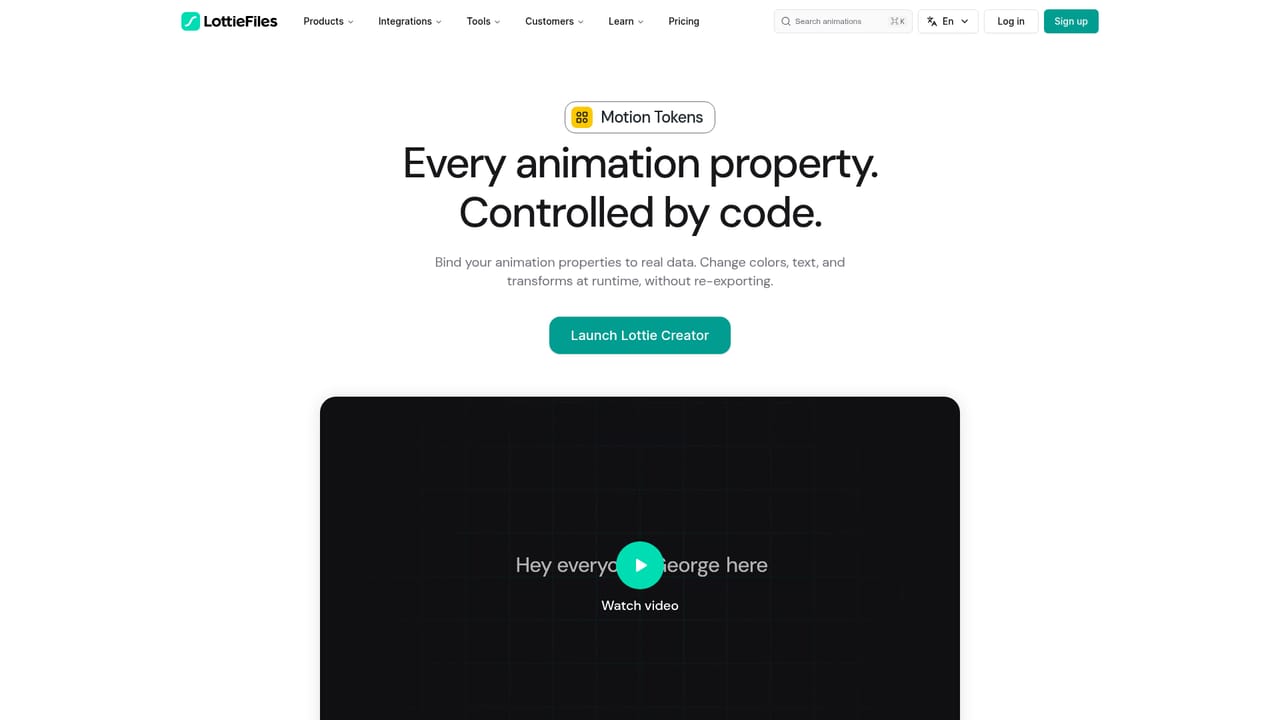
Lottie Creator is a browser-based animation editor from LottieFiles for building Lottie and dotLottie motion assets without opening After Effects. The canvas works on layers, shapes, text and keyframes, so teams can assemble UI micro-interactions such as loaders, toggles and buttons alongside larger illustrations and character sequences. SVGs can be dragged in or pasted with path detail preserved, and finished work exports as Lottie JSON, dotLottie, optimized Lottie, GIF, MP4, MOV or WebM, with CDN links for web, iOS and Android delivery. The editor carries professional controls that motion designers expect: a graph editor for easing curves and overshoots, keyframe assistance for retiming and mirroring, mattes and masks, parenting, blend modes, nested scenes, motion paths, trim paths, anchor point control, a duplicator for repeated elements and a real-time preview that matches the render. For interactive work, State Machines wire animations to clicks, hovers, user inputs, data and custom logic, while Motion Tokens expose text, colors, position and opacity as reusable properties connected to live data. Multi-animation support bundles several animations into one lightweight dotLottie file so state and theme variants ship together. AI is woven through the workflow rather than bolted on. Motion Copilot turns a written prompt into an editable animation with keyframes, shapes, text, gradients and shadows. Separate prompt tools generate vector graphics, themes and state machines, and an MCP connection lets compatible AI agents build or edit files directly. A plugin system with community extensions adds spring curves, physics simulation, motion presets and a universal file importer, and Motion System stores presets, easing curves, colors and fonts for team-wide reuse. Freelancers get a lightweight studio with private preview links and community publishing; teams get cloud projects and shared motion governance. Compared with After Effects plus a Lottie export plugin, it trades deep compositing power for browser access, native interactivity and a much shorter path from idea to shippable dotLottie. The free tier is real but capped at five exports, so anyone producing regularly will need a paid workspace.
Free to use with unlimited files, but free accounts can export only five animations. Upgrading unlocks unlimited exports plus optimization, collaboration and hosting tools.
Learn moreSupport is documented through Lottie Creator tutorials, product release notes and blog guides; the homepage does not state live support channels.
Learn moreConnects to MCP-compatible AI agents and browser AI agents via Web MCP in Chrome, and links to Figma and After Effects plugins on the LottieFiles platform.
Learn moreKeyframe editing with a graph editor and keyframe assistance, SVG import, mattes and masks, parenting, blend modes, nested scenes, motion and trim paths, a duplicator, real-time preview, state machines, motion tokens, multi-animation dotLottie files, Motion Copilot, prompt tools for themes, vectors and state machines, MCP access and a plugin system.
 AI Angels400+ customizable AI girlfriends for NSFW chat, voice calls, and roleplay
 Candy AIExperience the future of companionship with AI friends who chat, role-play, and connect with you on a human level.
 ourdream.aiA vast AI roleplay platform with millions of characters for chat, images, video and voiceAI Angels400+ customizable AI girlfriends for NSFW chat, voice calls, and roleplayCandy AIExperience the future of companionship with AI friends who chat, role-play, and connect with you on a human level.ourdream.aiA vast AI roleplay platform with millions of characters for chat, images, video and voice