Free trial
No separate trial is needed: the service is free to use in the browser, with a small daily quota of generated emojis shown on the homepage.
Learn moreTurn any text prompt into a custom AI emoji in seconds
Own AI Emoji Generator? Verify ownership to get a dofollow link

AI Emoji Generator is an emoji translation tool that turns any text prompt into a custom AI emoji in seconds. AI Emoji Generator creates custom emoji images from text prompts using Stable Diffusion and SDXL.
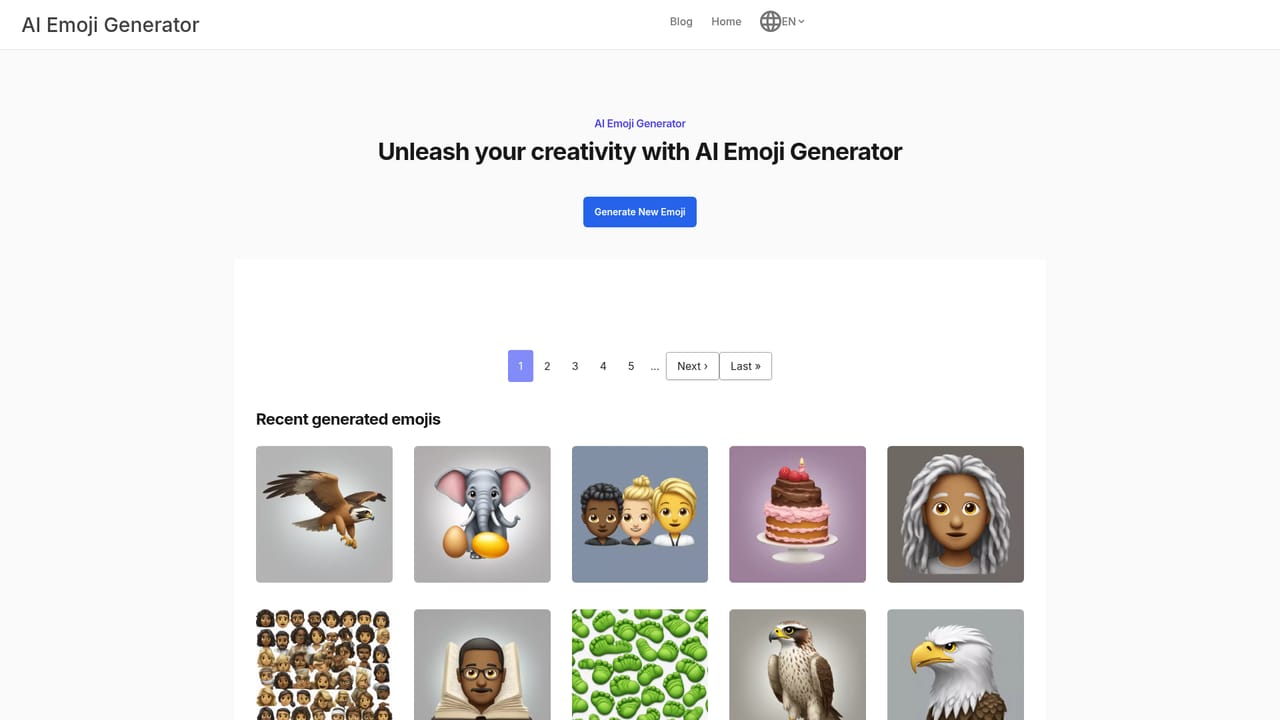
AI Emoji Generator is a browser based tool that turns a short text prompt into a custom emoji image. The site is built on Stable Diffusion, and its own pages name the SDXL image generation model as the engine behind the output. You type what you want, hit generate, and the service returns a square, emoji style graphic within seconds. Outputs are collected on the site, and every generated emoji gets its own public page you can link to or reference. The tool suits people who want a reaction image or a personalized icon that does not exist in the standard Unicode set: community moderators, social media posters, small product teams building a brand mascot, or anyone who enjoys making visual jokes. It also works as a lightweight creative sandbox for testing prompts. Because it runs on hosted GPUs, there is nothing to install and no model to configure; the whole workflow is text in, image out on the web. In practice the process is deliberately thin. Enter a description, wait for the GPU pass, then review the result on its own emoji page. The homepage also surfaces a feed of recent public generations, which doubles as a prompt library and a check on what the model handles well. A separate Emoji Database indexes more than ten thousand AI emoji prompts, which is useful when you want a starting point rather than a blank box. Among text to image services, this one is narrow by design: it optimizes for emoji sized, icon like rendering rather than photorealistic scenes or long form art direction. Compared with general image generators it is faster to use for quick reaction graphics, but it gives you far less control over style, aspect ratio and iteration. Compared with paid icon generators it is free to start, at the cost of a daily cap. The public feed is unfiltered, so expect a mix of quality and content. Pricing is simple: the homepage advertises free emoji generation and shows a daily allowance counter (2 free emojis left today). No paid tiers, subscription plans or credit packs appear on the site, so heavy users should assume the daily quota is the ceiling. There is no API or integration documentation listed, and support is limited to whatever contact or troubleshooting routes the site offers.
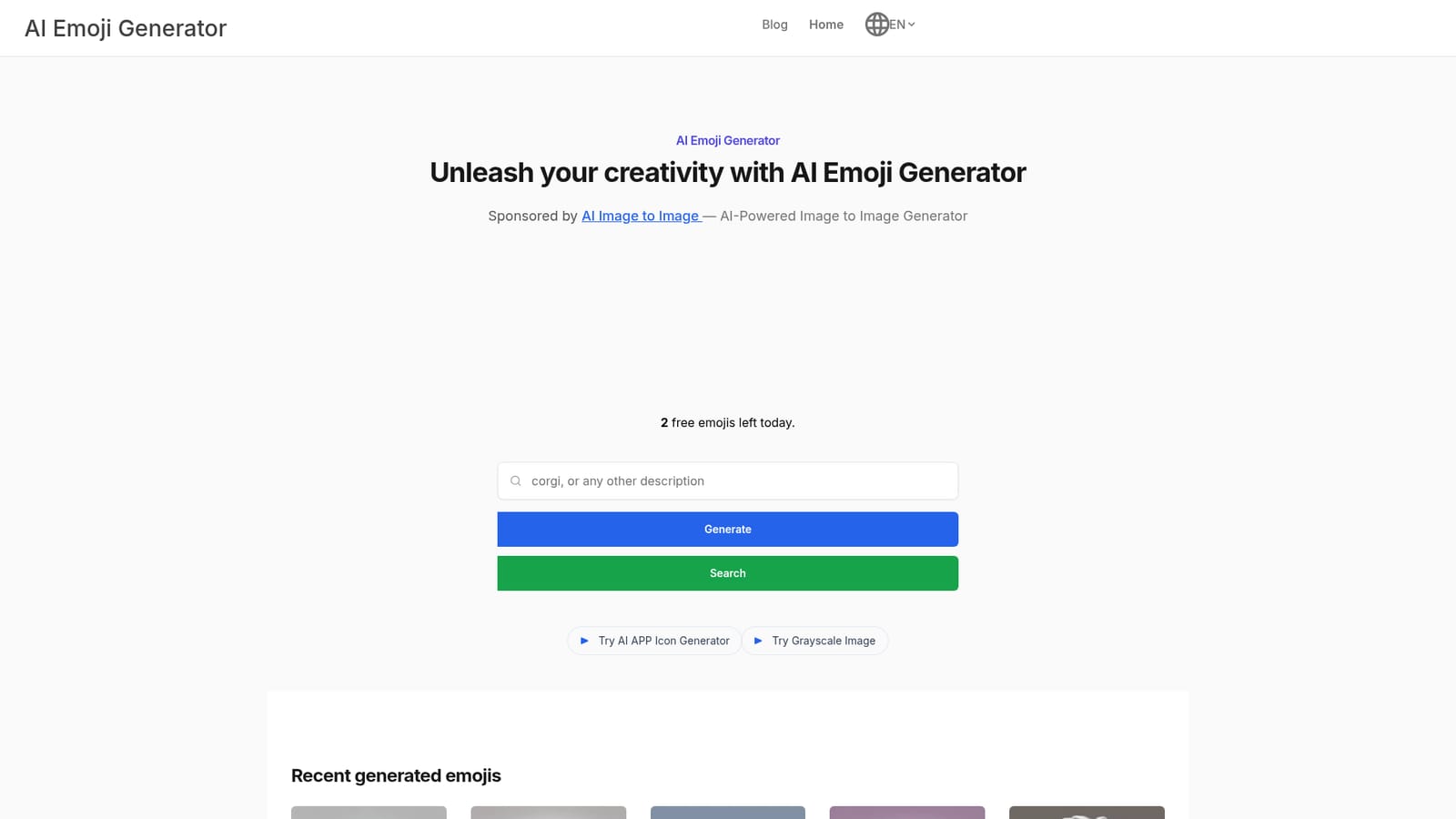
No separate trial is needed: the service is free to use in the browser, with a small daily quota of generated emojis shown on the homepage.
Learn moreThe homepage advertises AI Emoji Generator as free to use and shows a daily allowance counter (2 free emojis left today). No paid tiers, subscriptions or credit packs are listed on the site, so the daily quota appears to be the only stated limit.
Learn moreText to emoji generation on Stable Diffusion and the SDXL model, hosted on GPUs for fast turnaround. Every emoji gets its own public page, recent generations are browsable as a feed, and an Emoji Database indexes more than 10,000 AI emoji prompts for reference. The interface is a single prompt box with no advanced style controls.
 AI Angels400+ customizable AI girlfriends for NSFW chat, voice calls, and roleplay
 Candy AIExperience the future of companionship with AI friends who chat, role-play, and connect with you on a human level.
 ourdream.aiA vast AI roleplay platform with millions of characters for chat, images, video and voiceAI Angels400+ customizable AI girlfriends for NSFW chat, voice calls, and roleplayCandy AIExperience the future of companionship with AI friends who chat, role-play, and connect with you on a human level.ourdream.aiA vast AI roleplay platform with millions of characters for chat, images, video and voice


