Free trial
The translator itself is free and requires no account, and the site says translations are unlimited. Pallyy's separate scheduling product offers a free trial through its sign up page.
Learn moreTurn plain captions into emoji and back again, free and without an account
Own Pallyy Emoji Translator? Verify ownership to get a dofollow link

Pallyy Emoji Translator is an emoji translation tool that turns plain captions into emoji and back again, free and without an account. A free, no login AI tool from Pallyy that adds emoji to captions, converts text entirely into emoji, or decodes emoji back into words.
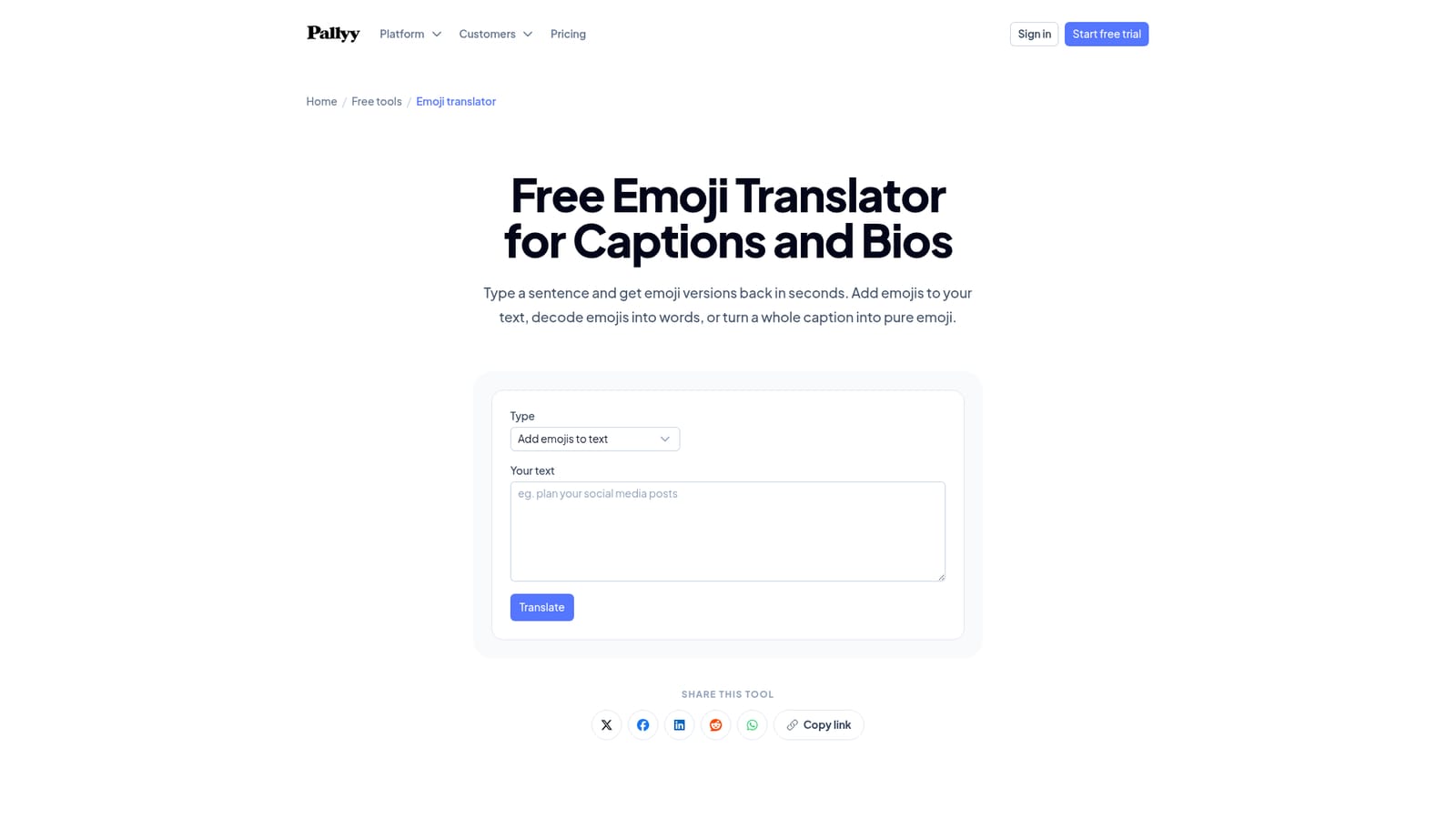
Pallyy Emoji Translator is a free browser tool that moves text between words and emoji in three directions. The first mode, add emojis, keeps the sentence intact and weaves suitable emoji into it. The second, text to emoji, replaces the wording with emoji equivalents. The third, emoji to text, decodes a string of emoji back into readable words. All three run on AI generation and return options rather than one fixed answer, which fits a task where taste varies from one account to the next. In practice the workflow is short: choose a translation type, paste a caption, a bio line or a block of emoji, generate, then copy whichever result suits the context. The tool is built for social media work, so results slot into Instagram and TikTok captions, profile bios, comments and any other place where a playful register helps. It also earns a place outside publishing: decoding an emoji message from a colleague or a friend is a legitimate use of the emoji to text mode. The site is honest about the limits of the output. Emoji sets are drawn differently on iOS, Android and desktop, so an ambiguous symbol can read differently across devices and deserves a check before publishing. Screen readers announce every emoji by name, which makes long chains tedious to listen to, so short runs placed at the end of thoughts are the safer pattern. The tool itself suggests treating generated results as drafts to prune rather than finished copy. Pallyy positions this as one of a large set of free social tools that also covers caption writing, hooks, bios, YouTube metadata, UTM building and photo resizing, alongside its paid scheduling product. If you already have a caption but want the wording sharper, the caption generator or rewriter handles that step, and the emoji pass comes after. No sign up is required to translate, and the site states there is no limit on how many captions you run through.
The translator itself is free and requires no account, and the site says translations are unlimited. Pallyy's separate scheduling product offers a free trial through its sign up page.
Learn moreThree translation modes: add emojis to existing text, convert text entirely to emoji, and decode emoji back to words. Each run produces several options to choose from, results copy straight out, and no login or usage limit is required. The tool also publishes guidance on emoji accessibility and cross device rendering.
 AI Angels400+ customizable AI girlfriends for NSFW chat, voice calls, and roleplay
 Candy AIExperience the future of companionship with AI friends who chat, role-play, and connect with you on a human level.
 ourdream.aiA vast AI roleplay platform with millions of characters for chat, images, video and voiceAI Angels400+ customizable AI girlfriends for NSFW chat, voice calls, and roleplayCandy AIExperience the future of companionship with AI friends who chat, role-play, and connect with you on a human level.ourdream.aiA vast AI roleplay platform with millions of characters for chat, images, video and voice


