Free trial
The first enhancement is free for every user, with no signup and no credit card required. Free downloads carry a watermark.
Learn moreBrowser-based AI photo enhancer that unblurs and upscales to 4K
Own AI Enhance Image.com? Verify ownership to get a dofollow link

AI Enhance Image.com is an image improvement tool. A web-based AI image enhancer that unblurs, denoises, restores and upscales photos to 4K or beyond. The first enhancement is free with no signup, and paid plans from $9.9 per month remove the watermark.
AI Enhance Image.com is a cloud-based photo enhancement service that repairs low-quality pictures directly in the browser. Users upload a file, the system looks for blur, noise, low resolution and color problems, and a corrected version comes back for side-by-side comparison with the original. Nothing needs to be installed and no GPU is required, so it works on any device with a browser, and the first enhancement is free without an account. The toolset is split into focused functions. A general enhancer adjusts color, contrast, sharpness and noise in a single pass. An upscaler enlarges images to 4K output (3840×2160) and, according to the site, up to 8x or 8K, generating new texture instead of stretching pixels. Separate tools cover deblurring (including text in screenshots and scans), denoising grainy low-light shots, restoring old or damaged photos, and improving embedded images inside PDFs. Each has its own landing page, which makes it easy to jump straight to the job at hand. In practice the workflow has four stages: upload (JPG, PNG, WebP, BMP, TIFF or HEIC, up to 10MB), automatic analysis and correction, optional adjustment of enhancement level, output resolution or a specific tool, and download. Free results carry a watermark, and a paid subscription removes it. The site states that most jobs finish in under 10 seconds, that originals are deleted within 24 hours, and that uploads are not used for model training. The audience spans casual users rescuing family photos, marketers and sellers who need cleaner visuals, and creators who want to post-process output from generators such as Midjourney, DALL-E or Stable Diffusion. Among alternatives, it sits with other web upscalers and enhancers: it competes on simplicity and speed rather than on layered editing, so users who need masks, retouching brushes or batch pipelines will likely pair it with a conventional editor. Plans are listed as starting at $9.9 per month, with yearly billing discounted.
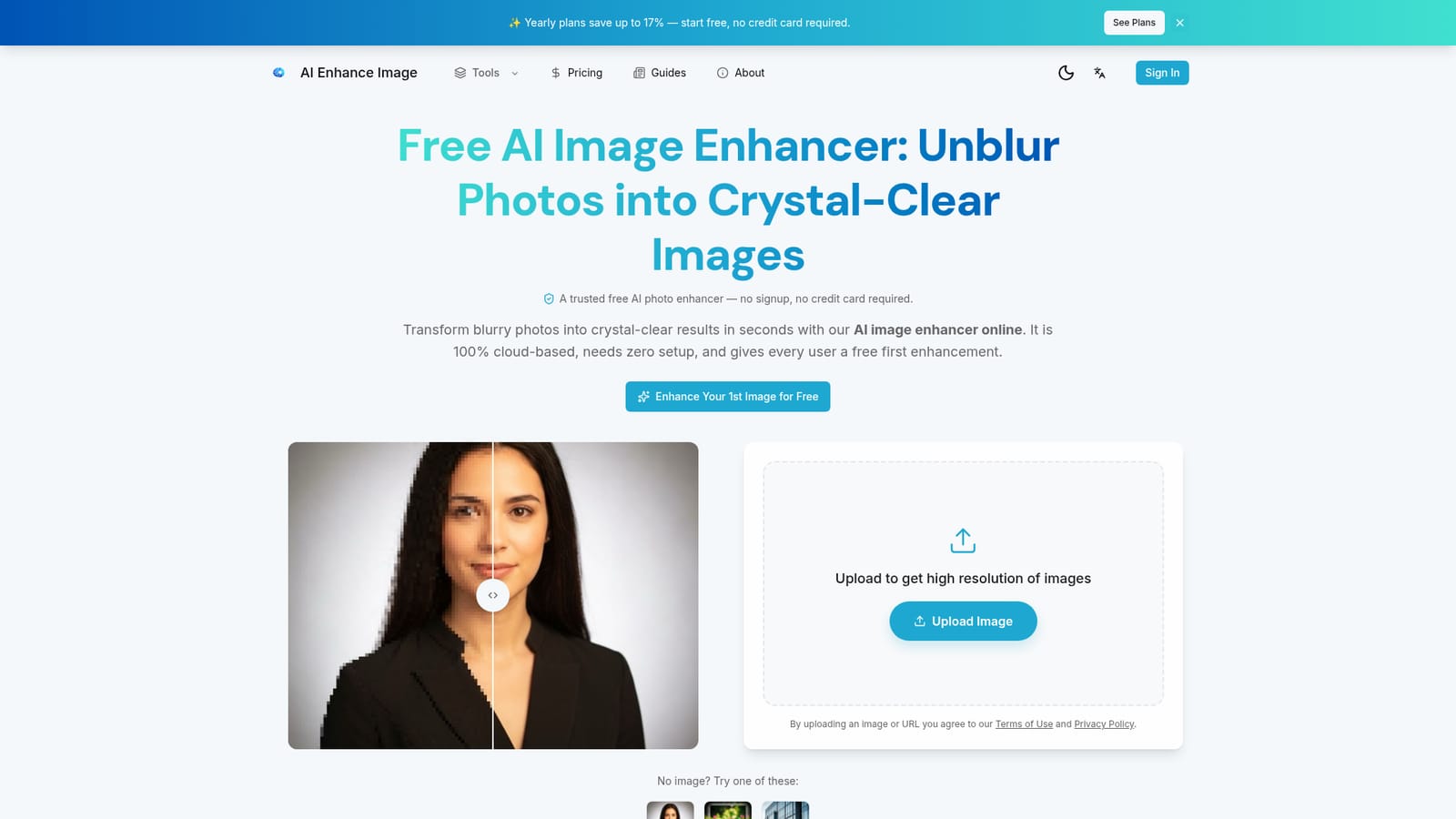
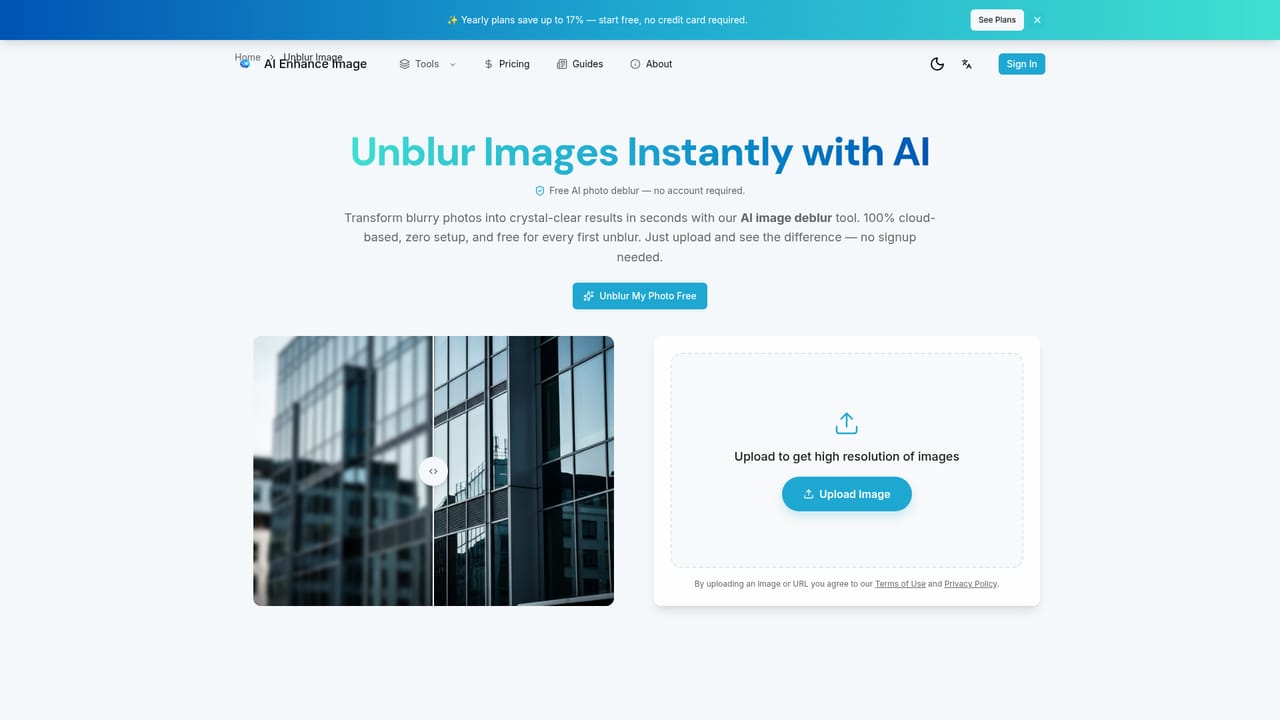
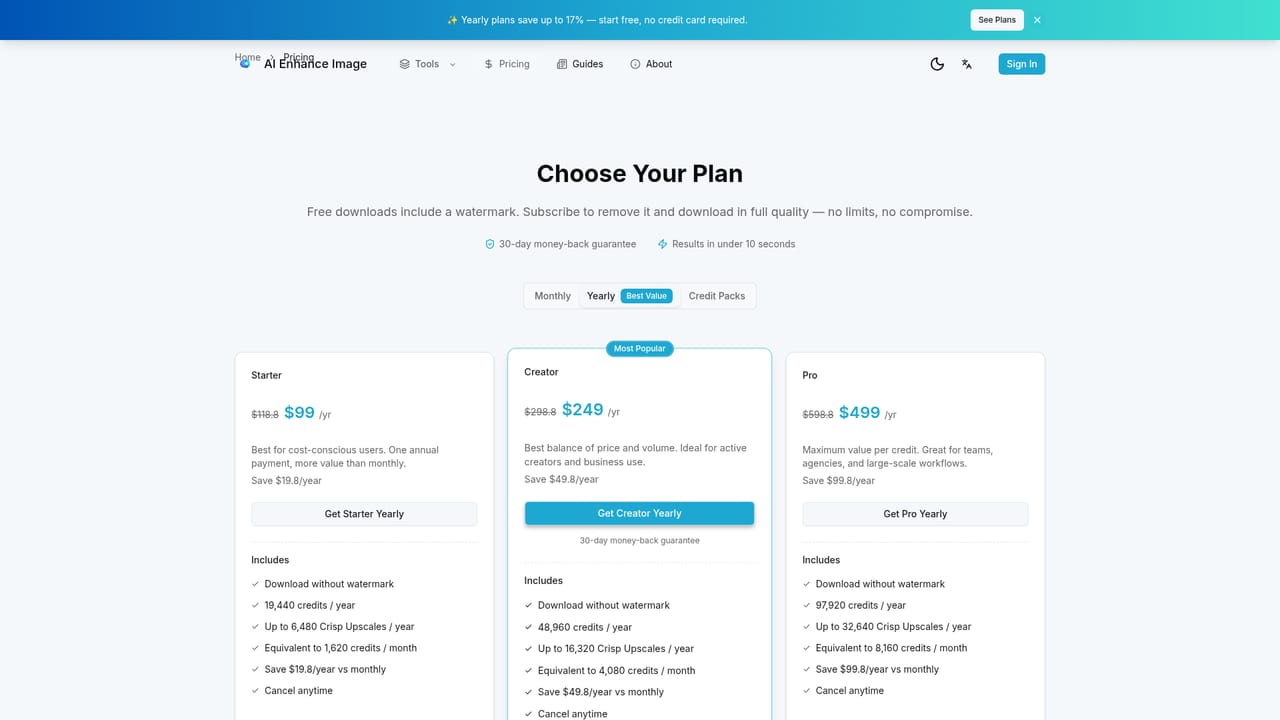
The first enhancement is free for every user, with no signup and no credit card required. Free downloads carry a watermark.
Learn morePlans start from $9.9 per month, and yearly plans save up to 17%. Free results are watermarked, and a subscription removes the watermark. Full plan details are on the pricing page.
Learn moreOne-click enhancement, upscaling to 4K or 8K (up to 8x), unblur for photos and text, denoising, old photo restoration and PDF image enhancement. Supports JPG, PNG, WebP, BMP, TIFF and HEIC, with side-by-side previews and adjustable output quality.


