Free trial
A free tier serves as the trial: 25 welcome credits and 20 free runs per day for bring your own key nodes, inputs and tools, with no credit card required.
Learn moreChain AI models from OpenAI, Anthropic, Google and Replicate into one workflow

AI-Flow is a generative art tool. Open source workflow canvas that chains OpenAI, Anthropic, Google, Replicate and xAI models into repeatable pipelines. Build on a node editor, expose a few inputs, then share the result as a simple form based app.
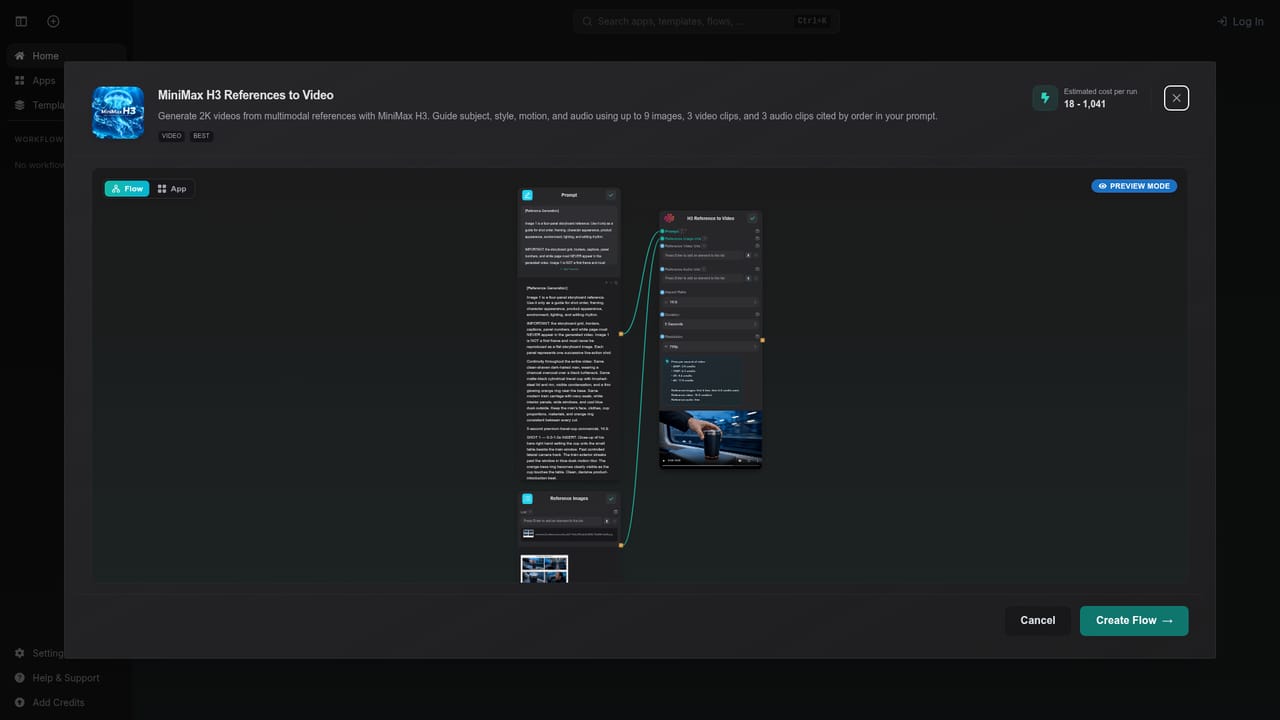
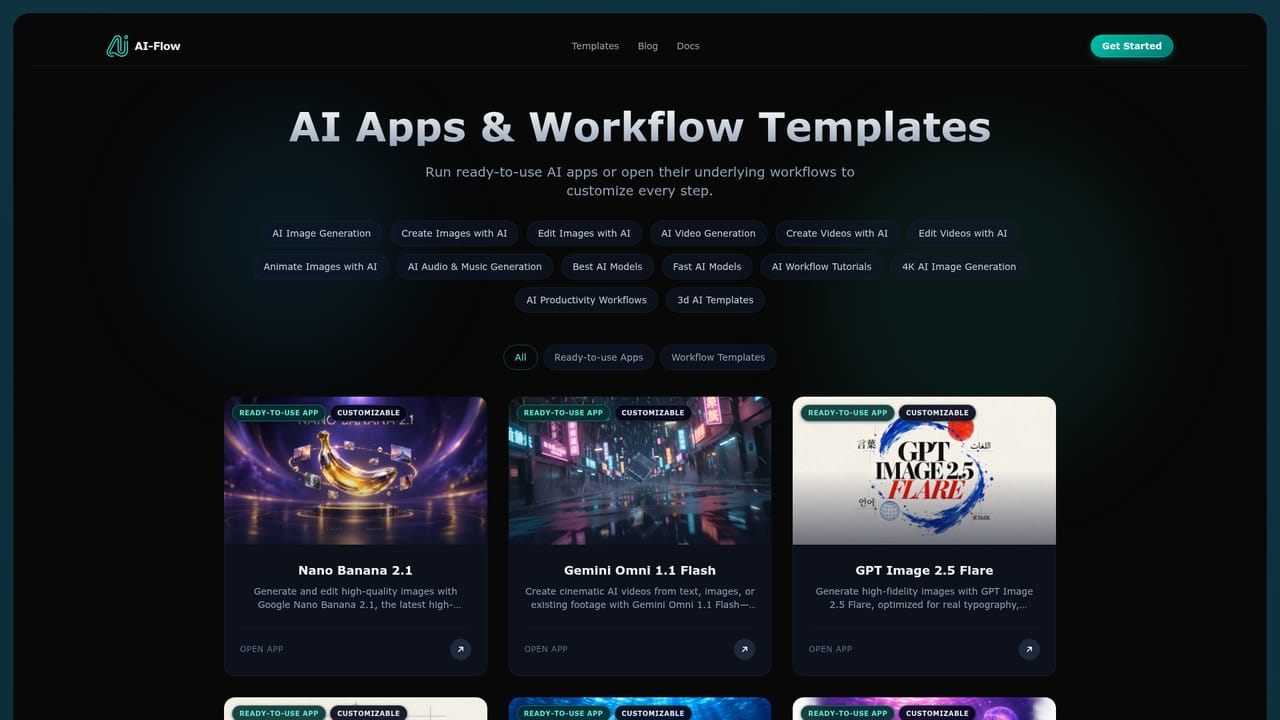
AI-Flow is an open source, browser based canvas for building workflows that combine several AI models in sequence. Instead of switching between provider dashboards, you drag model nodes from OpenAI, Anthropic, Google, Replicate and xAI onto a single canvas, wire them together and let the chain run end to end. The homepage advertises more than 1000 models, spanning text models like GPT, Claude and Gemini, image models such as Nano Banana, GPT Image and Seedream, video models like Seedance, Kling and Veo, plus music and speech nodes. In practice the editor works like a visual pipeline builder. A typical flow starts with an input node (a product photo, a prompt, a brand tone), passes it to a text model for copy, then to an image or video model for visuals, and finally exposes only the inputs you choose. That last part is the practical differentiator: a finished flow can be published as a small form based app, so colleagues upload a file and press Run without ever seeing the canvas. The site ships ready made templates for product photography, t-shirt mockups, game assets, image to 3D conversion and storyboard to video work, which you can copy and adapt rather than starting blank. Billing has two routes. You can bring your own OpenAI, Anthropic, Replicate, Google or xAI keys and pay those providers directly at their rates, or run on platform credits with no key setup. A free tier includes 25 welcome credits and 20 free runs per day for bring your own key nodes, inputs and tools, with no credit card. Flow data sits in the cloud, and generated media is retained for 7 days on the free tier and 30 days on higher tiers. Creators, marketing teams and small product studios are the natural audience, especially anyone who already pays for multiple model subscriptions and wants repeatable pipelines instead of one off generations. It competes with node based automation tools and direct model playgrounds; AI-Flow's edge is breadth of model coverage plus the flow to shareable app step.
A free tier serves as the trial: 25 welcome credits and 20 free runs per day for bring your own key nodes, inputs and tools, with no credit card required.
Learn moreFree tier with 25 welcome credits and 20 free runs per day for bring your own key nodes, inputs and tools, no credit card required. Beyond that you either pay providers directly with your own API keys plus a small platform fee for storage and compute, or use platform credits with no key setup.
Learn moreBring your own keys for OpenAI, Anthropic, Replicate, Google and xAI, or run on platform credits. Finished flows can be triggered through API requests or webhooks to slot into existing projects.
Visual node canvas for chaining models from OpenAI, Anthropic, Google, Replicate and xAI, with 1000+ models listed across text, image, video, music and speech. Ready made templates for product photography, mockups, game assets, image to 3D and video generation. Finished flows can be published as form based apps with selected inputs exposed and shared by link. Flows can also be automated through API requests or webhooks.
 AI Angels400+ customizable AI girlfriends for NSFW chat, voice calls, and roleplay
 Candy AIExperience the future of companionship with AI friends who chat, role-play, and connect with you on a human level.
 ourdream.aiA vast AI roleplay platform with millions of characters for chat, images, video and voiceAI Angels400+ customizable AI girlfriends for NSFW chat, voice calls, and roleplayCandy AIExperience the future of companionship with AI friends who chat, role-play, and connect with you on a human level.ourdream.aiA vast AI roleplay platform with millions of characters for chat, images, video and voice


