Free trial
A demo allows up to 500 words without an account. After signup, users get 500 free words every month, with no credit card required. The site states that subscriptions can be cancelled at any time.
Learn moreRewrite AI drafts into natural prose tuned to your register.
Own AI Humanizer by WriteHybrid? Verify ownership to get a dofollow link

AI Humanizer by WriteHybrid is an AI detection remover tool that rewrites AI drafts into natural prose tuned to your register. A text humanizer that rewrites ChatGPT and other AI drafts into natural, register-tuned prose, paired with its own detector.
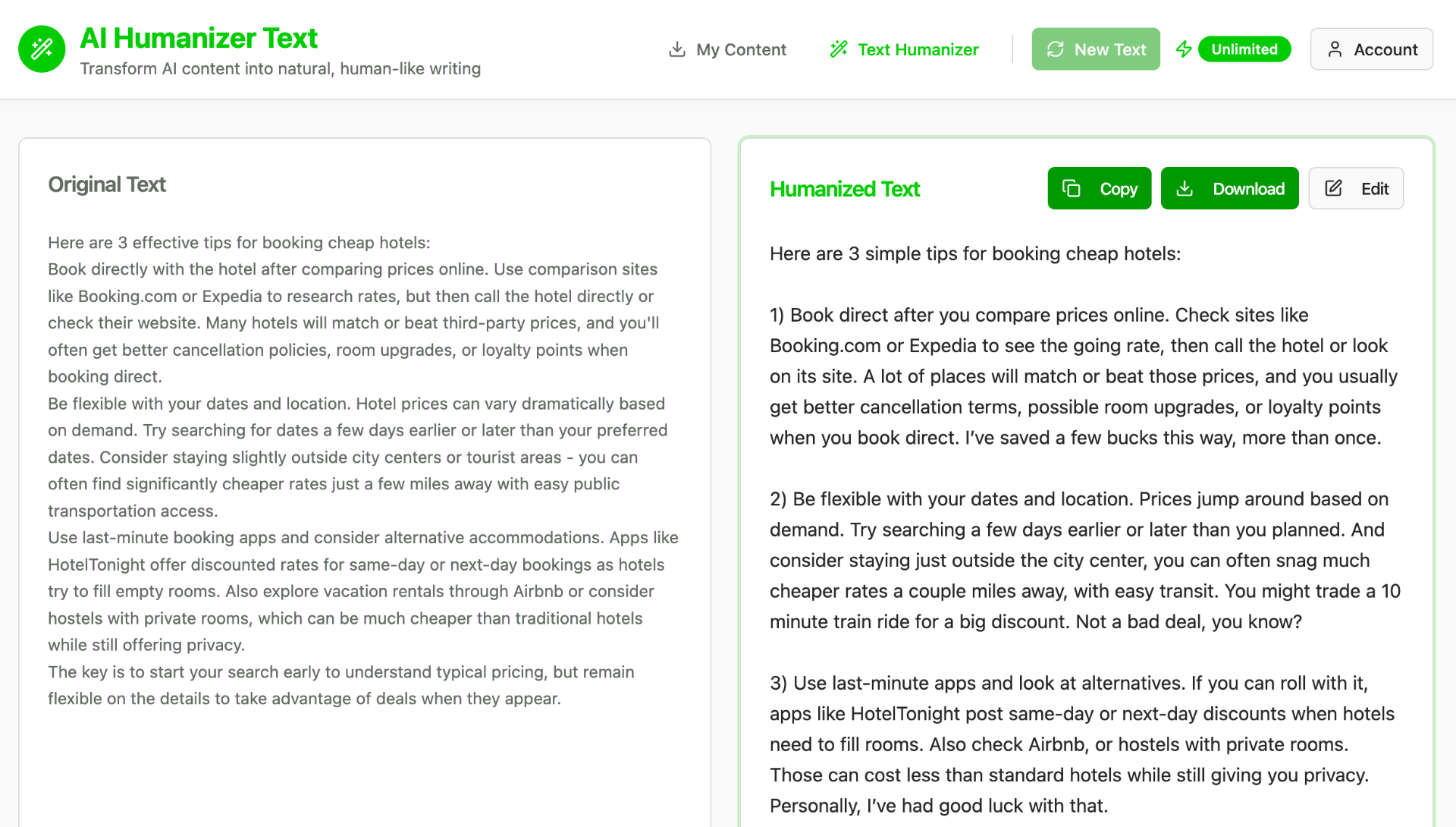
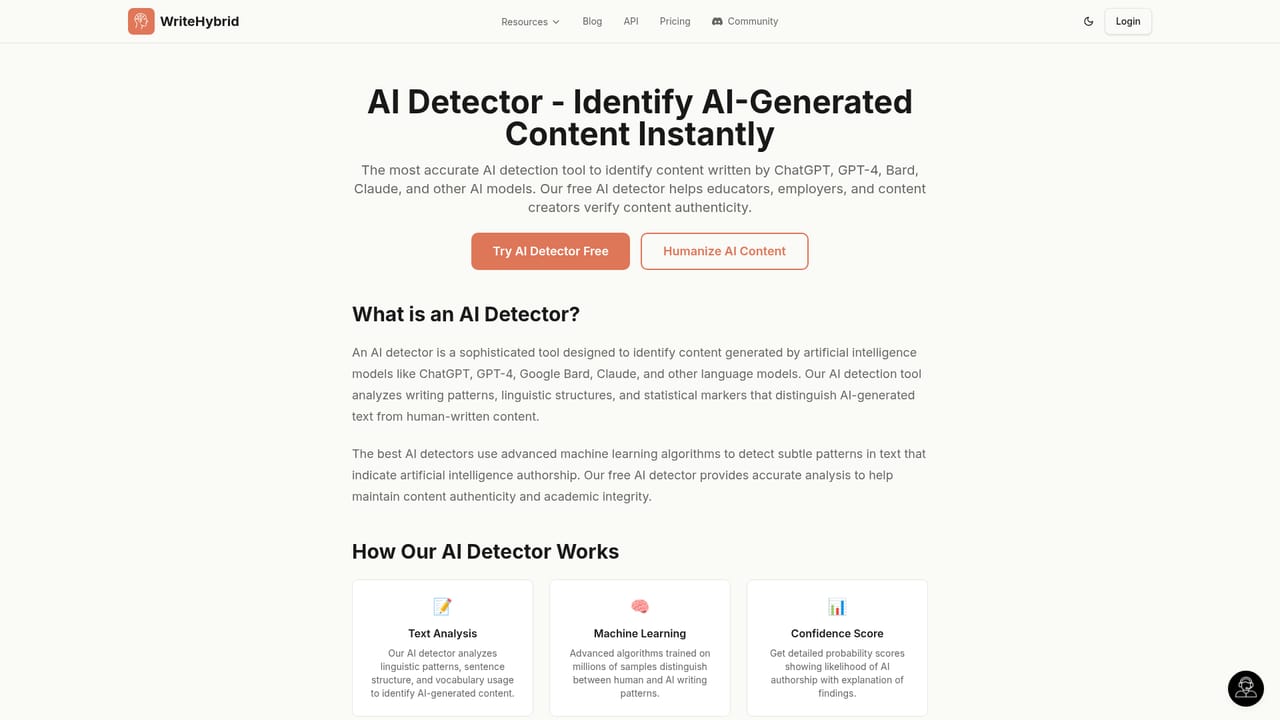
WriteHybrid's AI Humanizer rewrites text produced by ChatGPT and other models so it reads like something a person actually wrote, while keeping the original meaning intact. The site is built around two joined halves: a humanizer that reshapes drafts and a detector that scores them, with dedicated pages for the free tool, Turnitin, academic writing and Word documents. The claim is coverage across the major checkers (GPTZero, Turnitin, Originality.ai, Copyleaks, ZeroGPT, Monica, Sapling, Writer.com and CrossPlag), backed by a stated 99.2% bypass rate and 20M+ words processed. The mechanism is register-aware modes rather than one generic rewrite. Instead of paraphrasing blindly, the tool aims at a target voice, so an academic passage can be tuned differently from a marketing post. In practice a user pastes a draft, picks the mode that matches the destination, humanizes it, then runs the result through a detector. The homepage demo allows up to 500 words without an account, which makes it possible to judge output quality on your own text before committing. Students and academics are the loudest audience on the site, with testimonials naming thesis work, university writing support and non-native English improvement. Content marketers appear as the second group, with one quoted case claiming a 34% organic traffic lift for humanized blog posts. Freelance writers who deliver to clients also fit here. Among alternatives, WriteHybrid positions itself against WriteHuman, Undetectable AI, StealthWriter and QuillBot, arguing that dedicated modes, an API and a recurring free allowance separate it from the pack. The strongest caveat is conceptual: detector bypass is an arms race, and any single stated success rate should be tested on your own samples rather than trusted as a constant. Editorial pages on the same site review rival tools with critical framing, which is a useful cross-check before choosing.
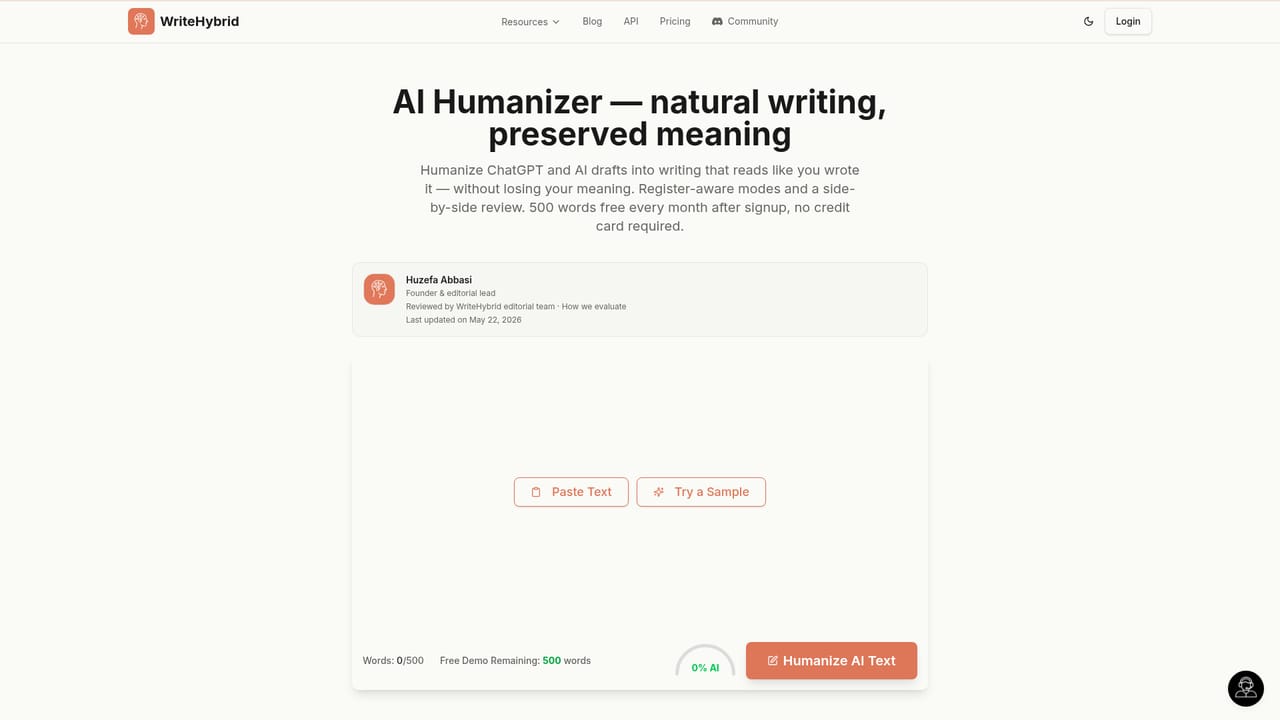
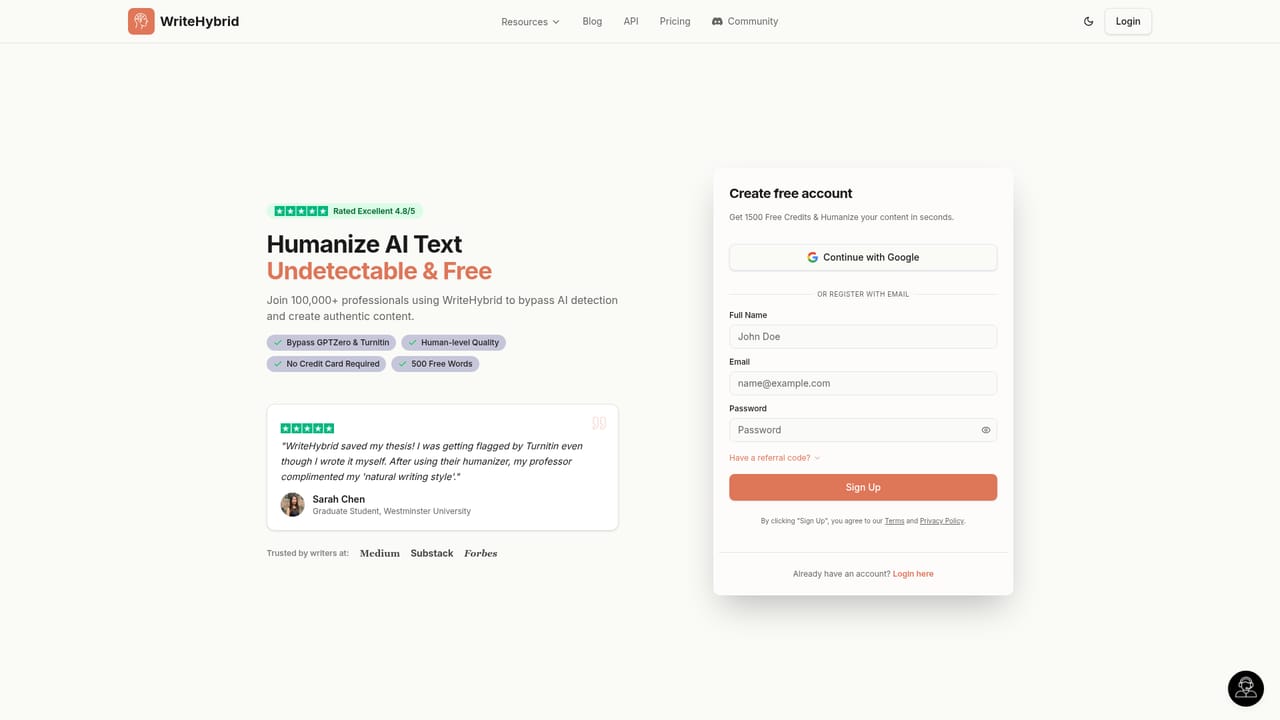
A demo allows up to 500 words without an account. After signup, users get 500 free words every month, with no credit card required. The site states that subscriptions can be cancelled at any time.
Learn moreSupport runs through a published contact address (team@writehybrid.com) and an offer of expert guidance on choosing the right tool. No ticket system or knowledge base is described on the homepage.
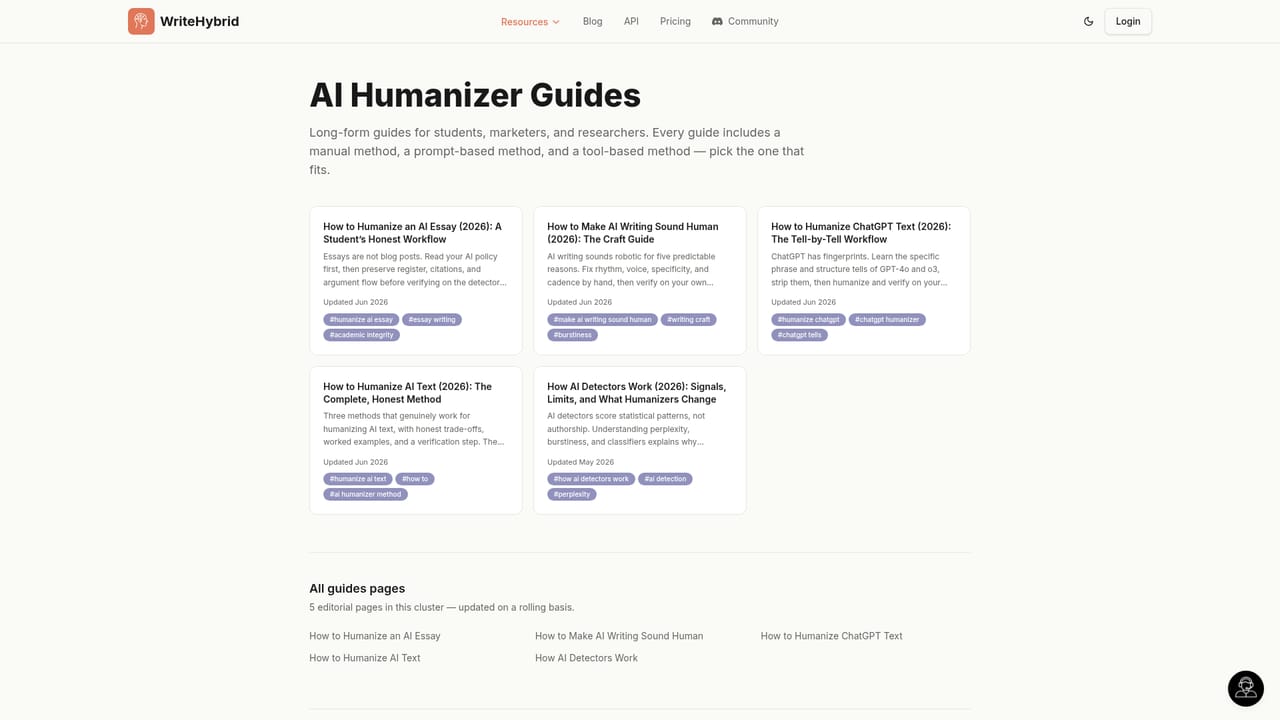
AI text humanizing with register-aware modes for different destinations, a built-in AI detector, dedicated pages for Turnitin and academic writing, and Word document handling. Supporting material includes tool reviews, head-to-head comparisons, alternatives lists and how-to guides on humanizing ChatGPT text.
Learn more AI Angels400+ customizable AI girlfriends for NSFW chat, voice calls, and roleplay
 Candy AIExperience the future of companionship with AI friends who chat, role-play, and connect with you on a human level.
 ourdream.aiA vast AI roleplay platform with millions of characters for chat, images, video and voiceAI Angels400+ customizable AI girlfriends for NSFW chat, voice calls, and roleplayCandy AIExperience the future of companionship with AI friends who chat, role-play, and connect with you on a human level.ourdream.aiA vast AI roleplay platform with millions of characters for chat, images, video and voice