Free trial
A free plan provides 500 words per month with no credit card required, and a 7-day trial is available for testing Pro or Ultra features.
Learn moreRewrite AI drafts so they read like a person wrote them.
Own Humanize AI Pro? Verify ownership to get a dofollow link
Humanize AI Pro is an AI detection remover tool that rewrites AI drafts so they read like a person wrote them. A humanizer that rewrites AI-generated drafts to read naturally and clear detectors such as Turnitin, GPTZero and Originality.ai.
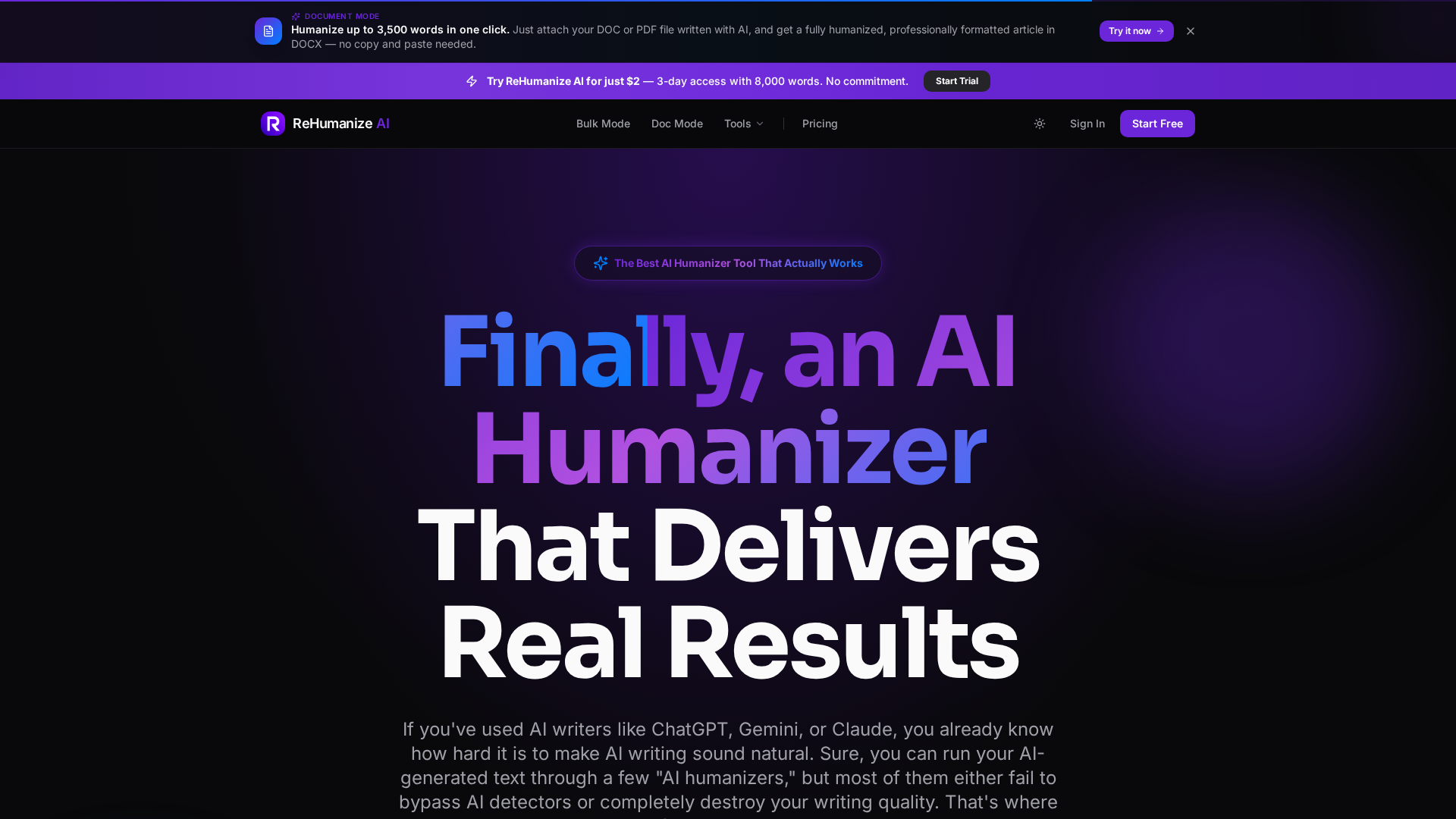
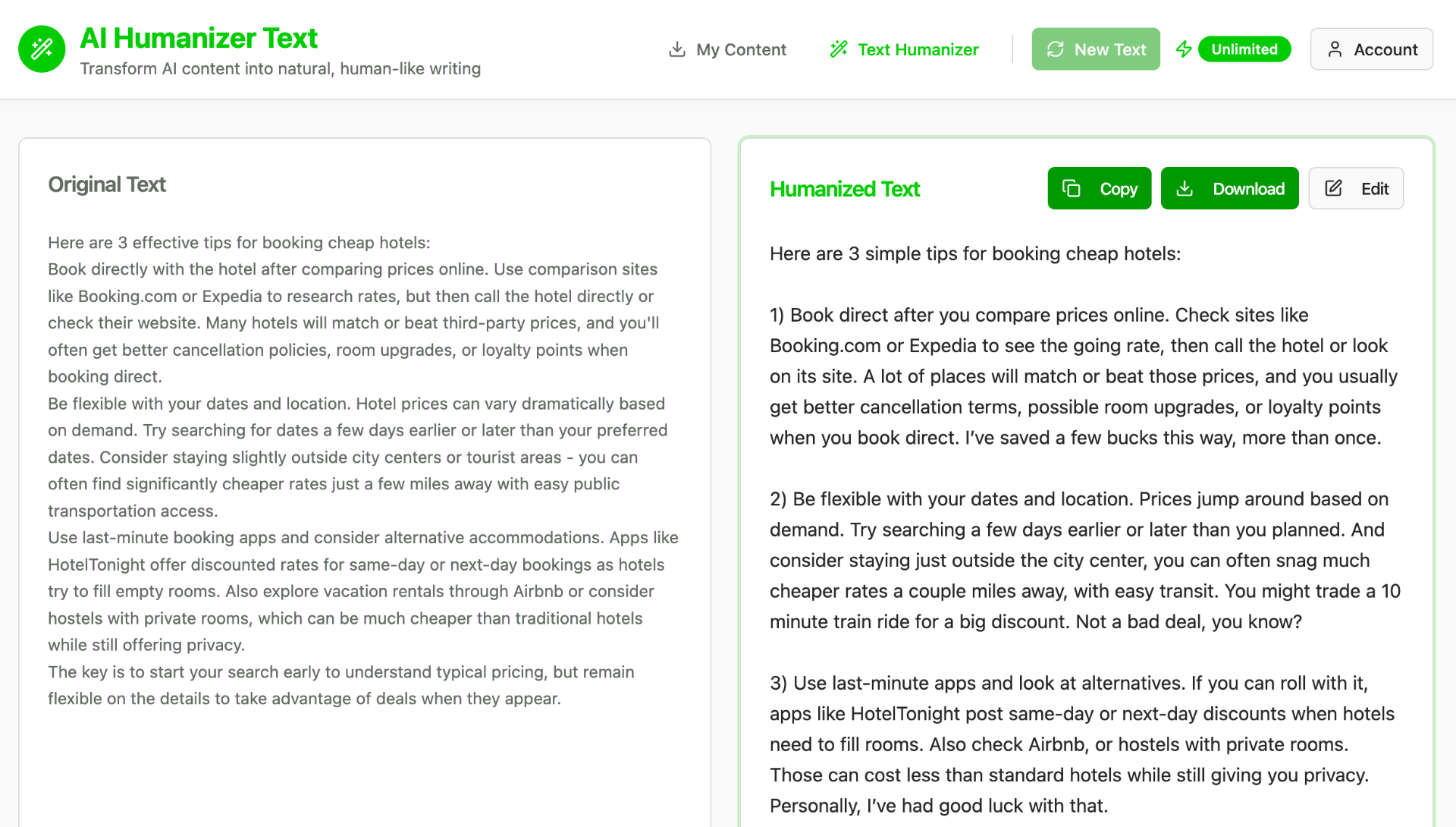
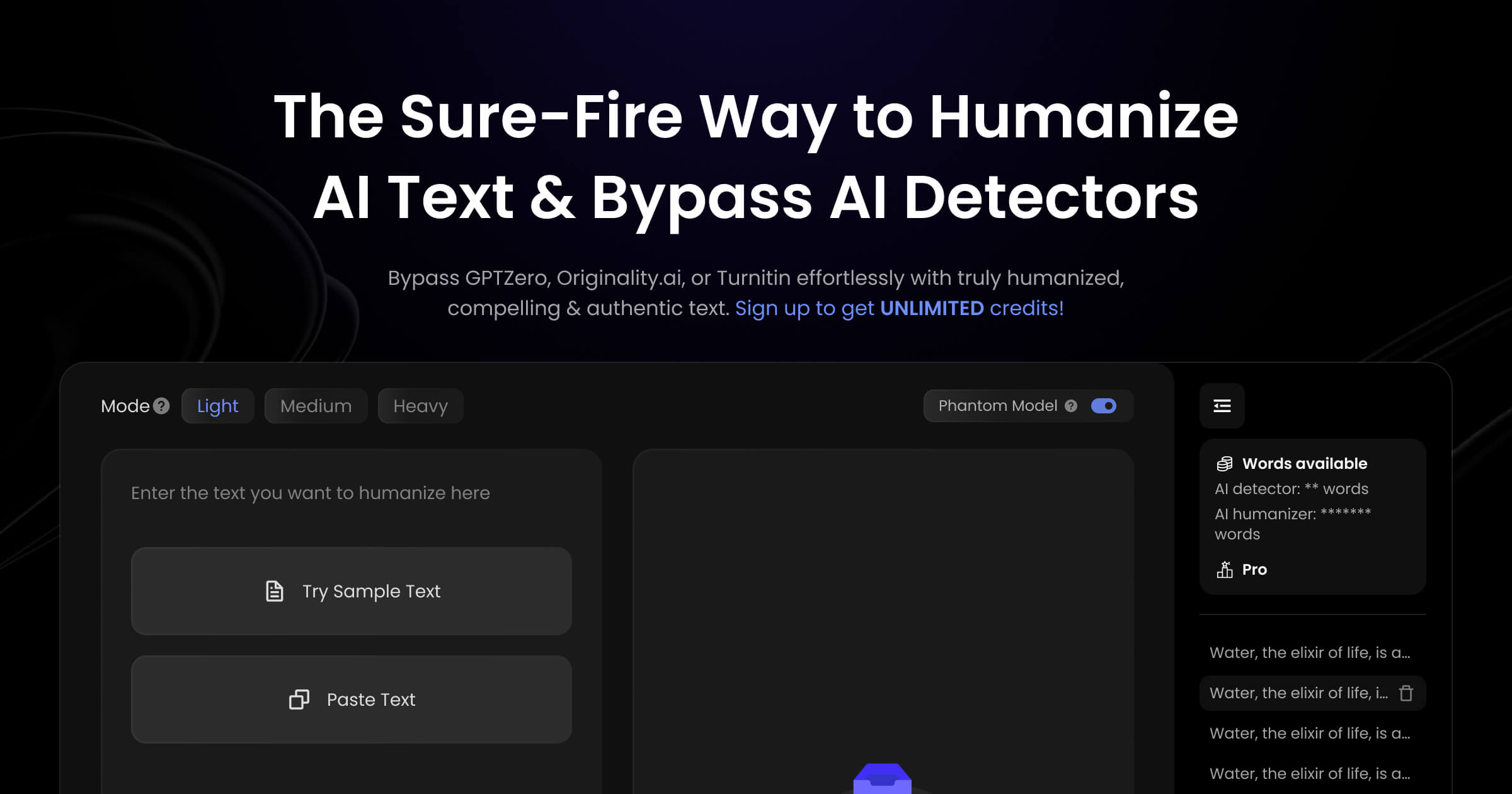
Humanize AI Pro is a text humanization service built around one job: taking output from ChatGPT, Claude, Gemini or any other generator and reshaping it so it reads like ordinary human prose. The site advertises a 99.8 percent average bypass rate across detectors, with the strongest numbers claimed for Turnitin and Originality.ai at 100 percent and slight dips on GPTZero, Copyleaks and Crossplag. The product is aimed squarely at students, freelance writers, marketers and SEO teams who draft with AI but need the final text to clear detector checks before submission or publication. In practice the workflow is paste, choose a tone mode and copy the result. Tone presets cover Academic, Standard, Professional and Conversational, and the page demonstrates how the same paragraph about teaching and AI comes back in a looser, more spoken register. The engine is described as adjusting sentence construction, word choice and rhythm rather than swapping synonyms, which is the main pitch against paraphrasing tools. Meaning is meant to survive intact, output is positioned as unique and plagiarism free, and the site claims support for more than 50 languages. Length matters: the marketing copy mentions handling up to 10,000 words, while the plan table caps single requests at 500, 1,000 or 2,000 words depending on tier. Privacy claims are specific enough to note. Content is described as encrypted in transit and not stored after processing, with no training on customer text and no sharing with third parties; the site also lists GDPR compliance and 256-bit encryption. A Chrome extension ships with every tier, and an Auto Blog Writer is listed as a feature across plans. A beta human agent called Hugent, which writes and humanizes text autonomously, is flagged at the top of the page. Among humanizer tools the positioning is volume and price led. The free tier is genuinely free at 500 words monthly with no signup, paid tiers step from 20,000 to 1,000,000 words, and a 30-day money-back guarantee applies to paid plans. The trade-offs sit in the fine print: detector bypass is a moving target, refunds are void past 1,000 words used, and the guarantee depends on contacting support rather than automatic remediation.
A free plan provides 500 words per month with no credit card required, and a 7-day trial is available for testing Pro or Ultra features.
Learn moreFree at $0 with 500 words monthly and 500 words per request. Starter is $59 monthly or $119 yearly for 20,000 words, Pro $119 or $239 yearly for 200,000 words and 1,000-word requests, Ultra $239 or $479 yearly for 1,000,000 words and 2,000-word requests. Yearly billing is shown at 50 percent off.
Learn moreSupport is reachable through a contact page, with priority response on Pro and 24/7 priority support on Ultra. Flagged output can be reworked at no charge under the bypass guarantee.
Learn moreA Chrome extension is bundled with all plans; the homepage lists no other third-party integrations.
Humanization across 50+ languages with Academic, Standard, Professional and Conversational tone modes, output described as unique and plagiarism free, SEO-friendly phrasing, customizable regeneration and Chrome extension access on every plan.
 AI Angels400+ customizable AI girlfriends for NSFW chat, voice calls, and roleplay
 Candy AIExperience the future of companionship with AI friends who chat, role-play, and connect with you on a human level.
 ourdream.aiA vast AI roleplay platform with millions of characters for chat, images, video and voiceAI Angels400+ customizable AI girlfriends for NSFW chat, voice calls, and roleplayCandy AIExperience the future of companionship with AI friends who chat, role-play, and connect with you on a human level.ourdream.aiA vast AI roleplay platform with millions of characters for chat, images, video and voice