Free trial
Trial credits are offered when you sign up, and the tool is marketed as a free AI text humanizer with unlimited usage. The site does not state how many credits the trial includes or what limits apply afterwards.
Learn moreRewrites AI-generated text so it reads like human writing
Own AI Humanizer Text? Verify ownership to get a dofollow link
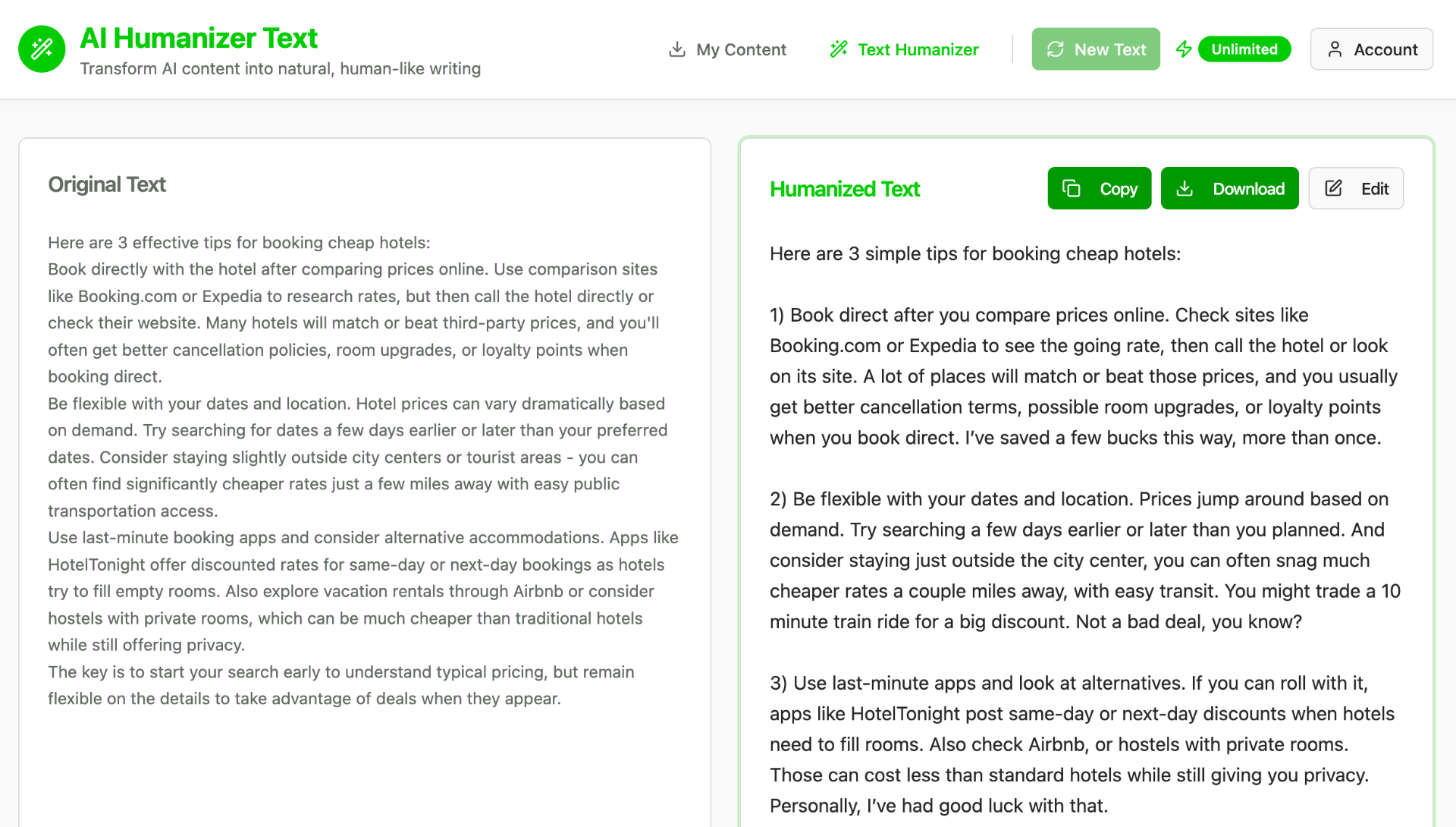
AI Humanizer Text is an AI detection remover tool that rewrites AI-generated text so it reads like human writing. A single-purpose web tool that rewrites AI-generated text into more natural prose. Users paste content, choose a format (General, Academic, Business, Creative, Technical) and an intensity level, then get a reworded result in seconds.
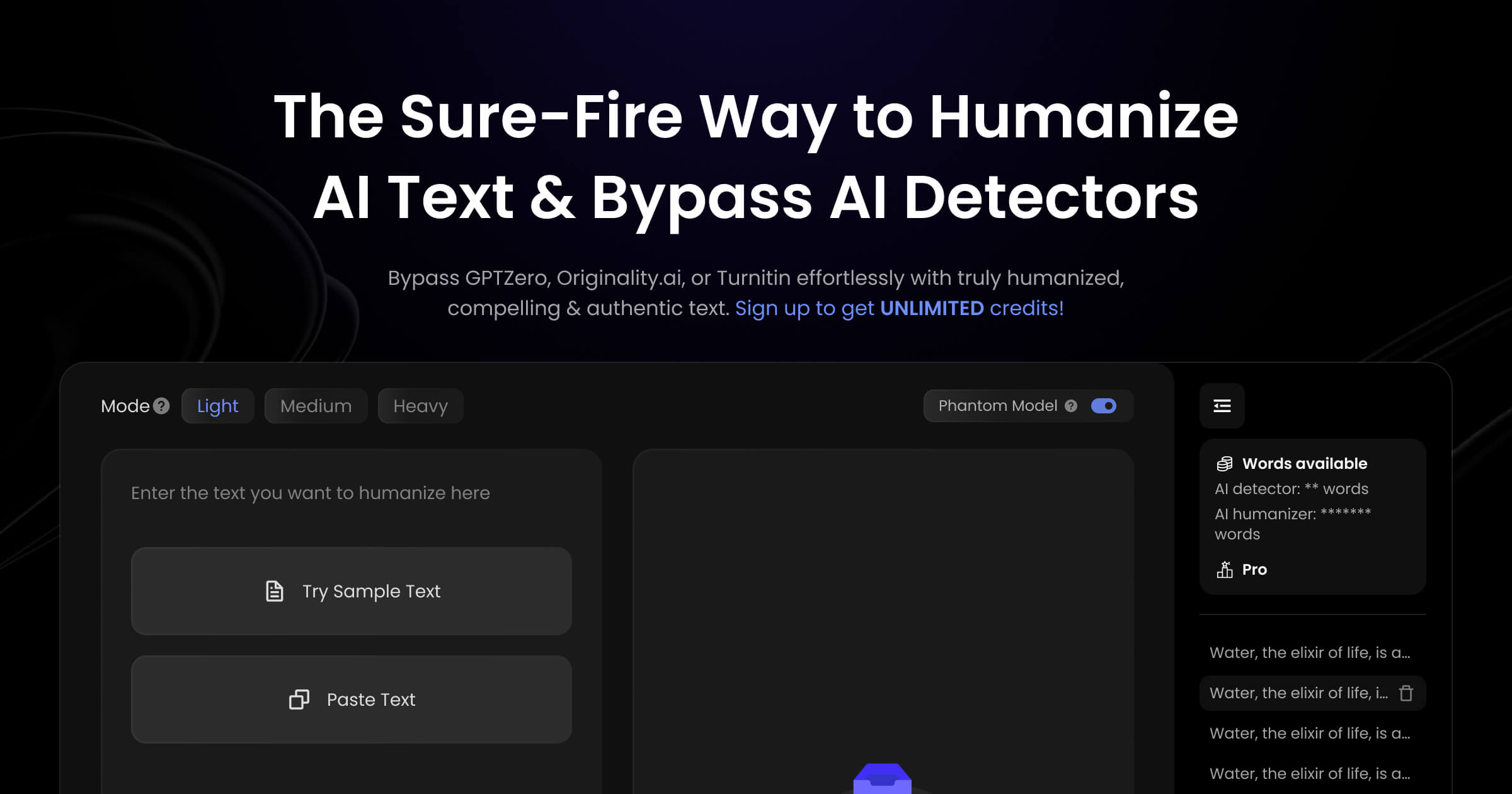
AI Humanizer Text is a browser-based rewriting tool built for one job: taking text produced by large language models and reshaping it so it reads like something a person wrote. Users paste in output from ChatGPT, Claude, Gemini, Bard or any other generator, pick a writing format, and receive a reworded version in seconds. The pitch is aimed at anyone whose AI-assisted drafts need to survive scrutiny, whether that means a detector check, an editor, or simply a reader who notices the flat, uniform rhythm of machine prose. The interface is deliberately narrow. A single input field accepts the source text and shows a live word count. Two dropdowns control the output: a format selector with General, Academic, Business, Creative and Technical modes, and an intensity level that ranges from Light (minimal edits) through Medium (natural improvements) to Rewrite 100%, which the site marks as recommended and describes as a complete transformation. That combination of register and aggressiveness is the main lever a user has. A technical whitepaper and a social caption call for different settings, and the tool treats them as separate jobs rather than one generic pass. Under the hood the site describes natural language processing that adjusts sentence structure, vocabulary and style to break up predictable patterns. It claims the output passes common AI detection systems while preserving the original meaning, though the FAQ concedes that no tool can guarantee 100% success against every detector. Processing happens in real time, with turnaround measured in seconds and dependent on length. The page also mentions visual explanations generated alongside the humanized text, a secondary feature that gets only a passing mention. Compared with all-in-one writing suites, this is a single-purpose utility: no document editor, no team workspace, no long-form project management. It competes on format variety and the free tier rather than depth. Best suited to students, marketers, bloggers and freelancers who already draft with AI and want a quick pass before publishing. Anyone needing citation handling, tone-of-voice training or brand style guides will find it thin.
Trial credits are offered when you sign up, and the tool is marketed as a free AI text humanizer with unlimited usage. The site does not state how many credits the trial includes or what limits apply afterwards.
Learn moreThe homepage describes trial credits on signup and says flexible pricing plans exist for different usage levels, from occasional users to regular content creators. No specific plan names, prices or billing periods are listed, so actual cost has to be confirmed after registering.
Learn moreCore features are the paste-and-rewrite interface with live word count, five writing formats (General, Academic, Business, Creative, Technical), three intensity levels including a full Rewrite 100% mode, and real-time processing. The site also mentions visual explanations generated alongside the humanized text, though details are sparse.
Learn more AI Angels400+ customizable AI girlfriends for NSFW chat, voice calls, and roleplay
 Candy AIExperience the future of companionship with AI friends who chat, role-play, and connect with you on a human level.
 ourdream.aiA vast AI roleplay platform with millions of characters for chat, images, video and voiceAI Angels400+ customizable AI girlfriends for NSFW chat, voice calls, and roleplayCandy AIExperience the future of companionship with AI friends who chat, role-play, and connect with you on a human level.ourdream.aiA vast AI roleplay platform with millions of characters for chat, images, video and voice