Free trial
A 3-day Starter Access trial costs $2 and includes 8,000 words plus full humanizer, ProProofreader and ReadBreeze access. A permanent free plan offers 500 words per month.
Learn moreHumanize AI text so it reads natural and clears major detectors
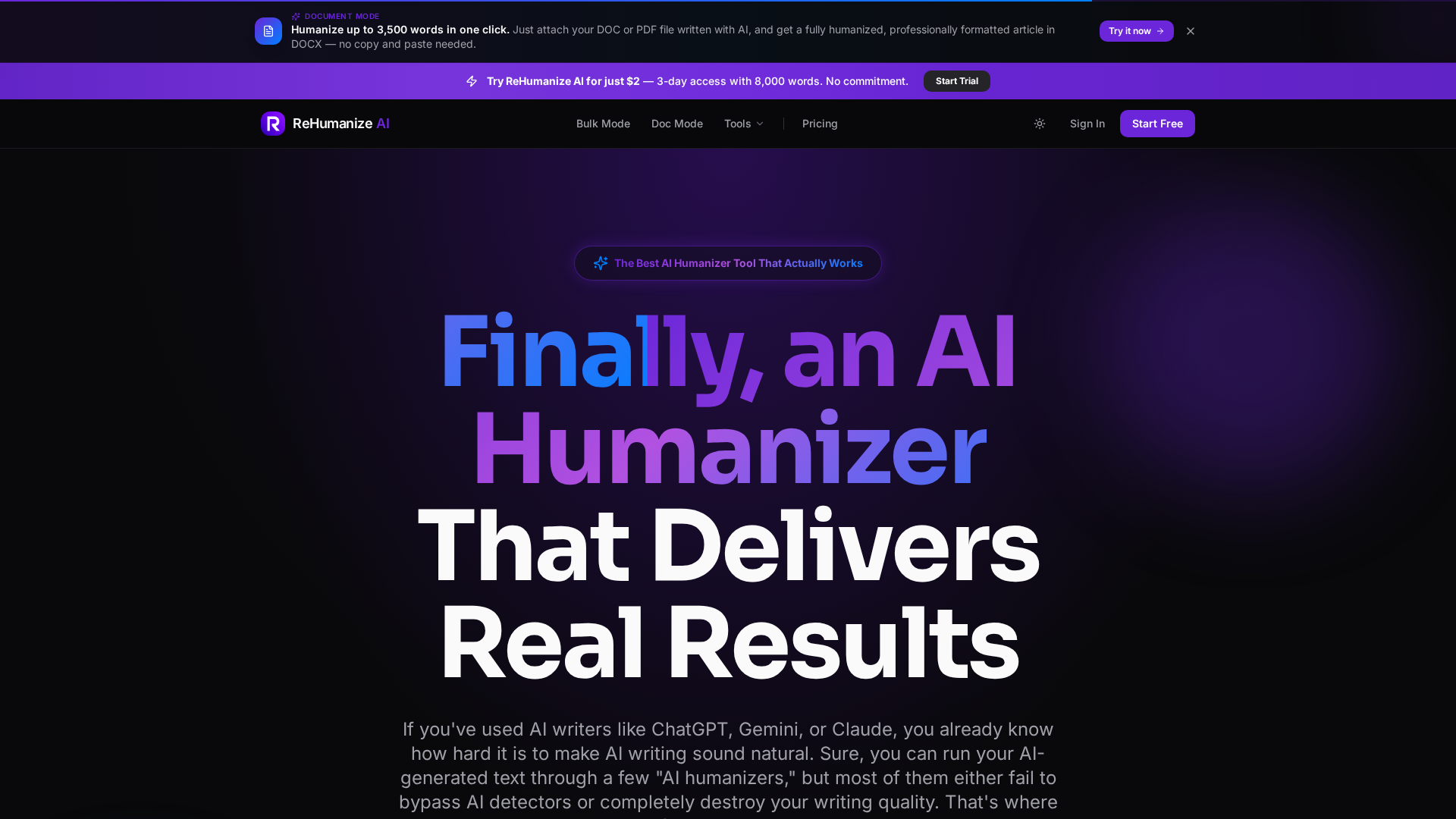
JbContentLab is an AI detection remover tool. ReHumanize AI by JbContentLab rewrites ChatGPT, Claude and Gemini text into natural-sounding prose aimed at clearing detectors such as GPTZero, Turnitin, Copyleaks and Originality.ai. It bundles a grammar checker, a readability optimizer and DOC to DOCX document mode, with a free tier and plans from $9 per month.
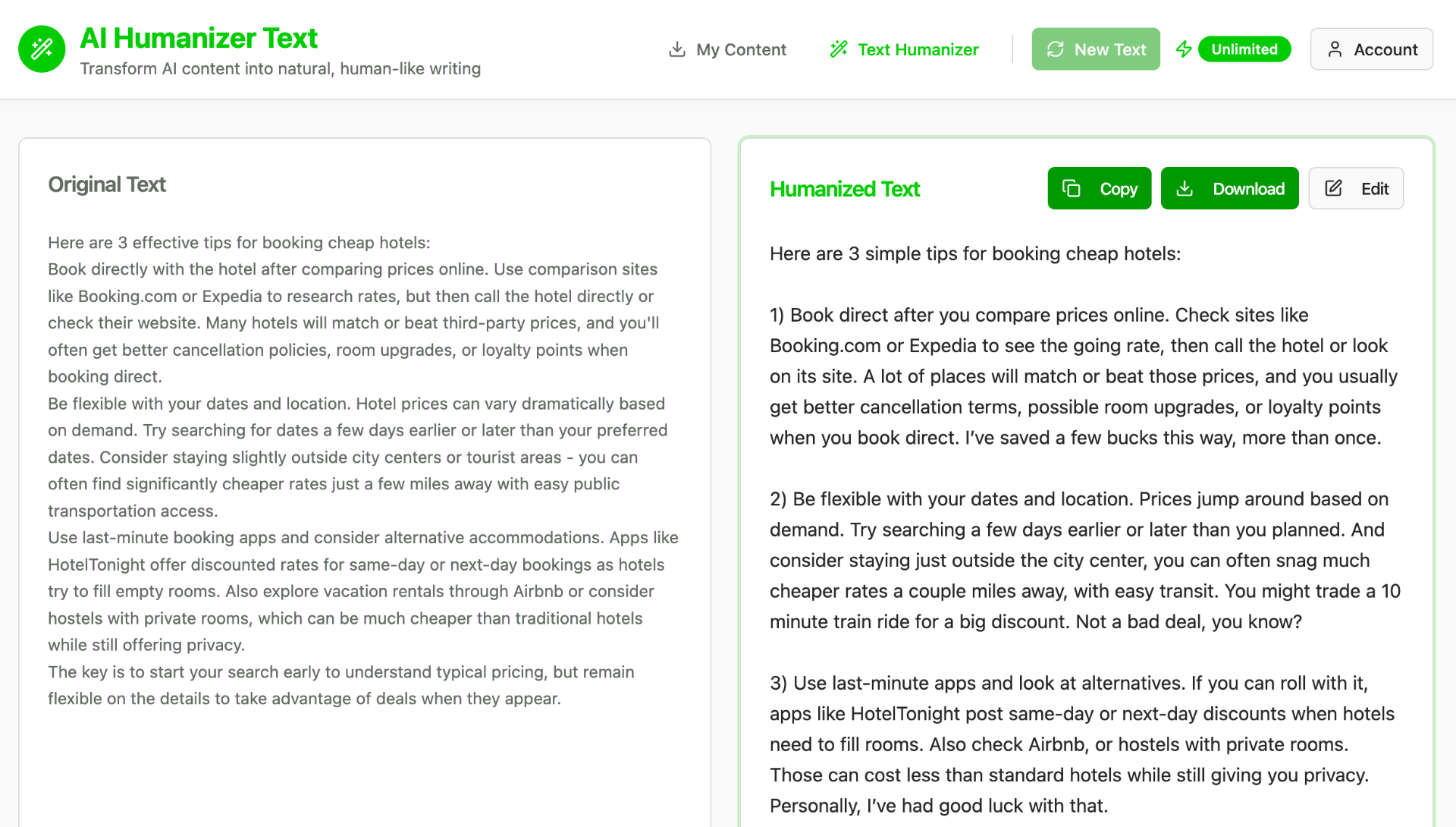
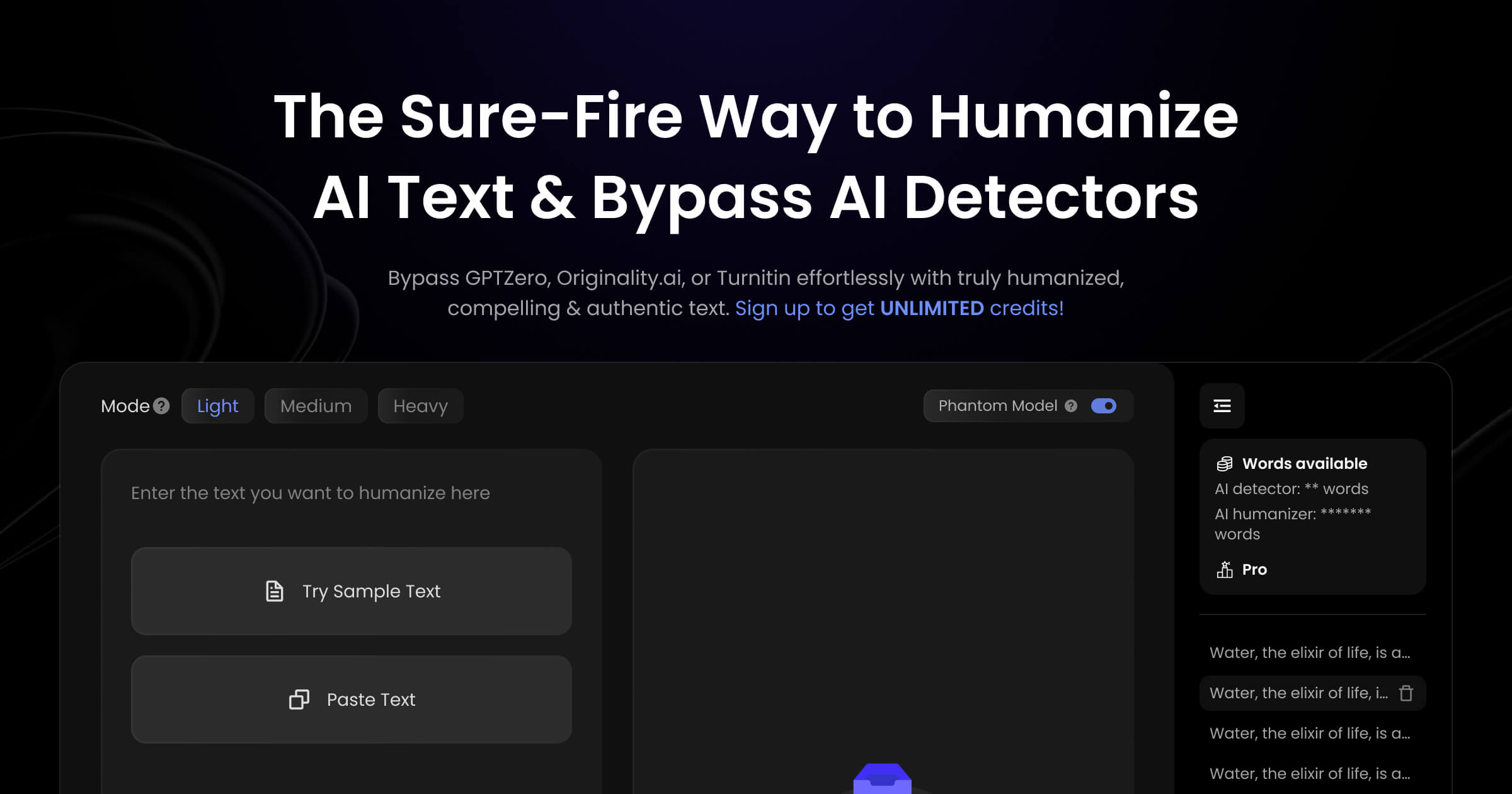
ReHumanize AI is a text humanization tool from JbContentLab that rewrites AI-generated drafts into prose intended to read as human writing while clearing detection systems including GPTZero, Copyleaks, Turnitin, Originality.ai, ZeroGPT, Winston AI and Pangram 4. The homepage also states the tool removes ChatGPT, Claude and Gemini watermarks. Text is pasted into an editor, a style preset is selected, and the rewritten output is returned, with the vendor quoting a turnaround under 30 seconds. Three writing styles are offered in the controls panel. Ultra targets the widest set of detectors (GPTZero, ZeroGPT, Copyleaks, Turnitin, Originality, Winston AI, Grammarly and QuillBot), Zen covers Copyleaks, ZeroGPT, Originality, Grammarly, QuillBot and Winston, and a dedicated Originality.ai mode tunes output for that detector alone. A Document Mode accepts DOC or PDF uploads up to 3,500 words and returns a formatted DOCX, so long articles do not need copy and paste. The vendor recommends keeping runs under 500 words for best quality. Two bundled utilities set it apart from single-purpose humanizers. ReadBreeze splits long sentences and reports a live Flesch readability score, and ProProofreader handles grammar, spelling, punctuation and style consistency. Both are included on paid plans at no extra charge, positioned against separate Grammarly and Hemingway subscriptions. A free rewrite loop lets users rerun the same text for a better result without consuming additional word allowance, which matters because humanizer output quality often varies between passes. The vendor also claims humanization preserves target keywords and heading structure rather than stripping SEO terms. The audience is broad: students and researchers needing essays that clear Turnitin, bloggers and content writers working from AI drafts, freelancers submitting client work, and agencies publishing at volume. The practical caveat is that detection bypass is a moving target, and the homepage success figures (98% and 99% appear in different places) come from the vendor, not independent testing. Users should verify output against the specific detector their institution or client uses.
A 3-day Starter Access trial costs $2 and includes 8,000 words plus full humanizer, ProProofreader and ReadBreeze access. A permanent free plan offers 500 words per month.
Learn moreFree plan: 500 words per month. Paid monthly tiers: Starter at $9 for 25,000 words and Standard at $18 for 85,000 words, with annual billing saving 40%. A limited trial gives 3 days and 8,000 words for $2. ProProofreader, ReadBreeze, bulk humanizer and document mode come with paid plans.
Learn morePriority customer support is listed as a benefit on the Starter and Standard plans. The free plan does not mention a support tier.
Rewrites AI text into natural prose across three styles, targeting GPTZero, Copyleaks, Turnitin, Originality.ai, ZeroGPT, Winston AI and Pangram 4. Document Mode returns formatted DOCX from DOC or PDF uploads, and a free rewrite loop allows repeat passes. ReadBreeze handles readability with Flesch scoring, ProProofreader covers grammar and style, and the vendor states SEO keywords and headings are preserved.
 AI Angels400+ customizable AI girlfriends for NSFW chat, voice calls, and roleplay
 Candy AIExperience the future of companionship with AI friends who chat, role-play, and connect with you on a human level.
 ourdream.aiA vast AI roleplay platform with millions of characters for chat, images, video and voiceAI Angels400+ customizable AI girlfriends for NSFW chat, voice calls, and roleplayCandy AIExperience the future of companionship with AI friends who chat, role-play, and connect with you on a human level.ourdream.aiA vast AI roleplay platform with millions of characters for chat, images, video and voice