Free trial
No trial is needed: Nano Banana image generation and editing is free with no registration required.
Learn moreFree browser image generator and editor built on Nano Banana
Own AI Image Editor? Verify ownership to get a dofollow link

AI Image Editor is a free, no-login web tool that generates and edits images from text prompts using Nano Banana (Gemini 2.5 Flash Image). A paid Pro tier adds 4K output and higher usage limits.
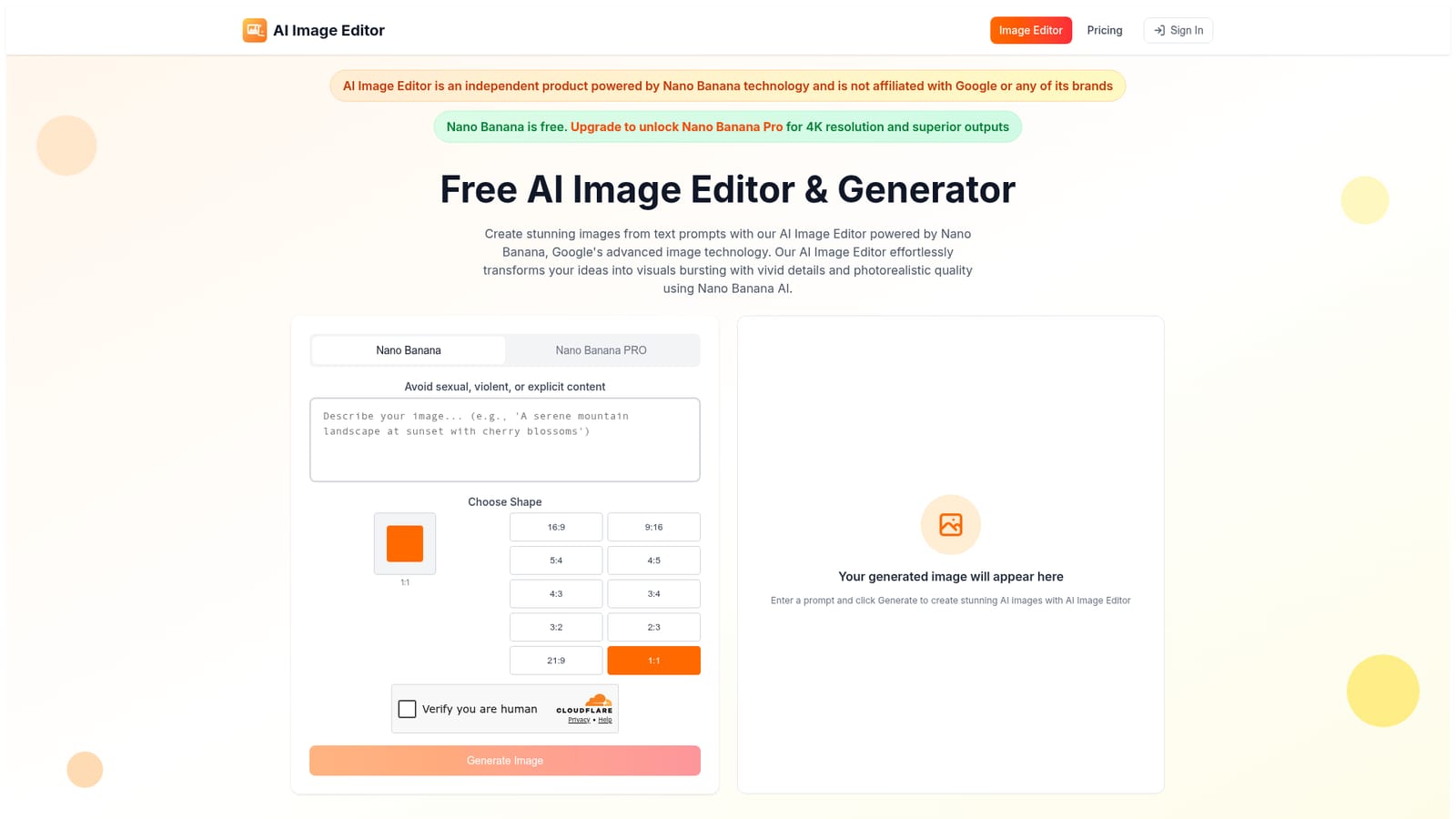
AI Image Editor is a browser-based tool for generating pictures from text prompts and editing existing images with plain-language instructions. It runs on Nano Banana, the name used for Google's Gemini 2.5 Flash Image model, and the site states that it is an independent product with no affiliation to Google. The main draw is access: the base Nano Banana model can be used for free without creating an account. The page centers on a single generator panel. Users type a prompt, choose an aspect ratio from a list that includes 1:1, 16:9, 9:16, 4:3 and several others, pass a human-verification check, and press Generate. Results are described as arriving within seconds. Editing works conversationally: a user asks for a change, such as swapping a background, removing an object, restyling a photo or extending the canvas, and the model applies it. The site highlights identity preservation, meaning faces and character details are meant to stay consistent across several edits, along with inpainting, outpainting, lighting and colour adjustments, and style options such as watercolor, cyberpunk, anime and hyperrealistic. The audience is casual creators, social media users, marketers and anyone who needs a quick visual without learning layered editing software. Because no login is required, it suits one-off jobs and experimentation. People who need higher output quality can move to a paid tier called Nano Banana Pro, which the site says unlocks 4K resolution and better results, with subscriptions or purchased credits raising or removing usage limits. The site also states that outputs can be used commercially. Among alternatives, it sits between full prompt-driven generators and conventional photo editors. It is essentially a thin, accessible front end to one underlying model rather than a platform with its own layers, brushes or project management. That keeps it simple, but results depend entirely on the model and on how well the prompt is written. The site also asks users to avoid sexual, violent or explicit content.
No trial is needed: Nano Banana image generation and editing is free with no registration required.
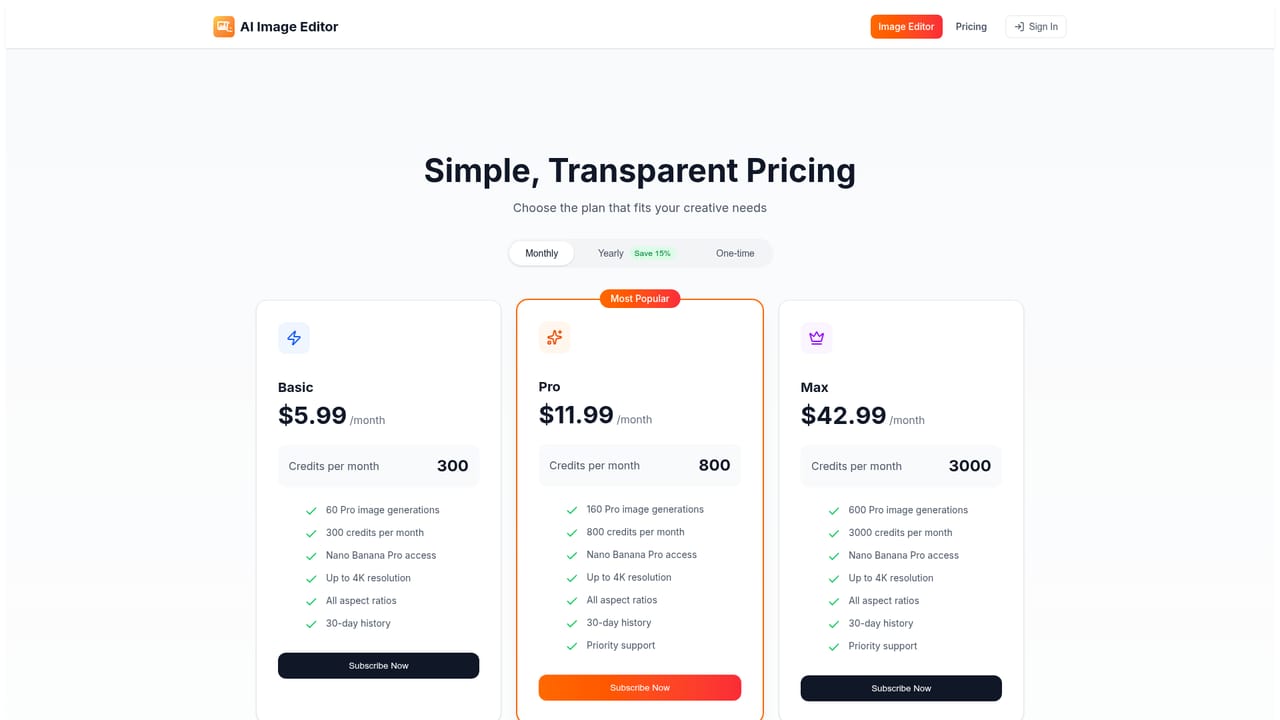
Learn moreThe base Nano Banana model is free to use without login. Nano Banana Pro is available through a subscription or purchased credits, unlocking 4K resolution, higher-quality outputs and increased or unlimited usage. Specific prices are on the pricing page.
Learn moreText-to-image generation, conversational editing, identity preservation across edits, scene blending, inpainting and outpainting, background removal or replacement, style transfer, lighting and colour controls, face and detail restoration, and multiple aspect ratios.


