Free trial
A free account includes 20 basic credits per day with no credit card required. It covers the image and manga translators with the Grok model, for personal use.
Learn moreAI image translator for photos, manga and product graphics
Own Translate Image.io? Verify ownership to get a dofollow link

Translate Image.io translates text inside photos, product images, screenshots and manga into 130+ languages while preserving layout. It offers multiple AI models, batch mode, OCR, text removal and a Chrome extension, with a free daily credit allowance.
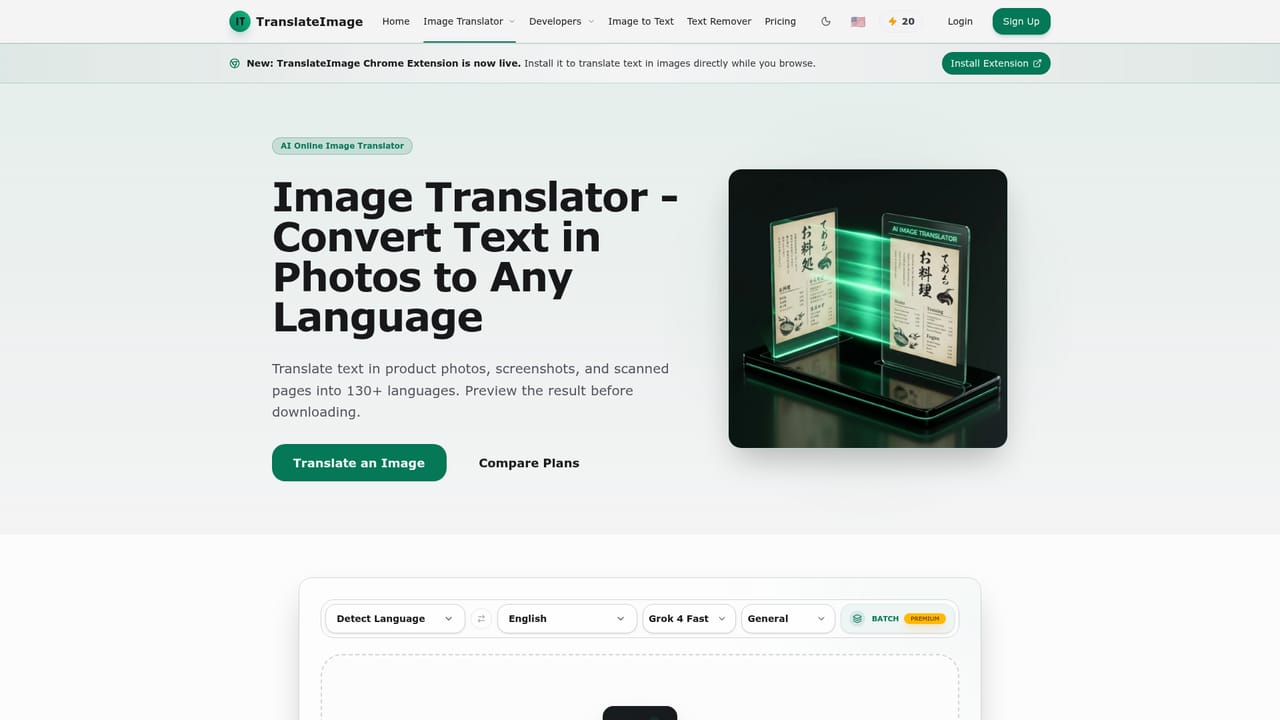
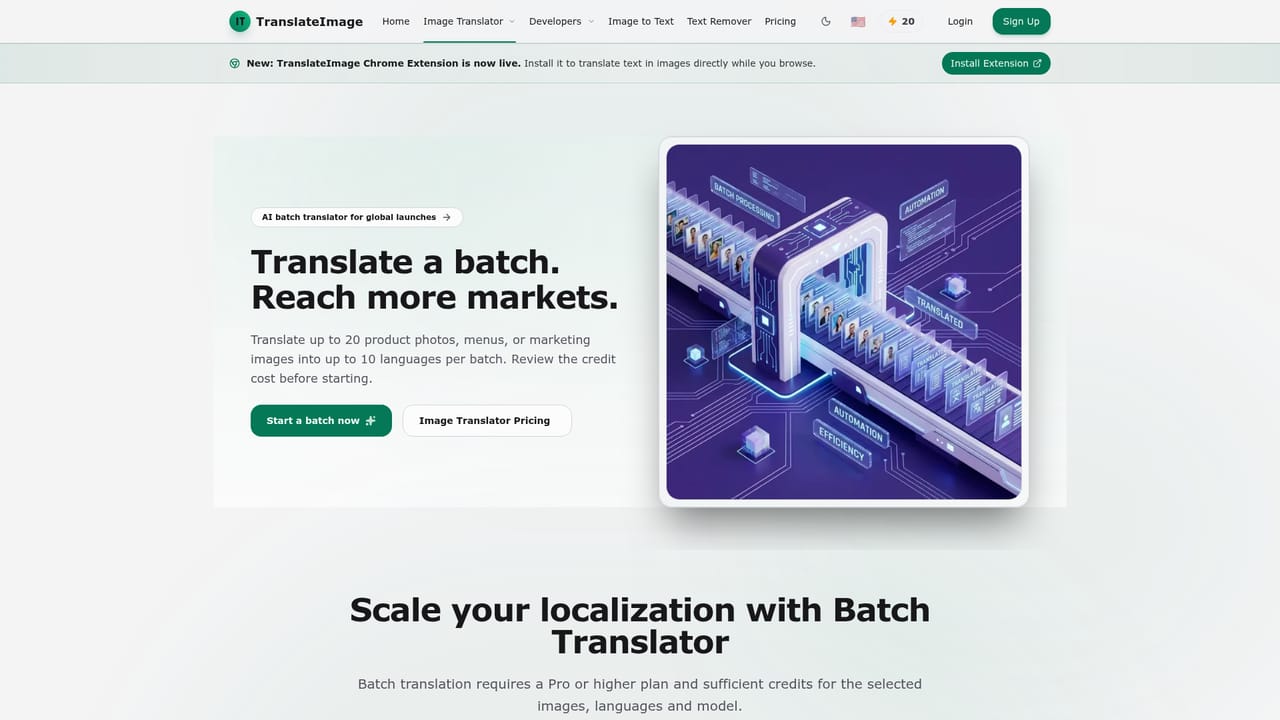
Translate Image.io is a web-based service that finds text inside images, translates it, and puts the result back into the picture while keeping the original layout. It handles product photos, screenshots, scanned pages, menus, manga and other comics, and supports more than 130 target languages. Supported uploads are JPG, PNG and WebP files up to 20 MB. The workflow is built around a single editor. A user drops in an image, picks a target language, chooses one of several AI models (the list includes Grok, Gemini, DeepSeek, Kimi K2 and GPT-5.1 variants) and a mode such as General, E-Commerce, Manga or Light Novel. The tool detects the text, removes it by reconstructing the background, places the translated wording, and shows a preview to check before downloading. Credits meter usage: each image costs 10 credits, and the model selector shows the cost up front. The site is candid that results vary with image quality, text density and language, and that small, vertical or stylized lettering deserves a manual look. Beyond the core translator, the platform bundles a manga translator, a batch translator (up to 20 images into up to 10 languages per run, on paid plans), an image-to-text OCR tool, an AI text remover and a browser-based image compressor. A Chrome extension translates images while browsing, and an API is in beta according to the changelog. Saved projects let users return to earlier work. The audience splits into two groups. Online sellers adapting listings, size charts and packaging for marketplaces get commercial rights on paid tiers, while readers of manga, manhwa and webtoons can use the free tier for personal projects. Compared with general text translators, it concentrates on rebuilding the finished image, which makes it closer to a localization tool than a plain OCR utility. Heavier workloads move up through Pro, Premium and Ultra plans, with Enterprise handled by quote.
A free account includes 20 basic credits per day with no credit card required. It covers the image and manga translators with the Grok model, for personal use.
Learn moreFree plan gives 20 basic credits per day for personal use. Pro is $9.90/mo, Premium $19.90/mo and Ultra $99.90/mo, with more advanced credits, models and concurrency. Enterprise is by quote. Yearly billing offers two months free, and a one-time option is listed. Image and manga translation cost 10 credits each.
Learn morePremium includes priority support and Ultra includes dedicated one-on-one support. Enterprise requests go through an email contact. A changelog and blog guides are published on the site.
A Chrome extension translates images while browsing, and the changelog lists an API in beta. No other third-party integrations are described on the homepage.
Learn moreLayout-preserving image translation into 130+ languages, selectable AI models, E-Commerce, Manga and Light Novel modes, batch translation (20 images, 10 languages), image-to-text OCR, AI text remover, image compressor, saved projects and a Chrome extension.
Learn more


