Free trial
The homepage promises free generations and no credit card required, but a login is needed to use the generator. The number of free credits is not stated.
Learn moreTurn one photo into front, side and back views with 3D camera sliders
Own Multiple Angles? Verify ownership to get a dofollow link

Multiple Angles is an image editing tool that turns one photo into front, side and back views with 3D camera sliders. Multiple Angles generates new camera views of a single uploaded image using azimuth, elevation and distance controls. It suits product sellers, character designers, 3D artists and ML teams, with credit-based monthly plans from $4.9.
Multiple Angles is a browser-based image generator that takes a single picture and produces new views of the same subject from a camera position the user chooses. Instead of describing a viewpoint in a text prompt, the user sets three numeric controls: azimuth for horizontal rotation across a full circle, elevation for vertical tilt, and distance for close-up versus wide framing. The site states that these combine into 96 preset positions (4 elevations, 8 azimuths and 3 distances), and outputs can reach 2048x2048. The audience is practical rather than experimental. E-commerce sellers can turn one product shot into a front, side and back set for storefront listings. Game developers and concept artists can build character turnaround sheets from a single drawing. 3D artists working in Blender, Maya or 3ds Max can generate modeling references from concept art, and machine learning teams can create synthetic multi-view training data without staging a large shoot. Dedicated use-case pages cover each of these workflows with before and after examples. In practice, the flow has three stages: upload an image (PNG, JPG, WEBP or HEIC up to 10MB), position the camera with the 3D control panel, and generate. A login is required before the first generation. Pricing is credit based, with monthly plans at $4.9, $9.9 and $19.9 granting 40, 90 and 200 credits, which can be spent on images or on short angle-transition videos exported as 8 second 720p MP4 files. Credits expire after 30 days. A batch processing feature that would queue several perspectives at once is listed as coming soon. Among alternatives, the tool sits between general prompt-driven image generators, which tend to alter details from one attempt to the next, and full 3D modeling software, which demands skill and time. Its pitch is consistent subject identity with exact angle control and no modeling knowledge. The operator describes itself as independent from the AI model providers behind the generation, and the homepage does not name which models are used.
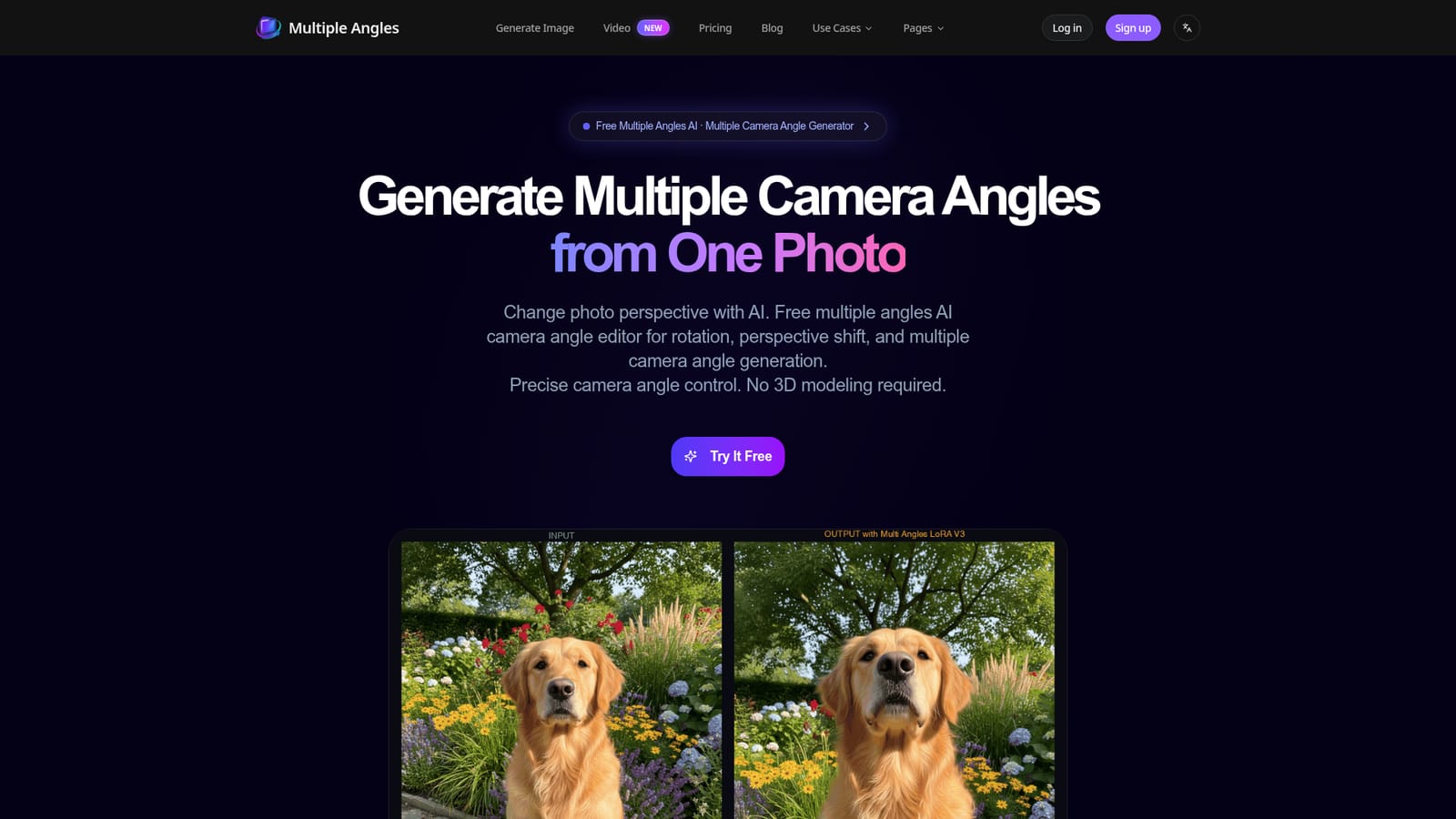
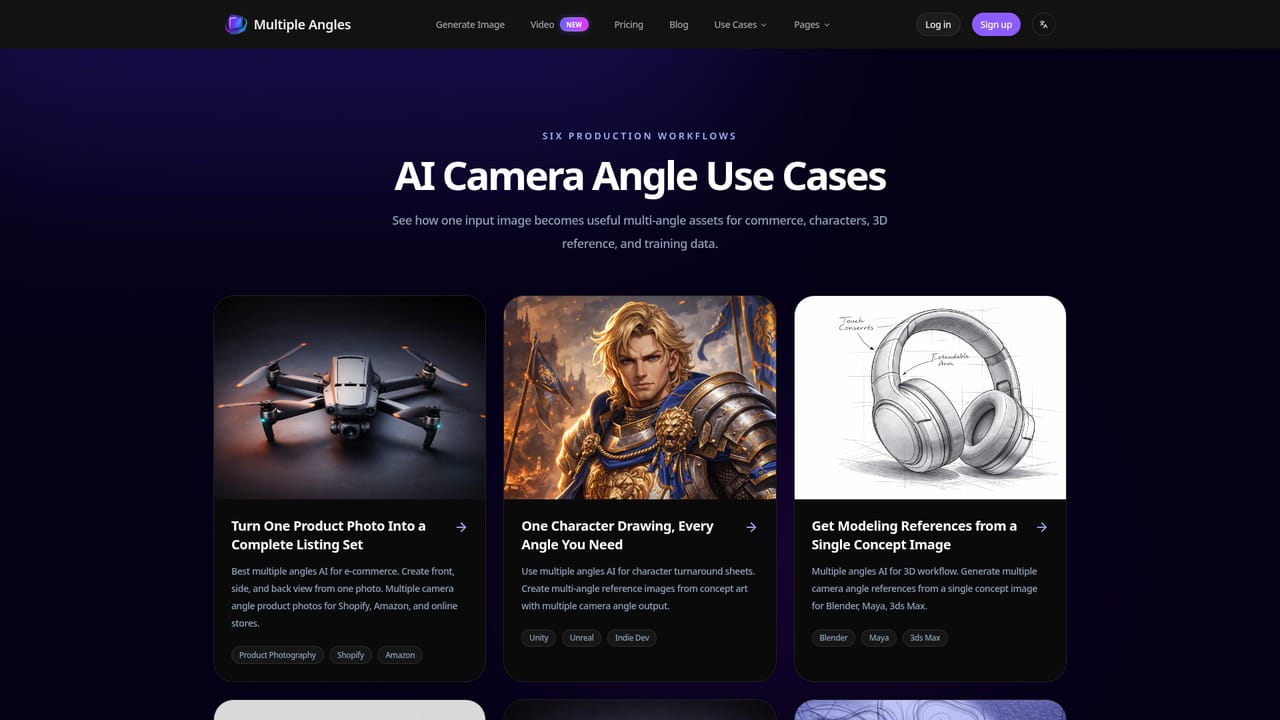
The homepage promises free generations and no credit card required, but a login is needed to use the generator. The number of free credits is not stated.
Learn moreMonthly plans: Basic $4.9 (40 credits), Standard $9.9 (90 credits) and Pro $19.9 (200 credits, priority support). Credits cover images and angle transition videos and expire after 30 days. Credit packs and a free tier are also mentioned.
Learn moreSupport is available by email at support@multipleangles.app. The Pro plan includes priority support.
No formal integrations are listed. Use-case pages reference workflows with Shopify, Amazon, Blender, Maya, 3ds Max, Unity and Unreal, by way of exported images.
Full 360° horizontal rotation, vertical angle control, and distance control from close-up to wide. Outputs reach 2048x2048, with 96 preset camera positions, fast generation, and angle transition videos (8s, 720p MP4). Batch processing is coming soon.


