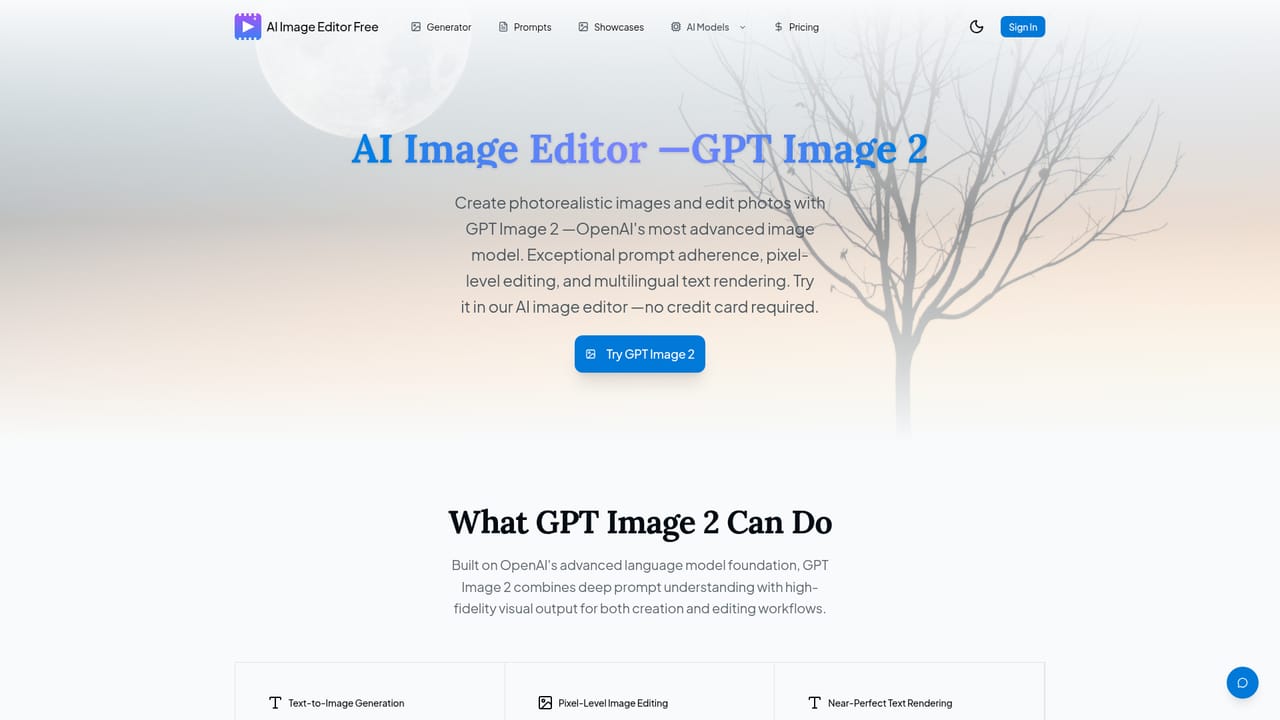
AI Image Editor Free - Edit Photos with AI

Free AI photo editor and generator powered by GPT Image 2 and Nano Banana.

Beginner
Screenshot of AI Image Editor Free - Edit Photos with AI, Free AI photo editor and generator powered by GPT Image 2 and Nano

What is AI Image Editor Free - Edit Photos with AI?

AI Image Editor Free - Edit Photos with AI is an image editing tool. A free web based AI image editor that generates and edits photos using GPT Image 2 and Nano Banana models, with bonus credits on sign-up and no credit card required.

AI Image Editor Free is a web based platform for generating and editing images using a mix of third party AI models, including OpenAI's GPT Image 2 and Google's Nano Banana family (Nano Banana 2, Pro, and Edit), alongside other models such as Flux Kontext. Users can type a text prompt to create an image from scratch or upload an existing photo (JPG, PNG, HEIC) to restyle it, remove backgrounds, transfer styles, or enhance detail. The tool positions itself as a single workspace where multiple generation and editing engines are available without switching between separate apps. The platform is aimed at people who want polished visuals without design software or prompt engineering experience: content creators, marketers, social media managers, and anyone needing quick photo edits or original artwork for commercial use. The workflow is reduced to three steps: describe or upload an image, pick a model suited to the task (photorealism, speed, or editing), and download the HD result. Outputs are described as cleared for commercial use and exportable without watermarks, even on credits earned for free. Access starts with free credits granted on sign-up, with no credit card required. Additional credits can be earned through a daily check-in system and a referral program, which lowers the barrier for testing different models before committing to a paid plan. A gallery of community generated images and an AI prompts section give newcomers reference points for what each model can produce. Within the broader AI image tooling space, this product differentiates itself less through a proprietary model and more through aggregation: it bundles access to leading third party image generators and editors in one interface with a free credit based entry point, rather than building a unique underlying model.
How do you use AI Image Editor Free - Edit Photos with AI?

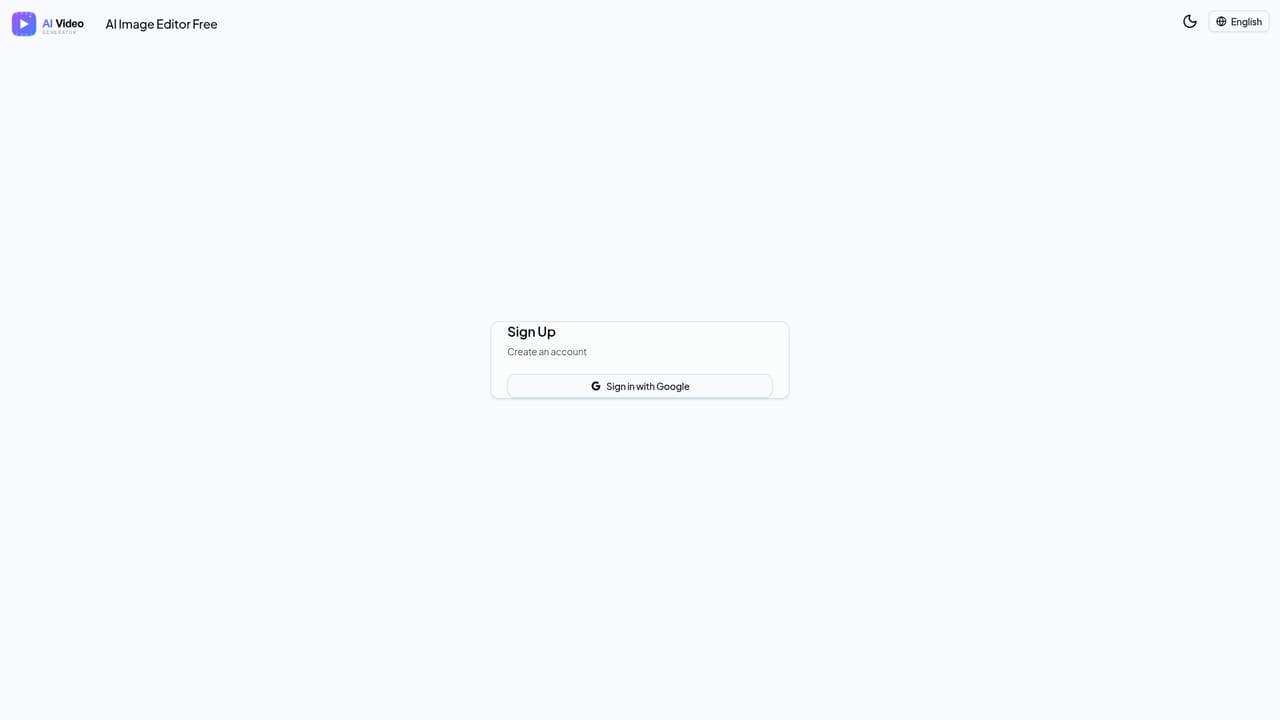
  1. 1Create a free account
    Sign up on the site to receive bonus credits instantly, with no credit card required to get started.
    AI Image Editor Free - Edit Photos with AI — Create a free account
  2. 2Describe or upload an image
    Type a text prompt describing the image you want, or upload an existing photo in JPG, PNG, or HEIC format for editing.
    AI Image Editor Free - Edit Photos with AI — Describe or upload an image
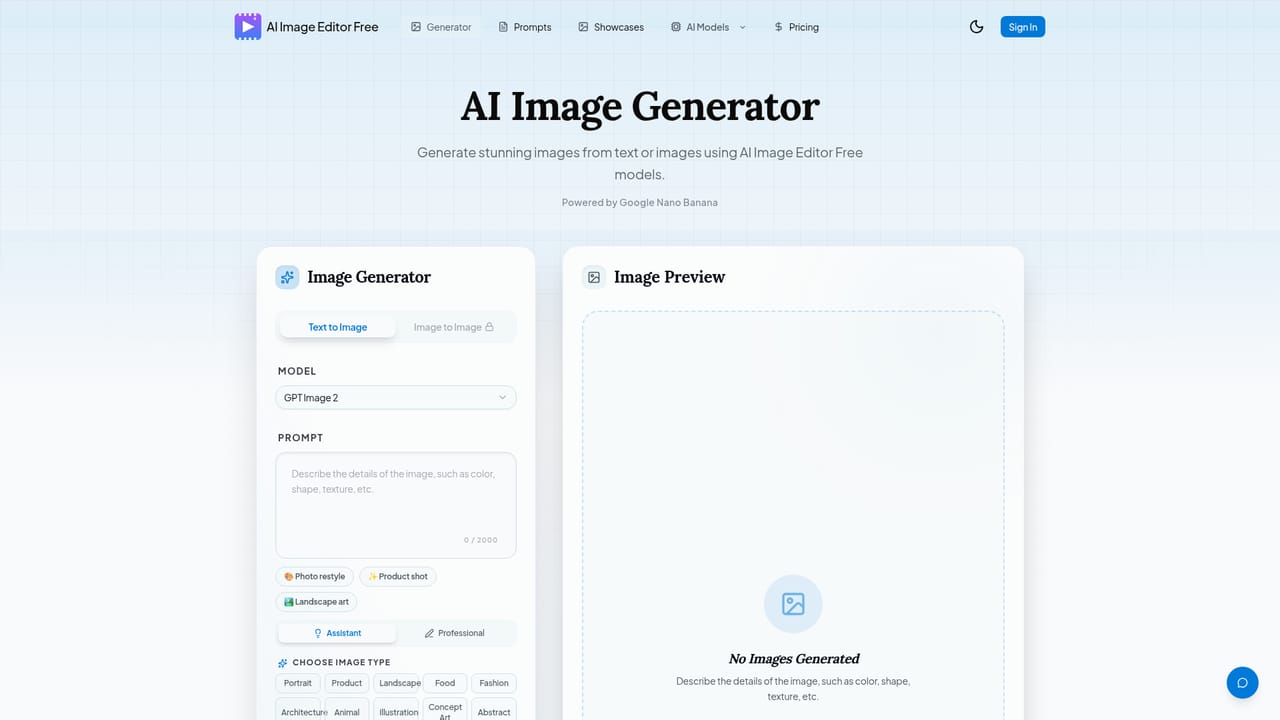
  3. 3Choose an AI model
    Select GPT Image 2 for photorealistic results, Nano Banana for faster generation, or another available model depending on the task.
    AI Image Editor Free - Edit Photos with AI — Choose an AI model
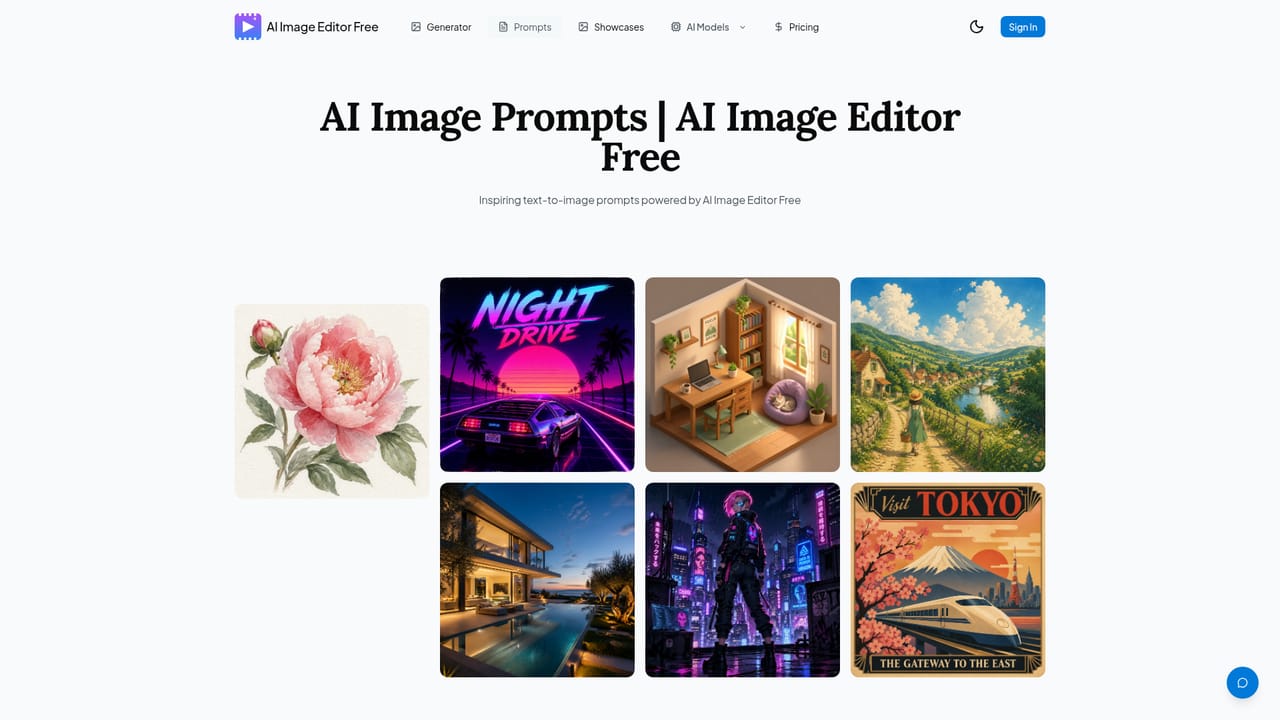
  4. 4Review prompt examples for inspiration
    Browse sample prompts to understand how to phrase requests for better generation or editing results.
    AI Image Editor Free - Edit Photos with AI — Review prompt examples for inspiration
  5. 5Download the finished image
    Preview the generated or edited image and export it in HD without a watermark using your available credits.
  6. 6Earn more credits
    Claim daily check-in bonuses or invite friends through a referral link to accumulate additional free credits over time.

Pros and cons

Pros

  • Combines GPT Image 2, Nano Banana, and Flux Kontext in a single editor without needing separate accountsAI
  • Free credits are granted immediately on sign-up with no credit card requiredAI
  • Supports both text-to-image generation and image-to-image editing from one interfaceAI
  • Multiple ways to earn extra free credits, including daily check-ins and referralsAI
  • Outputs are described as commercial use ready and exportable without watermarksAI

Cons

  • Relies entirely on third party AI models rather than a proprietary engine, so quality depends on those providersAI
  • Credit based system means free usage is capped and heavier use likely requires paymentAI
  • Pricing details and credit costs beyond the sign-up bonus are not clearly broken down on the homepageAI
  • No information provided about export resolution limits, file size caps, or API accessAI
  • Homepage does not specify supported platforms beyond the web app, limiting clarity for mobile usersAI

How much does AI Image Editor Free - Edit Photos with AI cost?

Free trial

New users receive free credits immediately after signing up, with no credit card required, allowing generation and editing before any payment.

Learn more

Pricing

The homepage highlights free credits granted on sign-up with no credit card required, plus ways to earn more credits through daily check-ins and referrals; detailed paid plan pricing is not described on the homepage itself.

Learn more

Features

Text-to-image generation and AI photo editing using GPT Image 2, Nano Banana (including Pro and Edit variants), and other models, with support for style transfer, background removal, detail enhancement, and consistent character or style output across images.

Learn more

Frequently asked questions about AI Image Editor Free - Edit Photos with AI

  • How much does AI Image Editor Free - Edit Photos with AI cost?
    The homepage highlights free credits granted on sign-up with no credit card required, plus ways to earn more credits through daily check-ins and referrals; detailed paid plan pricing is not described on the homepage itself.
  • Does AI Image Editor Free - Edit Photos with AI offer a free trial?
    New users receive free credits immediately after signing up, with no credit card required, allowing generation and editing before any payment.
  • How do you use AI Image Editor Free - Edit Photos with AI?
    The walkthrough on this page covers 6 steps: 1. Create a free account 2. Describe or upload an image 3. Choose an AI model 4. Review prompt examples for inspiration 5. Download the finished image 6. Earn more credits.
  • What platforms does AI Image Editor Free - Edit Photos with AI support?
    AI Image Editor Free - Edit Photos with AI is available on Web App.
  • What are the limitations of AI Image Editor Free - Edit Photos with AI?
    Relies entirely on third party AI models rather than a proprietary engine, so quality depends on those providers. Credit based system means free usage is capped and heavier use likely requires payment. Pricing details and credit costs beyond the sign-up bonus are not clearly broken down on the homepage.

Status

StatusActive
Views0
Outbound clicks0
Added10/16/2026

Platforms

Web App

Pricing

FreeFreemium