PixPurge

One-click AI watermark remover that rebuilds the background instead of blurring it.

Beginner
Screenshot of PixPurge, One-click AI watermark remover that rebuilds the background instead of blurring it

What is PixPurge?

PixPurge is a browser-based AI tool that removes watermarks, logos, text and date stamps from photos in one click, rebuilding the background behind the mark instead of blurring it, with 10 free credits to start.

PixPurge is a browser-based tool that strips watermarks, logos, text, captions and date stamps from photos while reconstructing the area underneath rather than smudging or cropping it. The core idea is simple: upload an image, let the AI detect the mark's shape and edges, and download a clean version at the original resolution with no new watermark added. It sits alongside a small family of related tools on the same site, including a text remover, a text copy tool, and a dedicated remover for the sparkle badge that Gemini and Imagen add to AI-generated images. The tool is aimed at people who need to clean up images they already own or have rights to use, not at stripping copyright protection from someone else's work. E-commerce sellers use it to tidy supplier photos and stock previews before a listing goes live, photographers remove proof marks from their own archive copies, and designers clear watermarks from approved mockups and comps. Marketers and content creators rely on it to reuse licensed visuals without leftover studio or platform branding showing through. In practice, the workflow is three steps: upload a JPG, PNG, WebP or HEIC file up to 10MB, let the AI find and erase the watermark while rebuilding texture and lighting behind it, then preview and download. There is no desktop install; everything runs in a web browser, including on mobile. Every new account starts with 10 free credits, and heavier use requires a monthly or yearly plan listed on the pricing page. Compared with general photo editors that require manual clone-stamping or blur patches, PixPurge trades flexibility for speed and simplicity: it handles one image at a time, focuses specifically on marks and overlays, and is built for people without editing skills rather than professional retouchers who need fine-grained manual control.
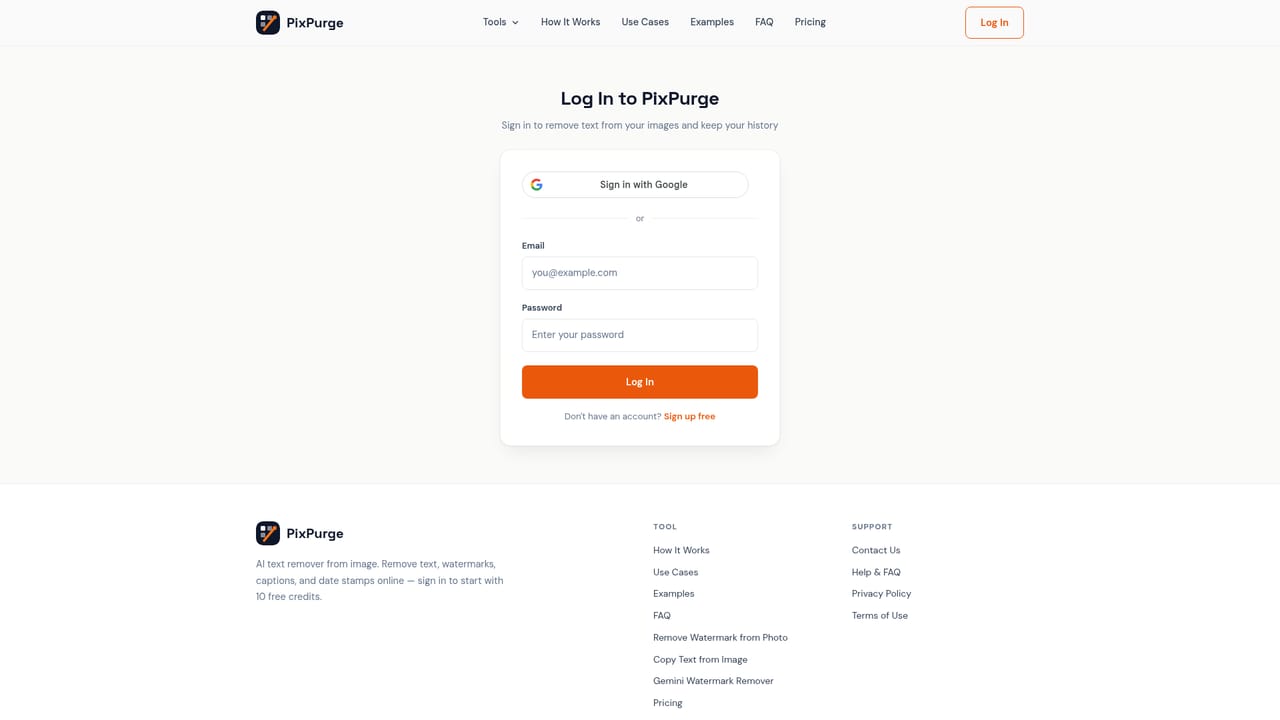

How do you use PixPurge?

  1. 1Create an account and claim free credits
    Sign up to start with 10 free credits that can be spent on any PixPurge tool, including the watermark remover.
    PixPurge — Create an account and claim free credits
  2. 2Upload the image with the watermark
    Drag and drop a JPG, PNG, WebP or HEIC file up to 10MB into the watermark remover tool.
    PixPurge — Upload the image with the watermark
  3. 3Let the AI detect and erase the mark
    PixPurge locates the watermark's shape and edges, removes it, and rebuilds the texture and lighting of the area behind it automatically.
  4. 4Preview and download the clean image
    Check the result against the original, then download it at full resolution with no new watermark applied.
  5. 5Explore related cleanup tools as needed
    Use the text remover, text copy tool, or the Gemini badge remover for images that need a different kind of overlay cleaned up.
    PixPurge — Explore related cleanup tools as needed
  6. 6Upgrade when free credits run out
    Check the pricing page for monthly or yearly plans if more than 10 images need processing.
    PixPurge — Upgrade when free credits run out

Pros and cons

Pros

  • One-click flow needs no editing skills or software install, and works in mobile browsersAI
  • AI reconstructs the background behind the mark instead of blurring or cropping itAI
  • Every new account gets 10 free credits with no watermark added to resultsAI
  • Related tools (text removal, text copy, Gemini badge removal) cover adjacent cleanup needs in the same accountAI
  • Supports common formats (JPG, PNG, WebP, HEIC) up to 10MB and preserves original resolution on downloadAI

Cons

  • Processes one image at a time, so there is no true batch upload for large volumesAI
  • No mention of an API, so it cannot be wired into an automated pipelineAI
  • Video watermark removal is explicitly not supported, only still imagesAI
  • Exact credit pricing and plan costs are not detailed on the homepage itselfAI
  • Policy relies on users self-certifying ownership of the image, with no stated enforcement mechanismAI

How much does PixPurge cost?

Free trial

Every new account receives 10 free credits to remove watermarks before any payment, and downloads from those credits carry no added watermark.

Learn more

Pricing

New accounts start with 10 free credits and no watermark on results. Beyond that, PixPurge offers monthly and yearly paid plans detailed on its pricing page, though specific prices are not stated on the homepage.

Learn more

Support

The site lists a Help & FAQ section and a Contact Us option for support, alongside an in-depth FAQ covering common questions about the watermark removal process.

Features

AI-driven watermark, logo, text and date stamp removal with background reconstruction rather than blurring; one-click browser workflow; supports JPG, PNG, WebP and HEIC up to 10MB; companion tools for text removal, text extraction and Gemini badge removal; encrypted image handling.

Learn more

Frequently asked questions about PixPurge

  • How much does PixPurge cost?
    New accounts start with 10 free credits and no watermark on results. Beyond that, PixPurge offers monthly and yearly paid plans detailed on its pricing page, though specific prices are not stated on the homepage.
  • Does PixPurge offer a free trial?
    Every new account receives 10 free credits to remove watermarks before any payment, and downloads from those credits carry no added watermark.
  • How do you use PixPurge?
    The walkthrough on this page covers 6 steps: 1. Create an account and claim free credits 2. Upload the image with the watermark 3. Let the AI detect and erase the mark 4. Preview and download the clean image 5. Explore related cleanup tools as needed 6. Upgrade when free credits run out.
  • What platforms does PixPurge support?
    PixPurge is available on Web App.
  • What are the limitations of PixPurge?
    Processes one image at a time, so there is no true batch upload for large volumes. No mention of an API, so it cannot be wired into an automated pipeline. Video watermark removal is explicitly not supported, only still images.

Status

StatusActive
Views0
Outbound clicks0
Added10/13/2026

Platforms

Web App

Pricing

FreemiumSubscription