MergePNG - Merge PNG Files Online Free

Combine PNG, JPG and WebP files into one image or PDF, entirely in your browser.

Beginner
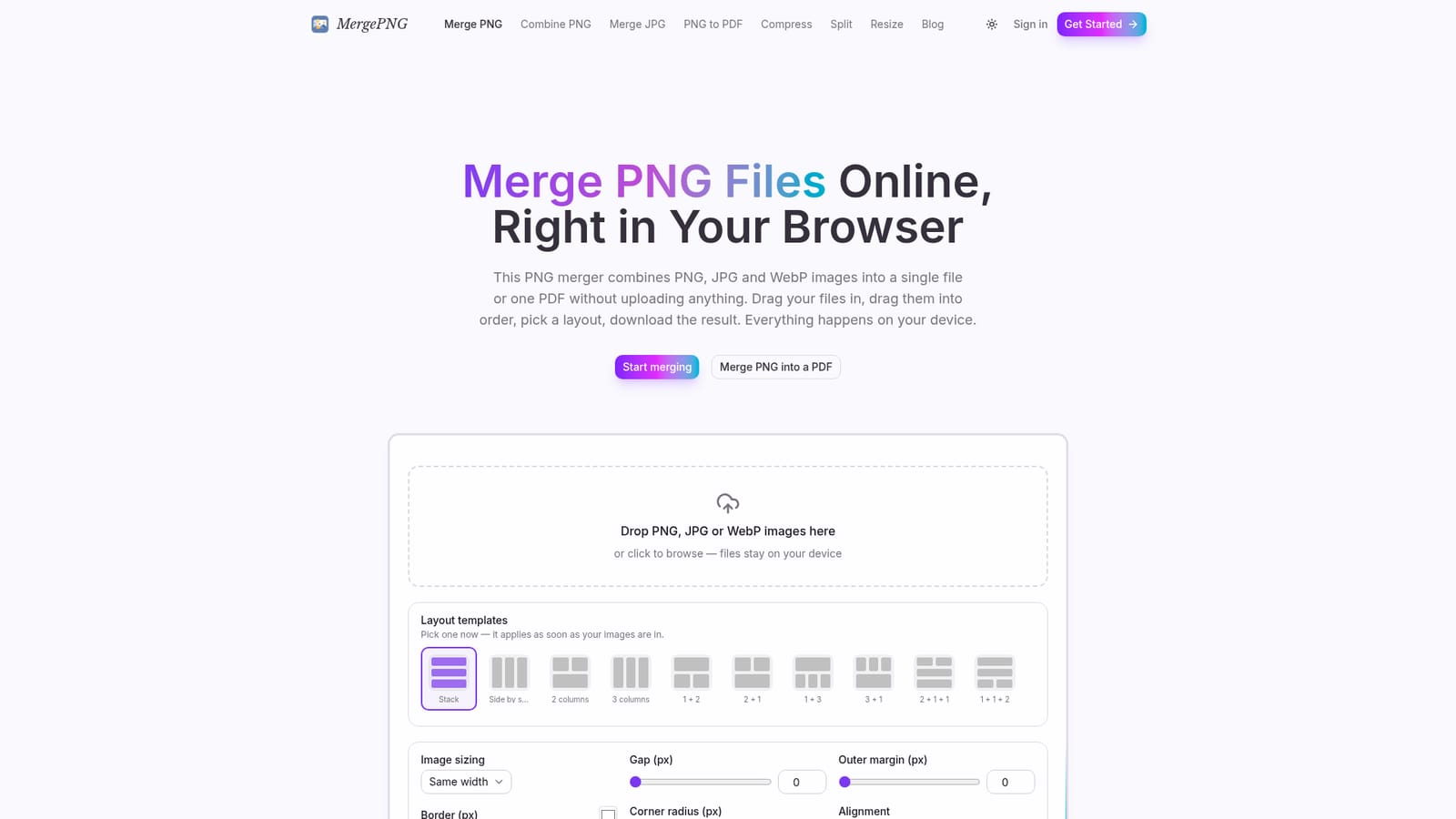
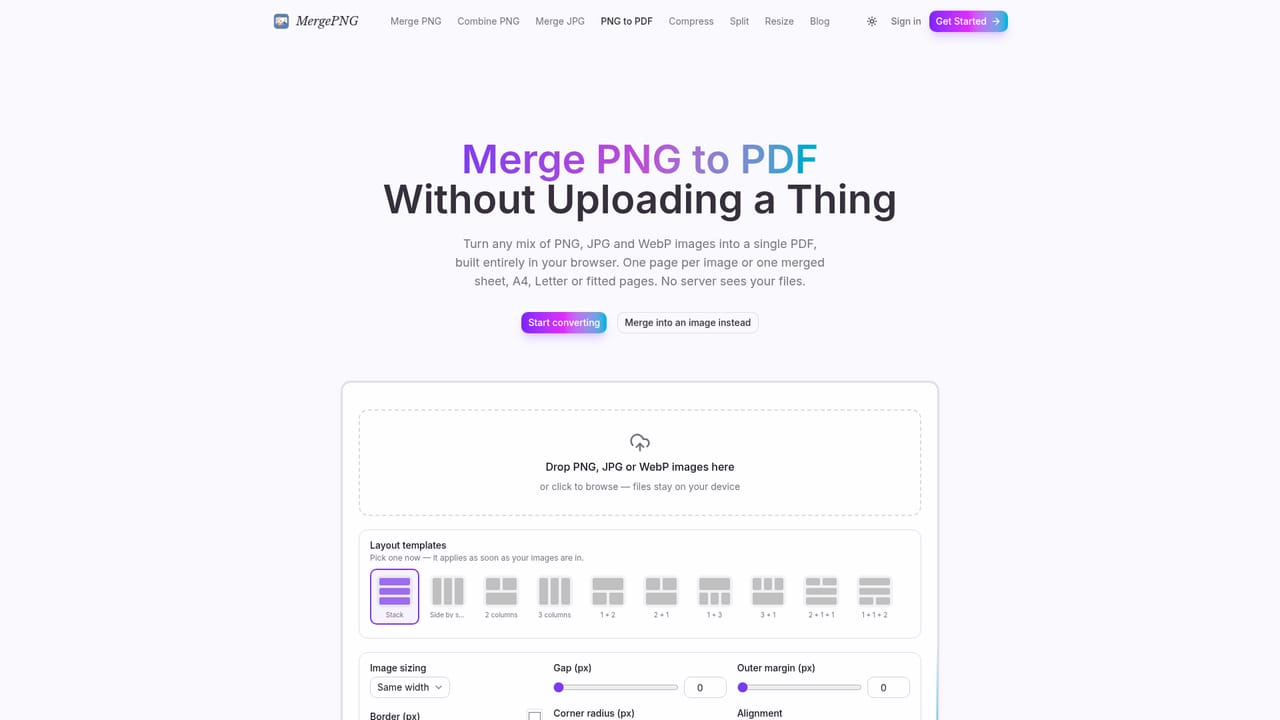
Screenshot of MergePNG - Merge PNG Files Online Free, Combine PNG, JPG and WebP files into one image or PDF, entirely in your

What is MergePNG - Merge PNG Files Online Free?

MergePNG - Merge PNG Files Online Free is an image editing tool. A free, browser-only tool that merges PNG, JPG and WebP images into a single image or PDF using layout templates, with no uploads, no sign-up, and preserved transparency.

MergePNG is a browser-based tool for combining multiple PNG, JPG and WebP images into a single composite image or a PDF. Rather than uploading files to a remote server, it decodes, arranges and re-encodes every image locally using the browser's Canvas API, so the files never leave the device they are opened on. Users drag images into the tool, reorder thumbnails, pick a layout preset such as a vertical stack, a grid, or a compound arrangement like 1+2, and export the result as PNG, JPG, WebP or a multi-page PDF. The tool targets anyone who regularly needs to stitch together screenshots, product shots, scanned pages or sprite sheets without installing desktop software or trusting a cloud upload service. That includes designers assembling quick contact sheets, support teams combining screenshots into one reference image, and anyone preparing a batch of images for a printed document or email attachment. Because no account or payment is required, it also suits one-off tasks where setting up a full image editor would be overkill. In practice, the workflow is linear: add files of mixed formats to one list, fix orientation with rotate and flip controls, apply spacing, margins, borders and rounded corners, then choose an output format at the very end. PNG transparency is preserved through the whole process provided the background setting stays transparent and the export format supports alpha. A SHA-256 duplicate check flags identical files before merging, and the tool actively manages the canvas size limits that mobile Safari imposes, scaling output down with a notice rather than failing. Compared with server-based mergers or full image editors like Photoshop or GIMP, MergePNG trades advanced editing depth for speed, privacy and zero setup. It sits closer to single-purpose online utilities than to a general photo editor, competing with other browser-based mergers and PDF combiners rather than with layered design software.
How do you use MergePNG - Merge PNG Files Online Free?

  1. 1Add your images to the merge box
    Drag PNG, JPG or WebP files onto the drop area on the homepage or click to browse. Mixed formats can be combined in the same job.
    MergePNG - Merge PNG Files Online Free — Add your images to the merge box
  2. 2Arrange and fix orientation
    Drag thumbnails into the order you want, and rotate or flip any image that is sideways. Exact duplicate files are flagged by content hash so they can be removed.
  3. 3Pick a layout template
    Choose from stack, side by side, grid or compound presets such as 1+2 or 2+3. The preview updates with a placeholder shape before any files are added.
  4. 4Adjust spacing, borders and background
    Set the gap between images, outer margin, border color and thickness, corner radius and alignment, and whether the background stays transparent.
  5. 5Choose an output format and download
    Export the merged result as PNG, JPG, WebP, or a PDF with A4, Letter or fit-to-image pages. For a dedicated PDF workflow, use the PNG to PDF tool.
    MergePNG - Merge PNG Files Online Free — Choose an output format and download

Pros and cons

Pros

  • Processes everything locally in the browser, so files never leave the device and work even offlineAI
  • Free with no sign-up, no watermarks, and no stated file count limitAI
  • Supports mixing PNG, JPG and WebP in a single merge job with output format chosen at the endAI
  • Preserves PNG transparency and offers layout presets, borders, rounded corners and duplicate detectionAI

Cons

  • Output is capped by the browser's own canvas pixel limits, roughly 16.7 million pixels on iOS SafariAI
  • No mention of an API, account system, or way to save projects for later editingAI
  • Editing is limited to layout, borders, rotation and flipping; there is no cropping, text, or layered editingAI
  • Large merges depend on the device's own memory and processing power rather than server-side resourcesAI
  • No stated integrations with cloud storage, design tools, or other third-party servicesAI

How much does MergePNG - Merge PNG Files Online Free cost?

Pricing

The tool is described as free to use with no watermarks, no sign-up requirement, and no stated file count limit; the only constraint mentioned is the browser's own memory and canvas pixel ceiling.

Learn more

Support

A contact page is available for reaching the team, alongside a blog with guides such as how to merge PNG files and PNG versus JPG comparisons.

Learn more

Features

Layout presets (stack, grid, compound arrangements), adjustable gap/margin/border/corner radius, rotate and flip, drag-to-reorder, SHA-256 duplicate detection, and export to PNG, JPG, WebP or PDF, all processed locally offline.

Frequently asked questions about MergePNG - Merge PNG Files Online Free

  • How much does MergePNG - Merge PNG Files Online Free cost?
    The tool is described as free to use with no watermarks, no sign-up requirement, and no stated file count limit; the only constraint mentioned is the browser's own memory and canvas pixel ceiling.
  • How do you use MergePNG - Merge PNG Files Online Free?
    The walkthrough on this page covers 5 steps: 1. Add your images to the merge box 2. Arrange and fix orientation 3. Pick a layout template 4. Adjust spacing, borders and background 5. Choose an output format and download.
  • What platforms does MergePNG - Merge PNG Files Online Free support?
    MergePNG - Merge PNG Files Online Free is available on Web App.
  • What are the limitations of MergePNG - Merge PNG Files Online Free?
    Output is capped by the browser's own canvas pixel limits, roughly 16.7 million pixels on iOS Safari. No mention of an API, account system, or way to save projects for later editing. Editing is limited to layout, borders, rotation and flipping; there is no cropping, text, or layered editing.

Status

StatusActive
Views0
Outbound clicks0
Added10/16/2026

Platforms

Web App

Pricing

Free