Free trial
New users receive free credits on sign up, enough to try tools such as the Image Enhancer before buying anything. More free credits can be collected through daily check-ins and referrals.
Learn moreUpscale and restyle photos with AI in a browser studio
Own AI Image Enhancer? Verify ownership to get a dofollow link

AI Image Enhancer is an AI image upscaler tool that upscales and restyle photos with AI in a browser studio.
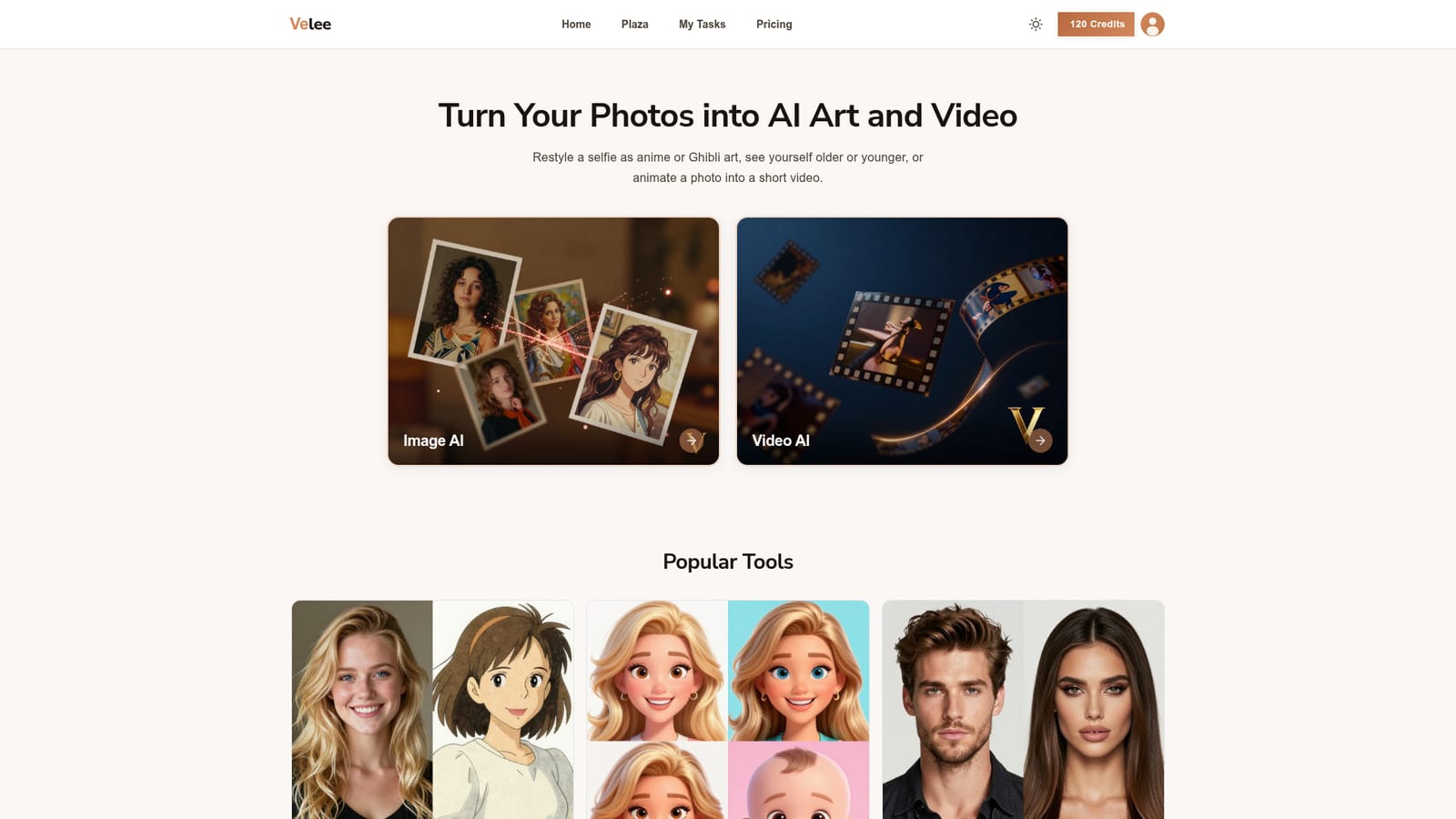
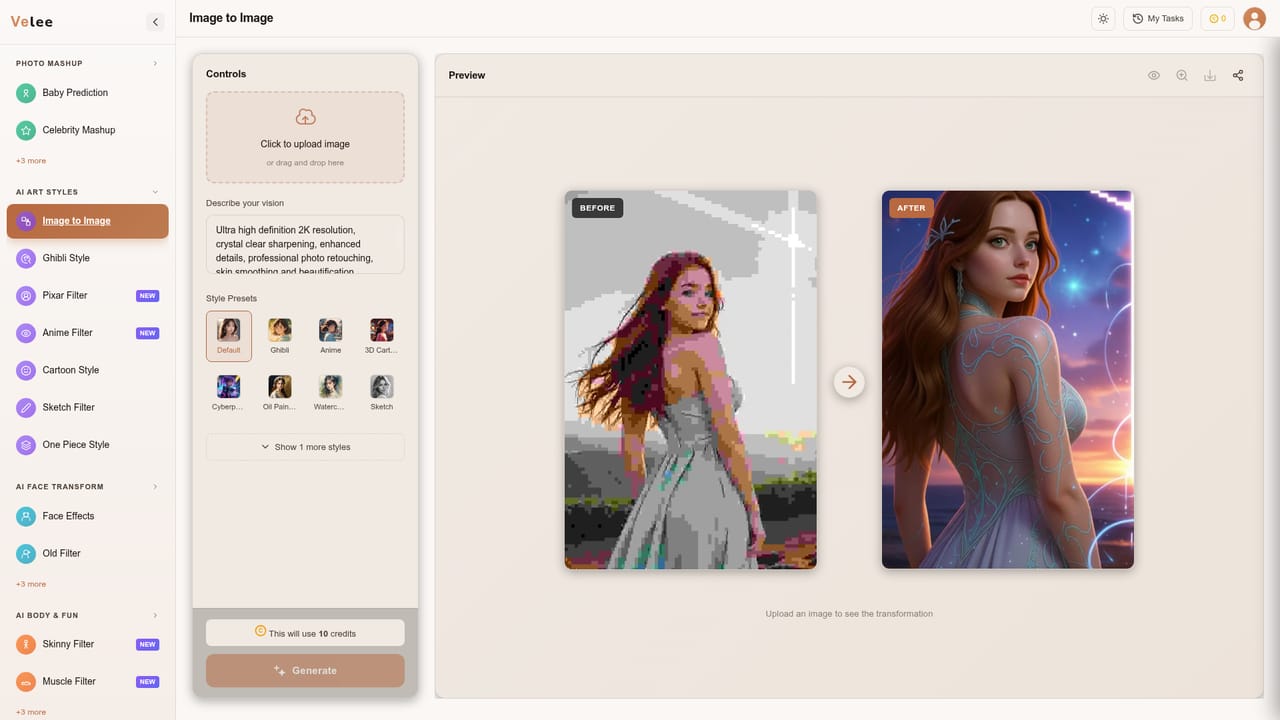
Velee AI is a browser based photo and video studio with a broad catalogue of one click effects, among them an Image Enhancer listed under its Enhance Tool group. Upload a picture, choose an effect, and download the finished result. The tool is built for casual users rather than retouchers: the workflow assumes you start from a selfie or a snapshot and want a polished or stylised version of it without installing anything. The image side covers three broad jobs. Art style tools restyle a photo as anime, Ghibli, Pixar, cartoon or pencil sketch art. Face and body filters show a person older, younger, at 18, as another gender, with a beard or as a zombie. Scene and professional tools place the subject in a suit, a wedding dress or a movie poster, and generate headshots, LinkedIn photos and passport photos from a selfie. The enhancement tool sits alongside these as the clean up option for photos that need sharpening rather than restyling. Video is the other half. A single photo becomes a short clip through Image to Video, Living Portrait, Dance Video or Sora alternative pages, and old family photos can be set in motion. Anime, Ghibli and Pixar video styles render a scene as animation, and talking photo tools make a portrait speak. Finished work can be posted to Plaza, a community feed where other users browse results and reuse the same settings, which doubles as a discovery surface for popular effects. The site is translated into 21 languages, including Spanish, Portuguese, Japanese, Korean, German, French and Arabic, so non English speakers can use the interface directly. Its natural competitors are dedicated upscalers and filter apps: Velee's advantage is that enhancement, restyling and animation live in one account with shared credits, while specialists will go deeper on any single task.
New users receive free credits on sign up, enough to try tools such as the Image Enhancer before buying anything. More free credits can be collected through daily check-ins and referrals.
Learn moreVelee AI runs on credits rather than fixed plans. New accounts get free credits, extra credits can be earned through a daily check-in or by inviting friends, and further credits are purchased on the pricing page. The homepage does not publish specific prices.
Learn moreImage Enhancer for photo clean up, plus art style filters (anime, Ghibli, Pixar, cartoon, sketch), age and gender face filters, body and fun filters, scene and outfit presets, professional headshot, passport and LinkedIn photo generators, and photo to video tools including Living Portrait, Dance Video, Anime Video and Sora alternative modes.
 AI Angels400+ customizable AI girlfriends for NSFW chat, voice calls, and roleplay
 Candy AIExperience the future of companionship with AI friends who chat, role-play, and connect with you on a human level.
 ourdream.aiA vast AI roleplay platform with millions of characters for chat, images, video and voiceAI Angels400+ customizable AI girlfriends for NSFW chat, voice calls, and roleplayCandy AIExperience the future of companionship with AI friends who chat, role-play, and connect with you on a human level.ourdream.aiA vast AI roleplay platform with millions of characters for chat, images, video and voice








