Free trial
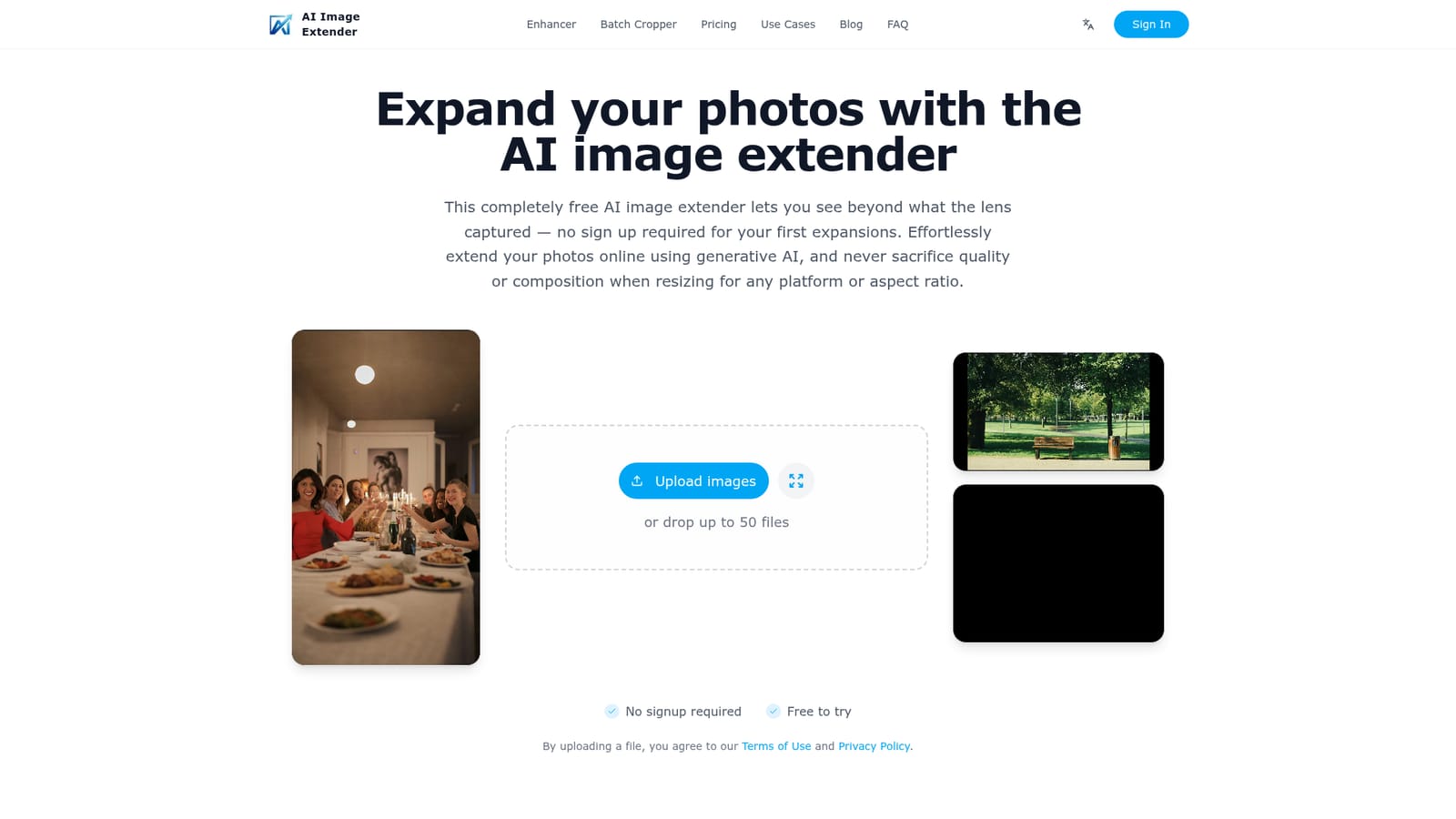
New visitors can expand images without signing up. The site also mentions credits given at registration, but the amount is not stated on the homepage.
Learn moreExpand photos to any aspect ratio with AI, no sign-up needed
Own AI Image Extender.io? Verify ownership to get a dofollow link

AI Image Extender.io is a web tool that uses generative AI to expand photos to new aspect ratios such as 16:9, 9:16, 1:1 and 4:3. The first expansions need no sign-up, and paid plans add batch processing of up to 50 images.
AI Image Extender.io is a browser-based tool that adds new background around an existing photo so it fits a different shape. Instead of cropping away part of a picture or stretching it, the generative model invents fresh pixels that continue the scene, which keeps the subject and composition intact. Preset ratios include 16:9, 9:16, 1:1 and 4:3, and a custom expand mode lets the user push the canvas in chosen directions. The audience is mostly people who need one image in several formats: content creators repurposing a shoot, designers preparing campaign assets, photographers delivering galleries, and sellers who need marketplace thumbnails. Typical jobs include turning a landscape shot into a vertical post for short-form video platforms, widening a photo into a blog banner or YouTube thumbnail, or giving a headshot extra surrounding space for a profile picture. In practice the flow is short. A user uploads an image, picks a target ratio or a custom direction, optionally guides the result with a text prompt, then saves the output. The first expansions work without creating an account, and the site describes itself as usable on both desktop and mobile. Paid Premium and Pro plans, compared monthly or yearly on a dedicated pricing page, add volume, and Premium subscribers can process up to 50 images in one batch, which matters for large photo sets. Among alternatives, the product positions itself against heavyweight suites such as Photoshop and general design platforms such as Canva. Those tools offer layered retouching and broad editing, while this one covers a single narrow task with little setup. Buyers who need detailed retouching, masking or multi-layer composition will still want a full editor, but anyone whose real requirement is changing the canvas size without ruining the framing gets a lighter route. The site also publishes a comparison of ten extender tools covering free web apps through paid desktop software, which helps when weighing options.
New visitors can expand images without signing up. The site also mentions credits given at registration, but the amount is not stated on the homepage.
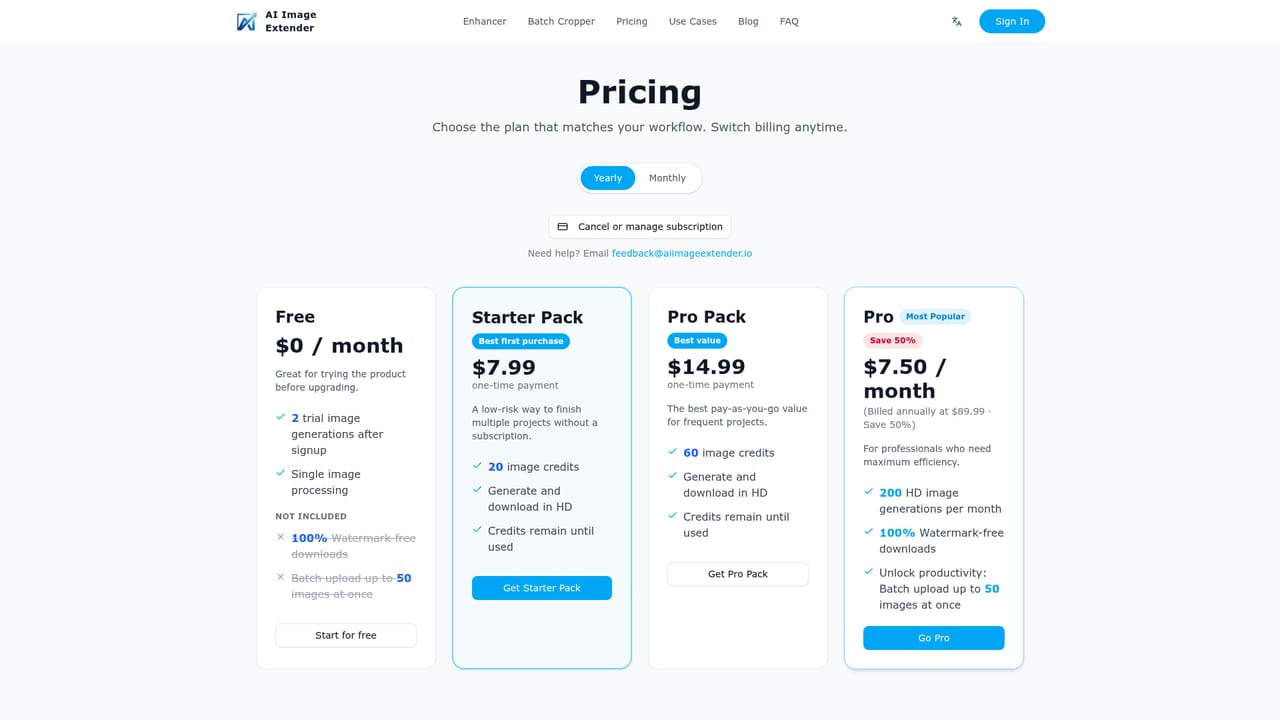
Learn moreFree to try with no sign-up for the first expansions. Premium and Pro plans are offered on monthly or yearly billing, with Premium enabling batches of up to 50 images. Exact prices are listed on the pricing page.
Learn moreSupport is handled by email through a feedback address, which also serves as the sales contact. Terms of Use and Privacy Policy pages are linked from the upload area.
AI outpainting to preset ratios (16:9, 9:16, 1:1, 4:3), custom directional expand, optional text prompt guidance, AI filters, batch expansion of up to 50 images for Premium subscribers, and use on desktop and mobile browsers.


