Free trial
A free trial is advertised, and the FAQ says core features can be used without registration or payment details. Usage limits are not stated.
Learn moreText-prompt photo editing that keeps your original image intact
Own AI Image to Image.io? Verify ownership to get a dofollow link

AI Image to Image.io edits and restyles uploaded photos from plain-language prompts, covering object swaps, background removal, headshots, restoration and outpainting. A free trial works without signup, and outputs can be used commercially.
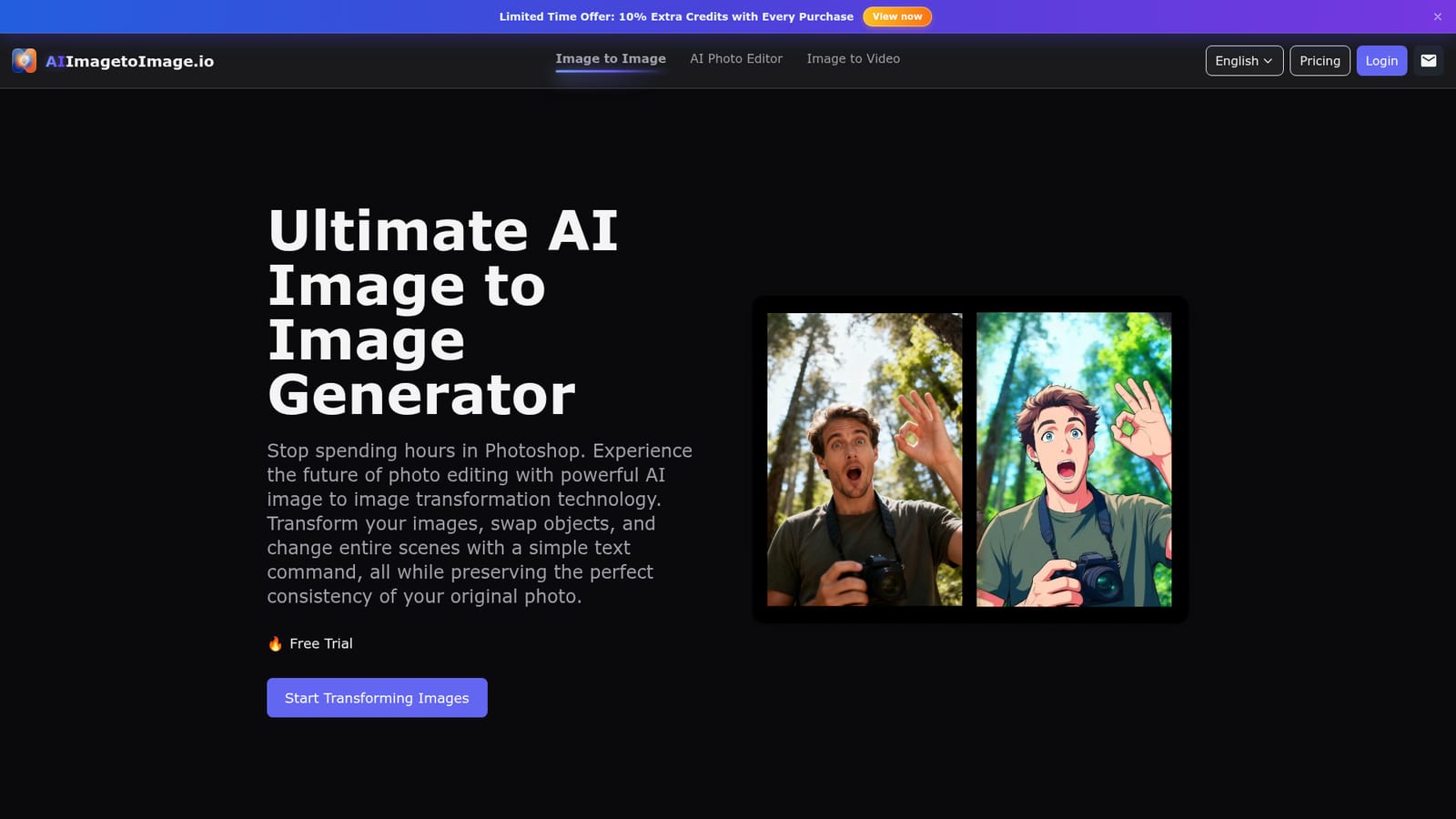
AI Image to Image.io is a browser-based editor that changes photos through written instructions. A user uploads a reference picture, types what should be different, and the system returns a modified version that uses the original as a strict blueprint. Typical requests include swapping an object or piece of clothing, replacing a background, converting a photo into an anime, painting or 3D render style, and removing glasses or unwanted people from a scene. The service is aimed at people who need quick visual edits without learning layered editing software. Concept artists use rough drafts as base images to generate character variations, marketers build many scene variations from a single product photo, and small game teams restyle basic sketches into environment art. Beyond free-form prompting, the site lists a growing set of dedicated functions: headshot generation from casual selfies, upscaling, old photo restoration, background removal and canvas outpainting that extends a picture in any direction. In practice the workflow has three steps. The source file (JPG, PNG or WebP) is dropped into the upload area, a prompt is written in plain language, and the result is previewed and downloaded. The generator panel lets the user choose a model (the default is nano-banana) and an aspect ratio such as 1:1, 3:2, 2:3, 9:16, 16:9, 3:4 or 4:3. Results are saved in a history list for one day only. The site says most transformations finish within 15 to 30 seconds, that uploads are kept confidential, and that output may be used in personal and commercial projects, subject to local laws and platform policies. Among alternatives, it sits between general text-to-image generators, which create pictures from scratch, and traditional editors that demand manual retouching. Its emphasis is on fidelity to a supplied photo, so it suits editing and restyling jobs more than open-ended image creation. The core tool is presented as free to try with no registration, while a credit system with purchase bonuses appears to cover heavier use, though the homepage gives no price details.
A free trial is advertised, and the FAQ says core features can be used without registration or payment details. Usage limits are not stated.
Learn moreThe homepage says core features are free with no registration or credit card. A banner mentions 10% extra credits with every purchase, which implies paid credits, but no prices or plans are listed.
Learn moreText-prompt photo editing, object and clothing swaps, style transfer to anime, painting or 3D looks, headshot generation, upscaling, old photo restoration, background and object removal, canvas outpainting, model and aspect ratio selection, and one-day history.


