Free trial
No separate trial is described: the core features are presented as free to use without a subscription, so the free tier serves as the entry point.
Learn moreAI writer for cover letters, business notes, apologies and more
Own AI Letter Generator? Verify ownership to get a dofollow link

AI Letter Generator is a content writing tool. A free, prompt-driven letter writer with dedicated generators for cover letters, apologies, invitations, recommendations, job applications and email replies, plus formatting and multi-language output.
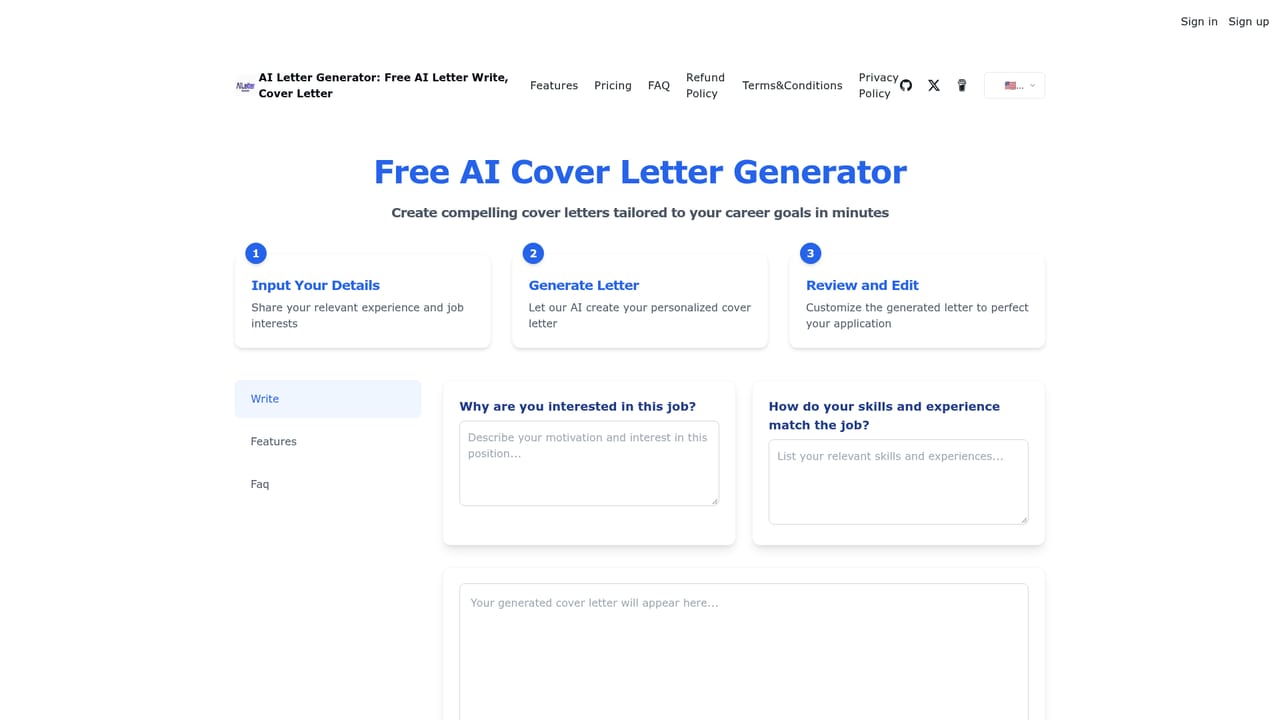
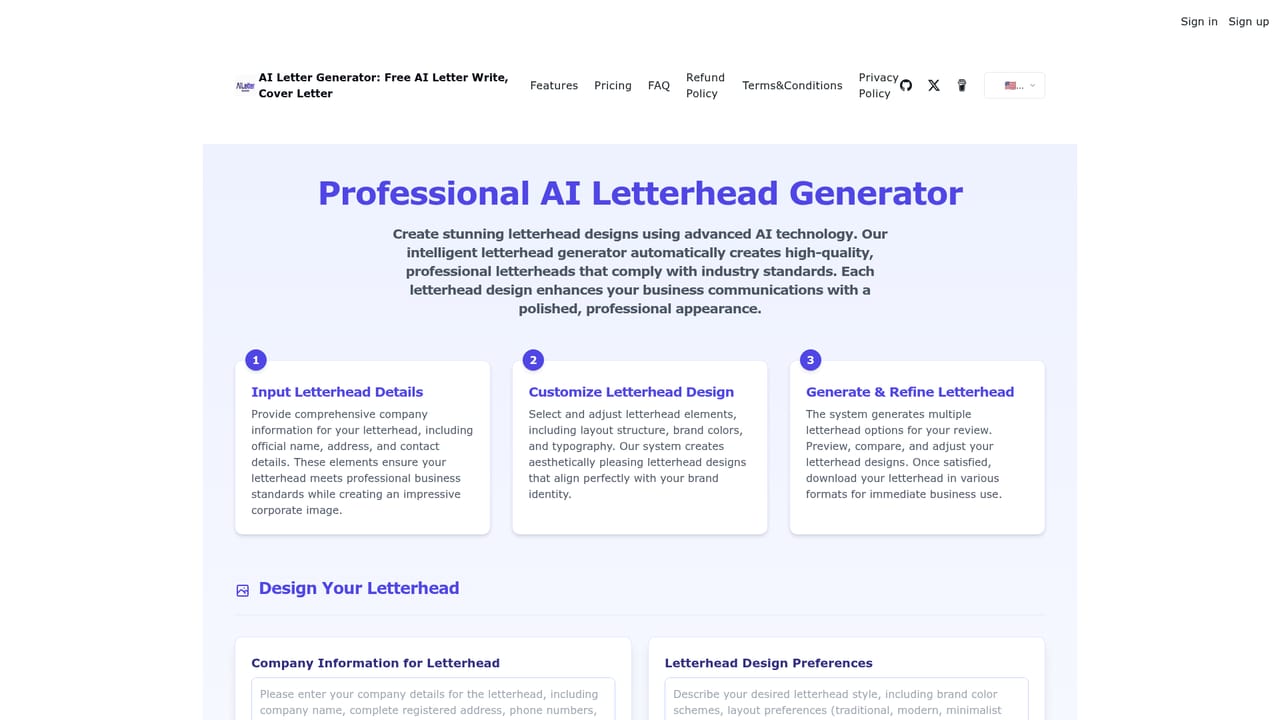
AI Letter Generator is a web tool that drafts letters from a short prompt. The homepage presents it as a family of single-purpose generators rather than one blank text box: cover letters, love letters, apologies, invitations, recommendation letters, job application letters, handouts, email responses and even a letterhead builder and rap generator each have their own page. Underneath sits a general letter writer that accepts free-form instructions. The tool is aimed at people who know what they want to say but stall on wording and structure. Job seekers working through applications, small business owners sending client correspondence, students asking for references and anyone who needs a polite note after a conflict are the obvious audience. Because prompts can specify recipient, purpose, tone and points to cover, the output tends to arrive already shaped, and multi-language support means the same brief can be reproduced in English, Spanish, French or another language. In practice the workflow is prompt first, edit second. You describe the letter type, name the recipient, state the goal and set a formal or friendly register, then refine the draft. Formatting options for fonts, styles and layouts give the result a presentable look, which matters for printed letters and letterhead. The site claims letters are processed securely and kept confidential, though it does not publish detail on how that is enforced. The core writing features are free, with paid usage packs sold for the AI Text to Image function at $25 for 50 uses and $50 for 120 uses (about $0.4 per use). No subscription is required for letters. Against general chatbots, the appeal is narrower and more guided: purpose-built templates and letter conventions instead of open-ended chat, which suits people who want a finished document rather than a conversation.
No separate trial is described: the core features are presented as free to use without a subscription, so the free tier serves as the entry point.
Learn moreLetter creation, editing and export are free per the homepage. Paid usage packs are listed at $25 for 50 AI uses and $50 for 120 uses (about $0.4 per use), but that table is headed for the AI Text to Image function, so it does not clearly state pricing for letters.
Learn moreThe FAQ section covers letter types, opening and closing conventions, prompt writing and business versus personal email style. The maker can be reached through Twitter, which is also where testimonials are collected.
Multiple letter types (business, cover, personal, thank you, recommendation), secure processing with confidential handling of letter content, multi-language output, professional formatting with font, style and layout choices, prompt-driven drafting, and dedicated tools for letterheads and email responses.
 AI Angels400+ customizable AI girlfriends for NSFW chat, voice calls, and roleplay
 Candy AIExperience the future of companionship with AI friends who chat, role-play, and connect with you on a human level.
 ourdream.aiA vast AI roleplay platform with millions of characters for chat, images, video and voiceAI Angels400+ customizable AI girlfriends for NSFW chat, voice calls, and roleplayCandy AIExperience the future of companionship with AI friends who chat, role-play, and connect with you on a human level.ourdream.aiA vast AI roleplay platform with millions of characters for chat, images, video and voice


