Free trial
Free accounts receive 15 credits for watermarked previews after signing in. The FAQ also describes a free tier with daily generation limits.
Learn moreAI original character creator with anime, chibi and realistic styles

OC Maker is a web tool that generates original character artwork from a structured appearance form and optional reference images. It favors anime but also does realistic and chibi, and it adds character sheet and animation tools.
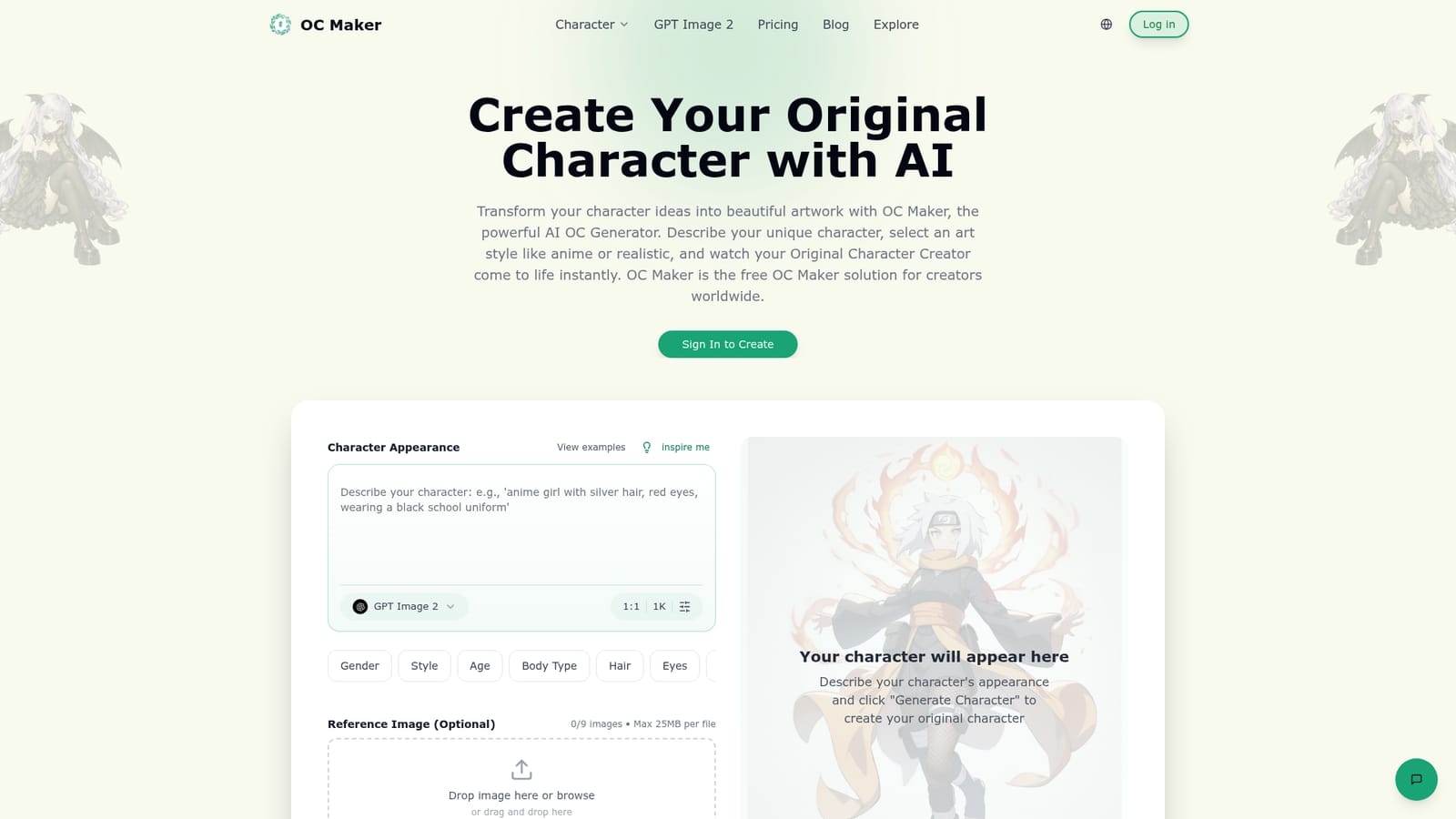
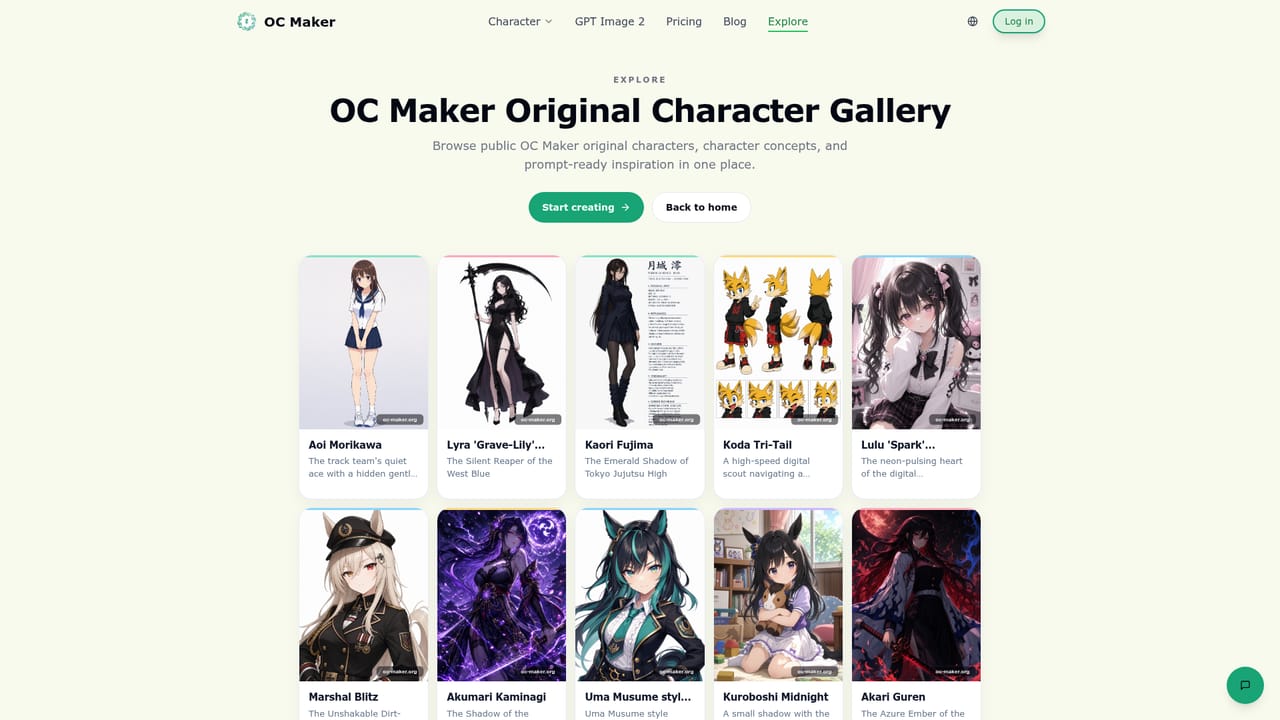
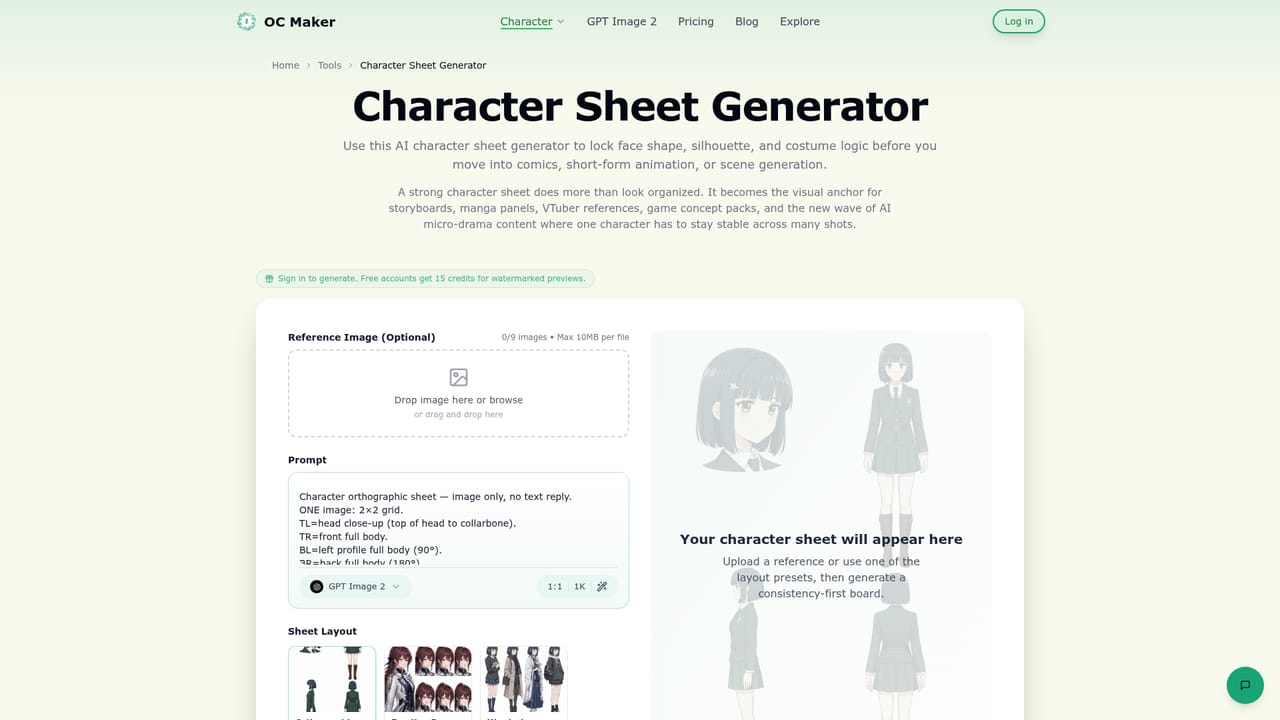
OC Maker is a web-based generator built for one job: turning a written description of an original character into finished artwork. Users fill in a character appearance form covering gender, style, age, body type, hair, eyes, face, skin, clothing pieces, outfit sets, materials and accessories, then generate an image with the GPT Image 2 model. Up to nine optional reference images can be attached, and the output ratio can be set before generating. The target audience is broad: writers who want a face for a protagonist, game developers sketching a cast, hobbyist artists building OCs for fan communities, and anyone without drawing skills. The site is tuned toward anime aesthetics, but it also covers realistic, chibi, cartoon and hybrid looks. Generated characters can be downloaded in high resolution for social posts, projects or printing, and the site states that creations stay private and that users receive ownership and commercial rights. In practice, a visitor signs in, describes the character in detail (more detail yields a closer result), picks a style, and generates. Free accounts receive 15 credits for watermarked previews, with an upgrade path for unlimited generations and commercial use. An Explore gallery shows community works with prompts and short character blurbs, which doubles as a source of ideas. Beyond the main generator, the site links to companion tools: a character sheet generator for orthographic boards, outfit references and expression sheets, an anime character generator for portraits, and two image-to-video and image animation tools that add motion, camera movement and loop-friendly effects to a still. Compared with general-purpose image generators, OC Maker narrows the interface to character design, so structured fields replace prompt engineering. That makes it faster for beginners, though it offers less open-ended control than a full image model workflow. It sits alongside anime generators and avatar makers, with the added sheet and animation tools extending it toward comics, animation and story projects.
Free accounts receive 15 credits for watermarked previews after signing in. The FAQ also describes a free tier with daily generation limits.
Learn moreA free tier exists: free accounts get 15 credits for watermarked previews, and the FAQ mentions daily generation limits. A paid upgrade adds unlimited generations and commercial rights. Specific prices are not listed on the homepage.
Learn moreStructured character appearance form, GPT Image 2 generation, anime, realistic, chibi, cartoon and hybrid styles, up to nine reference images, aspect ratio choice, high-resolution downloads, Explore gallery, plus character sheet, anime character, image animation and image-to-video tools.


